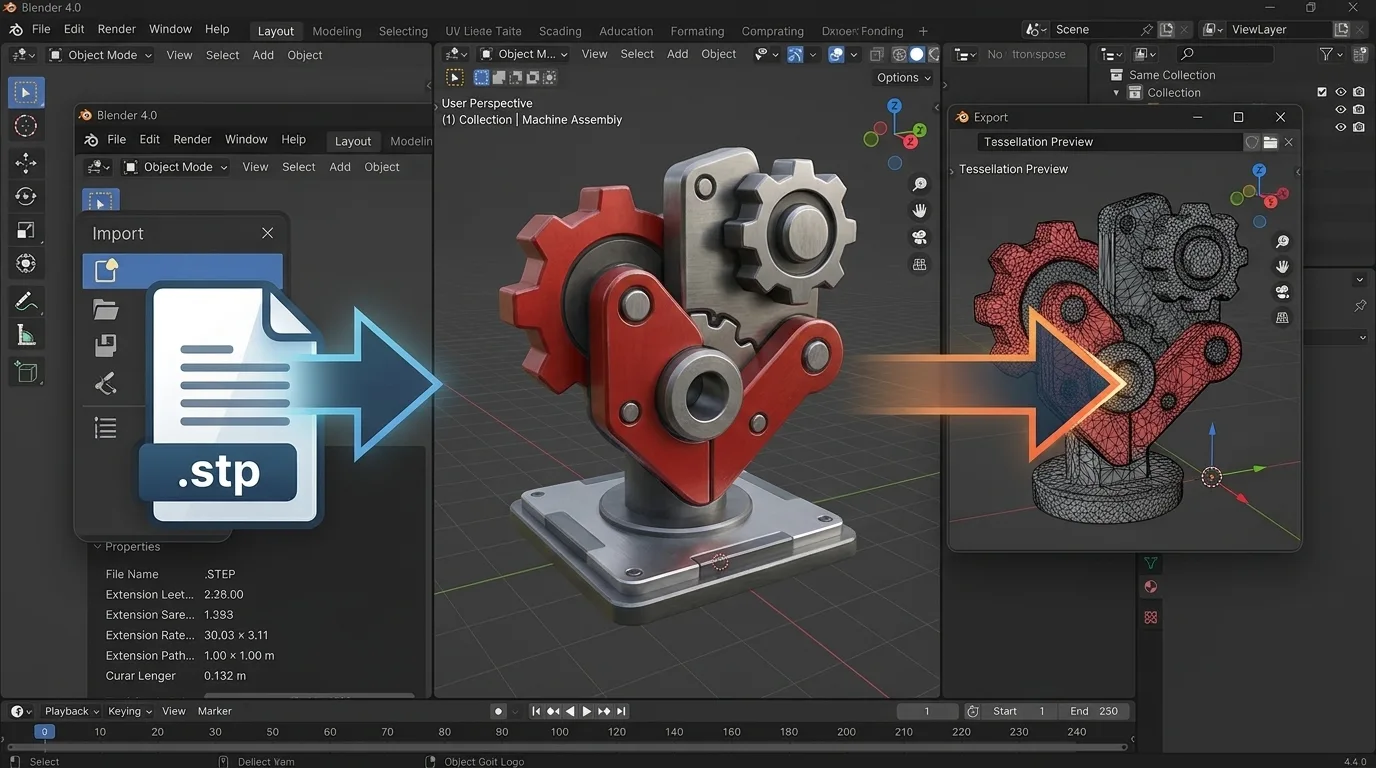
Super3D Import & Export .Step adds dedicated File menu entries for bringing STEP (.step) files into Blender and exporting Blender scenes as STEP. Conversion runs through the Super3D cloud service, so an internet connection is needed.
What happens to STEP models
On import, the add-on uploads the STEP file, then downloads the converted result into the active scene. Solid bodies are tessellated into meshes. The listing says assembly hierarchy is represented with Blender collections and objects, per-body colors are retained when the source provides them, and the reader supports AP203, AP214, and AP242.
On export, the scene is converted to OBJ before the STEP file is created. This provides a polygon-based handoff. It does not preserve the original B-rep topology, and the importer does not extract AP242 PMI annotations. Keep the source CAD file for engineering edits or a round-trip that depends on solid-model data.
Blender compatibility and license
AnyPlugins lists Blender 4.2 through 5.1 as the tested range and describes the add-on as GPL-licensed. Its product facts were verified in July 2026, so check with the creator before relying on compatibility with another Blender release.
Current availability
AnyPlugins' product facts, verified in July 2026, list the add-on as free; the Superhive product page retrieved on November 27, 2026 says it is no longer available for purchase. Current download availability is unclear. Check with shouwang on Superhive for the latest access information.