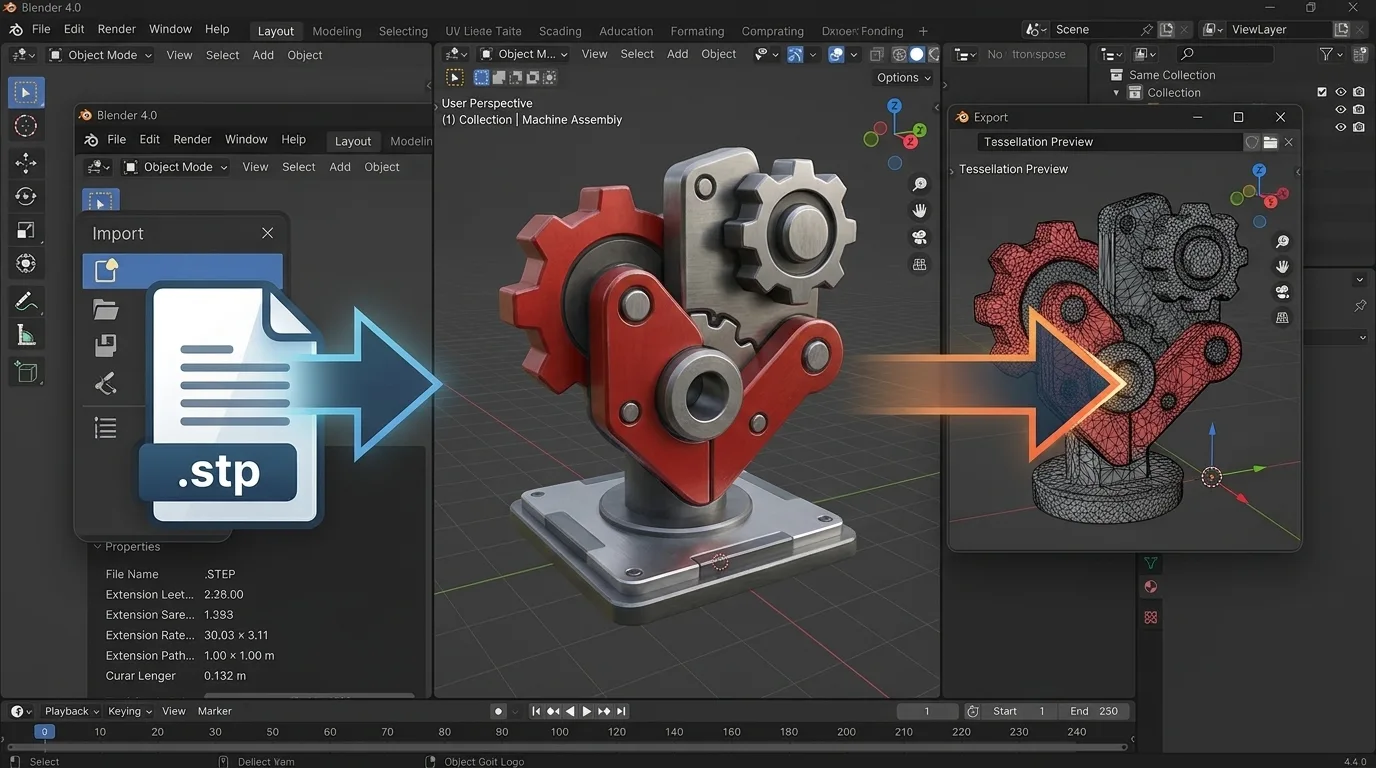
Super3D Import & Export .Stp is a Blender add-on for importing and exporting files with the .stp extension. The AnyPlugins catalog description says conversion runs through the Super3D online service, so the documented workflow requires an internet connection. It may help recover old STEP exports saved as .stp or support a handoff where another tool or script expects the three-letter .stp suffix.
How .stp import and export work
The catalog describes .stp as an extension for STEP data using ISO 10303. It reports these Blender menu paths and conversion steps:
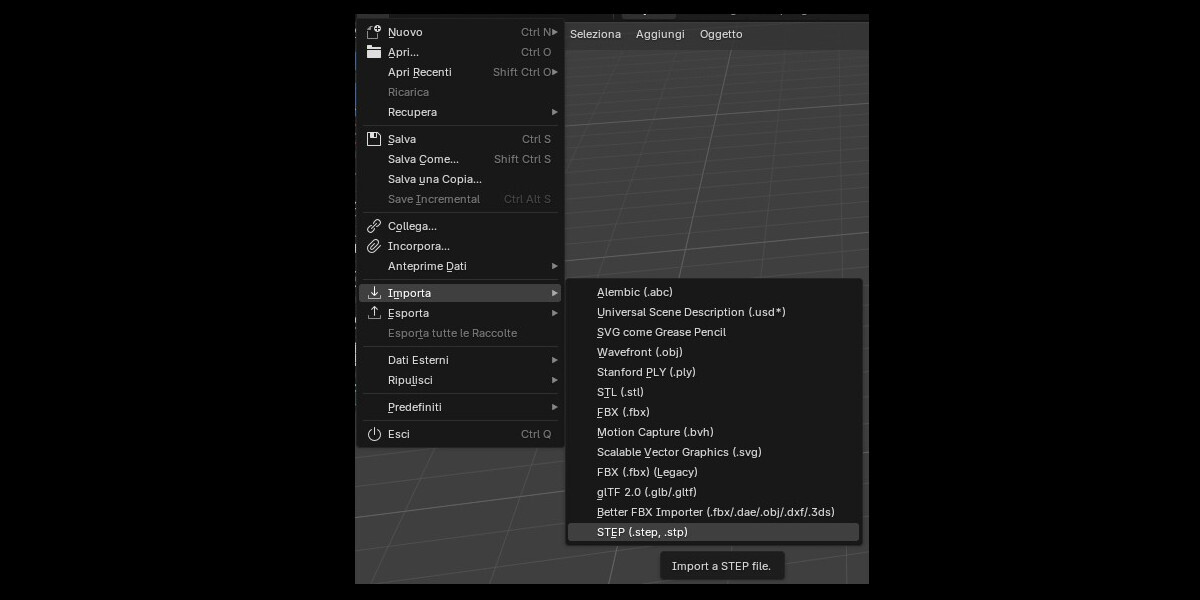
- Import: Choose File > Import > Super3D: STP (.stp). The add-on uploads the file for conversion, then downloads the result and merges it into the active scene. The listing says imported solids are tessellated into meshes and assembly hierarchy is preserved.
- Export: Choose File > Export > Super3D: STP (.stp). Blender first exports the scene to OBJ; the service converts that data to
.stp. The listing says the output contains polygon mesh data.
Because the described exchange uses mesh data, check that the receiving CAD tool accepts that representation. The available description does not specify units, tolerances, or preservation of parametric features. Since the conversion uploads project data to a remote service, check your project’s data-handling requirements before sending confidential models.
Compatibility and availability
AnyPlugins lists Blender 4.2 through 5.1 as tested and GPL licensing; it marks those facts as verified in July 2026. The Superhive product page retrieved on November 27, 2026 says the add-on is no longer available for purchase and provides no technical details in the retrieved copy. AnyPlugins labels it free, but current price and download availability are unconfirmed. Ask the creator about current download availability and license terms before relying on it.