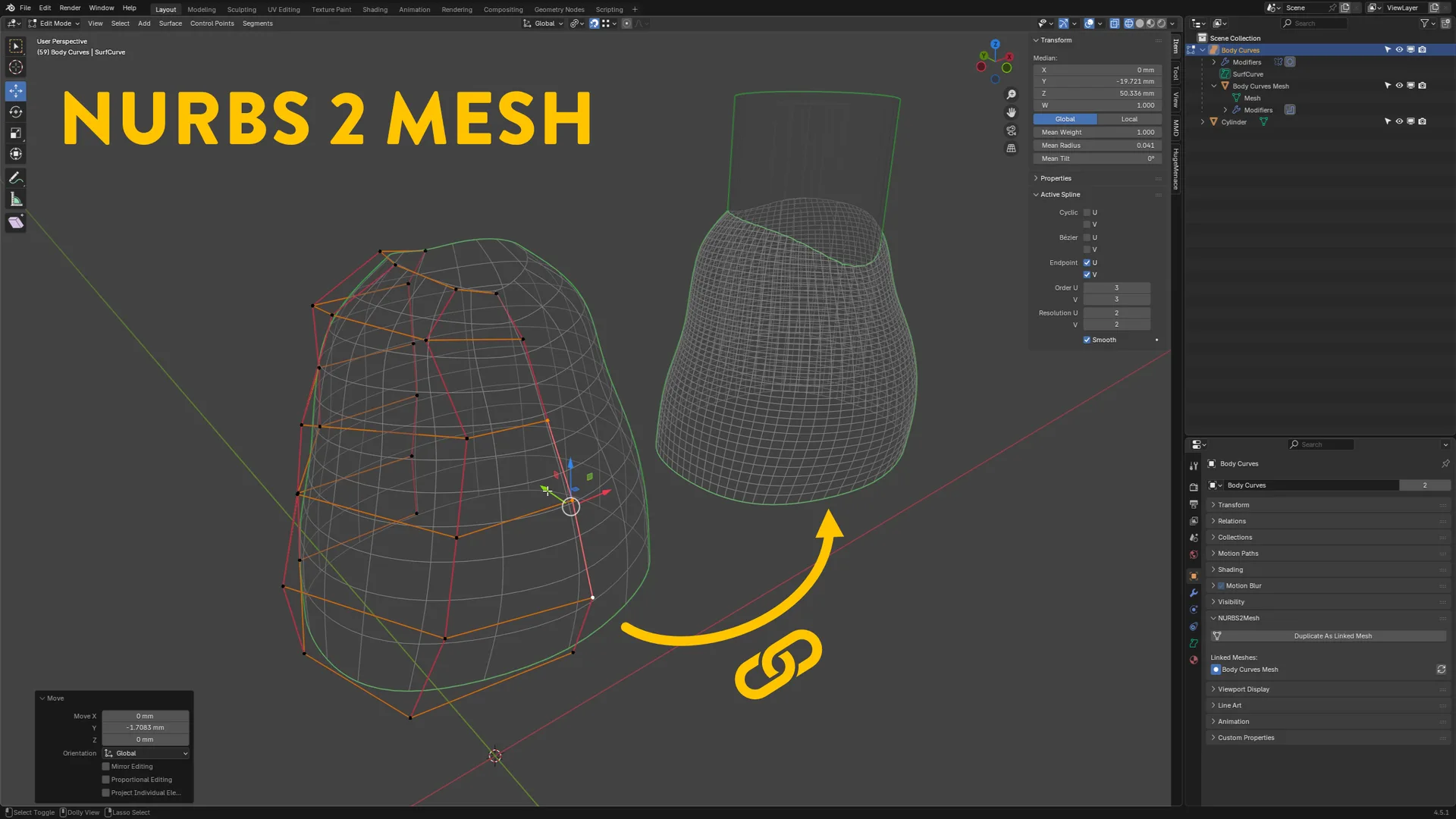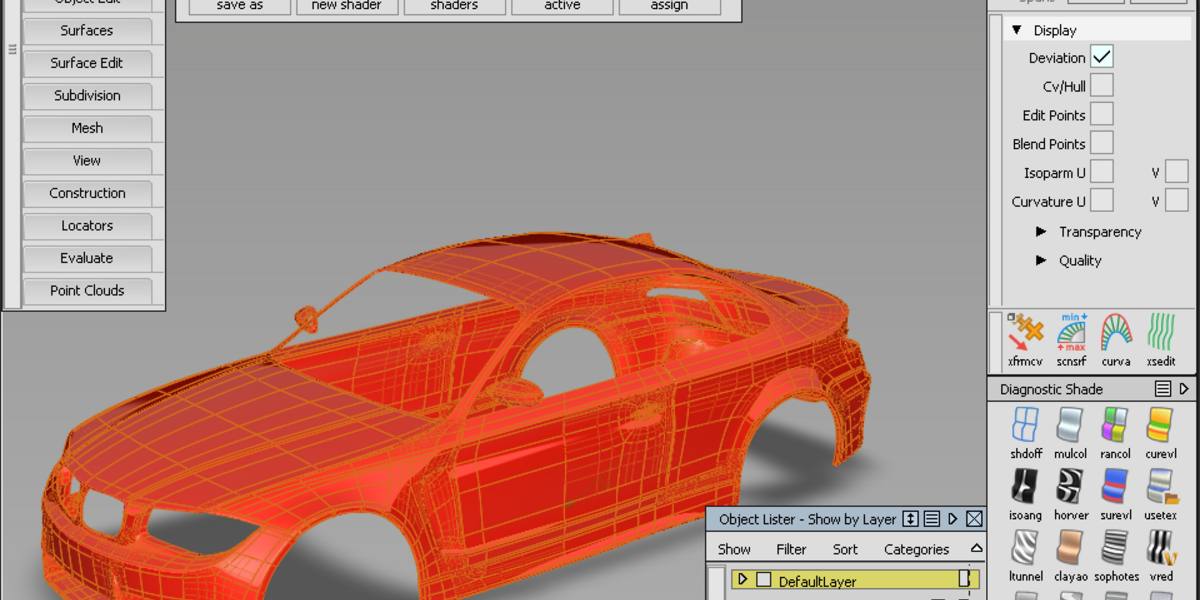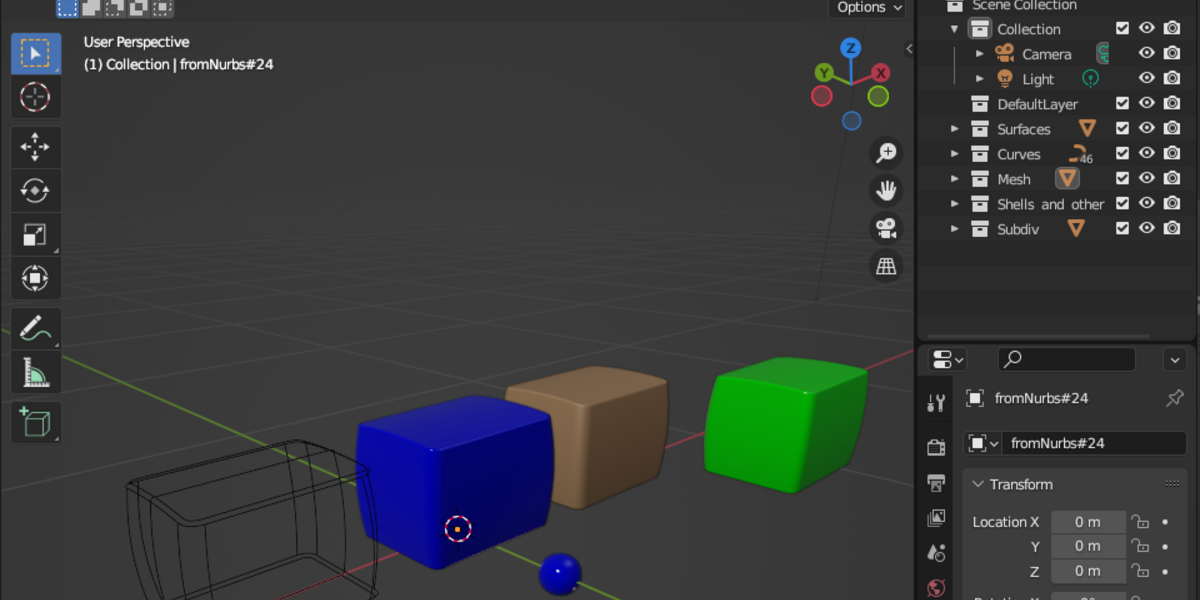
Import Alias is a Blender add-on from Digital Sculptors for bringing Autodesk Alias geometry into Blender. It converts Alias NURBS data to meshes and can also import mesh data, NURBS curves, and subdivision data. The marketplace lists the add-on as GPL-licensed and Blender Extension compatible.
What it imports
Open the add-on from File > Import. The import options let you choose which data types to bring across: mesh import and NURBS curve import are off by default, while subdivision import is on. Imported curves remain NURBS curves. If subdivision import is disabled, the subdivision limit surface is converted to a mesh.
Mesh conversion options
The tolerance setting controls how closely a converted mesh follows the Alias surface. Its default is 0.01; lower values produce finer meshes. Autoflip Normals attempts to point normals outward, but may not correct every face, so check and fix normals in Alias when needed. Merge Meshes can combine meshes within each collection.
Requirements and installation
The product description requires Blender newer than 3.0.0 and an installed copy of Alias 2023.1 or later, plus an internet connection. The marketplace compatibility field lists Blender 3.6–5.2, so check the current listing against your installed Blender version. Use the legacy add-on with older Alias releases. The add-on will not work with Alias 2016 Learning Edition; use a previous Learning Edition version or a regular Alias version. For Alias 2027.0.1 or later, use the separate ImportAlias_2027 build; the standard add-on is not compatible with Alias 2027.
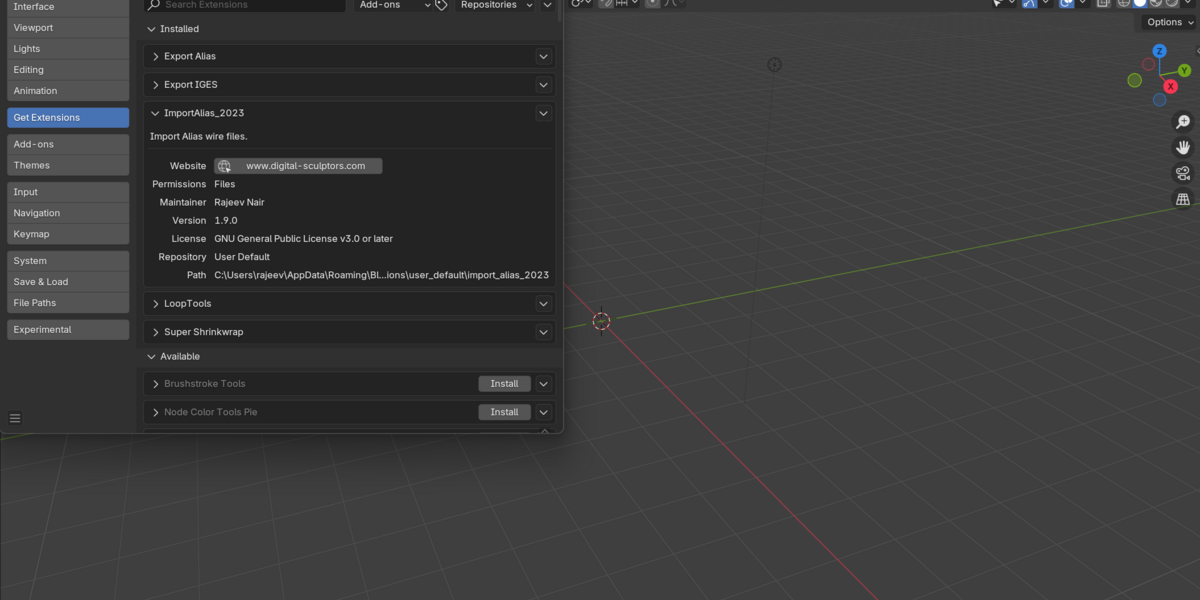
Install the downloaded ZIP through Blender’s Edit > Preferences > Install menu without unzipping it. For Blender 4.2 and newer, the product instructions also allow dragging the ZIP into Blender. ImportAlias_2027 requires product and license settings in the add-on preferences. The Digital Sculptors documentation describes the settings; contact Autodesk Alias Support if you are unsure which values apply.
Crease and normal limitations
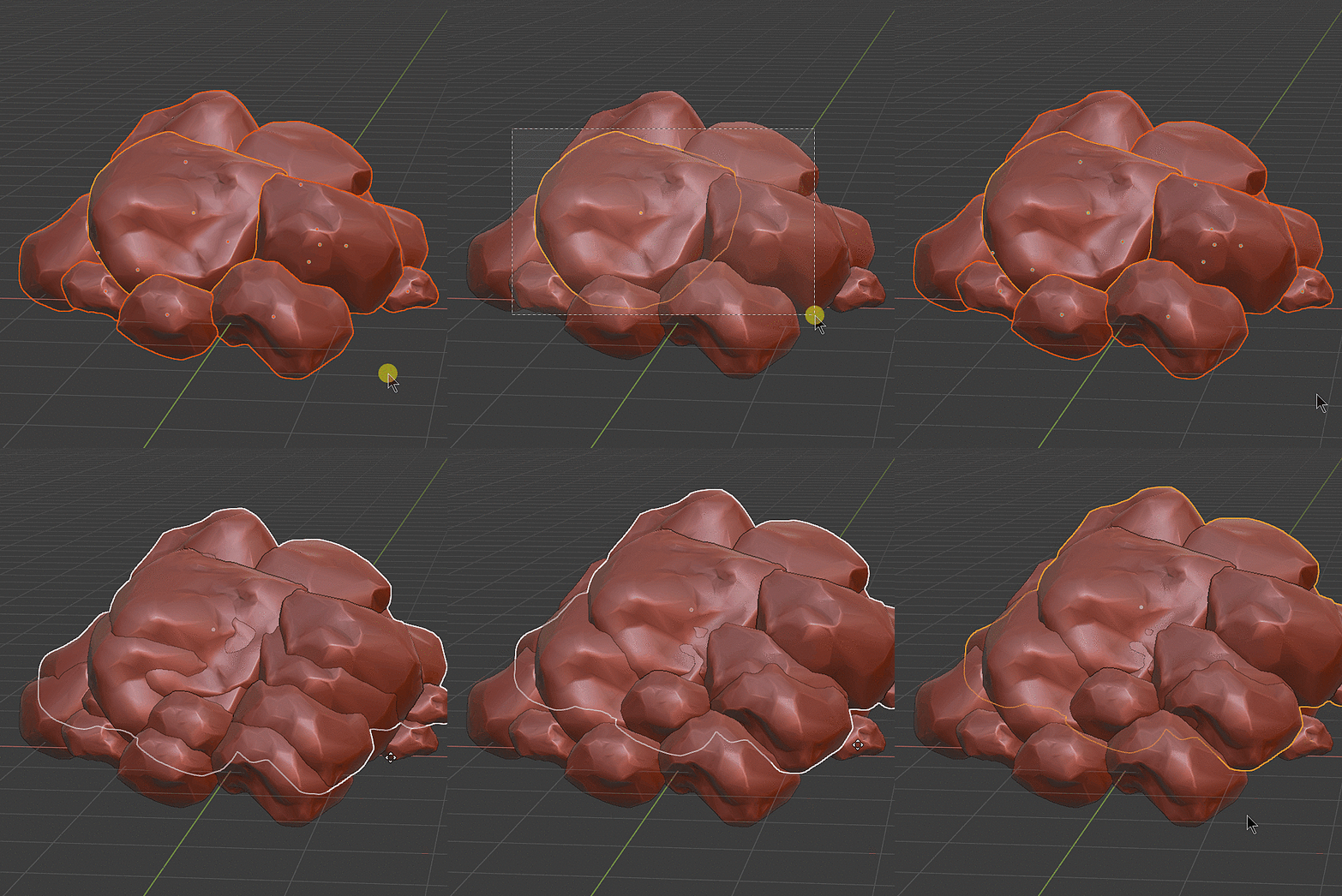
Subdivision crease handling has limits. Creases are not supported by the general subdivision import. The product notes that Alias 2023 Adjust Crease data transfers as constant creases; enabling mesh Auto-smooth can make them appear sharp, but disables GPU acceleration for subdivision.
See the Import Alias listing for current package details and version information.