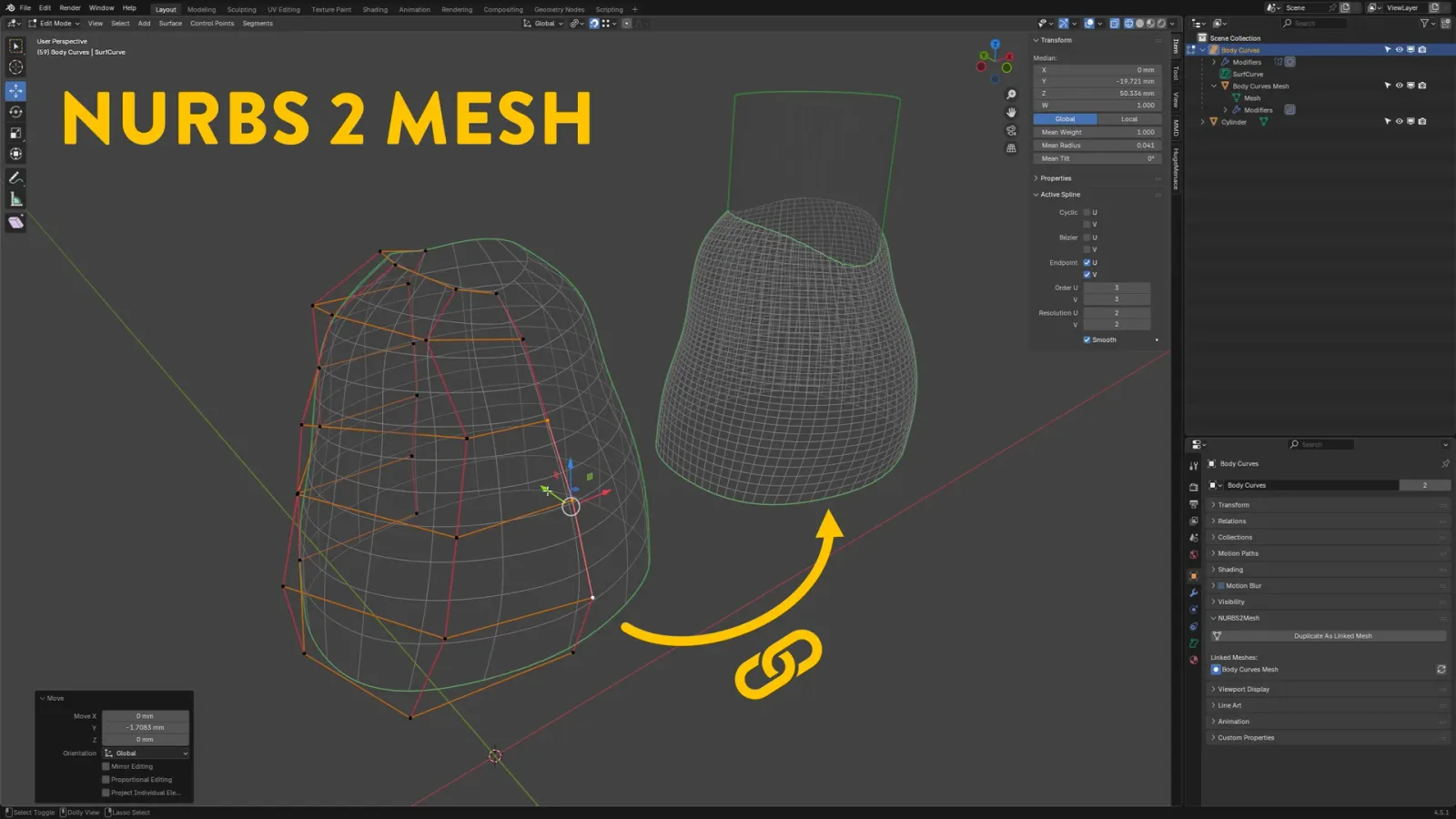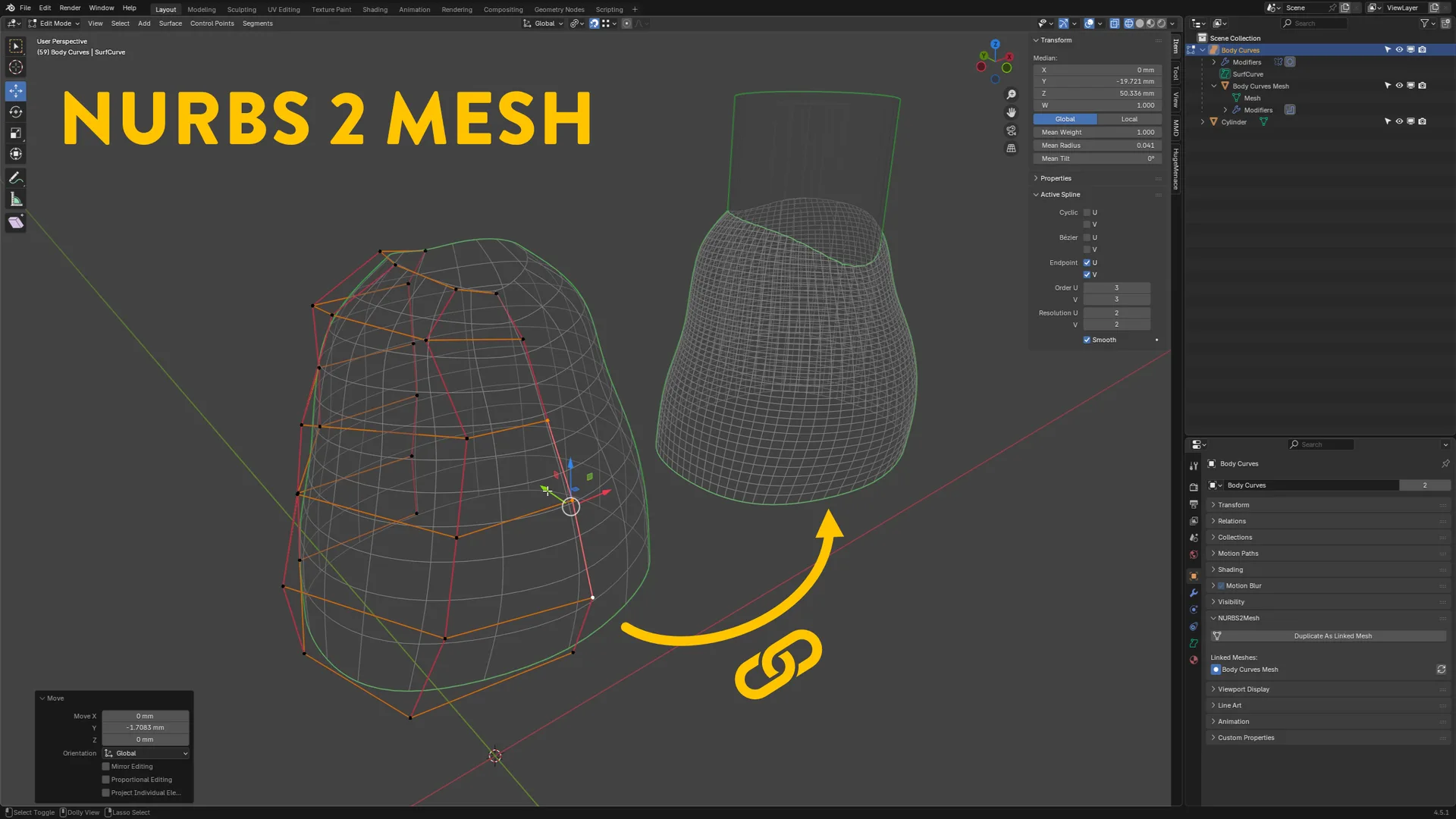
NURBS2Mesh is a Blender add-on that creates a linked mesh copy from a NURBS, Curve, or Surface object. The source stays editable while the copy provides polygon data for workflows that need meshes, such as Boolean modifiers, physics, or export formats that require polygons. The project README describes its controls and installation steps.
Use a linked copy for mesh-only steps
Select a source object and choose Duplicate As Linked Mesh from the NURBS2Mesh panel in Object Properties or from the Object menu in the 3D Viewport. The new mesh stays connected to its source and updates when the source changes. It is parented to the source by default so their transforms stay aligned. You can create several linked meshes from one source.
Control updates and modifiers
Each linked mesh has its own auto-update toggle, debounce interval, and Update Now control. The default debounce interval is 0.25 seconds, setting the minimum time between updates. For heavy geometry or large scenes, the README suggests raising the interval or turning off automatic updates while making broad changes, then refreshing the mesh when ready.
Apply Modifiers from Source optionally includes the source object's evaluated modifier stack when building the mesh. Preserve All Data Layers attempts to retain UV maps, vertex groups, and similar data; preservation is not guaranteed. Separate linked copies can use different modifier stacks or export settings. Choose Unlink to break a copy's connection when you want to edit that mesh independently.
Blender compatibility and installation
The Blender Extensions listing lists extension version 1.0.3 and a minimum Blender version of 4.2.0. The project README explains how to install from disk through Blender's Extensions preferences and enable the extension. It also documents manual add-on installation for Blender 4.0 and 4.1. Check the listing and README for the package and installation details that match your Blender version.