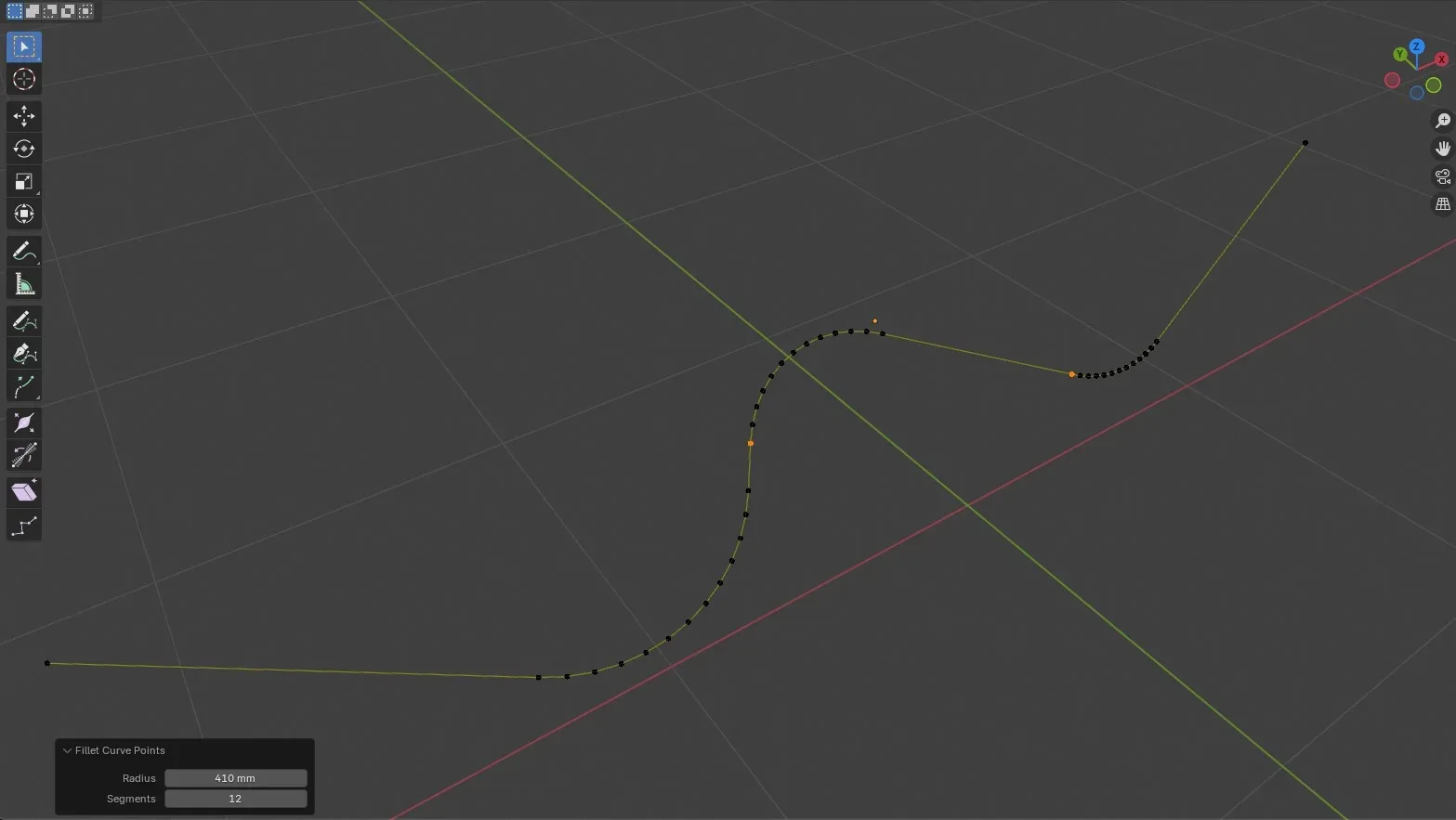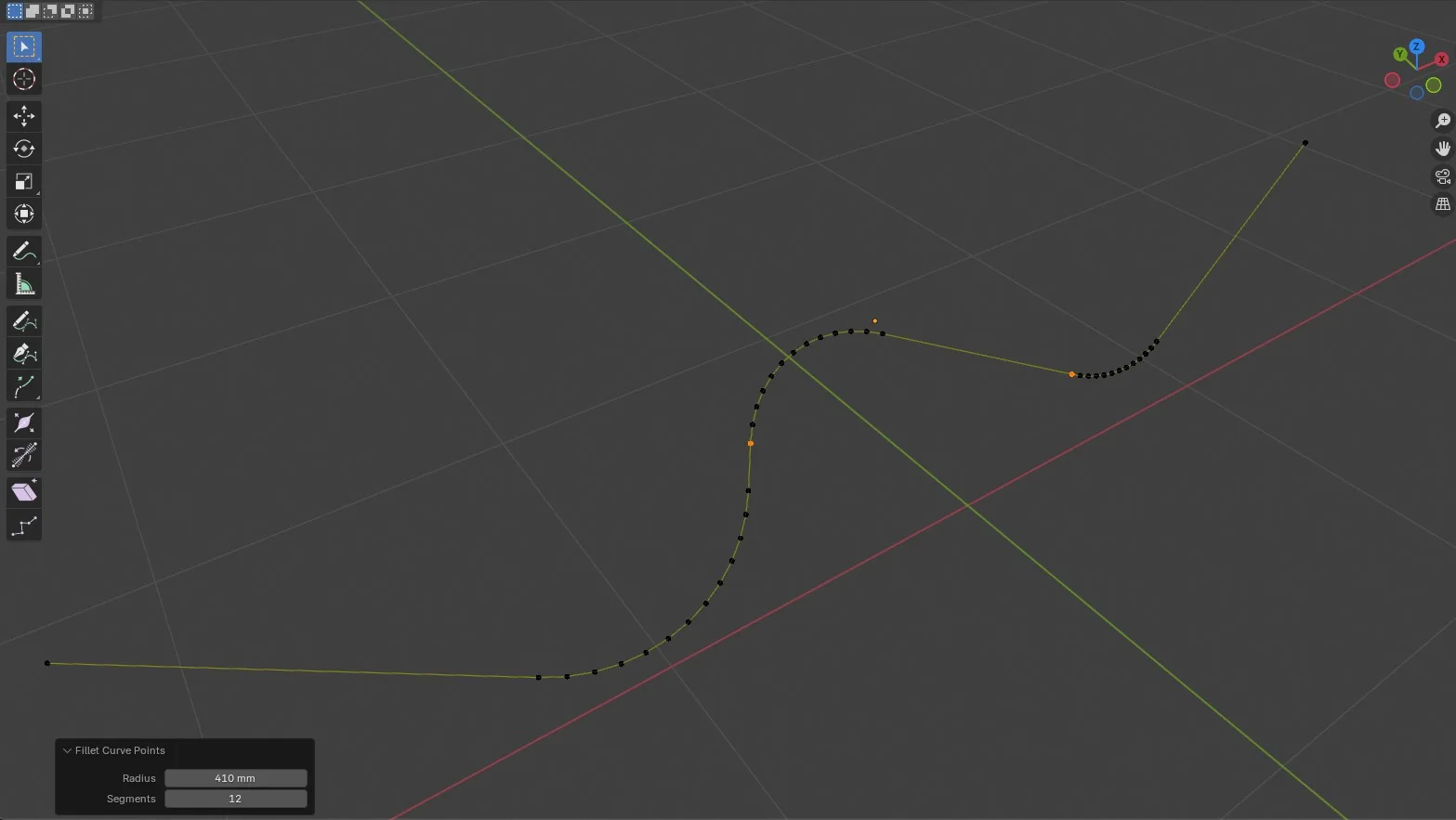
NURBS/Poly Fillet Tool is a Blender add-on for editing corners on curve paths. It adds a small context menu in curve Edit Mode, where you can fillet a selected control point at a path corner.
Fillet a curve corner
Enter Edit Mode on a curve and select the control point at the corner you want to change. Right-click, then choose Filet Helper > Fillet Curve Points at the bottom of the context menu. The command adds a fillet at the selected point. The Blender Extensions listing describes this point-by-point workflow; it does not document a separate settings panel or a command for processing multiple corners at once.
Curve-path scope
The documented operation works in curve Edit Mode, so the listing does not establish a workflow for beveling mesh edges.
Try the merge command to rework a fillet
Blender Extensions labels the fillet operation destructive. After it creates points, select those points, right-click, and choose Filet Helper > Merge Points at Segment Intersection. The listing says you can try this command to turn the created points back into a single point and start over. It is a manual recovery step, so save a copy first if you need to preserve the original curve geometry.
Compatibility and installation
Version 1.0.0 is listed for Blender 4.2.5 LTS and newer. To install the add-on, drag and drop it into Blender, or download it and use Install from Disk in Blender's extension preferences. Blender's Install from Disk instructions cover that option. The listing says the add-on requires no special permissions.
Release details
The Blender Extensions entry identifies version 1.0.0 as the initial release, published January 10, 2026. It lists a package size of 17.0 KB and the GNU General Public License v3.0 or later. Check the official listing for the release and compatibility details before installing.