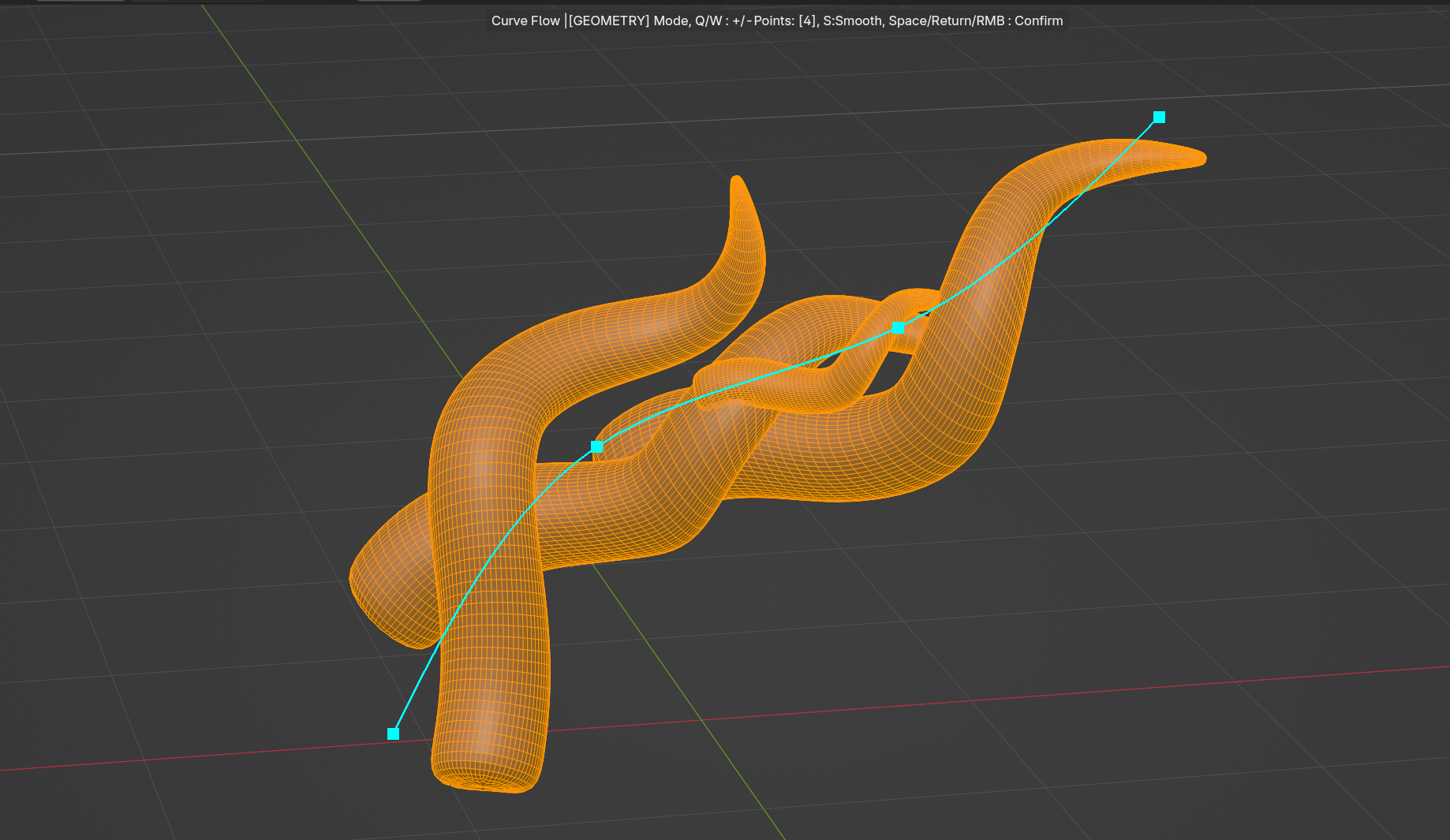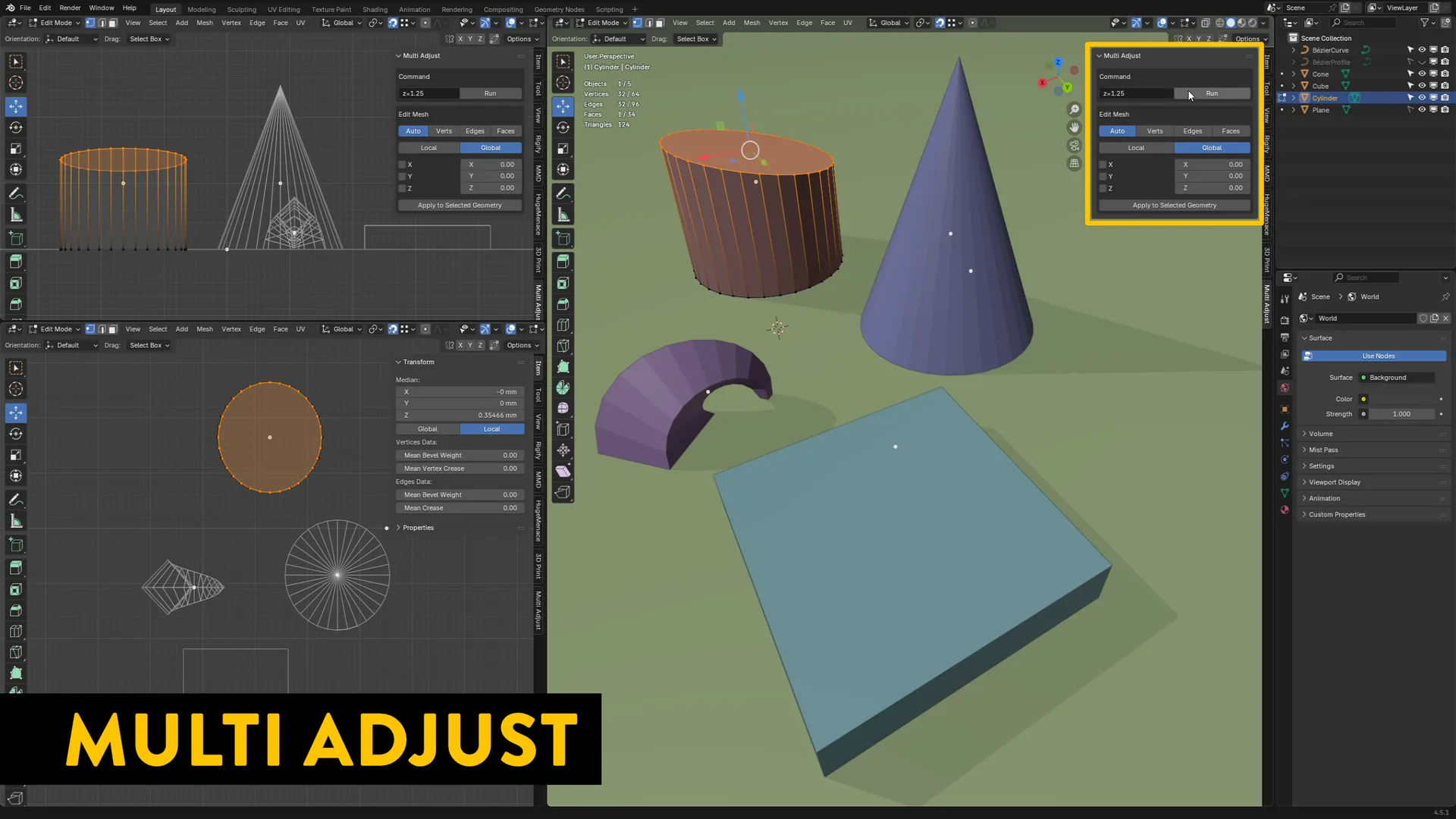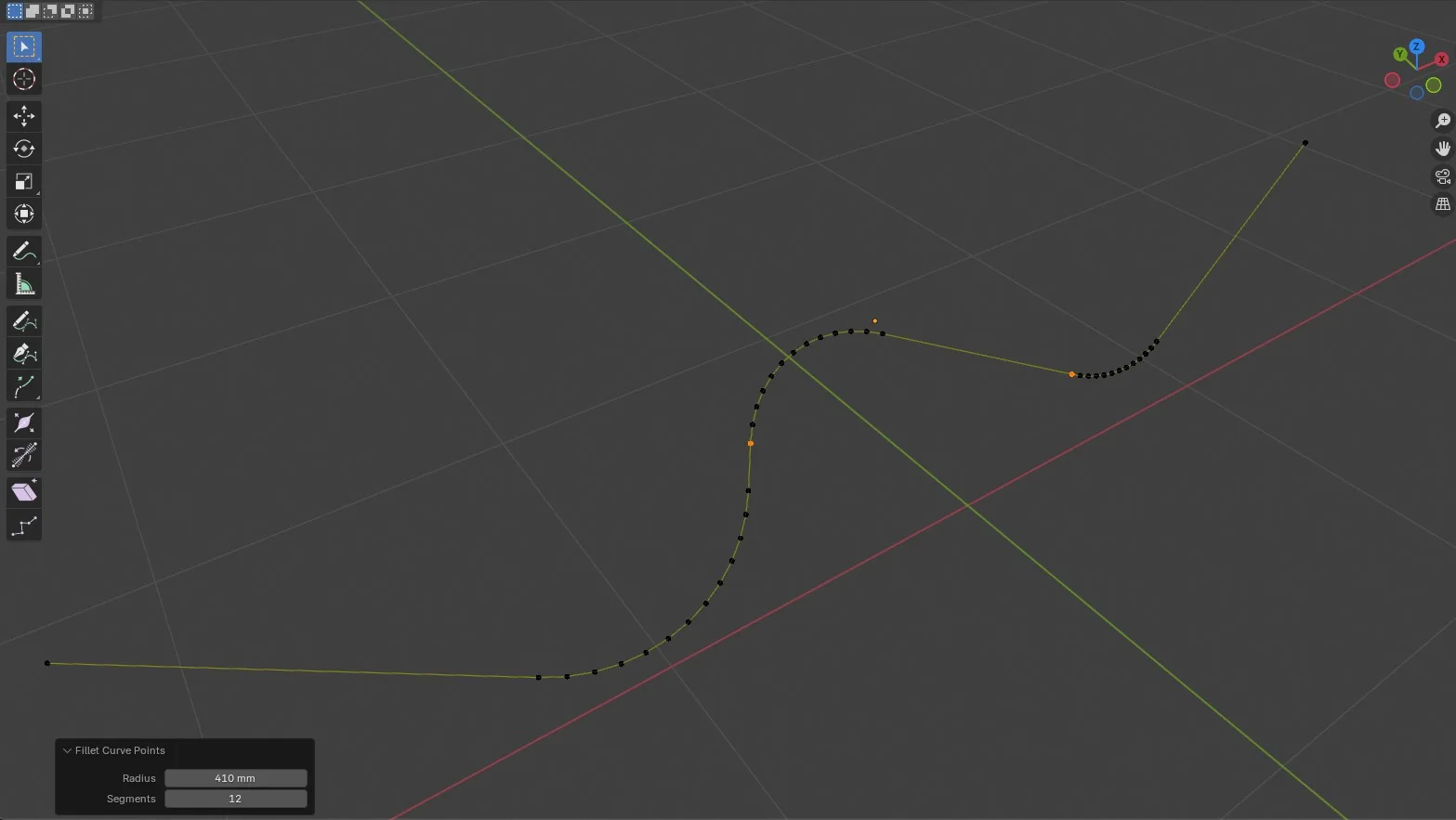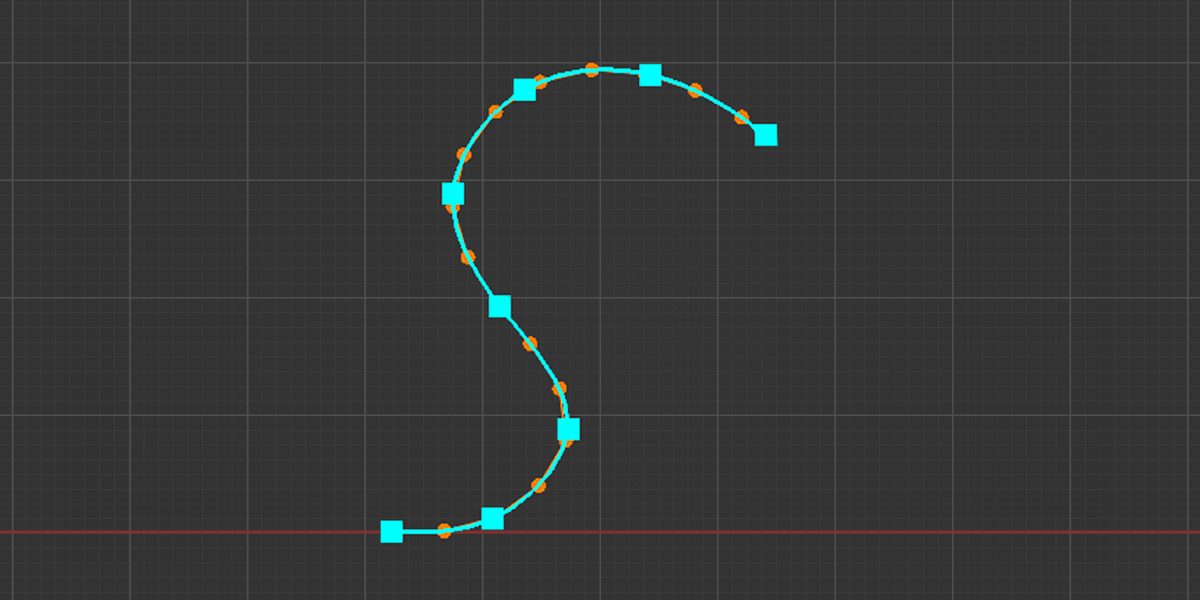
Lazy Utils is a Blender add-on by Bookyakuno for curve-based shape editing, deformation, and bevel adjustment. Curve Flow reshapes edges, UVs, curves, and bones to follow a curve. You can adjust its control points while the tool runs. The curves are virtual and are not created as Blender data, as the product FAQ confirms.
Shape edges and selected geometry
Run Curve Flow with Alt + Shift + C in Mesh, Curve, UV, Armature, or Pose Edit Mode. In Mesh Edit Mode, Face selection switches to Geometry Mode, which targets the selected geometry and places a curve at the center of the sliced shape. If the mesh has multiple parts, the tool edits the whole mesh. Using fewer control points makes it easier to smooth the overall shape.
Curve sculpting, deformation, and bevels
Curve Sculpt uses a brush to adjust a curve's shape, radius, and angle. The listing notes that it can adjust hair curves together. Find it in Curve Edit Mode's T toolbar, or use Shift + Alt + G.
Anchor Deform uses one fixed pin as a pivot while you drag a second pin, smoothly deforming the space between them. It can bend fingers, arms, or hair strands, or adjust part of their scale without bones. The tool is in the T toolbar in Mesh Edit and Sculpt modes.
ReBevel changes the width and division count of an applied bevel. In Mesh Edit Mode, select a bevel face or bevel edge ring, then run ReBevel with Shift + Alt + B.
Compatibility and documentation
The Superhive listing identifies Blender versions 5.1 to 5.3 and a GPL license. Check the listing and Bookyakuno's documentation for current details before installing.