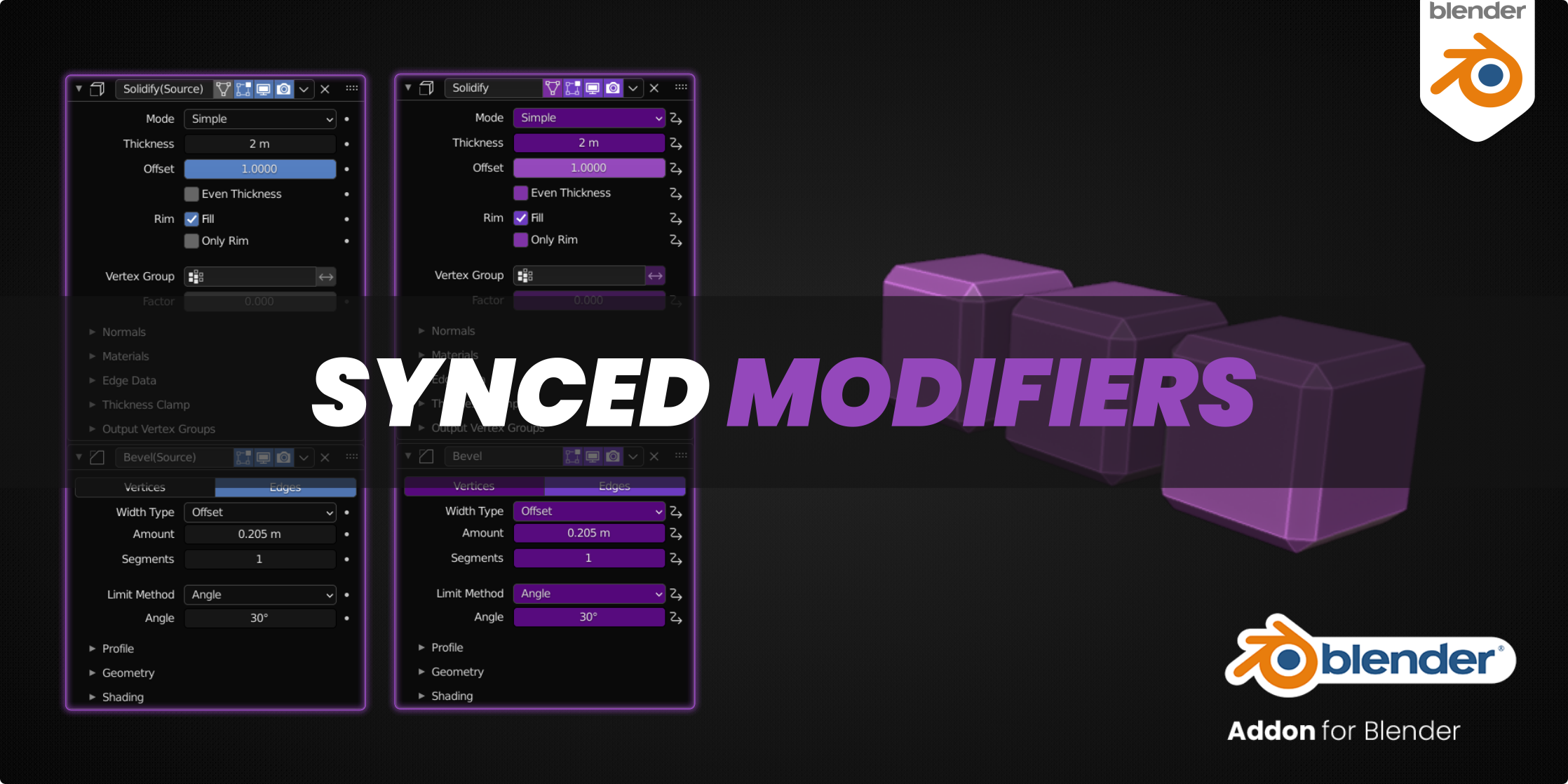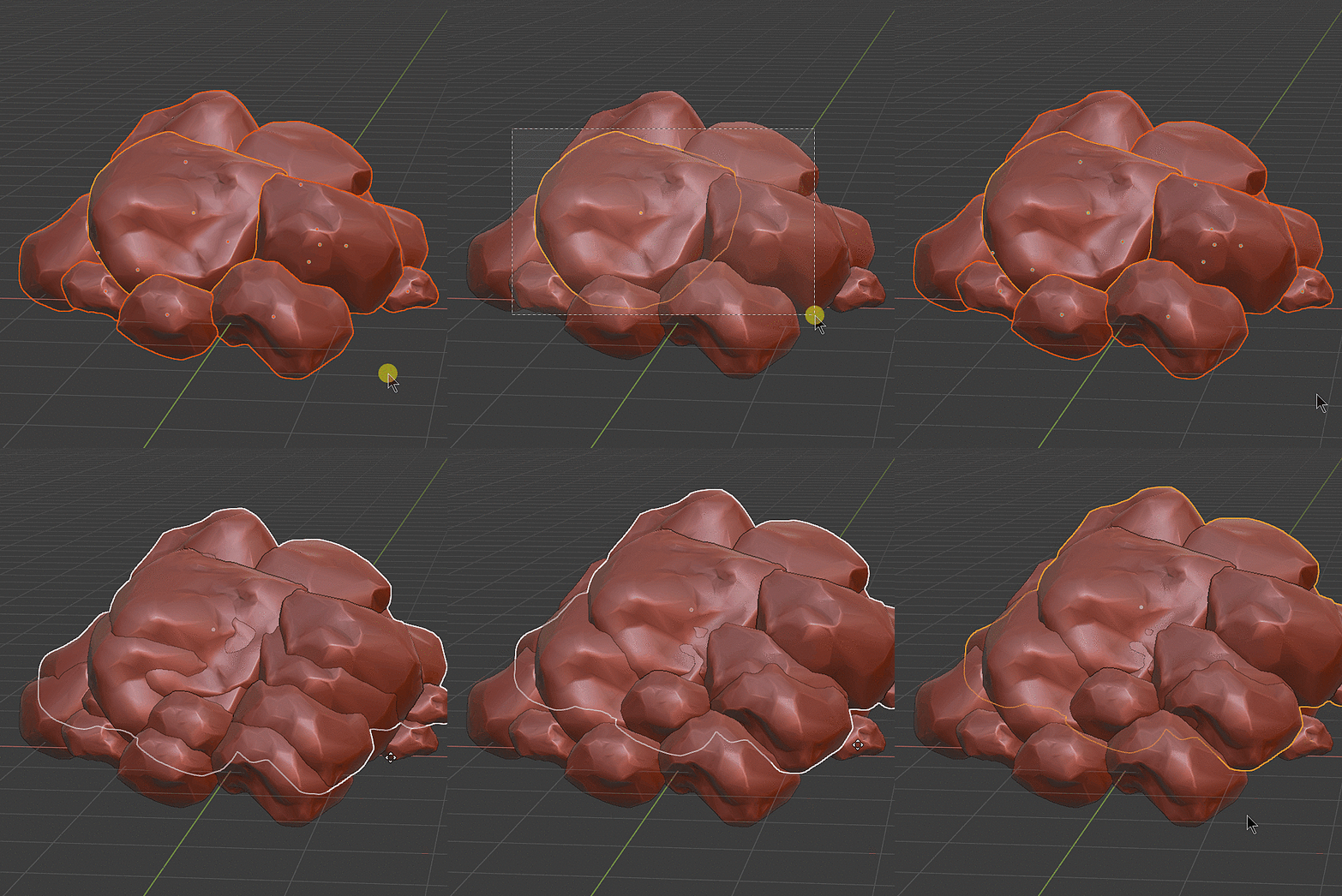
Setup Static Object is a Blender add-on for applying an object's edited states and preparing a static mesh for use in games. It can integrate multiple objects and apply modifiers, link duplication, and transforms during conversion.
Choose conversion steps
Each process can be turned on or off, so you can choose which operations to include for the mesh you are preparing.
Handle feature edges
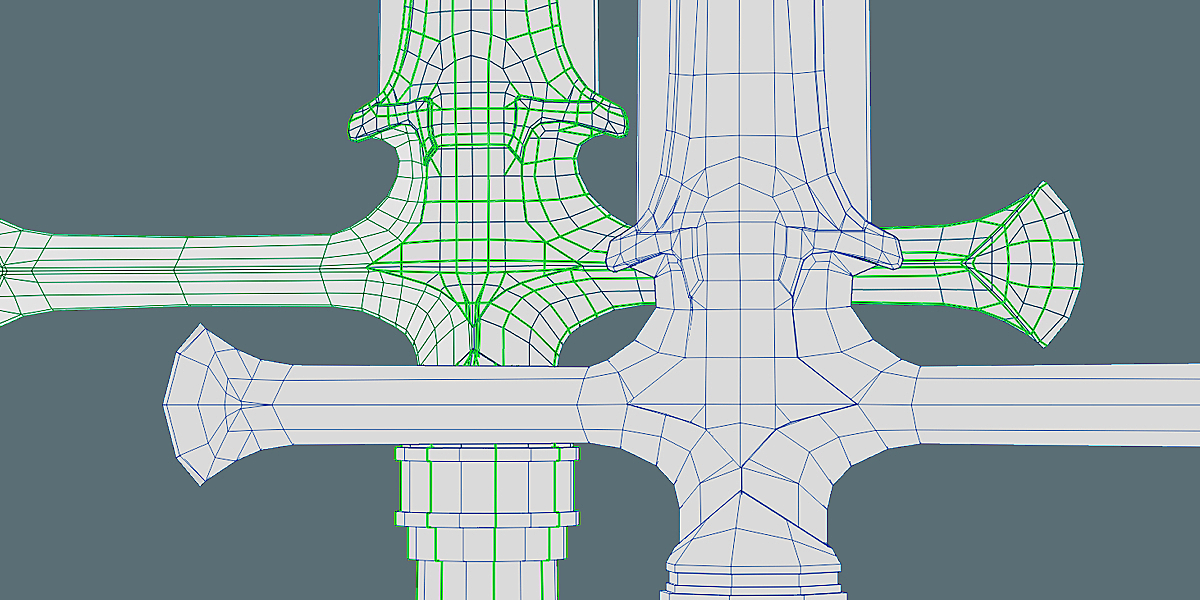
The Remove the Feature Edge option removes feature edges during conversion. Removing feature edges during conversion can help remove unwanted edges and generate a low-poly model. Available edge types are Select, Crease, Bevel, Seam, Sharp, and Freestyle Edge. For a high-poly baking workflow, set bevel or excess edges to Freestyle before using the add-on.
Open the add-on
In the 3D View's Object Mode, use Alt + Ctrl + E, or open Header > File > Export > Setup Static Object.
Version and license details
The listing credits Bookyakuno, identifies the license as GPL, and lists Blender 2.8, 2.81, 2.82, 2.83, 2.9, 2.91, 2.92, 2.93, 3.0, 3.1, and 3.2. For a newer Blender release, check the product listing and its linked documentation before installing.