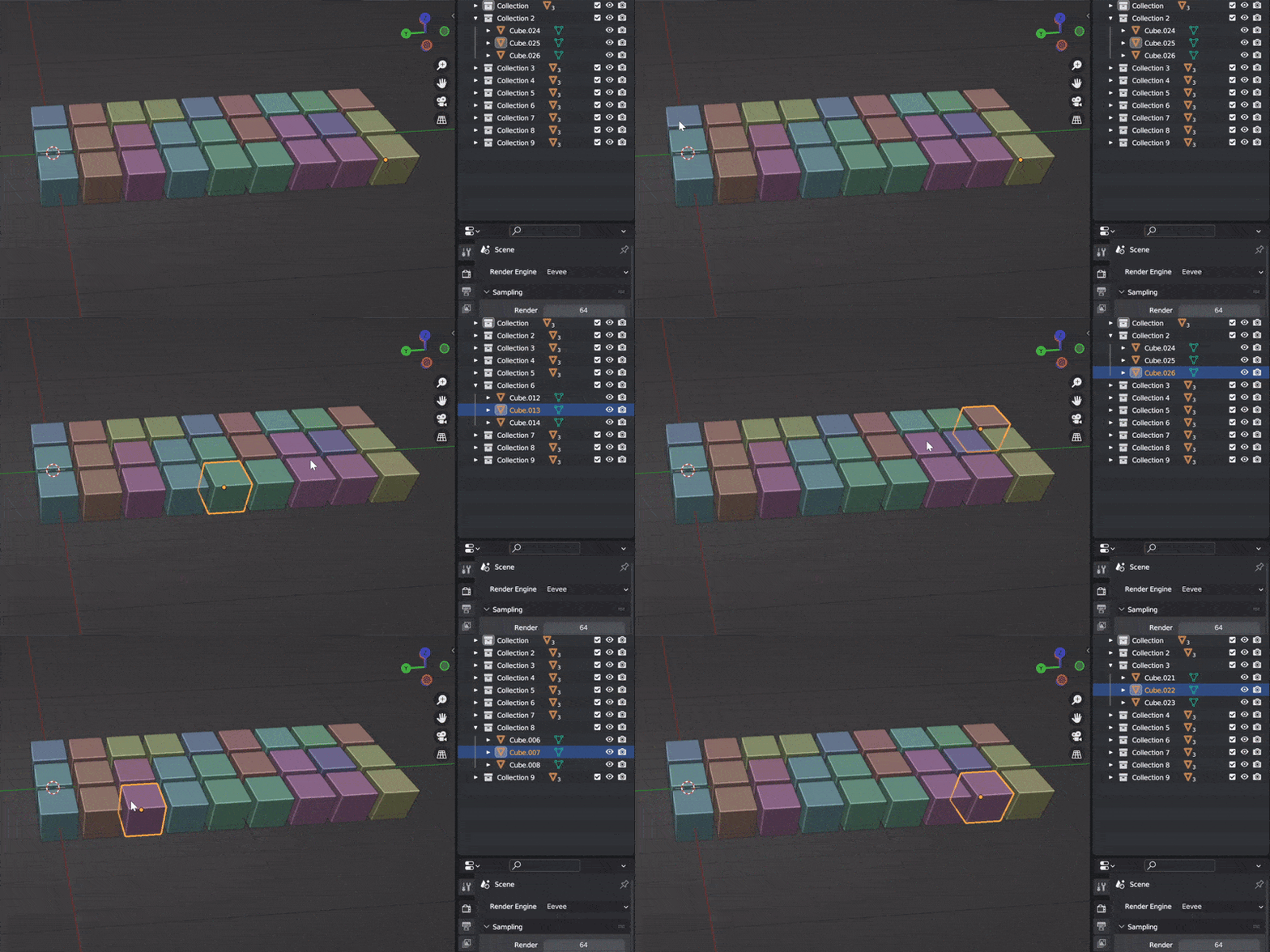
Auto-Highlight In Outliner
Auto-Highlight in Outliner expands Blender's Outliner to reveal your viewport selection. See its controls, version 3.3 features, compatibility, and setup.
Developer listing
9 tools attributed to this developer in the catalog.
Auto-Highlight in Outliner expands Blender's Outliner to reveal your viewport selection. See its controls, version 3.3 features, compatibility, and setup.
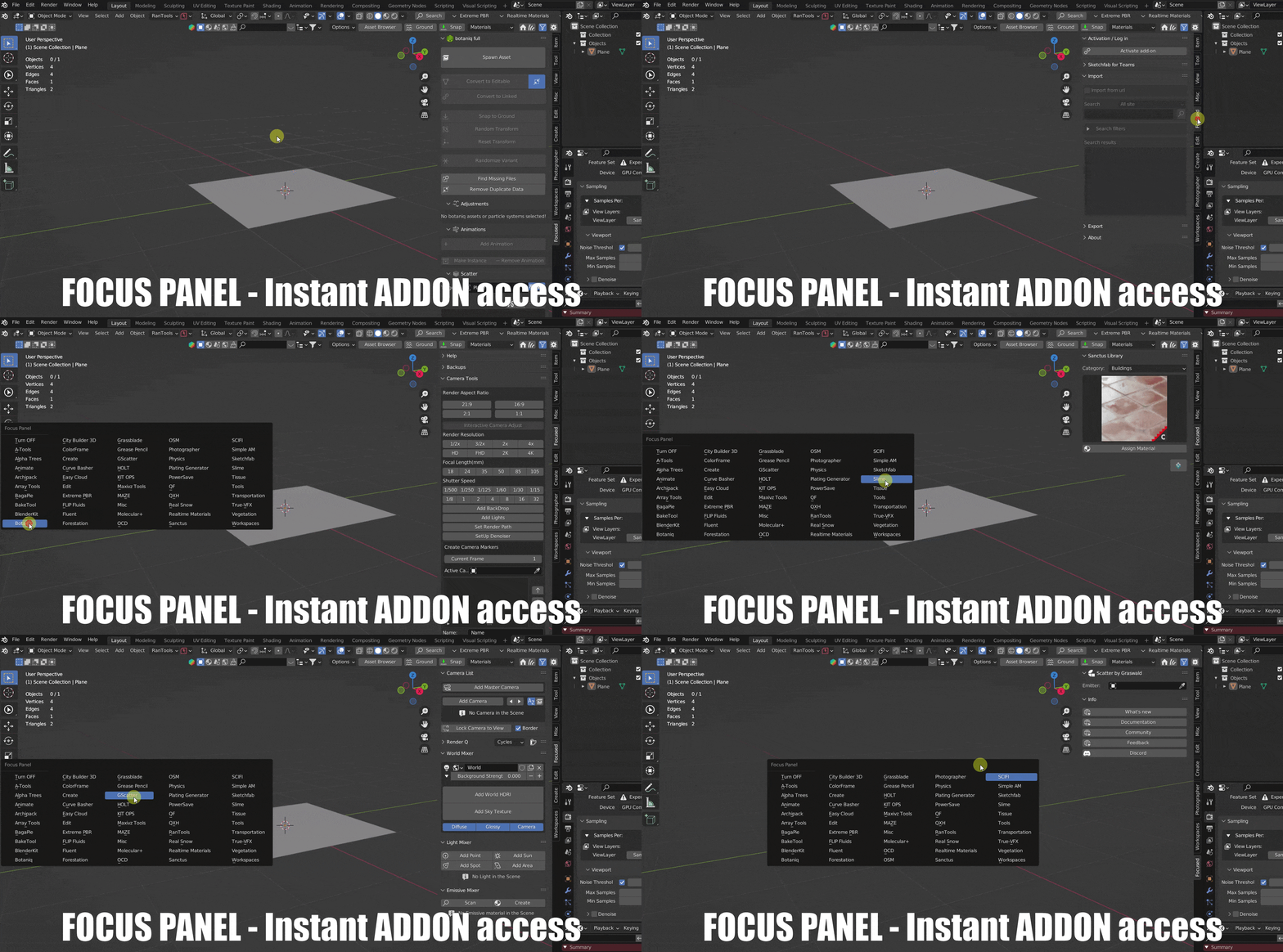
Clean Panels Pro lets you choose which add-ons load at startup; Delayed Addon Loading does not work with Blender installed through the Windows Store.
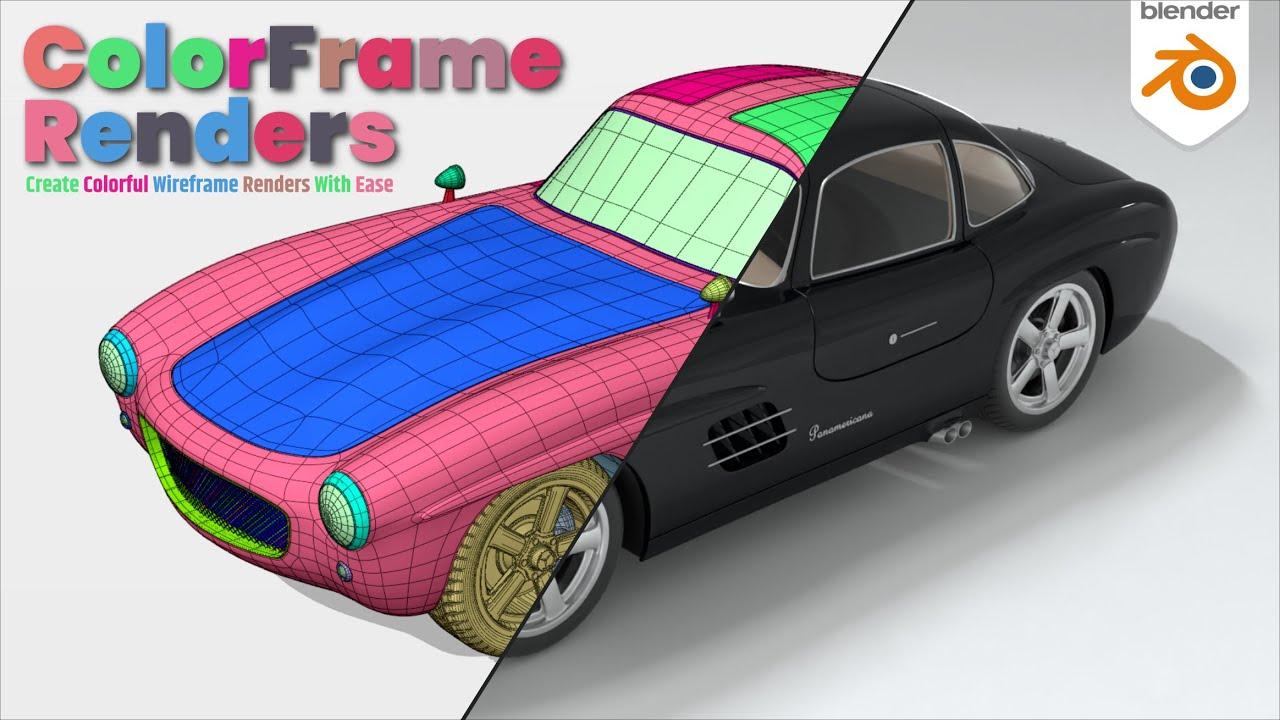
Colorframe Renders - Colorful Wireframe Renders Addon colors Blender meshes randomly, by palette, collection, or dimensions. It is no longer maintained.
Create colorful Blender wireframe renders with ColorFrame Renders Pro. Adjust wireframe color and opacity; save palettes, add line art, and animate wireframes.
Organize Blender add-on access with N-Panel Organizer - Clean Panels: viewport icons, filtered tabs, top-bar dropdowns and pie menus. Check compatibility.
Explore RanTools for Blender: P-Cutter, cable tools, modifier presets, texture baking and batch rendering. Check version support before downloading.
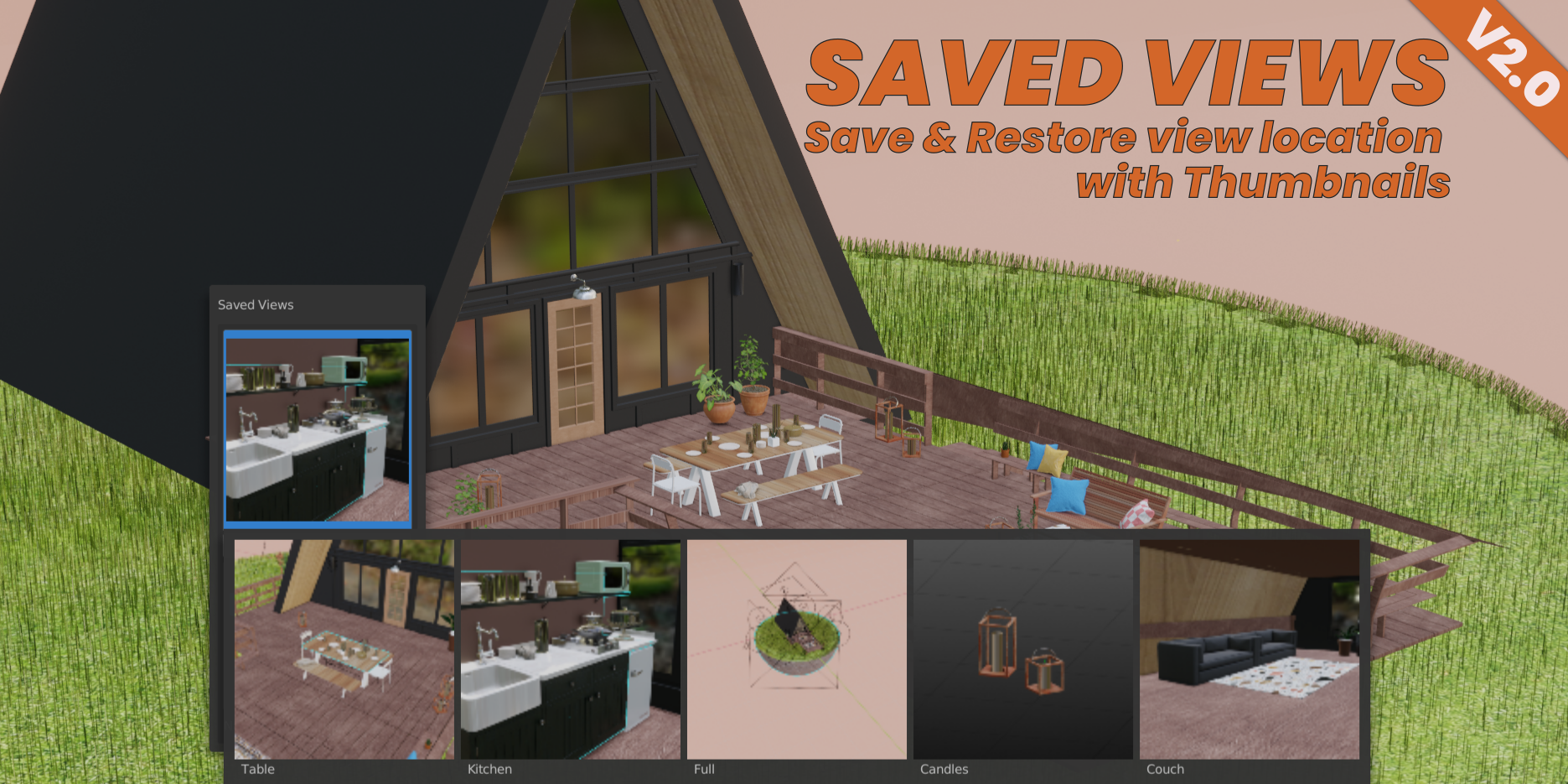
Saved Views for Blender saves viewport positions and rotation, with thumbnails, local view state, camera switching, and quick-save tools.
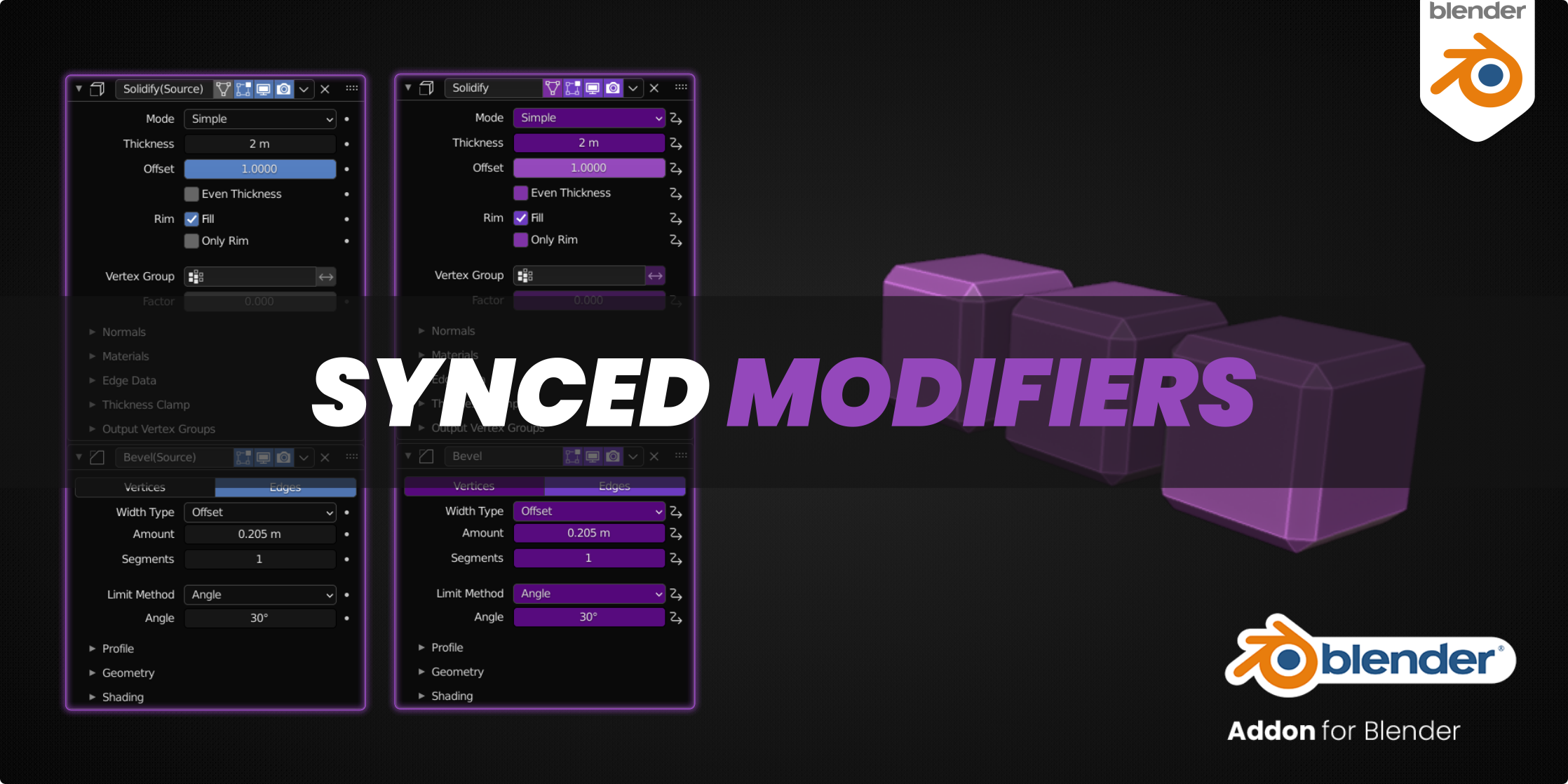
Synced Modifiers syncs Blender modifiers across selected objects with Drivers. Version 2.0.0 also syncs existing modifiers; press J to open the panel.
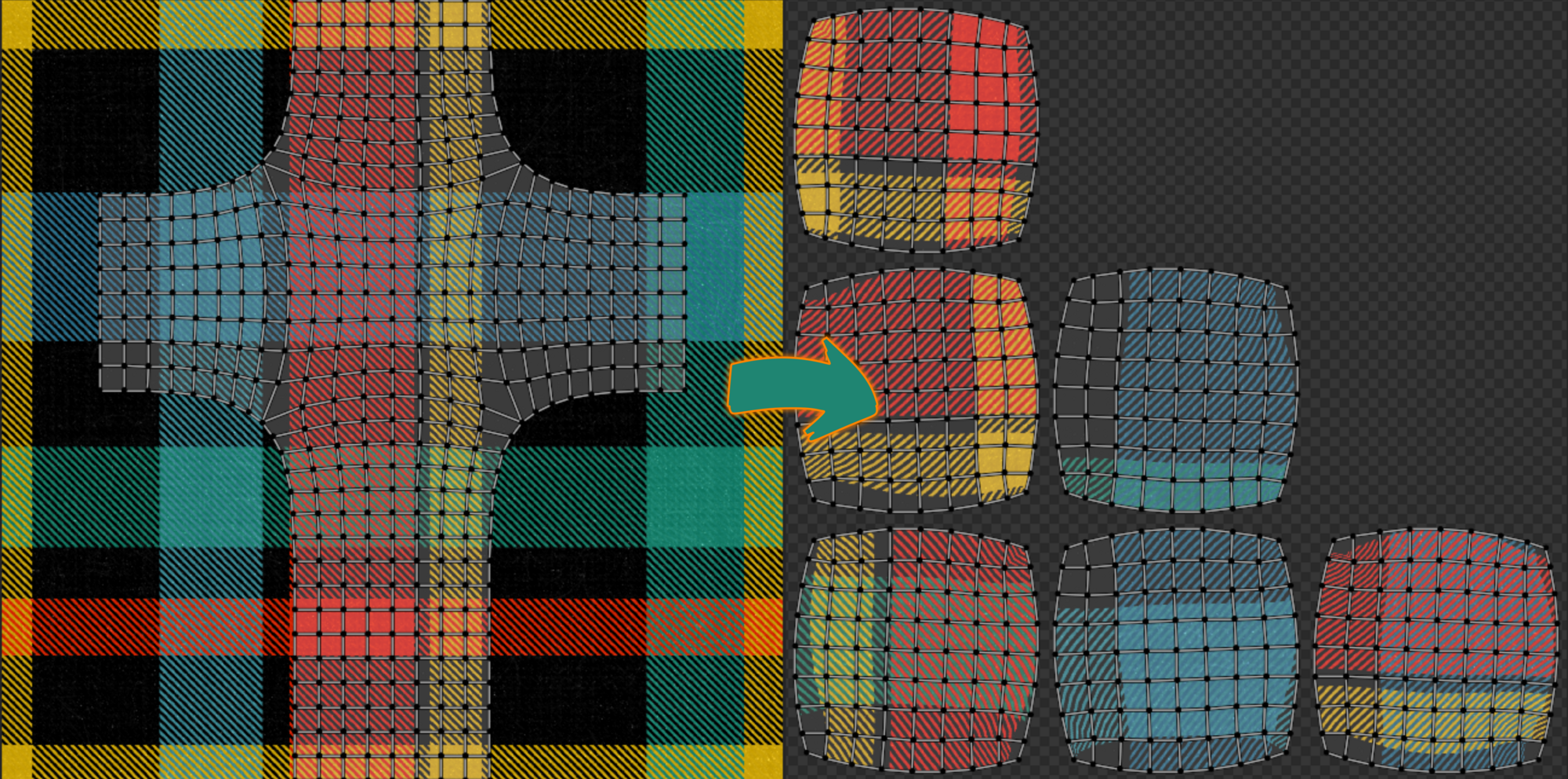
Transfer Images moves images between Blender UV maps from the Shader Editor. Amandeep’s free GPL add-on lists support for Blender 3.6–5.2; review the steps.
Developer attribution comes from the linked product listings. Current product details are available on each product’s website. About our sources