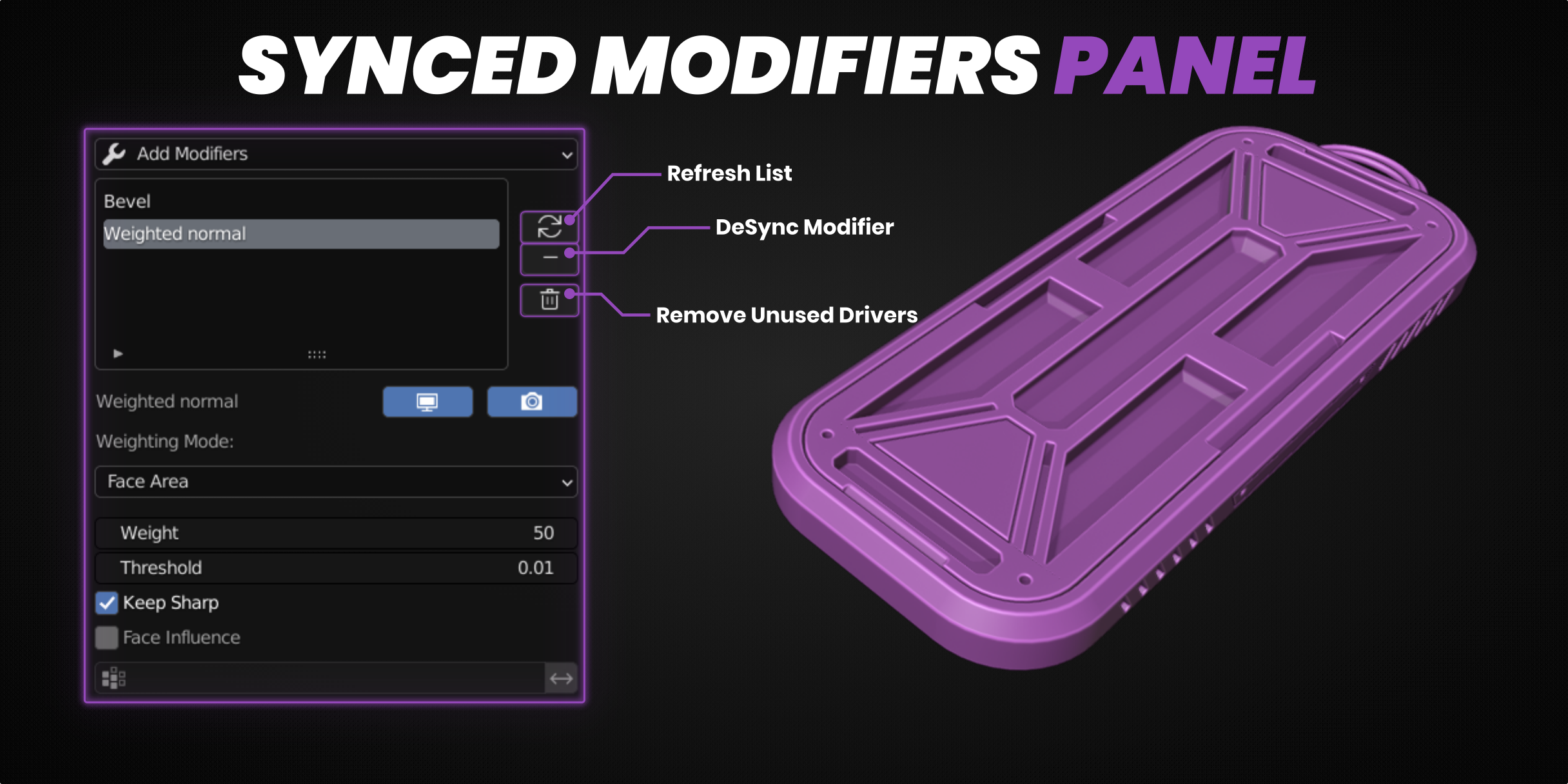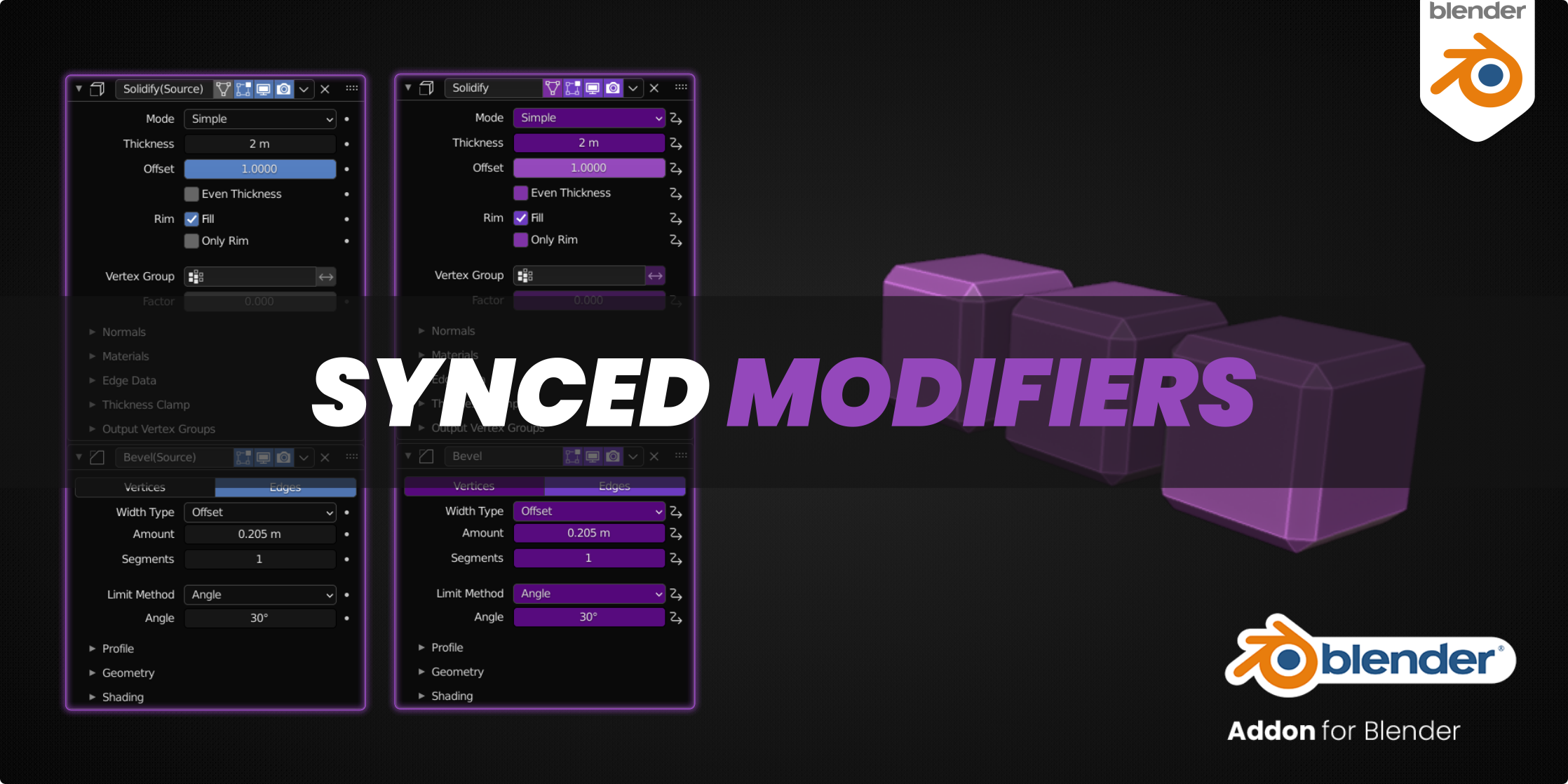
Synced Modifiers is a Blender add-on by Amandeep for adding a modifier to several selected objects and keeping the modifiers synchronized with Drivers. Version 2.0.0 also supports syncing modifiers that are already on objects.
Adding and adjusting modifiers
- Select the objects you want to affect.
- Press J to open the Synced Modifiers Panel.
- Choose a modifier from the dropdown menu.
When you adjust a property later, the panel finds the source modifier and displays its settings. You do not need to locate and reselect the source object each time. The J popup and N-Panel use the same layout, according to the product listing.
Managing synced modifiers
The add-on includes controls for maintaining the synced modifier list and its drivers:
- Refresh List refreshes the list after you manually delete a modifier.
- DeSync Modifier removes all drivers from the selected modifiers.
- Remove Unused Drivers removes unused modifier drivers from an object. The documentation notes these can remain after a modifier is deleted manually.
These controls are described in the Synced Modifiers documentation.
Version and compatibility
The listing identifies version 2.0.0 and supports Blender 3.6 through 4.5. It lists the license as GPL. Check the product page for current compatibility and license details before installing.