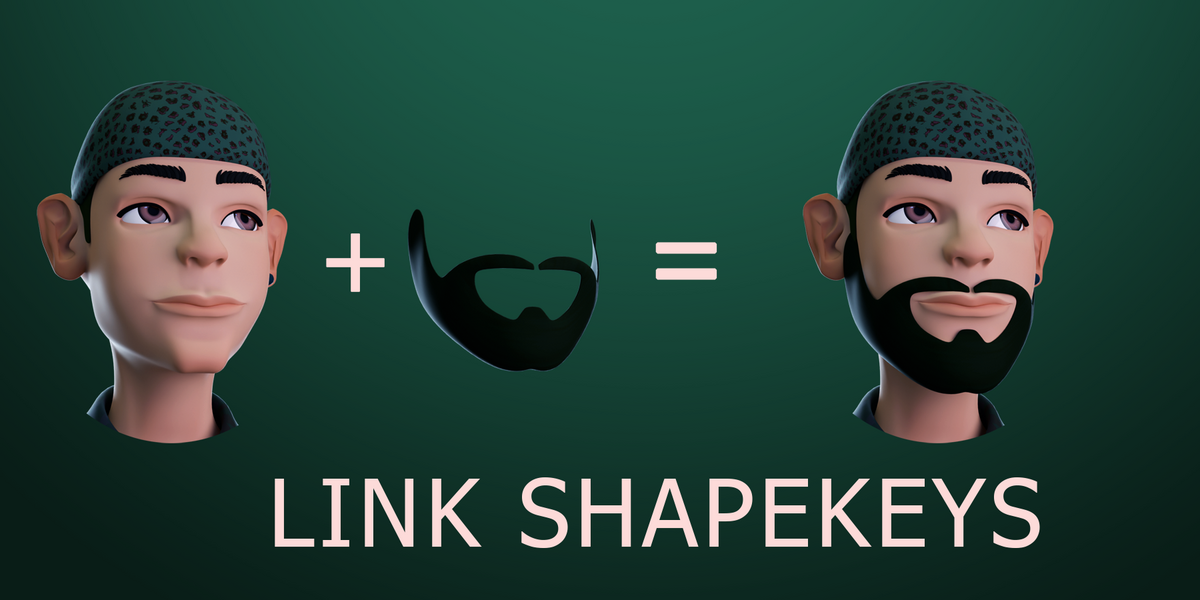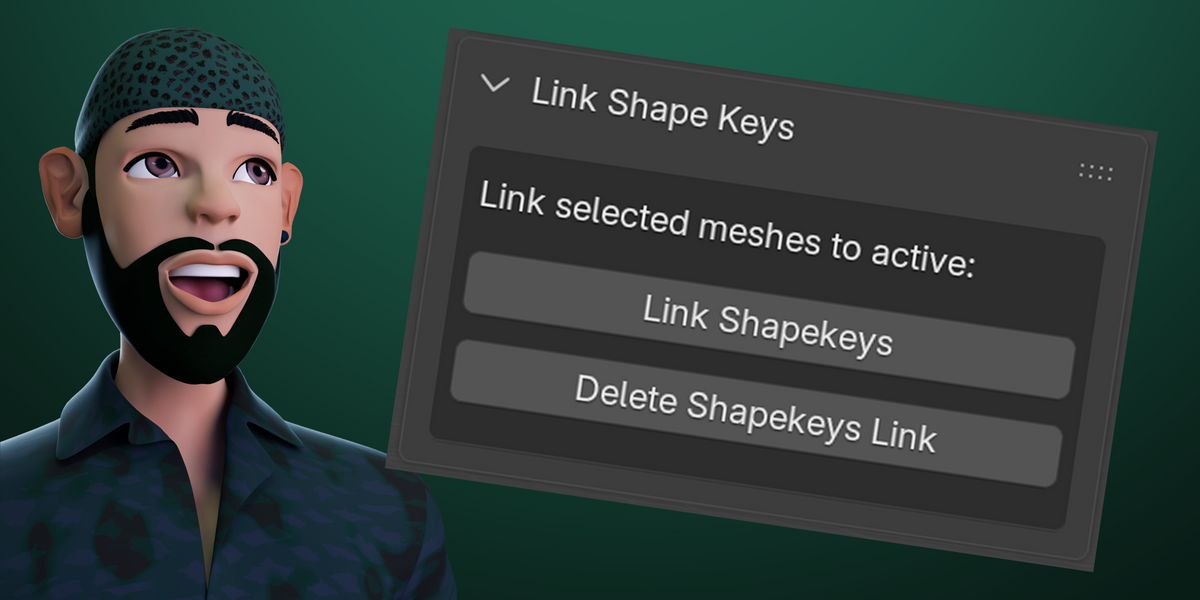
Link Shapekeys is a Blender add-on by Levonotion Studios for driving similar shape keys on several meshes from one control mesh. It creates drivers to link the selected meshes to the active object. The same setup can be made manually; the add-on is intended to make it faster.
Link selected meshes to one control
- Select the mesh objects whose shape keys you want to link.
- Select the control mesh last so it becomes the active object.
- In the 3D Viewport, open Item > Link Shapekeys and click Link Shapekeys.
The add-on creates drivers connecting the selected meshes to that active mesh. See the creator documentation for the panel location and setup details.
Remove drivers from selected meshes
To remove drivers, select the mesh or meshes to clear and click Delete Shapekeys Link. The creator documentation says this clears all drivers from the selected meshes. Check your selection first if those objects have other driver setups you want to keep.
Installation and Blender versions
The add-on is designed as a Blender Extension. Its documentation says to drag the downloaded ZIP file into Blender. The listed supported versions are Blender 4.2 LTS, 4.3, 4.4, 4.5 LTS, and 5.0. The product listing identifies the license as GPL. Check the product page for current download and license details.