DriverHelper is a free Blender add-on by Zakmen150 for generating normalized driver expressions. The Blender Extensions listing identifies version 1.0.1, a minimum Blender version of 4.2.0, and the GNU GPL-3.0-or-later license. Check the official listing for release and download details.
Set a range and generate an expression
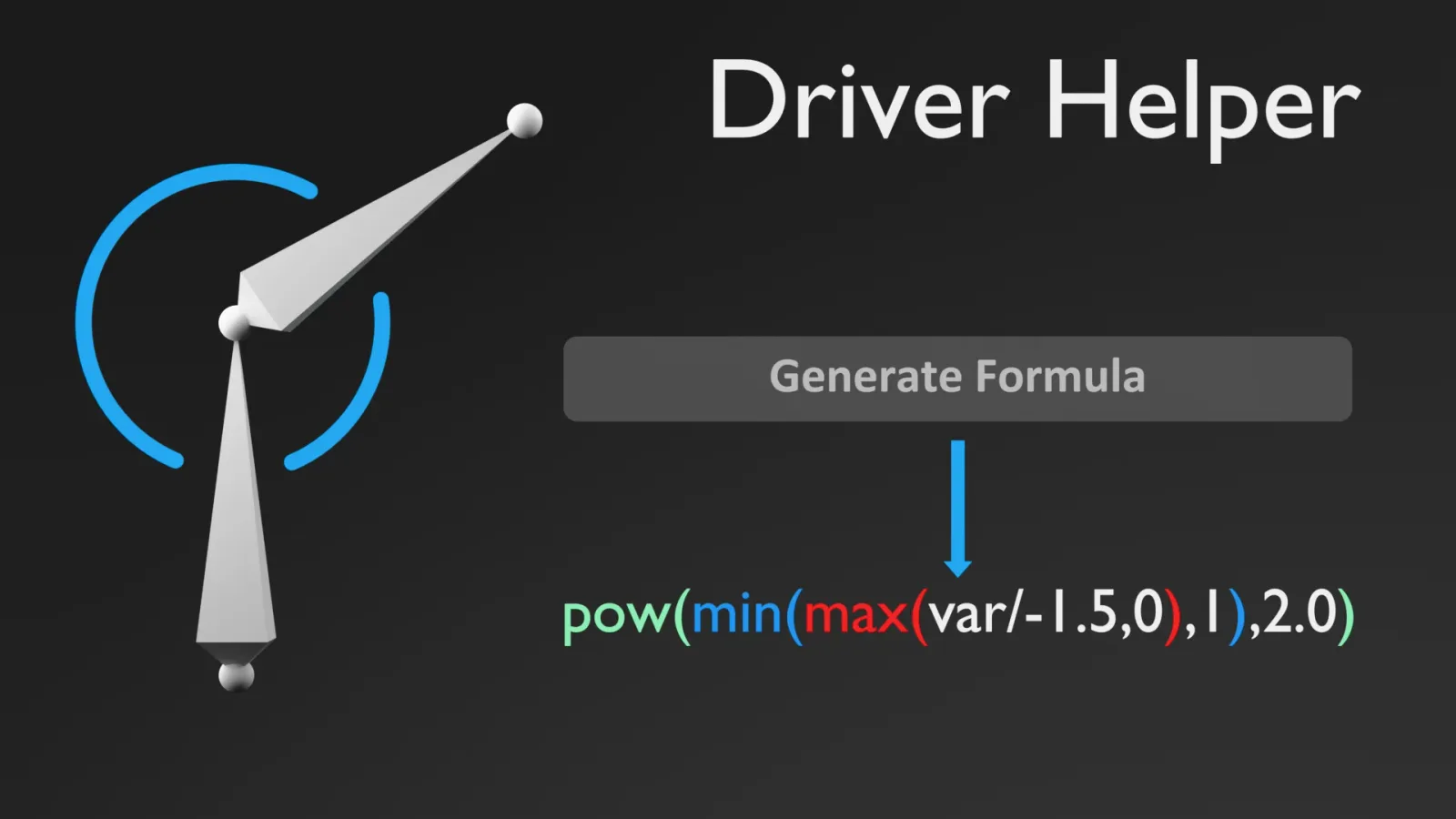
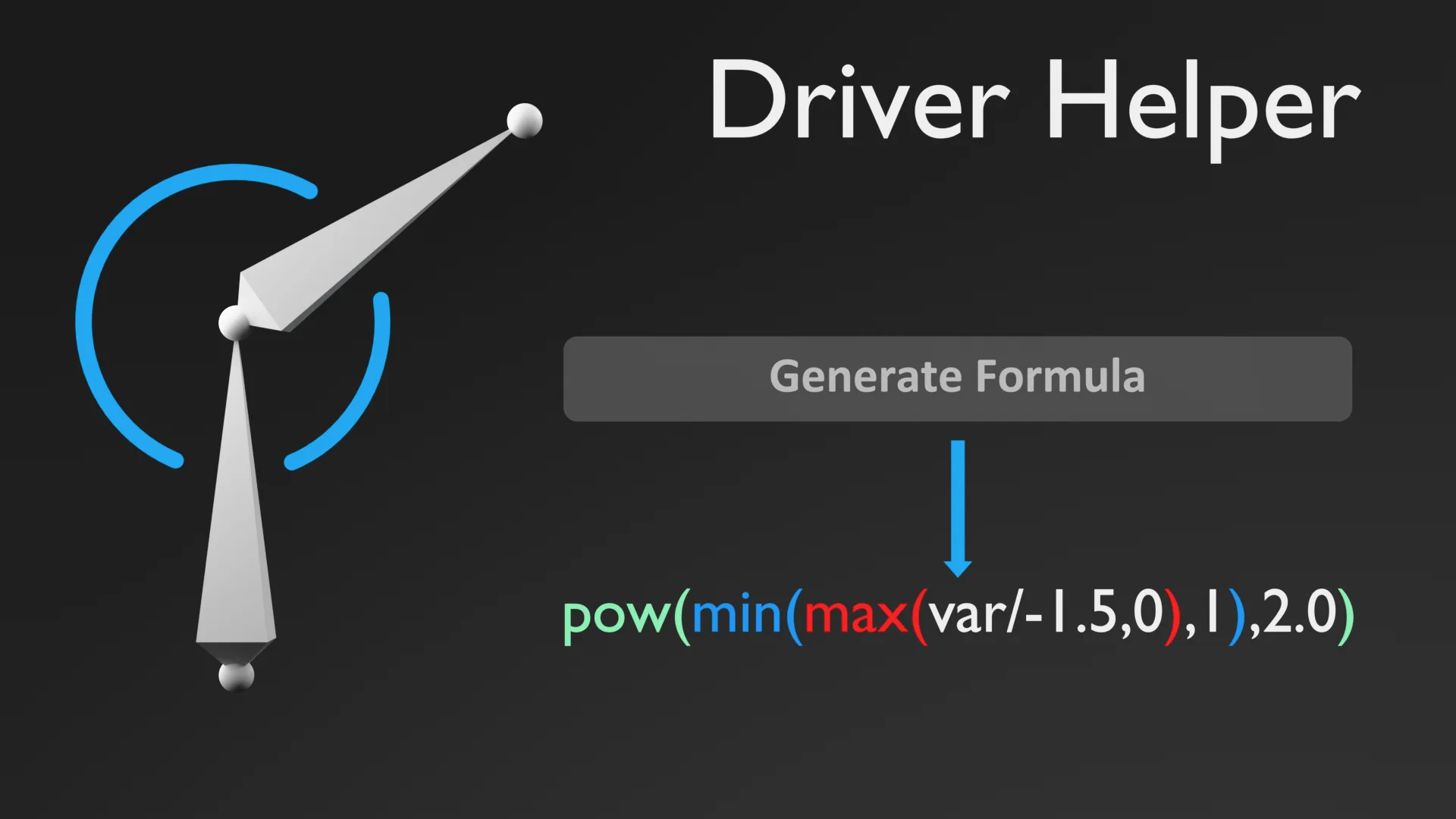
After adding a driver as usual, open DriverHelper in the Shape Keys panel. Choose Location, Rotation, or Scale, then enter the Min and Max values for the input range. Those endpoints map to 0 and 1. The Power parameter adjusts the transition curve, with linear, ease-in, and ease-out options.
Select Generate Formula to display the expression in a popup, then copy it into Blender's driver expression field. DriverHelper prepares the formula; the driver still has to be added in Blender.
Use rotation or another float property
In Rotation mode, enter angles in degrees. DriverHelper converts them to radians when it builds the expression. The formula's var refers to the driver variable, such as a bone's rotation.
Although the controls appear in the Shape Keys panel, the generated formula can be used with any float property that supports Blender drivers.
Compatibility and installation
The supplied Blender Extensions record lists Blender 4.2.0 as the minimum version. To install the downloaded extension file, follow Blender's Install from Disk instructions.