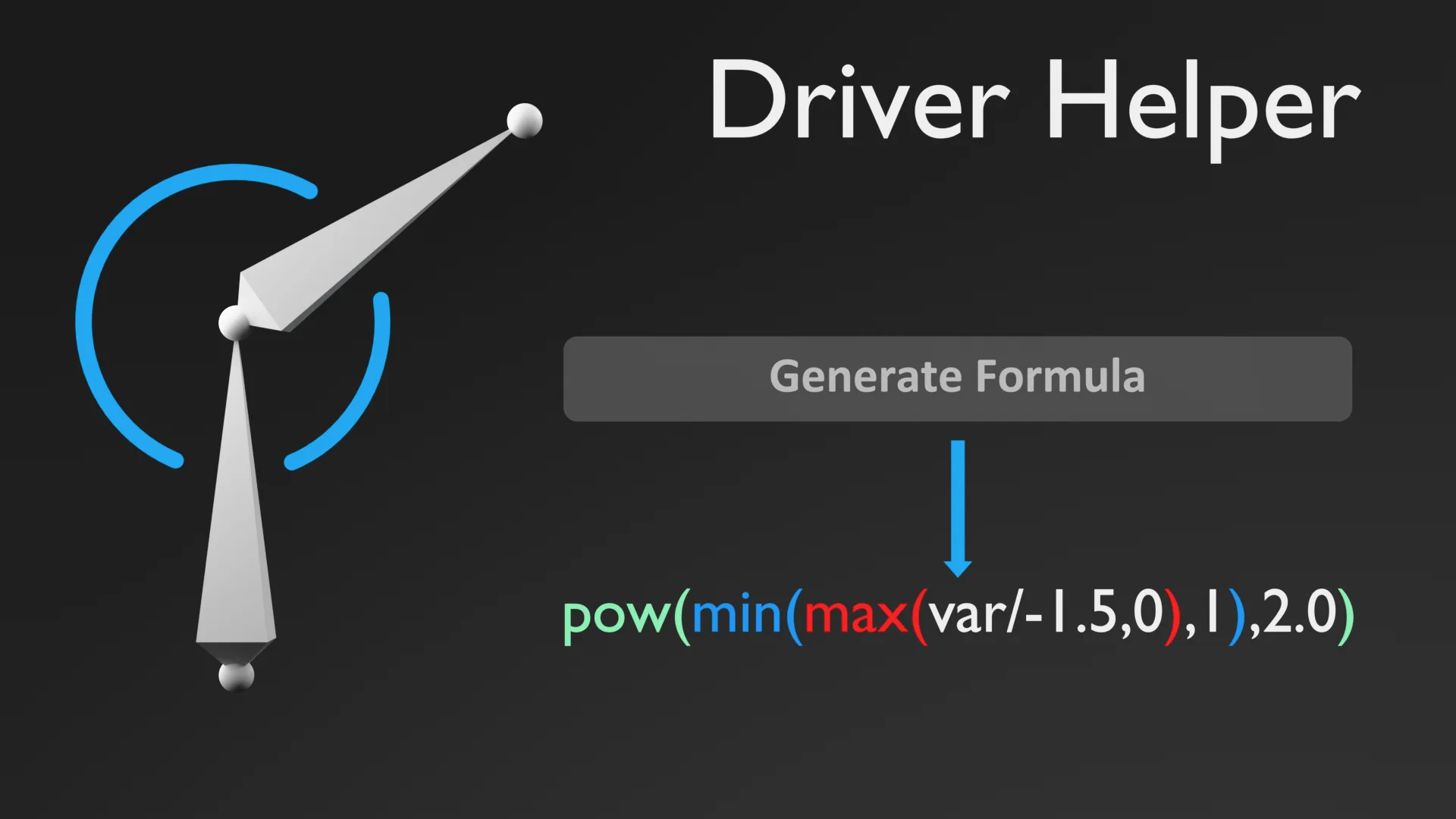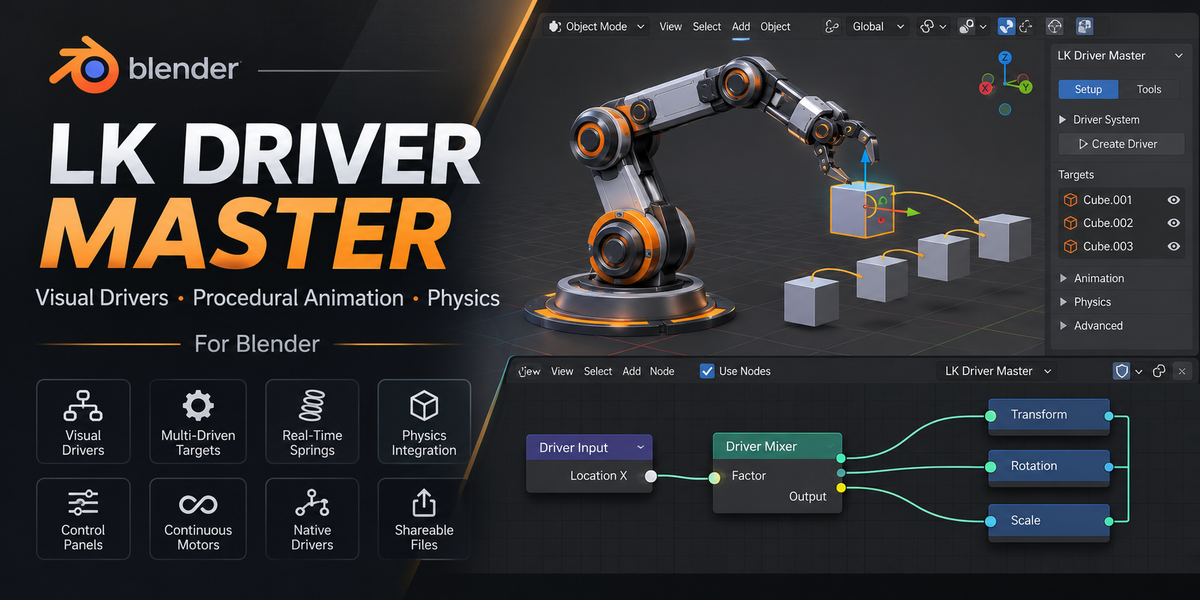
Lk Driver Master is a Blender add-on for building drivers with visual controls. Use the sidebar wizard for a guided setup, or use PRO's node graph for more involved connections. Setups compile to Blender's native driver engine, so you can connect objects, bones, shape keys, and other targets without writing driver formulas by hand. See the developer's product listing for current edition details.
Choose between the sidebar wizard and PRO's node graph
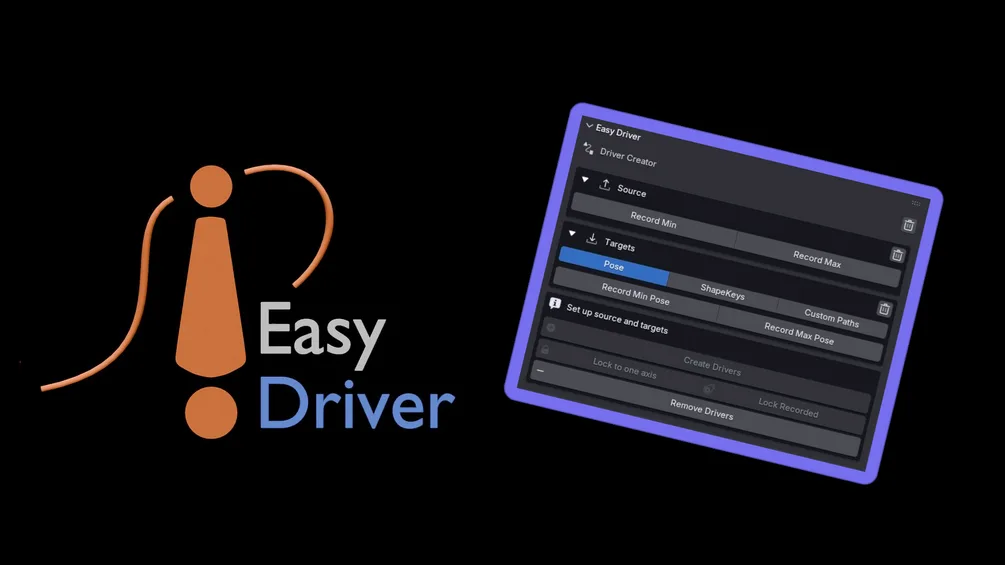
The four-step sidebar wizard suits straightforward driver setups. The November 2026 listing also describes Quick Setup from a selection, plus a Driver Outliner, presets, and live overlays in both editions. These controls let you create and manage connections from Blender's side panel.
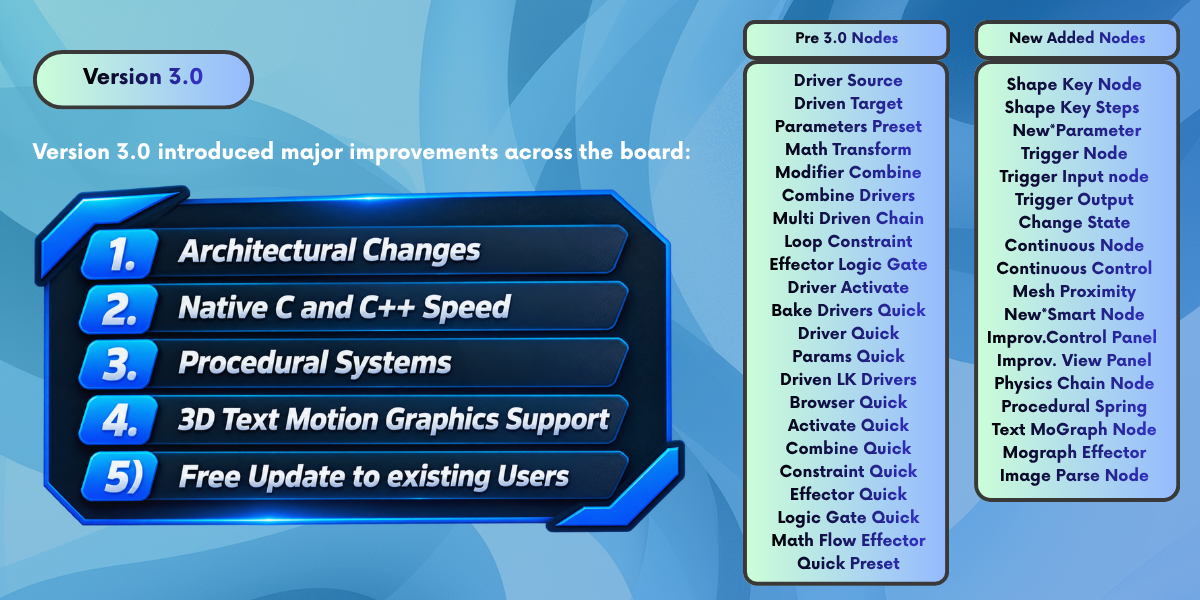
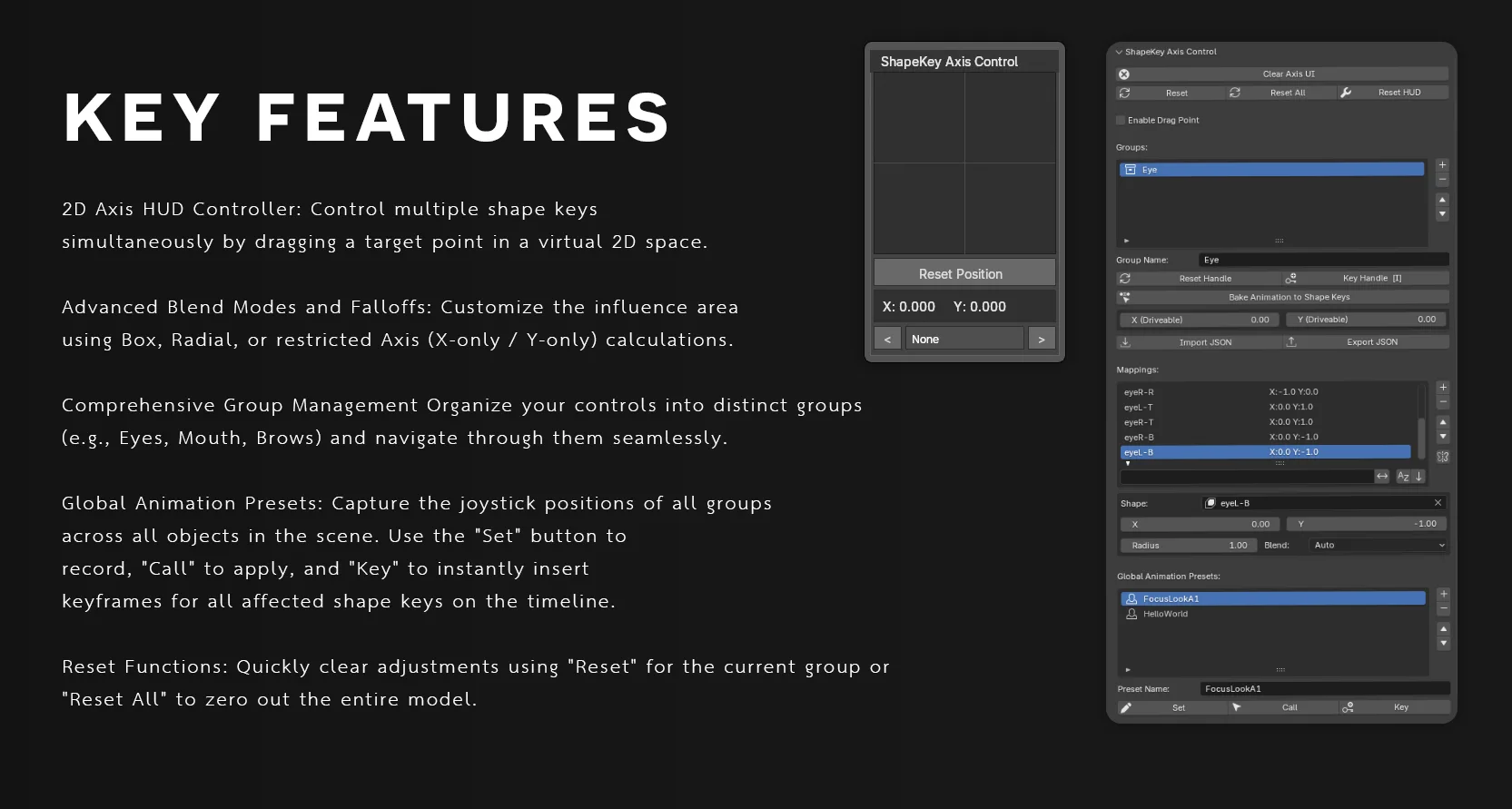
PRO adds a full visual node graph for combining and adjusting driver signals. Its tools include constraints, logic and math nodes, effectors, and Smart Node diagnostics. PRO also includes a Control Panel Builder, rig templates for face, car, machine, and arm controls, and an option to bake an animated setup to keyframes. The listing describes ready-made setups for tasks such as wheels, steering, door hinges, gears, lip-sync, and eye movement.
What carries over to LITE
LITE includes the sidebar wizard, Quick Setup, Driver Outliner, presets, and live overlays for simpler setups. It does not include the full visual node graph or PRO tools such as the Control Panel Builder and stack baking. Check the product documentation for workflow details before choosing an edition for a project.
Native drivers and project sharing
LK Driver Master compiles its setups into Blender drivers. The product listing says shared files can run and render on another computer or render farm without the add-on installed. Its procedural tools also include springs and other secondary motion, while some simulation and animation nodes carry a Beta label.
Blender compatibility and documentation
The developer lists Blender 5.0 and newer, tested up to Blender 5.2 LTS, with support for Windows, macOS, and Linux. The download includes an offline HTML manual covering the workflows, node settings, physics and beta nodes, and production examples. The product FAQ covers updates, baking drivers, and edition behavior.