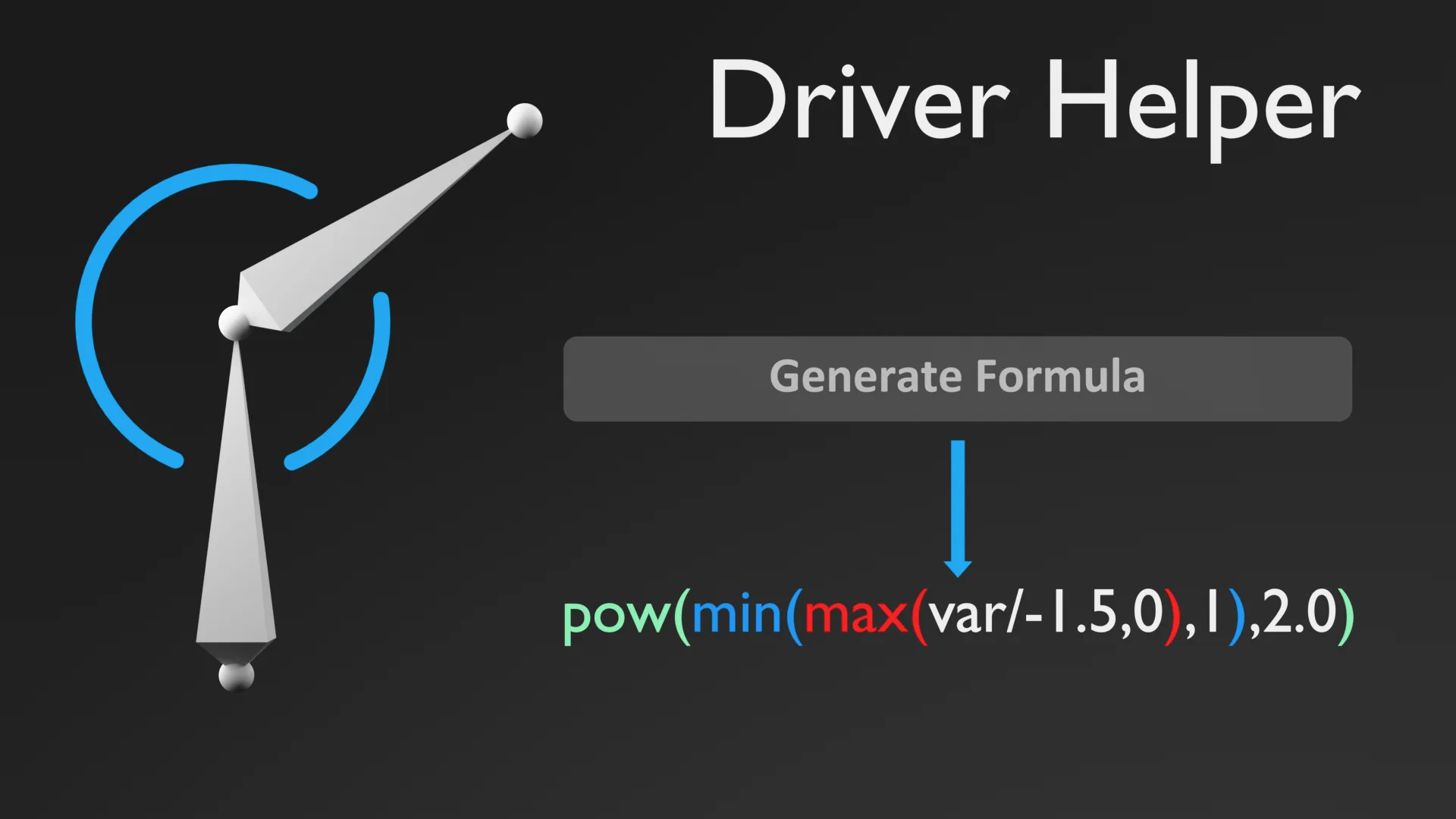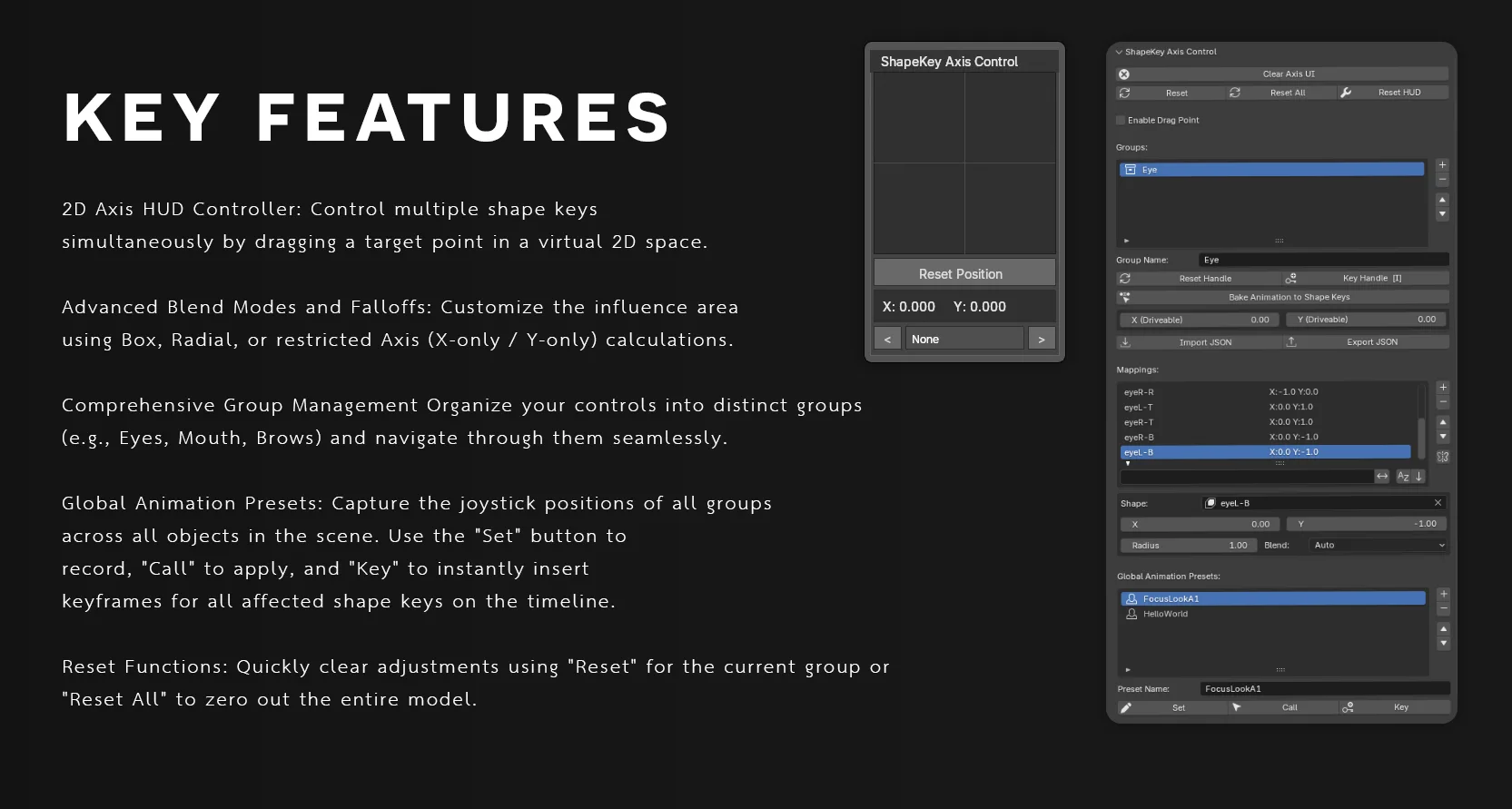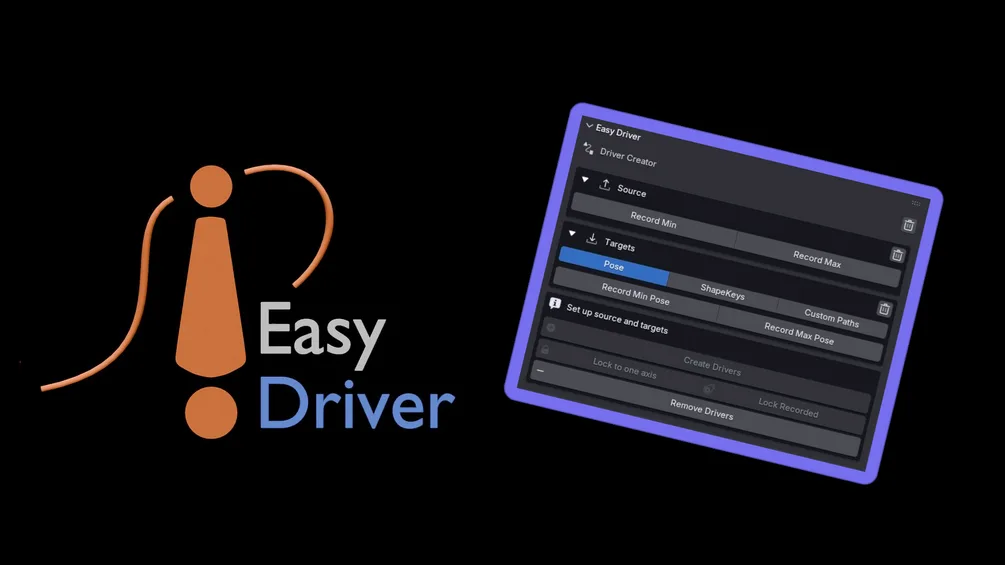
Easy Driver 2.0.1 is a Blender add-on by NeoEmberArt for creating drivers from bone and object transforms, shape key values, and custom properties or paths. It records ranges and maps them to driven properties, shape keys, custom poses, or toggles. See the Blender Extensions listing for the extension details.
Blender drivers use inputs such as properties and transform channels to produce a value for another property. The Blender Manual's driver introduction explains how driver inputs and outputs work.
Capture a useful range
Choose a bone or object, record its low and high transform values, and Easy Driver detects the axis that changed most. Version 2.0 can record from Object Mode or Pose Mode, and lets you edit recorded minimum and maximum values without recording again. It can read object and bone transforms in local or world space.
Choose inputs, targets, and curves
Easy Driver can use bone or object transforms, shape key values, custom properties, and custom paths as inputs. Custom paths can reach properties such as node inputs, modifiers, constraints, and scene settings. Targets include driven properties, shape keys, custom poses, and toggles.
Version 2.0 added three interface levels: Simple, More, and Advanced. Its curve choices include Linear, Bezier, Ease In, Ease Out, Step, Loop, Ping-Pong, and Infinite. Multi-source blending combines inputs with Add, Multiply, Subtract, or Distance operations. Advanced mode exposes options such as world-space controls, range inversion, expression editing, and finer value adjustments.
Review drivers and check the 2.0.1 fixes
The Driver Review Panel can inspect Easy Driver-created drivers, edit expressions, remove individual drivers, and clean up broken ones. Its version history says the panel currently covers drivers created with Easy Driver 2.0 or later, so it is not a general list of every driver in a Blender file.
Version 2.0.1 fixes pose recording issues in Blender 5.x. Pose Mode targets work when bones drive bones, hidden bones are skipped during recording, and multi-armature recording handles rigs with same-named bones. The release also fixes recording when the active object is not the armature. See the official version history for the full release details.
Compatibility and license
The extension manifest lists Blender 4.2.0 as the minimum version and 5.2.0 as the maximum. The Blender Extensions listing marks Blender 4.2 LTS as compatible and Blender 5.2 and later as unsupported, so plan to use it before Blender 5.2. The listing identifies the license as GPL-3.0-or-later and says no special permissions are required.
Easy Driver is suited to rigs with several mapped controls, such as shape-key or pose controls for characters, mechanical animation, or scene properties. For a single basic dependency, Blender also has a built-in Add Driver command. Review the extension listing and version history before installing to check the details for your Blender release.