Blender Ueo is a collection of workflow tools by xinglong for Blender. Its features cover selection, modifier management, viewport prompts and a built-in notepad. The Superhive listing lists Blender versions 3.6 and 4.0 and the GPL license.
Selection and modifier tools
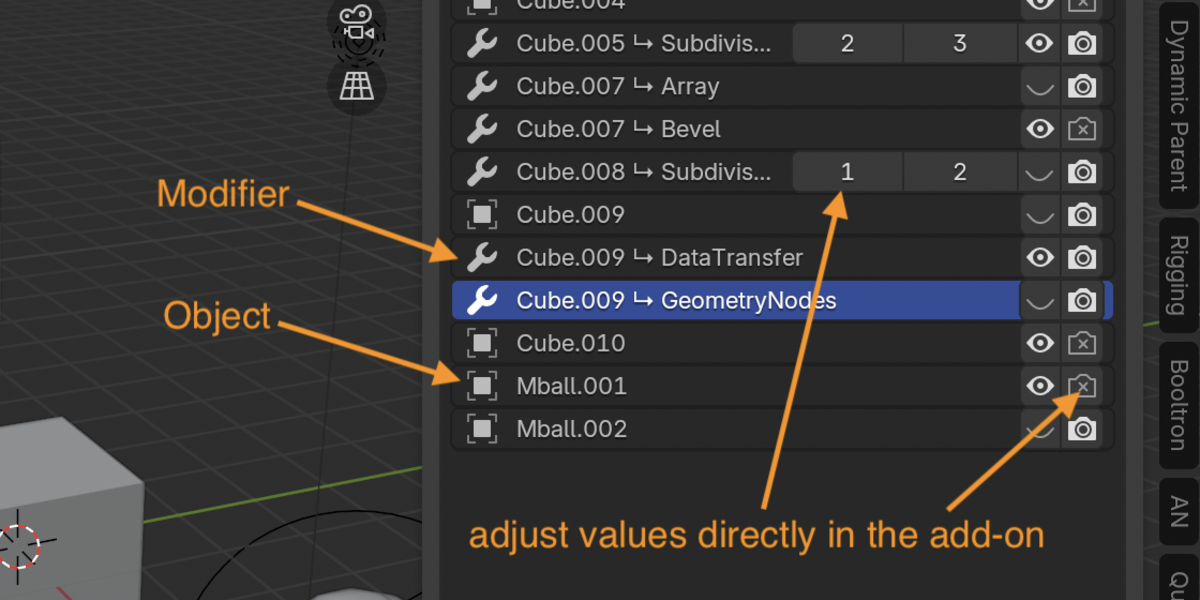
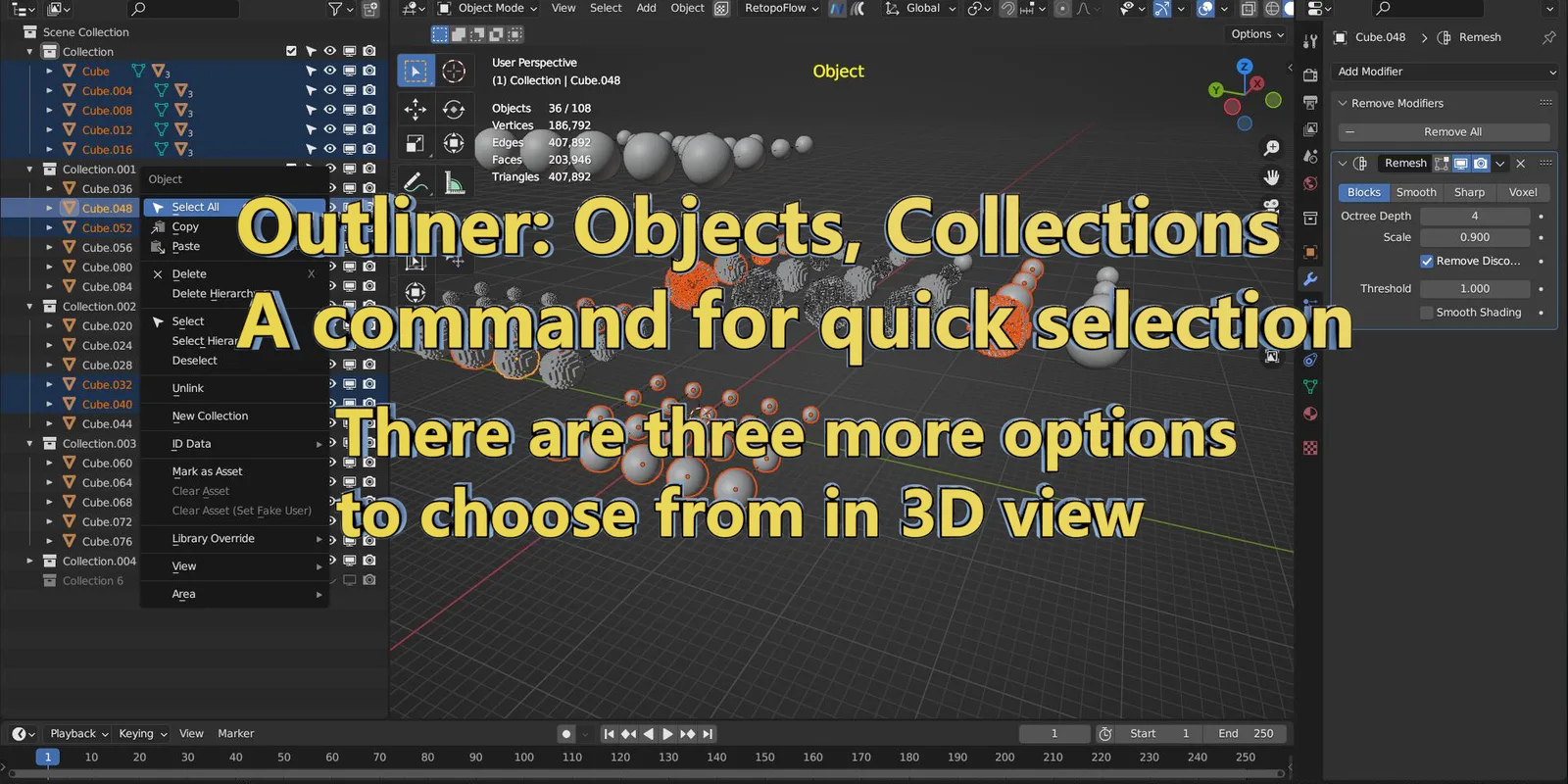
A right-click command adds Select All to the Outliner and 3D View. It supports multiple objects and collections, with three follow-up options after selection in the 3D View. For modifier work, the add-on can remove all modifiers at once or remove them by name. Its batch replication command either copies modifiers with their parameters or creates new ones.
Viewport prompts and display
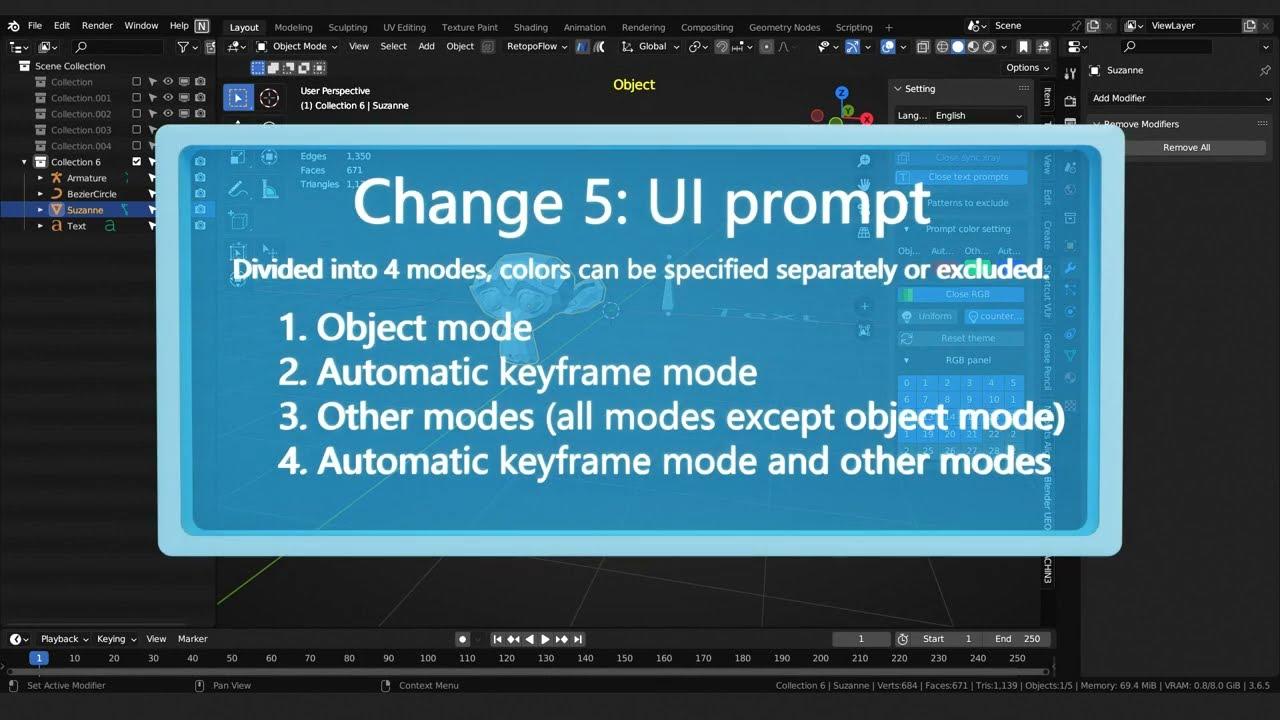
Text prompts show the current mode and perspective status. UI prompts have four modes, with separate color settings and an option to exclude prompts. X-ray status can be synchronized across areas in Blender’s main window.
An optional RGB lighting effect changes the interface appearance. The developer warns that enabling it makes transformation controls and other interface elements harder to select, including controls for moving, scaling and rotating. When updating or reinstalling the add-on, restart Blender after installation to avoid errors in its RGB functionality.
Notepad and partial model hiding
A shortcut menu opens editor windows and includes a notepad for .py and .txt files. When Blender saves a file, the add-on closes open notes first so they are not included in the .blend file. The developer cautions that a bug or unexpected operation could leave notes open, so avoid keeping private or important information there. Manage notes inside the Notepad folder and do not modify files outside it.
A feature added in update 1.2 lets users partially hide and display a model across modes. It uses a Geometry Nodes modifier. Delete the modifier if it is no longer needed, and do not apply it.
Documentation
The product documentation page links to the project’s Gitee repository. Check the listing for current compatibility and license details before installing.