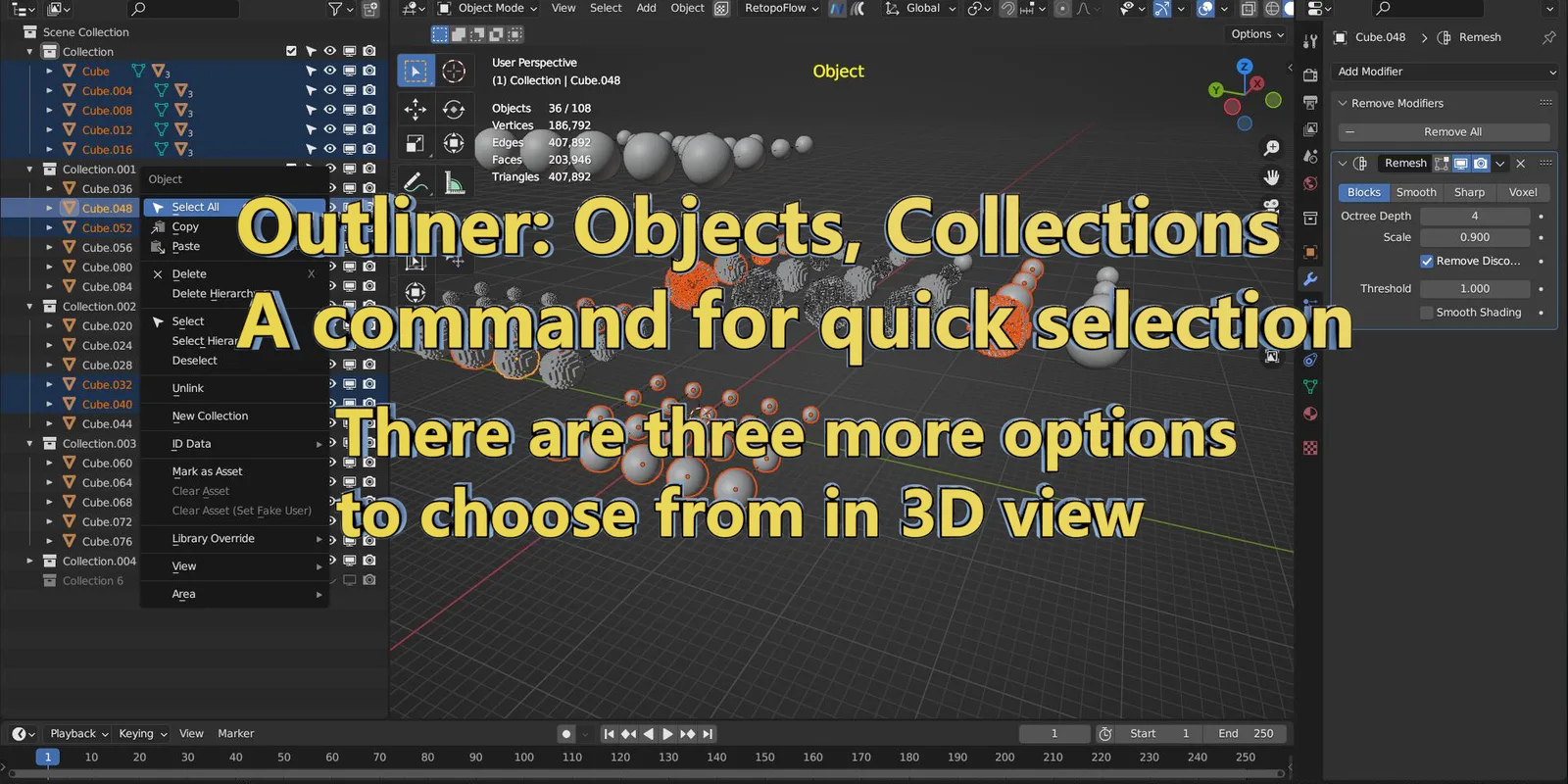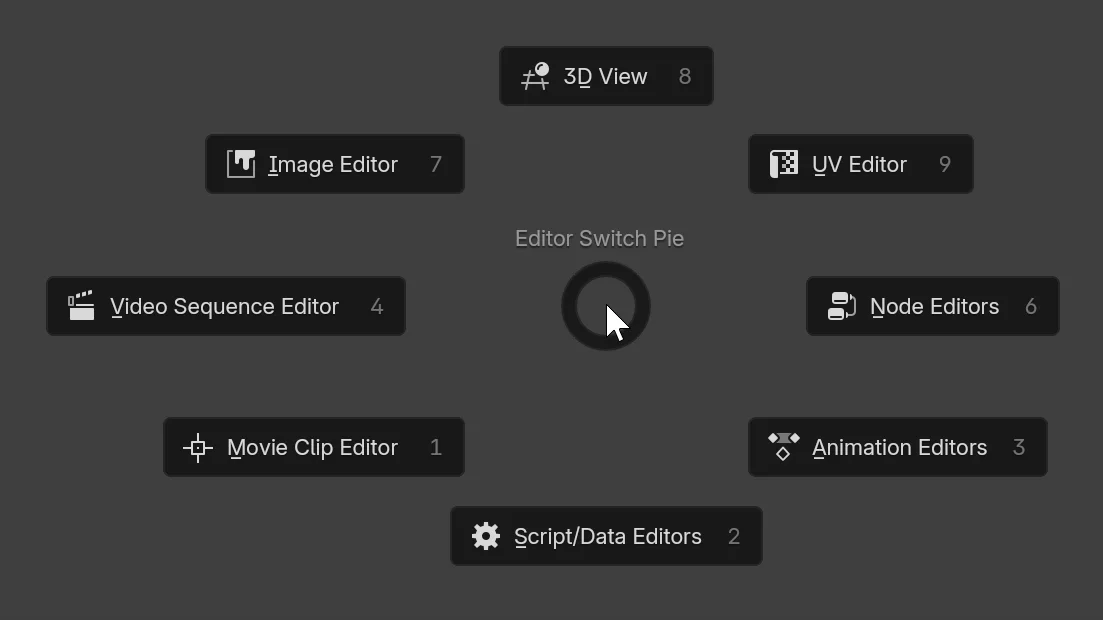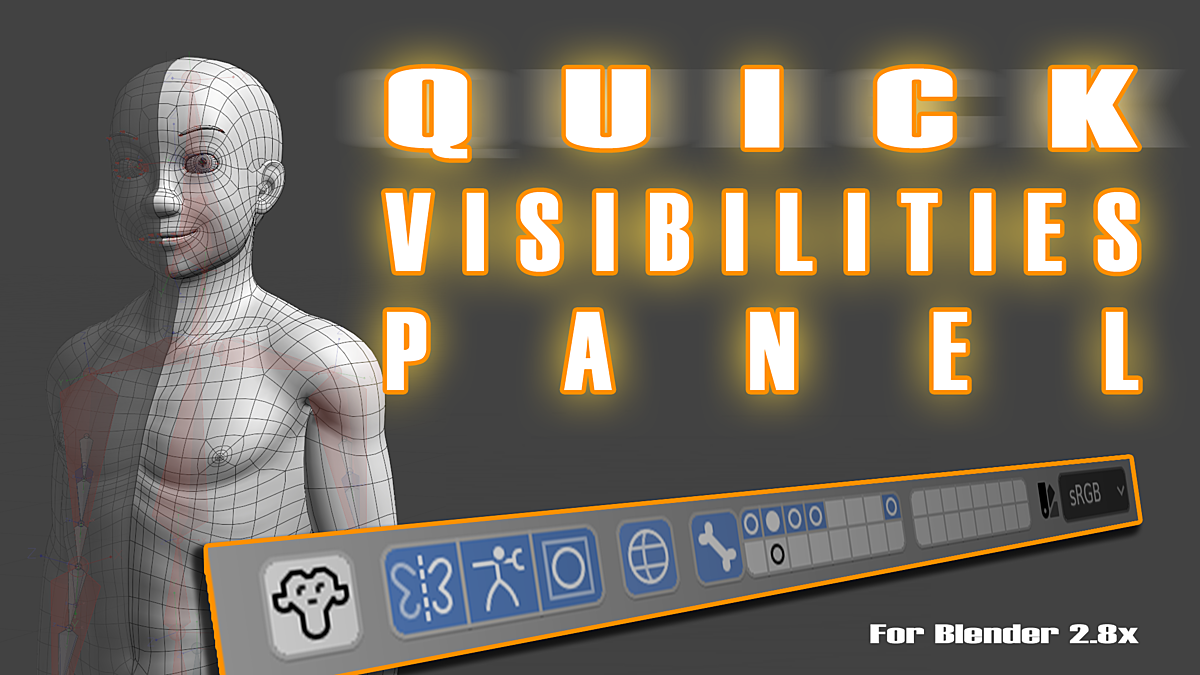
Quick Visibilities Panel is a Blender add-on by Kafuji that places controls in the right area of the 3D View header. The publisher says the add-on has reached the end of its support lifecycle and points users to Sakura UX Enhancer.
Viewport controls in the 3D View header
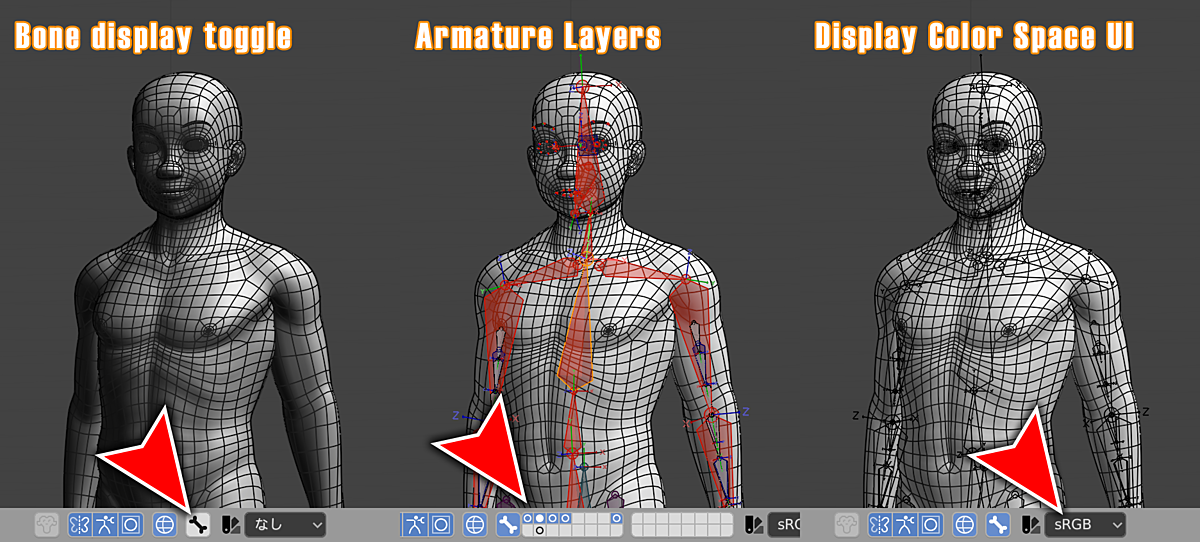
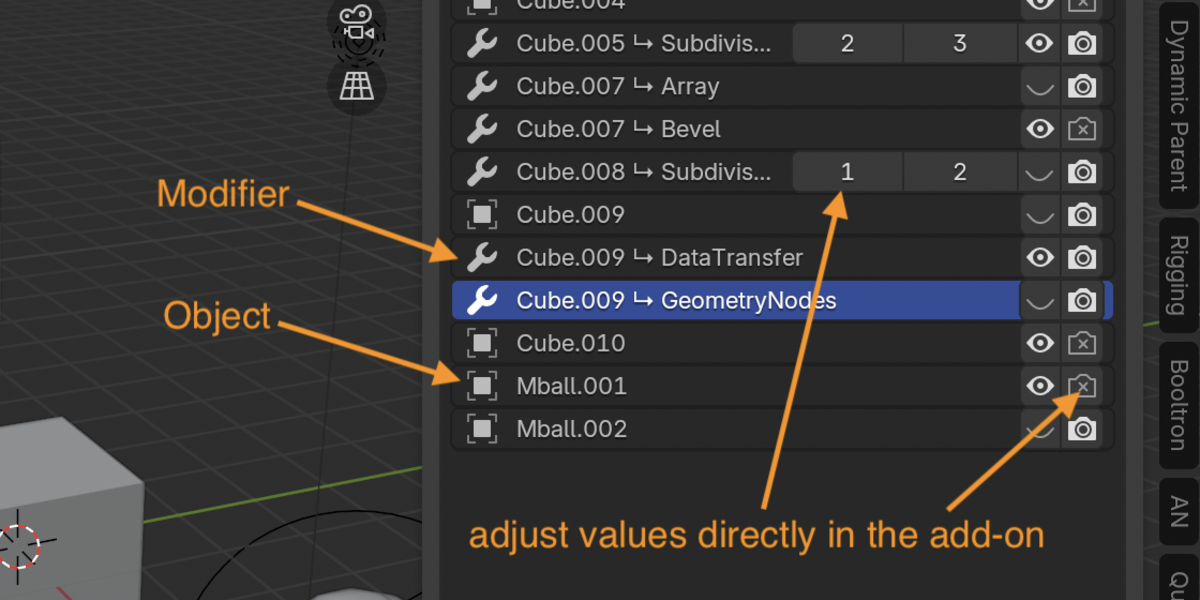
Better Local View automatically includes lights and keeps the viewport camera as it is. Modifier buttons are generated for all modifiers and let you show or hide them on all objects or selected objects. Other controls toggle the wireframe and bones overlays, provide quick access to armature layers, and expose render engine and color space options.
Each feature can be added or removed in the add-on preferences, so you can choose which controls appear.
Installation and preferences
The publisher’s documentation says to install the ZIP through Blender’s Add-on UI or unzip it into the Add-on folder manually. Then find Quick Visibilities Panel in the add-on list and activate it. The preferences also let you change the button combination and some button behavior.
Version, compatibility, and support
The product listing shows version 1.0.2 and names Blender 2.8, 2.81, 2.82, 2.83, and 2.9 as compatible versions. Its release history dates version 1.0.2 to August 9, 2020; the listing does not document compatibility with newer Blender releases. The publisher marks the add-on’s support lifecycle as ended and names Sakura UX Enhancer as a newer product. Check the publisher’s page for current transition details before relying on the add-on.