Sakura Ux Enhancer is a Blender add-on by Kafuji that brings configurable shortcuts and automation to scene controls, the 3D Viewport, and the Image Editor. Its documented features suit artists who regularly switch modifiers or modes, manage scene settings, or track images through materials and objects.
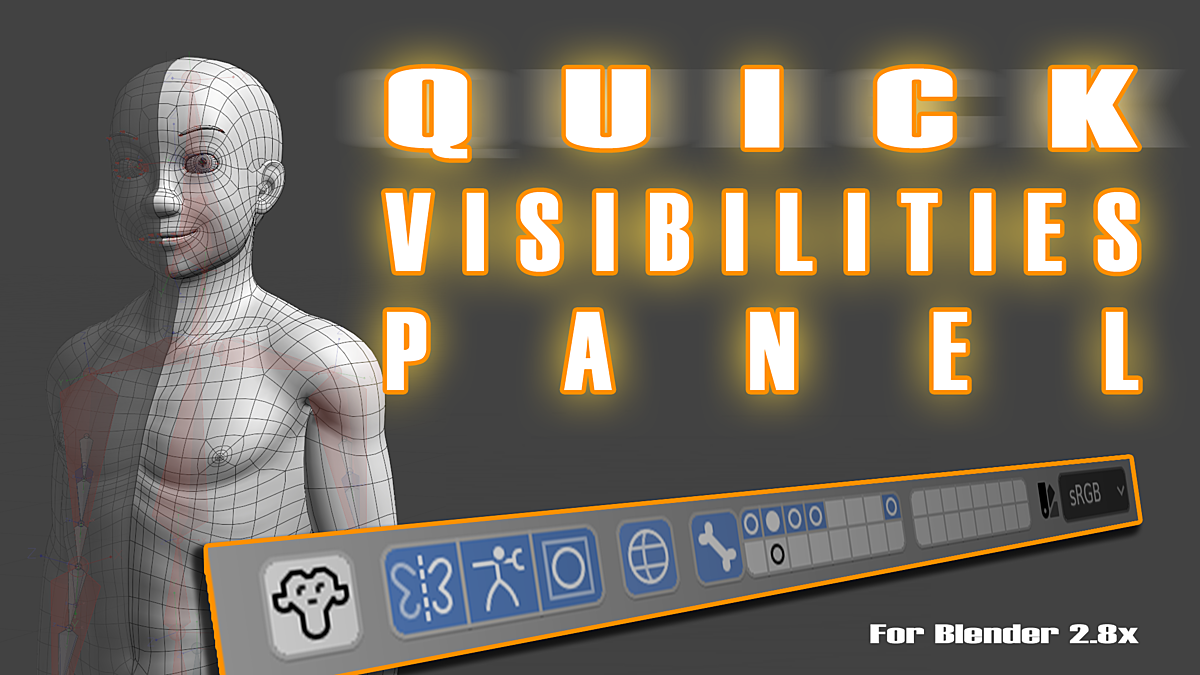
Top-bar shortcuts for scene controls
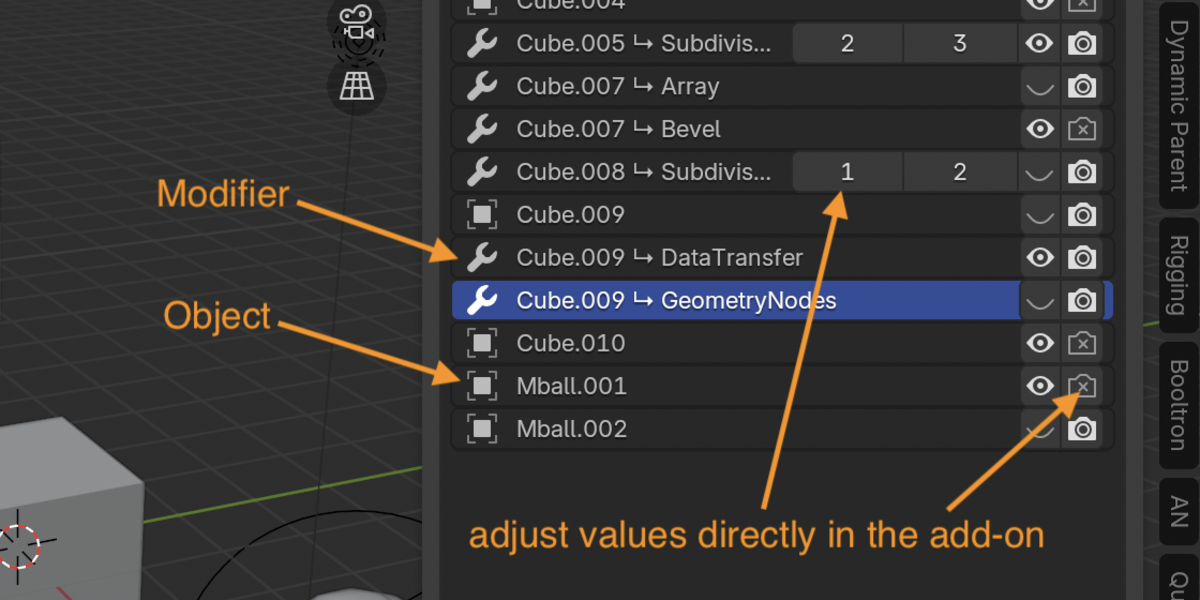
The top bar can toggle all modifiers or individual modifiers in a scene, open armature settings, access layers or collections, control lights, and switch render engines or color spaces. The modifier switcher also has object filters for the scene, visible objects, or selected objects. An optional Geometry Nodes setting can distinguish modifiers by node tree.
Mode-based viewport settings and Local View
Viewport automation can change settings when you enter specified modes, and the behavior is customizable. The add-on's Local View option includes lights and keeps the viewport camera unchanged. A “Last Used” option for shading settings was added in version 1.2.8. For example, a shading type set in Edit mode can be restored when you return to that mode.
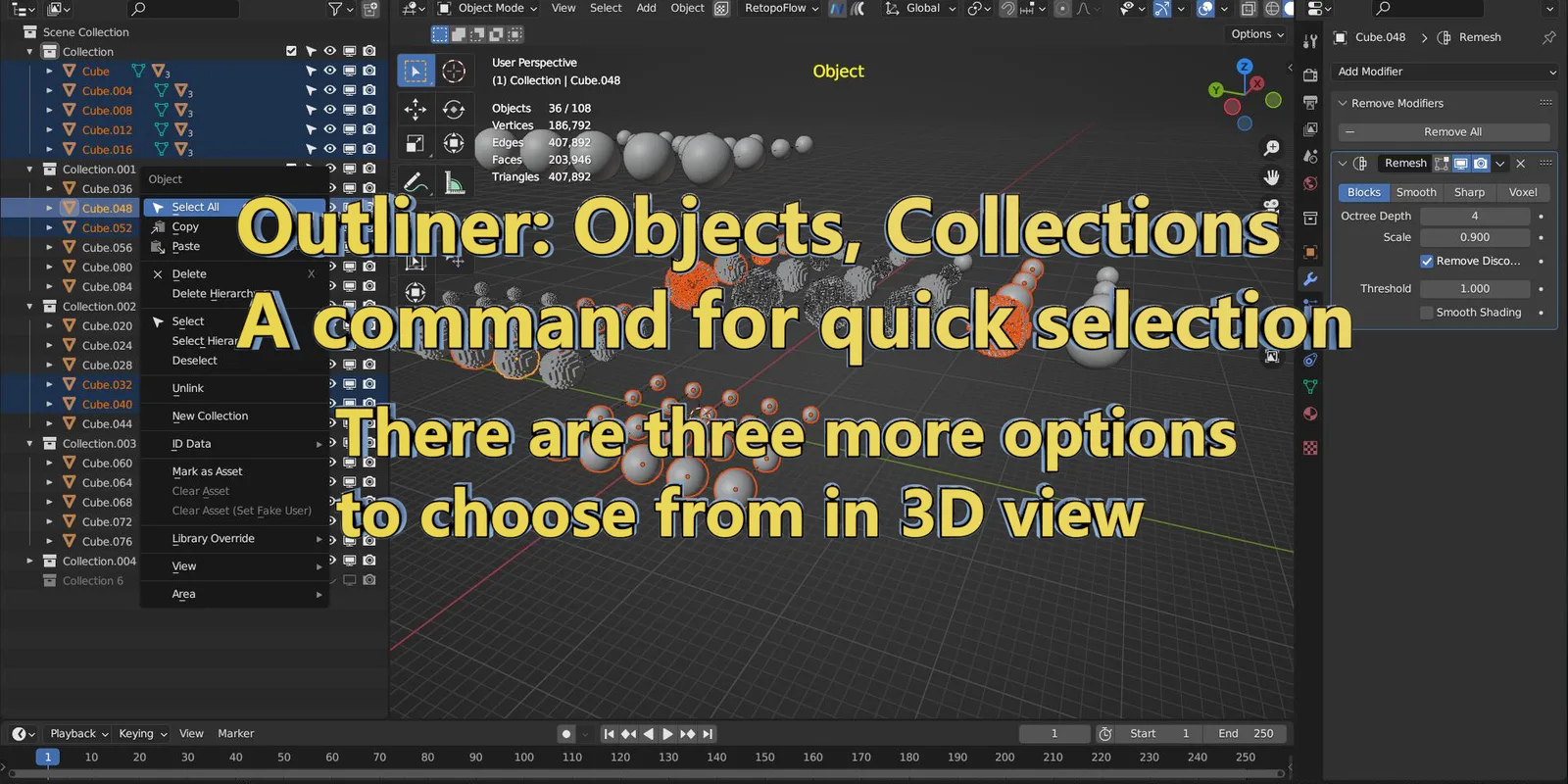
Image Editor tools connect images to scene context
The add-on can show the active image in the Image Editor when you select an object or material, or select faces in Edit mode. Double-clicking an image node in the Node Editor can show that image too. You can also mark an image node as a bake target; when you bake from the context menu, the add-on selects the marked node automatically. The developer's English documentation marks bake-target support as under testing and warns that it may behave unexpectedly. Its Image Finder panel helps locate materials, objects, or models related to the active image. The add-on warns when you enter Mesh Edit Mode with a shape key other than Basis active, helping you avoid editing the wrong shape key or missing edits to the base shape.
Compatibility, documentation, and license
The product listing marks the add-on as Blender Extension compatible and gives a Blender version range of 3.0 to 5.0. Its version 1.3.0 changelog, dated November 19, 2025, says parts of the codebase were adjusted to support Blender 5.0 and later. The developer's English feature documentation gives no compatibility range, so these sources do not establish support beyond the listing's 5.0 limit. The Superhive listing shows a price of $10 and identifies the license as GPL. See the marketplace listing for its current product details.