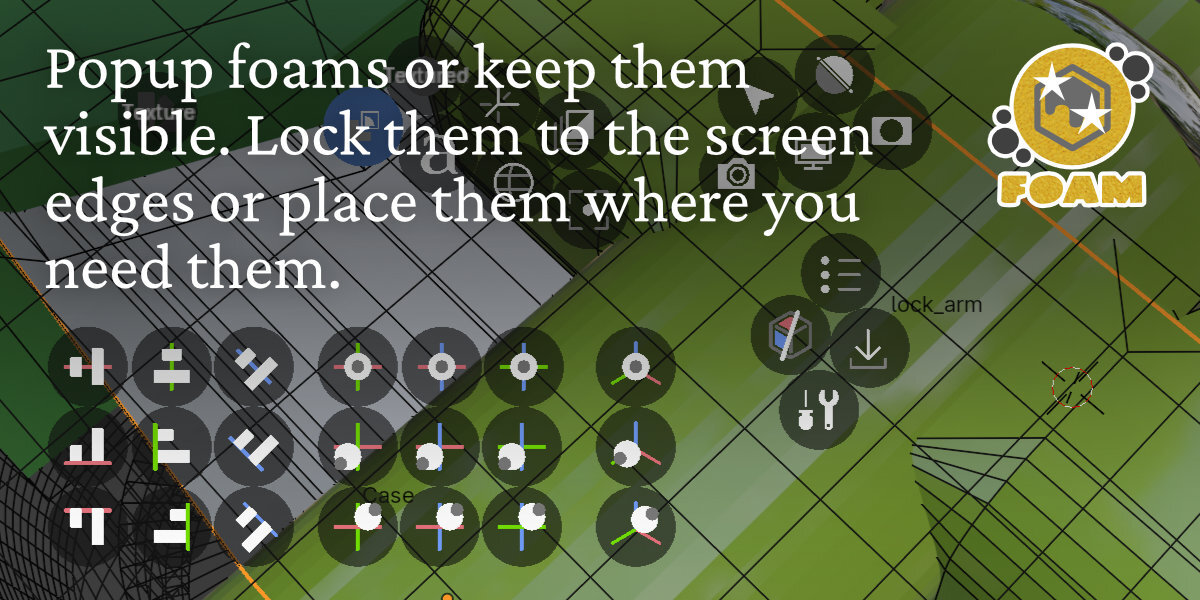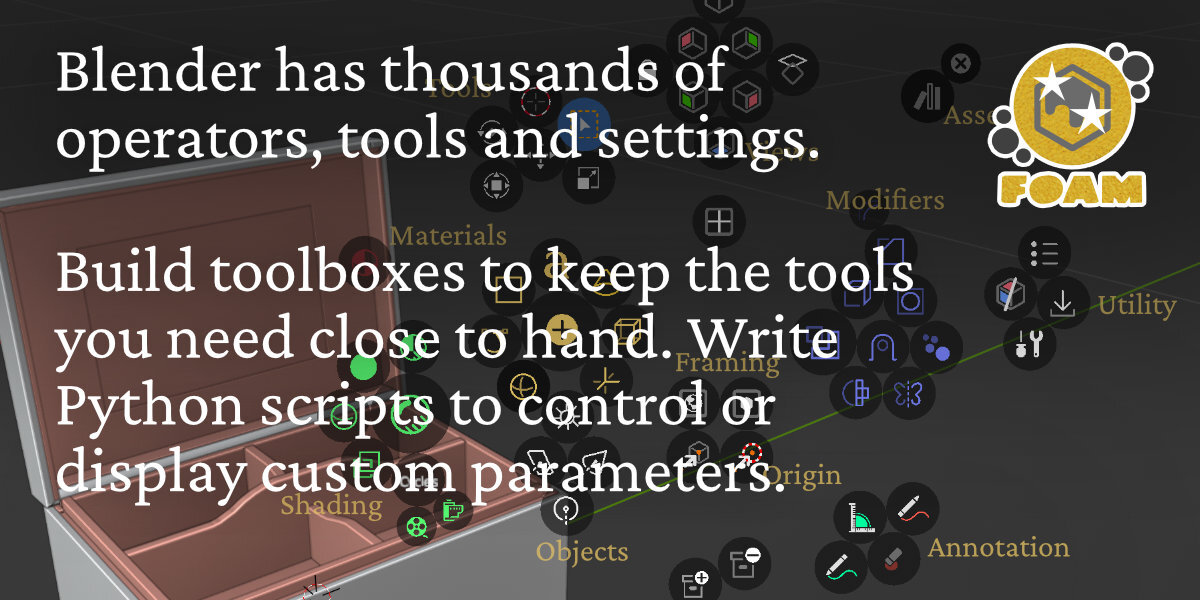
Foam is a Blender add-on for building custom interfaces from clickable bubbles, without coding. A bubble can run an operator, switch tools, or change settings. Group bubbles into a foam and assign it to a shortcut or button to open the controls together.
Customize controls for your workflow
Bubbles can run Blender operators with parameters such as size or position. Foam also supports most add-on operators and settings. Bubbles can control values on Shader nodes, modifiers, and constraints, and version 1.1.0 adds script execution. For numeric settings such as brush size, dragging up or down changes the value; set minimum and maximum limits to show a circular gauge. Color settings open a picker on hover, while enumeration settings can cycle values or show a menu.
Organize and style foams
Create separate foams for different modes or reuse the same foam in several contexts. You can associate foams with specific views and object modes, set an icon for each bubble, and use styles to distinguish groups with size, color, and icon rotation. Version 1.1.0 adds bitmap icons loaded from PNG files and anti-aliased vector icons.
Save and move your setups
Foams can be saved as text files in your user directory or another location chosen in preferences. They persist across Blender versions and can be copied to other machines. You can also store them in a blend file. Each foam can specify minimum and maximum compatible Blender versions.
Compatibility and product details
The Superhive listing identifies Foam as version 1.1.0, marks it Blender Extension compatible, and lists Blender 3.6 through 5.1. Its testing note specifically says version 1.0.0 was tested with Blender 3.6 through 4.2 on Windows, macOS, and Linux. That note does not confirm testing of every version in the listed range. Foam is developed by Owen Lewery. Check the Superhive product listing and the Foam change log for current details and documentation.