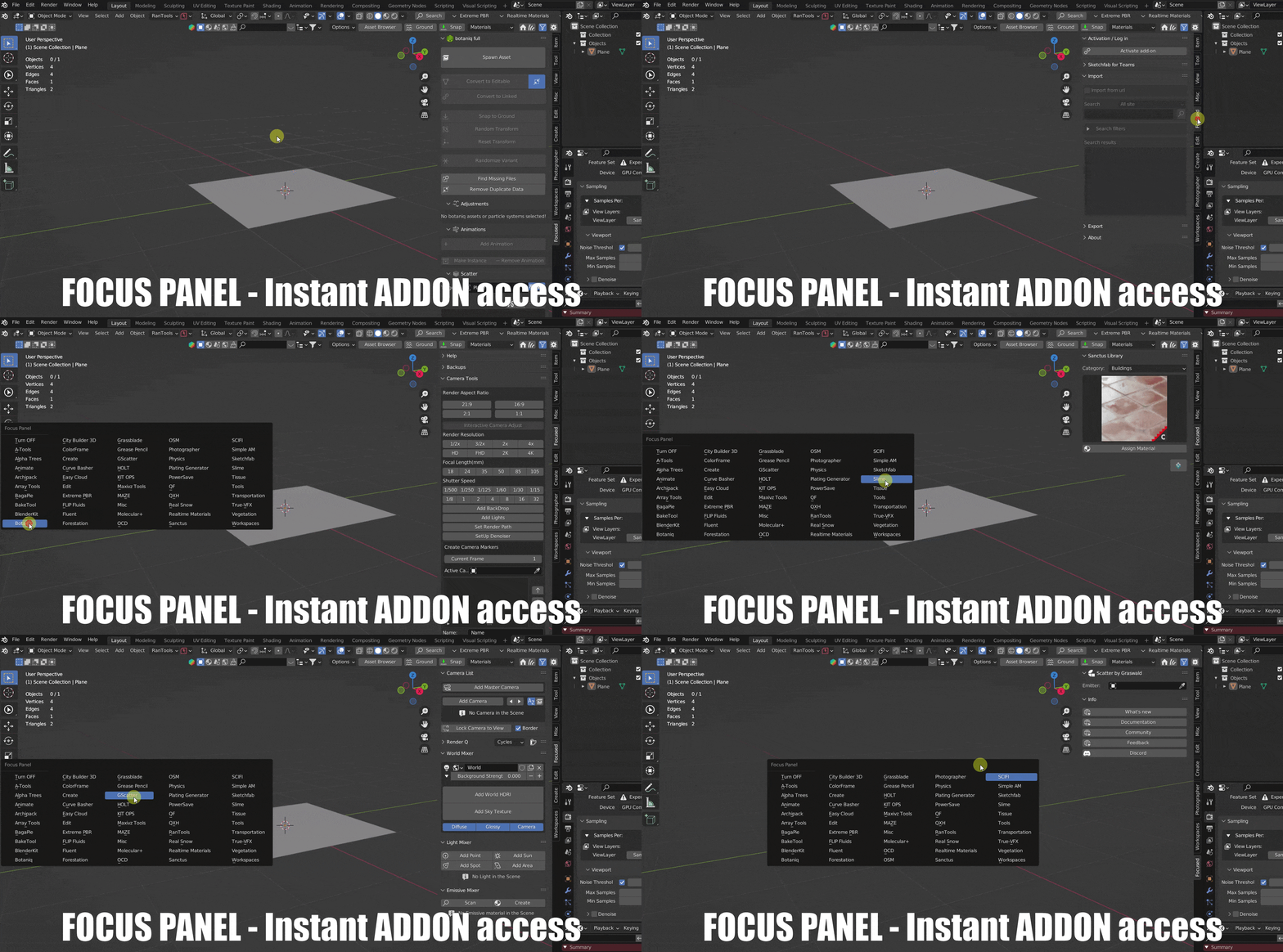
Clean Panels Pro is a Blender add-on for organizing access to add-on panels. Delayed Addon Loading lets you choose which add-ons load at startup and enable the rest on demand, but it does not work with Blender installed through the Windows Store. You can group favorite add-ons for access through viewport icons, dropdowns, or pie menus.
Choose what loads at startup
In Blender’s add-on preferences, enable Delayed Addon Loading under Pro Features. Use the plus control to choose which enabled add-ons should load when Blender starts. Leave the list empty to start with Blender’s built-in add-ons and Clean Panels. To enable the remaining add-ons later, use the Load Addons button in the viewport.
The developer presents delayed loading as a way to reduce startup work from add-ons. The time saved depends on your setup and which add-ons you use. The developer’s setup notes also say that Blender installed on the main drive may need to be started with administrator rights during setup. After updating Blender, enable Delayed Addon Loading again.
Organize add-on panels
- Focus Panels provide quick access to panels.
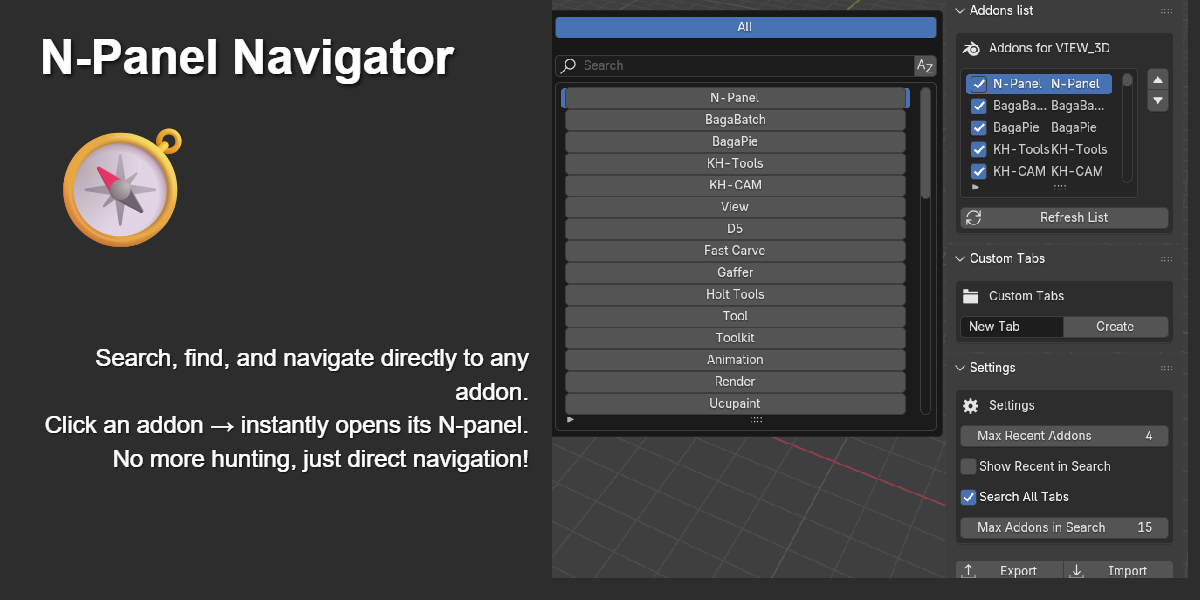
- N-Panel filtering groups favorite add-ons into categories with icons. Switch between categories from the viewport or a pie menu. The filtering method introduced in version 3 does not depend on workspace filtering.
- Drop Down Panels let you categorize favorite tabs and pin them to the top bar. Some panel functions remain accessible even when an add-on is disabled in the current workspace.
- PopUp Panels bring tabs and panels up through a pie menu.
Clean Panels Pro also lets you create sets of add-ons and load a set when needed; the product page lists add-on sets as available in version 6.
Compatibility and limits
Delayed Addon Loading does not work with Blender installed through the Windows Store. The developer also notes that some add-ons may not work with Drop Down Panels or the PopUp single-panel type because of how those add-ons are built. If a panel behaves unexpectedly, the developer accepts reports through the product page or the Clean Panels Discord.
For setup steps and current product details, see the developer’s documentation and Clean Panels Pro product page.