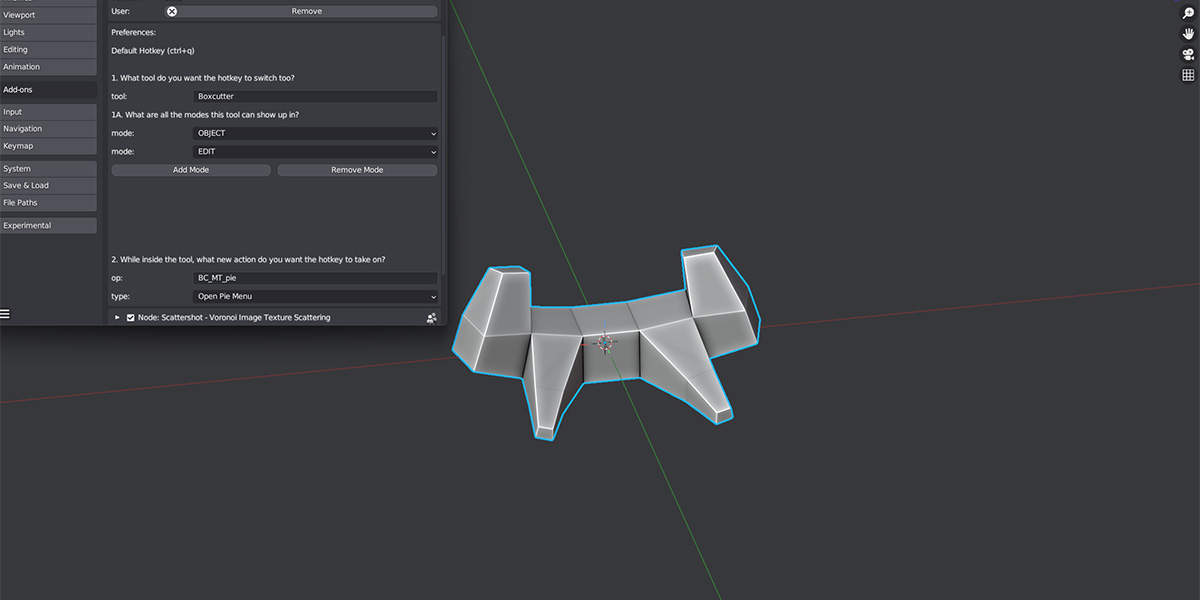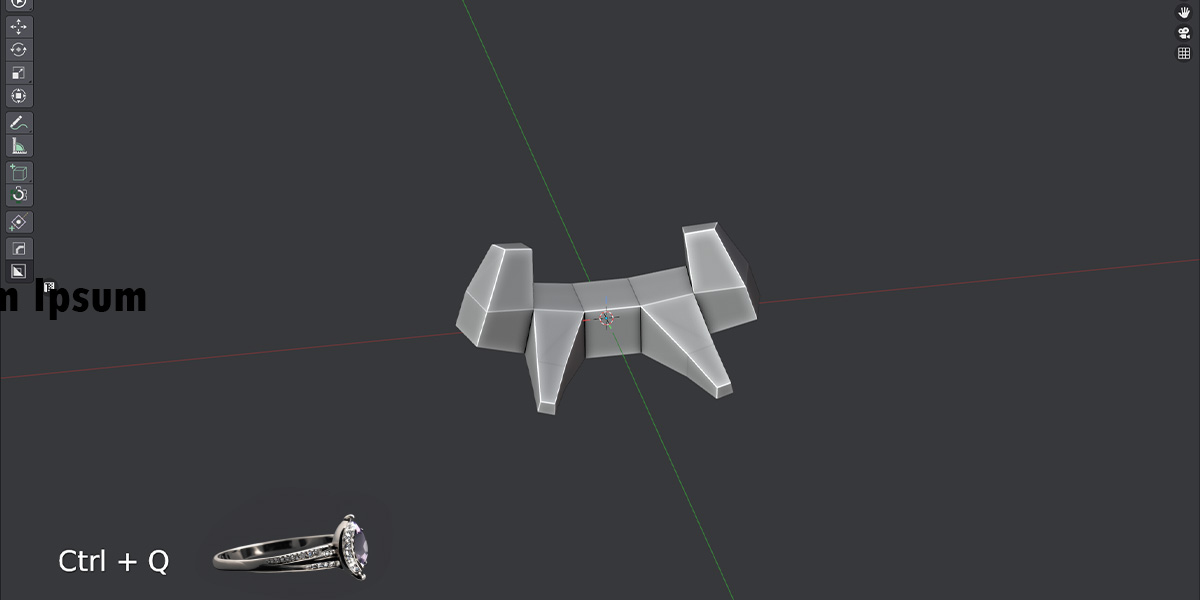
Hotkey Heaven is a Blender add-on from Galaxy Studios for a hotkey-driven tool workflow. Choose a tool, activate it by pressing the add-on's hotkey, then press that hotkey again to perform an action of your choice. The Superhive listing says it works with any tool in any mode.
Compatibility and installation
The listing's compatibility field names Blender 3.0 through 4.0, and its notes say Blender 3.0+. Check the current product listing for support details if you use a newer release.
To install it, download the .zip file. In Blender, open Edit, Preferences, Add-ons, then Install, and select the downloaded file. A product note dated September 23, 2023, says an addon_util bug during installation was fixed.
Fit and product details
The listing does not describe how users select or configure the follow-up action. Superhive lists the license as GPL and the creator as Galaxy Studios.