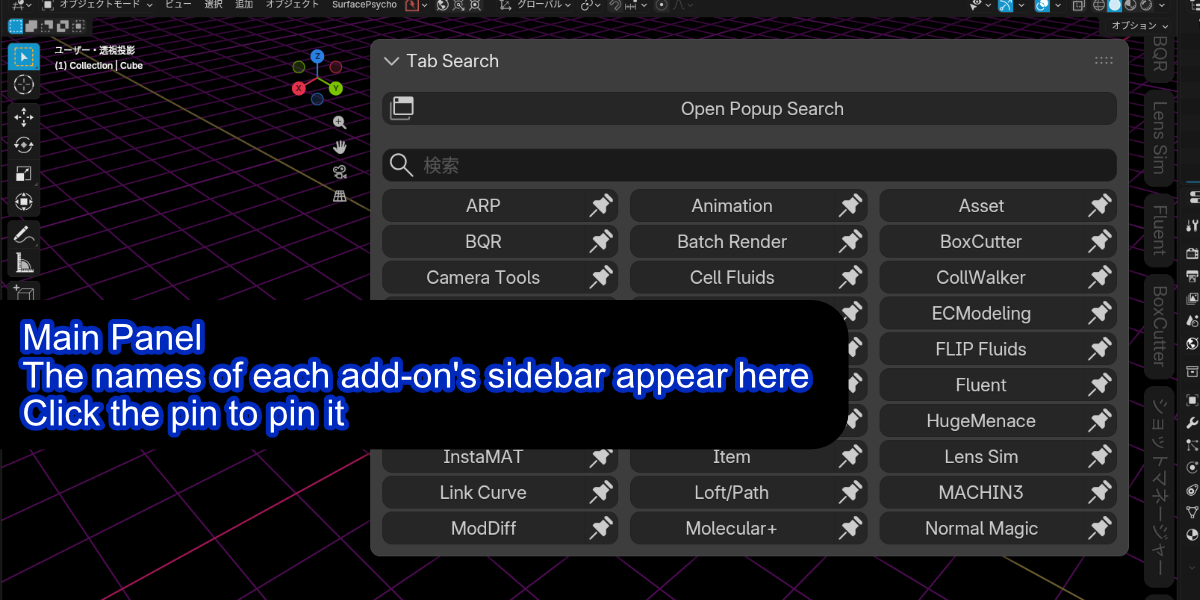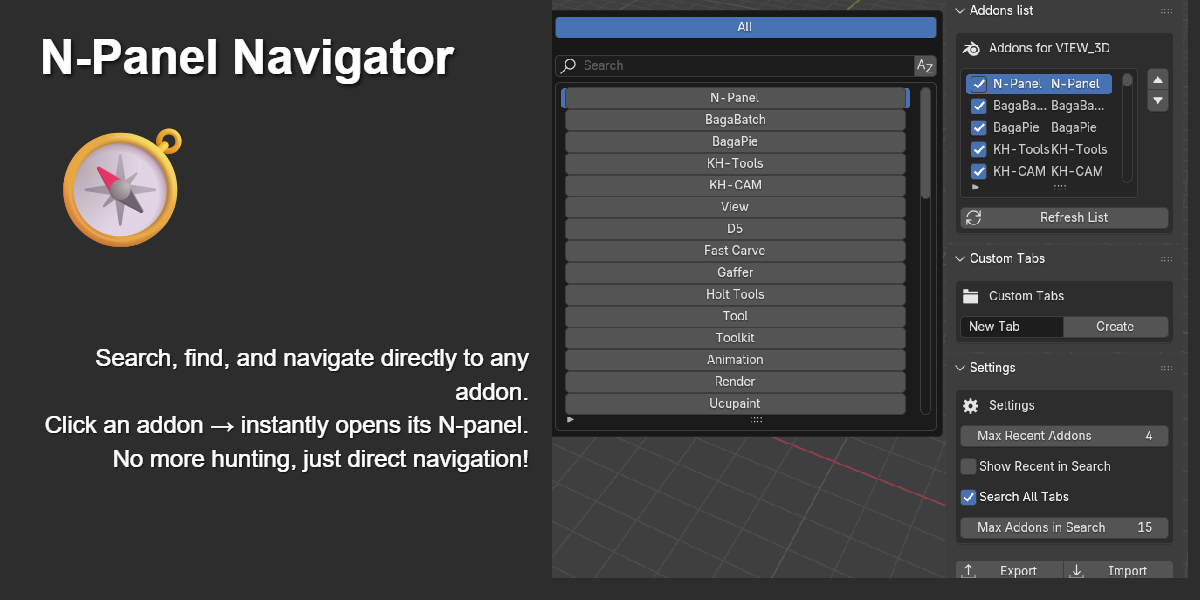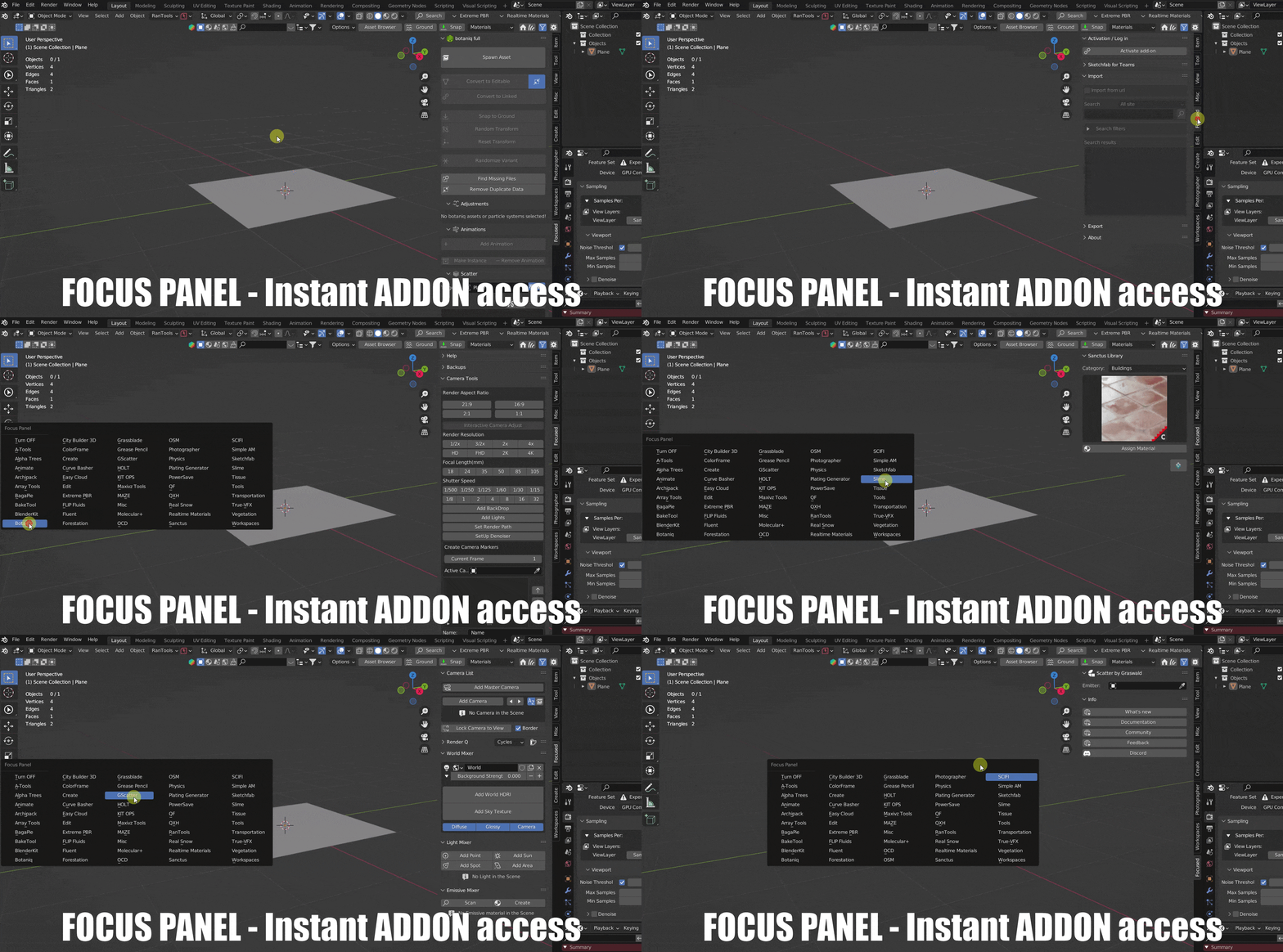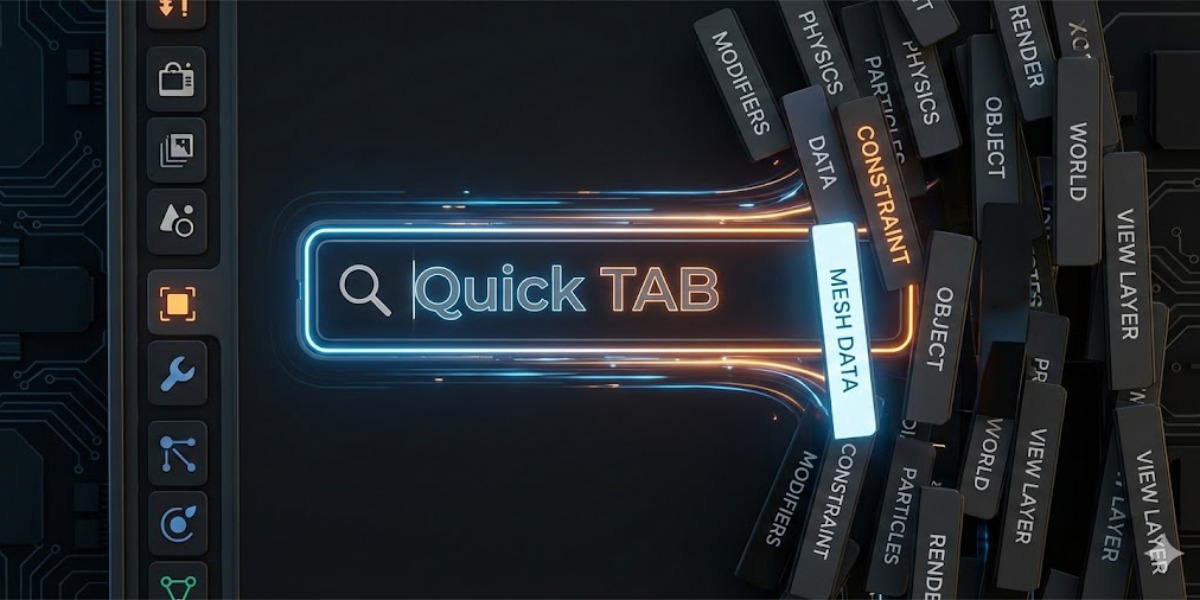
Quick Tab is a Blender interface add-on for finding tools in a crowded N-Panel sidebar. It searches tab names and internal panel labels, lets you pin frequently used tabs, keeps panels visible across sidebar tabs with Always Show, and opens a popup search window in the 3D Viewport. Version 1.0.5 also includes Add-on Decks for grouping installed add-ons by task.
Search and pin sidebar tools
Type in the sidebar search bar to filter tabs. Quick Tab also searches panel labels, which can help when you remember a tool's name but not which add-on contains it. Pin favorite tabs to keep them near the top of search results.
The popup opens with Ctrl + Shift + T by default. Quick Tab's preferences let you adjust the shortcut, grid columns, result limit, popup width, and padding. The product documentation describes the sidebar's Search category and popup controls.
Manage add-ons with Decks
The Add-ons mode lets you enable or disable installed add-ons from the sidebar or popup. Its filters show all add-ons, enabled add-ons, or disabled add-ons. The Decks system groups add-ons into task setups such as Modeling, LookDev, and Animation. You can combine multiple decks, while protected add-ons stay enabled when you switch setups.
The listing also describes a global All ON/OFF control for non-protected add-ons and protection that prevents Quick Tab from being disabled through its own controls.
Compatibility and included guides
The developer's product listing states that Quick Tab supports Blender 3.0.0 and newer and identifies Blender 4.x as fully tested. It is released under the GNU General Public License v3 or later. The add-on package includes an HTML Quick Start guide and a Shortcut Recovery guide. The developer notes that AI assisted with coding, while hinata_hugu handles the design decisions and user support.