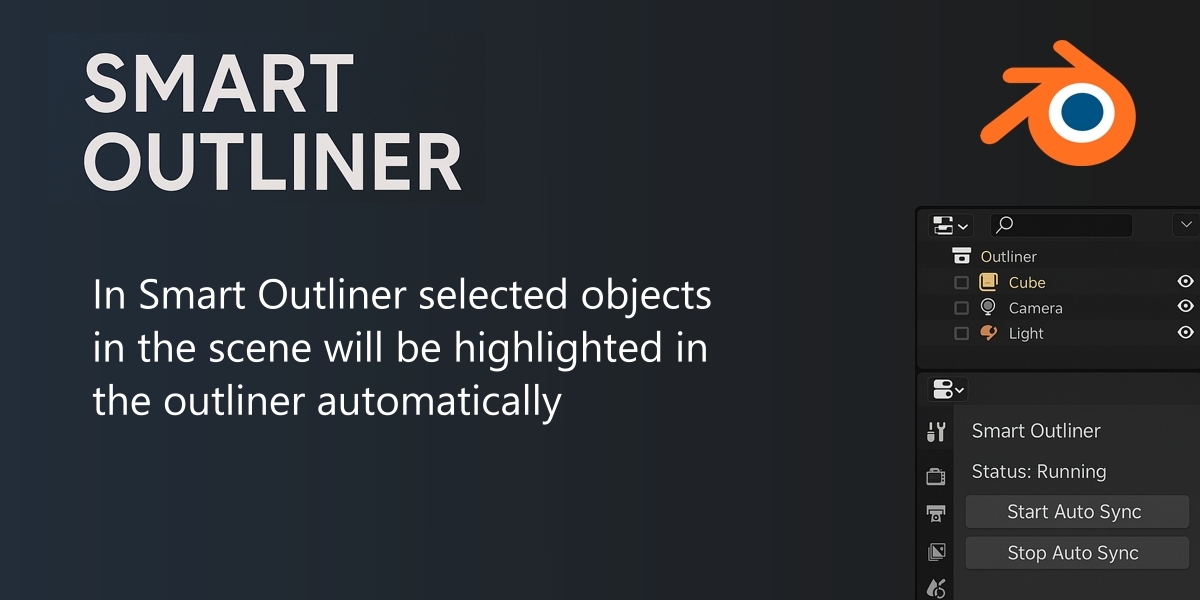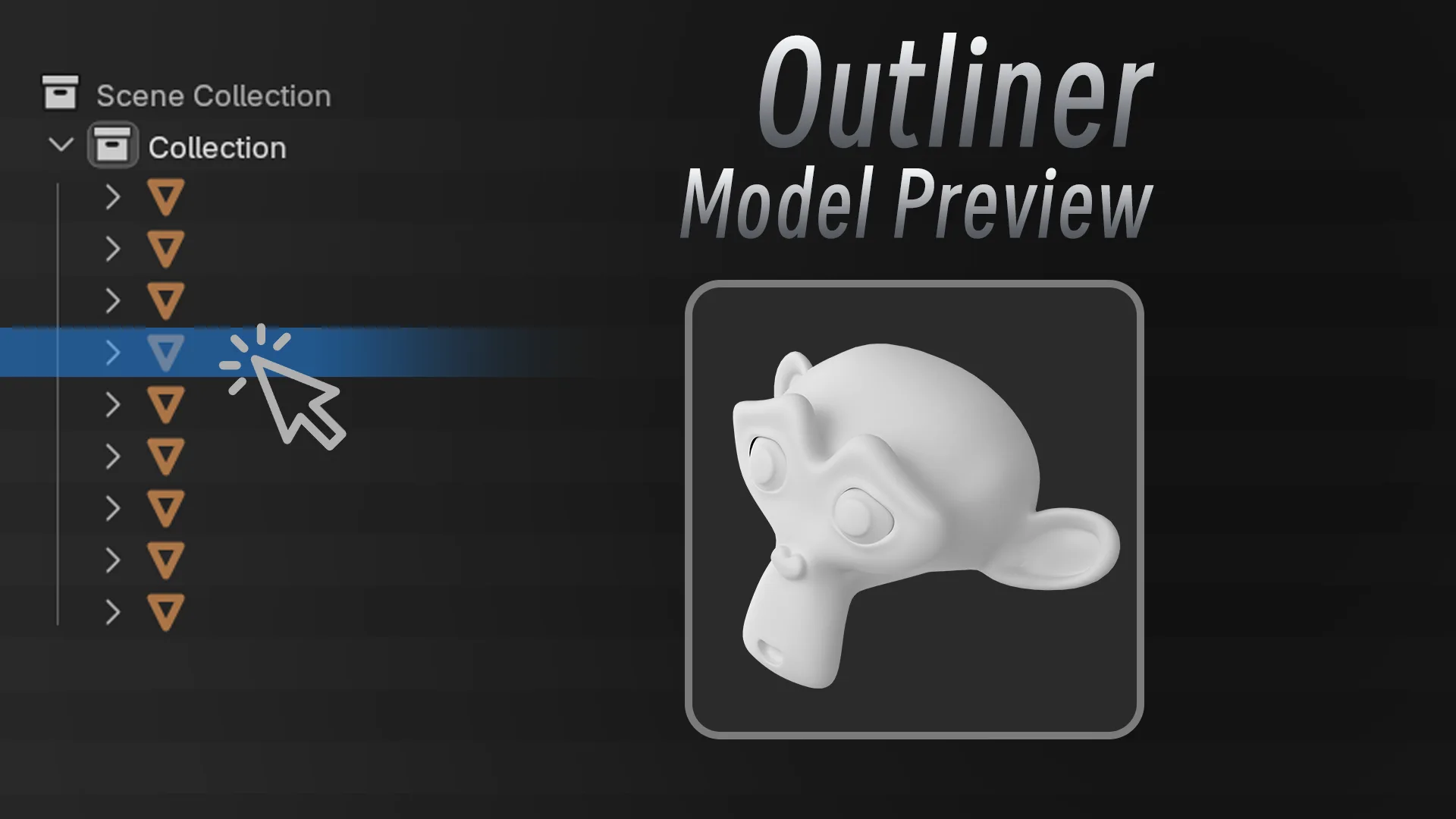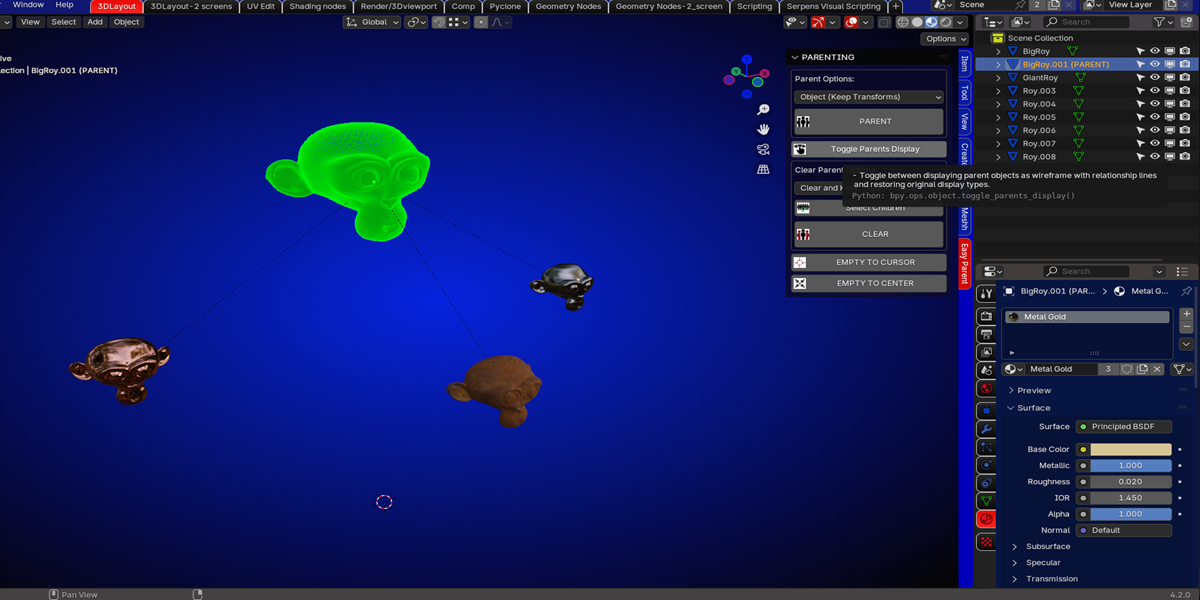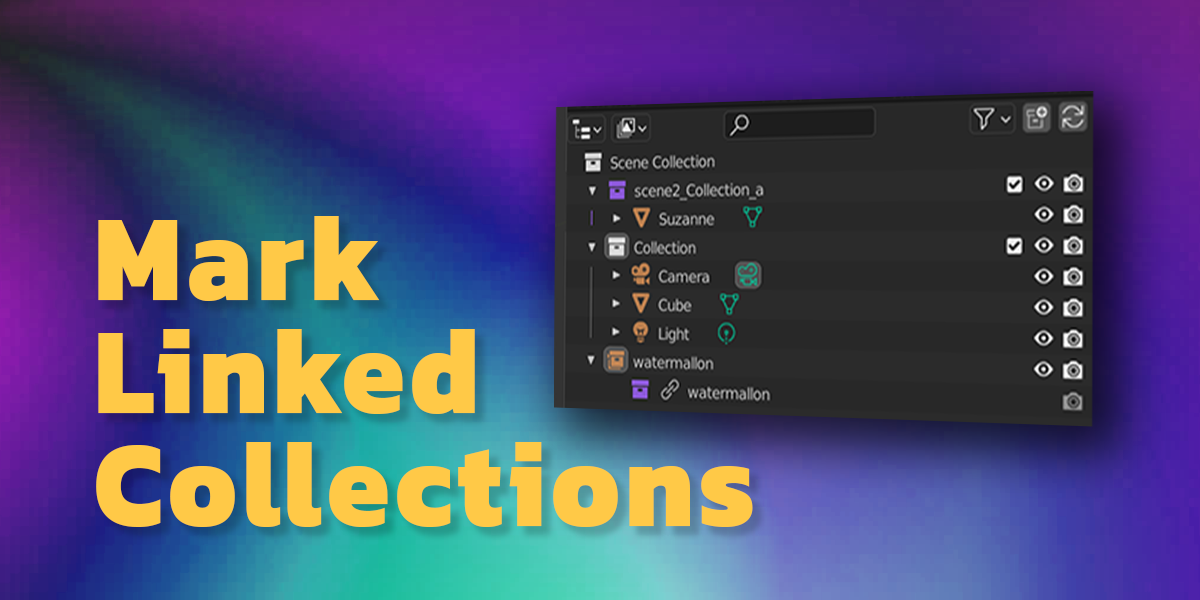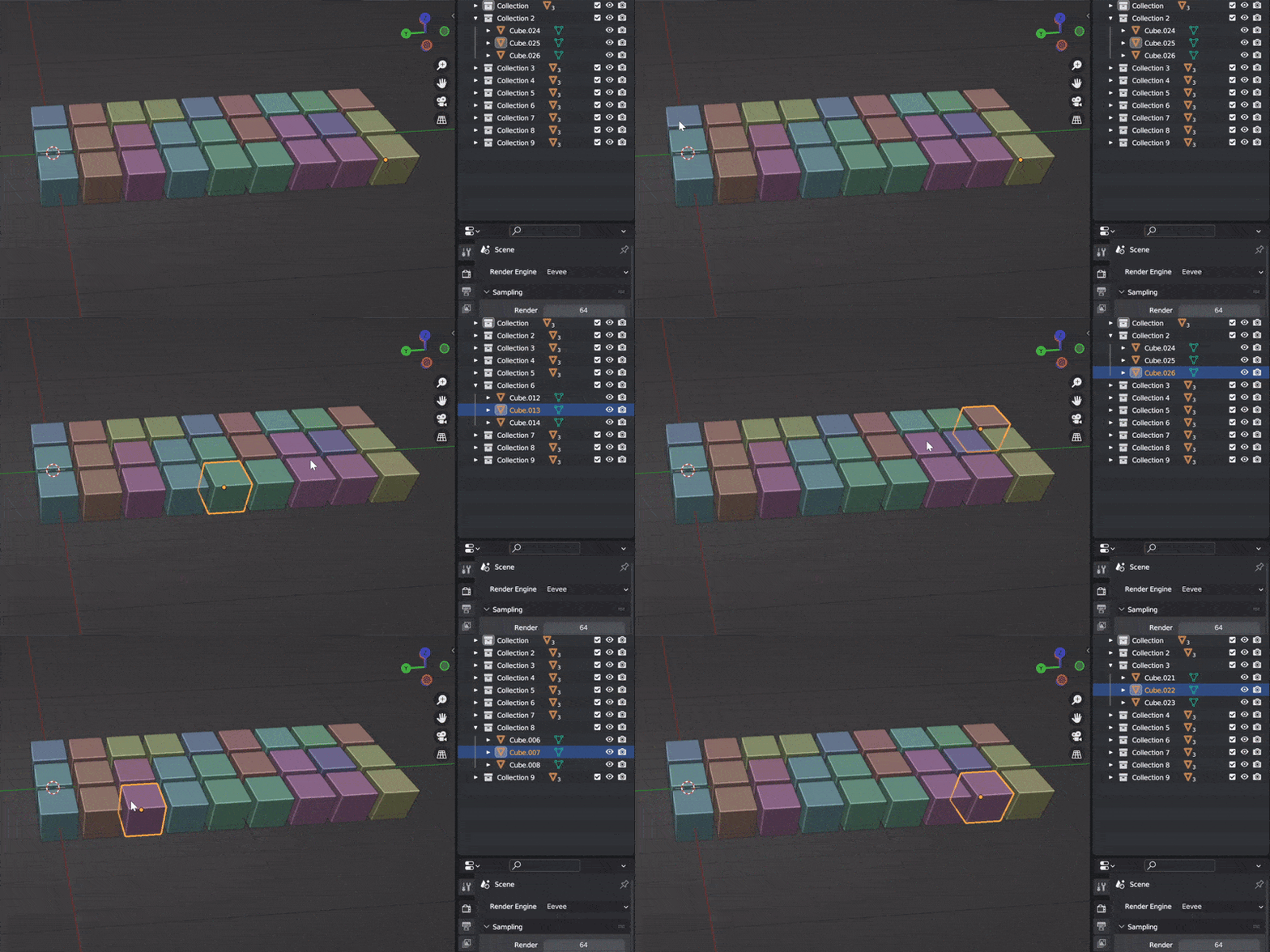
Auto-Highlight in Outliner is a Blender add-on that expands the Outliner to reveal the object selected in the 3D View. Blender already has a control for revealing a selection, but using it requires another action each time. This add-on automates that step, which can make it easier to find selected objects in scenes with many entries.
How selection tracking works
After you enable Auto-Highlight, selecting an object in the 3D View expands the Outliner to show it. You can turn on the optional Collapse Other Collection setting to collapse other collections and keep the selected object's collection visible. The add-on also supports multiple Outliners, including Outliners in separate windows, and both left-click and right-click selection.
It is most useful when a scene has enough objects or collections that locating each selection by hand becomes a repeated task.
Install and enable the add-on
- Download the add-on ZIP from Amandeep's product listing.
- In Blender, open Edit > Preferences > Add-ons and choose Install.
- Select the ZIP file, install it, then enable the add-on in the Add-ons list.
- In the Outliner, open the Filters dropdown and switch on Auto-Highlight.
Once Auto-Highlight is active, the Collapse Other Collection option appears in the Outliner filters. Turn it on if you want other collections collapsed around the selected object's collection.
Changes in version 3.3
Version 3.3 improves expansion for parented objects and avoids refreshing the Outliner when the relevant collection is already expanded. It adds a default-state setting for new scenes and an option to show the actual selected object instead of its grayed-out parented entry. The release also adds experimental support for expanding bones in Pose Mode,
Compatibility and license
The product listing marks the add-on as Blender Extension compatible, gives a Blender version range from 3.3 to 5.2, and lists a GPL license. Check the listing for current compatibility and installation details before downloading, especially if your Blender version falls outside that range.