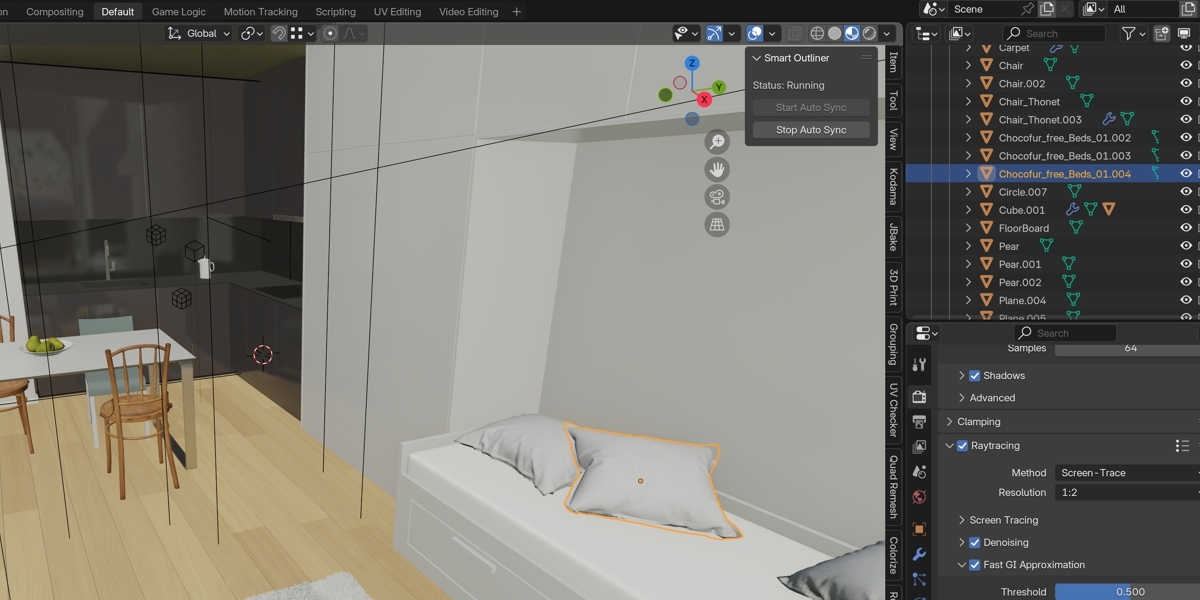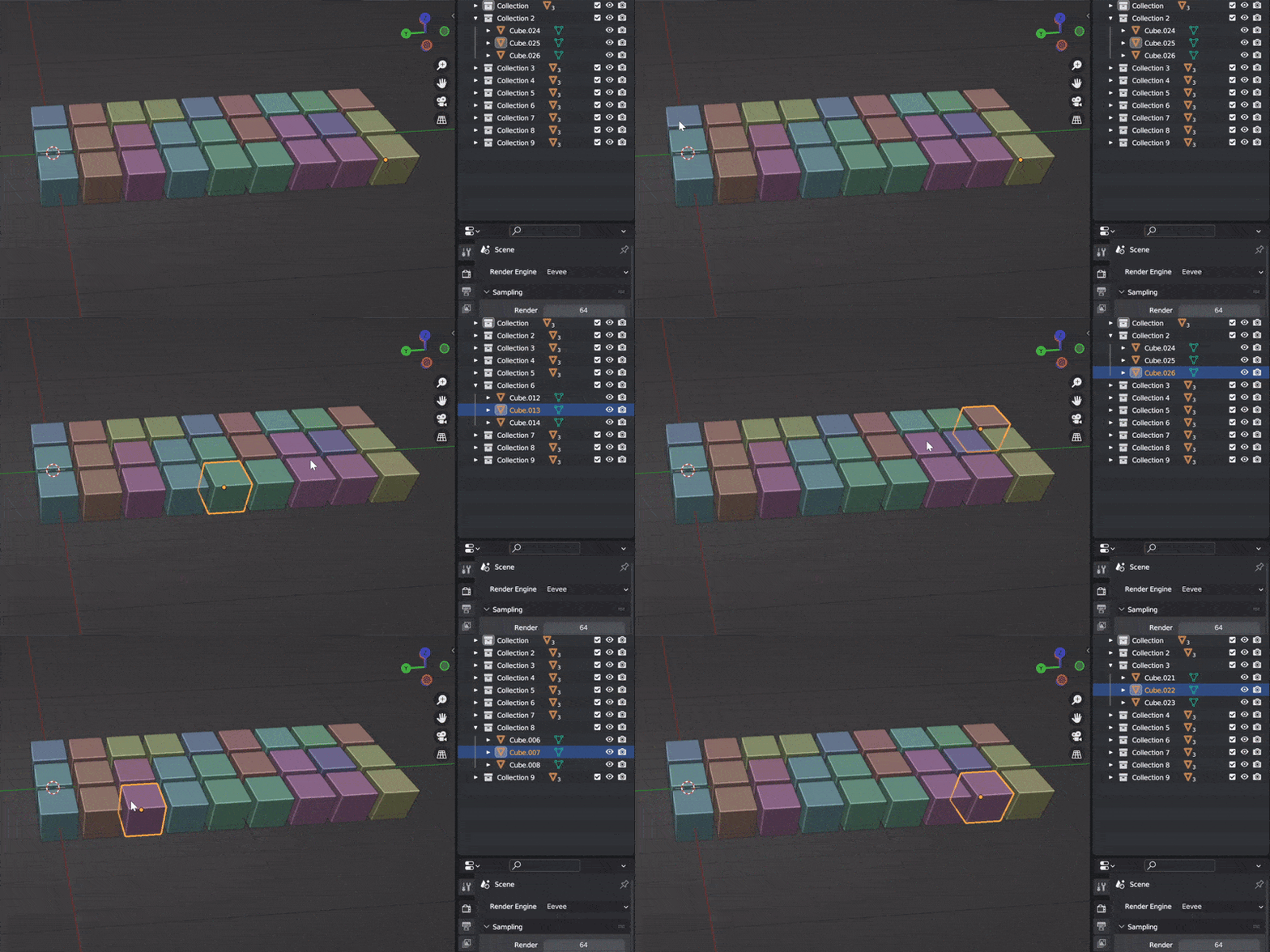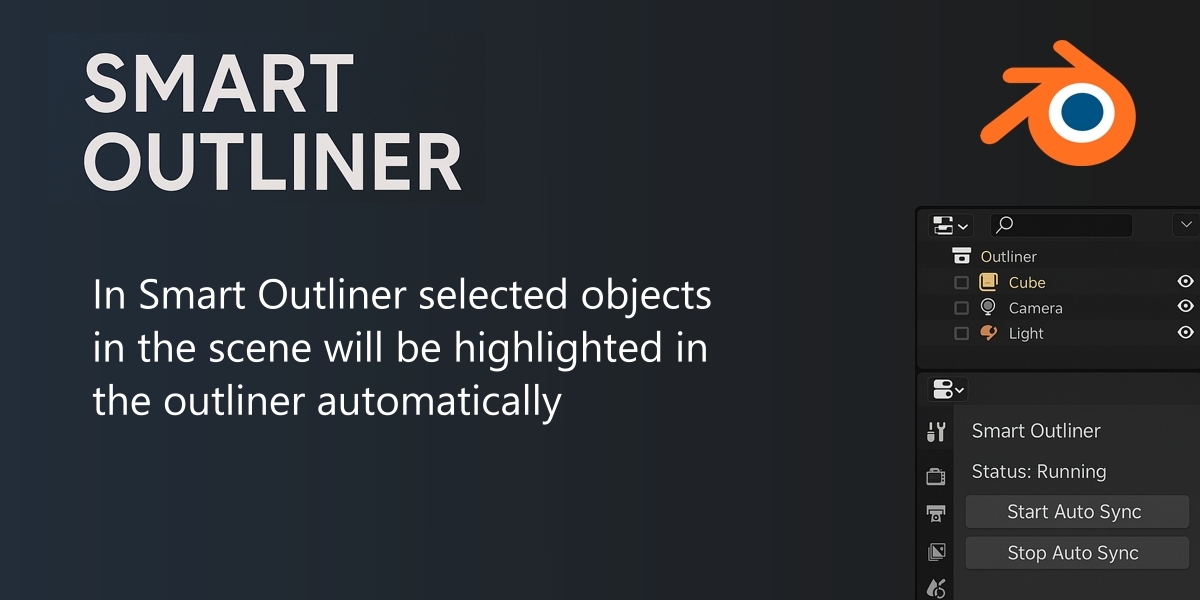
Smart Outliner is an add-on for Blender by Azerilo. While Auto Sync is running, it reveals the selected object in the Outliner when you select it in the 3D Viewport. It is intended to make object navigation easier in large or complex scenes and hierarchies.
How Smart Outliner works
The documentation says Smart Outliner starts working after installation and enablement when Blender starts; the product listing describes its automatic behavior as starting on file load. With Auto Sync running, selecting an object in the 3D Viewport makes Smart Outliner scroll the Outliner to reveal it. This can help artists who regularly move between viewport selections and a large scene hierarchy, including animators working with rigs.
Automatic sync and manual controls
To control syncing, open the 3D Viewport sidebar by pressing N and select the Smart Outliner tab. The controls include Start Auto Sync and Stop Auto Sync. The Azerilo documentation describes these controls and the automatic behavior.
Compatibility and license
The product listing names Blender 3.6–5.0 in its version details, while its summary mentions Blender 3.6 and 4.x. Ask Azerilo to confirm Blender 5.0 support if you plan to use that version. The listing identifies the add-on’s license as GPL.
Buying it with other Azerilo add-ons
The listing says Smart Outliner is also included in Azerilo Smart Tools with seven other add-ons. Check the current package listing for its price and terms if you are considering the bundle.