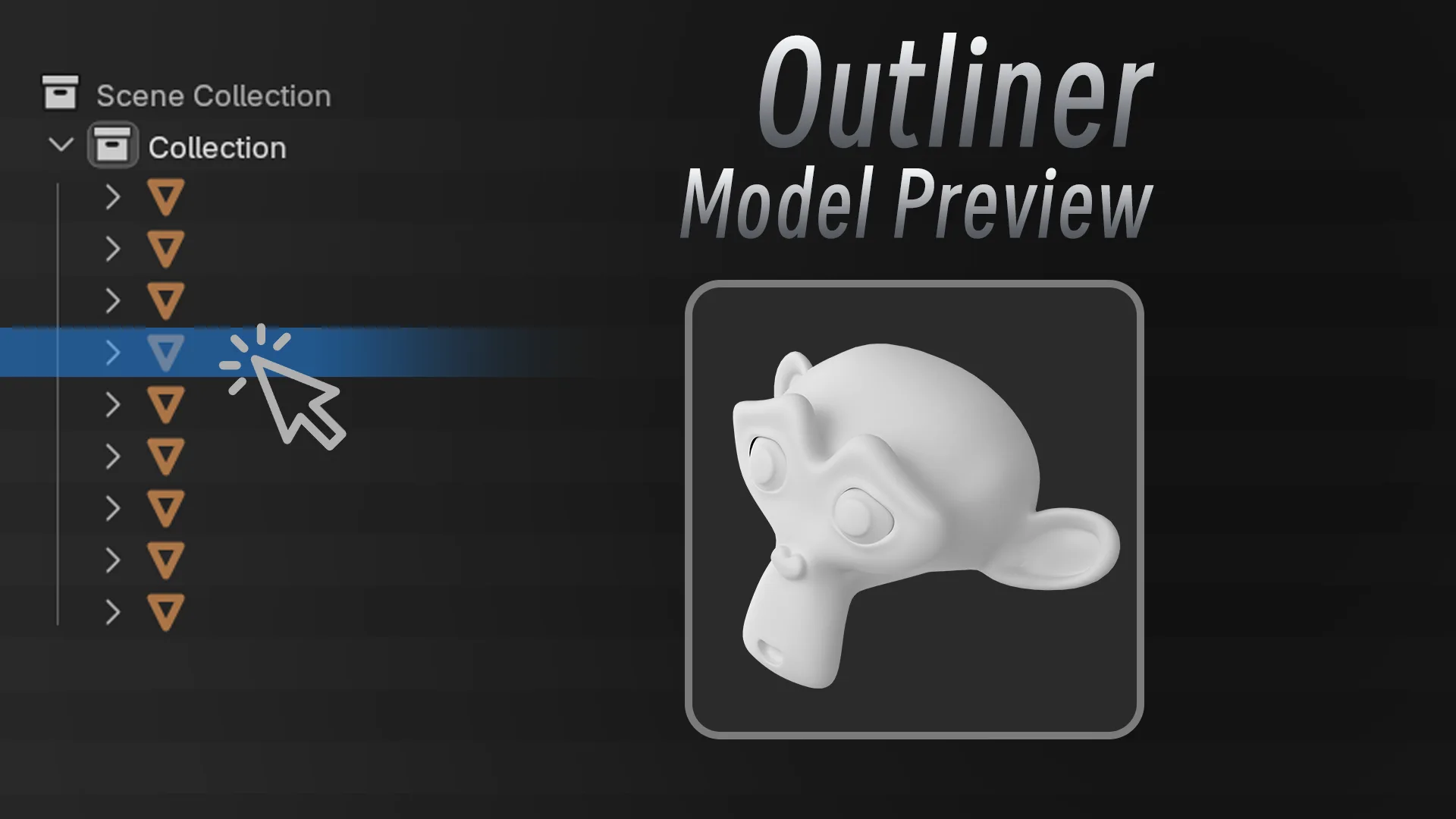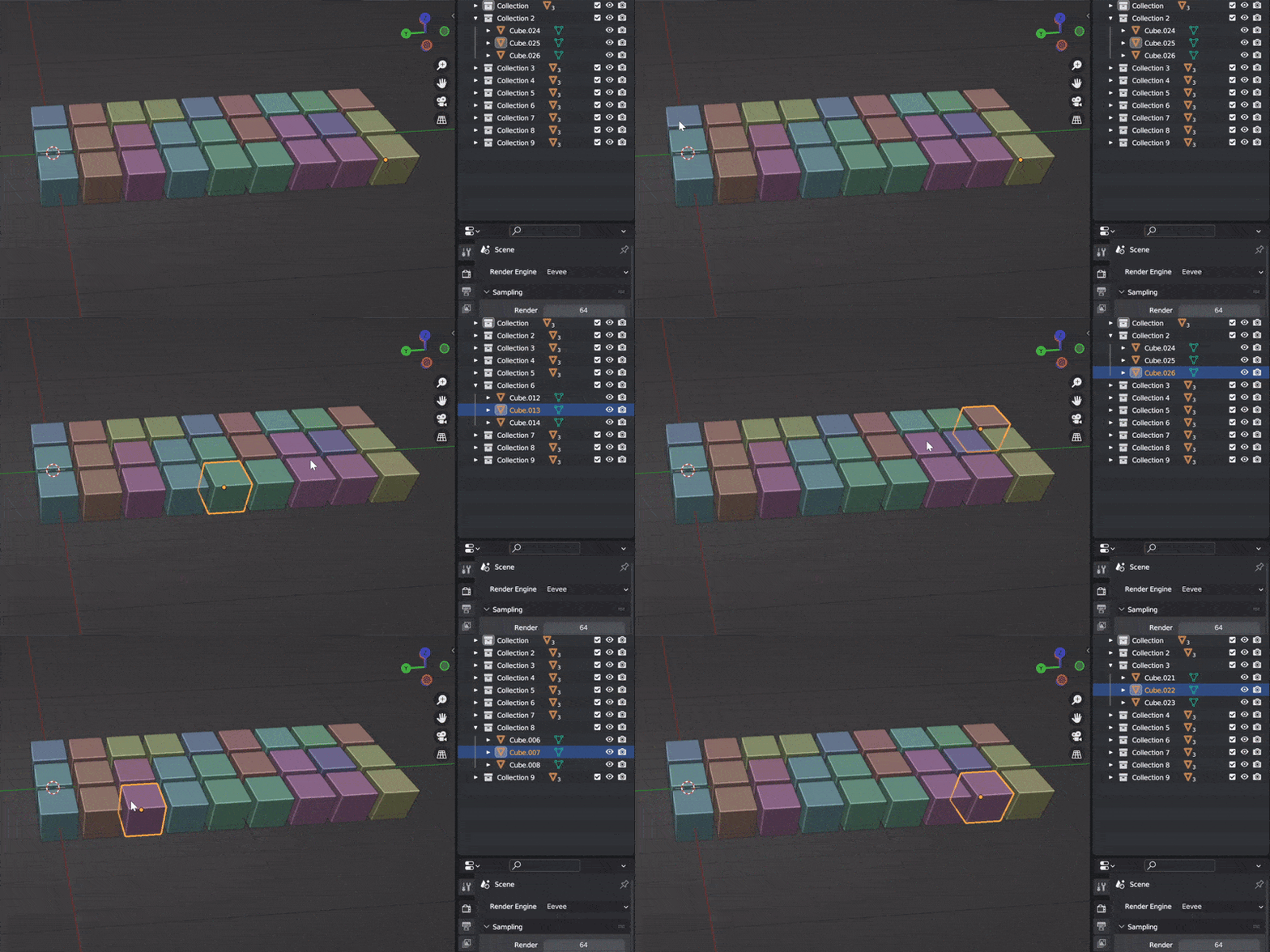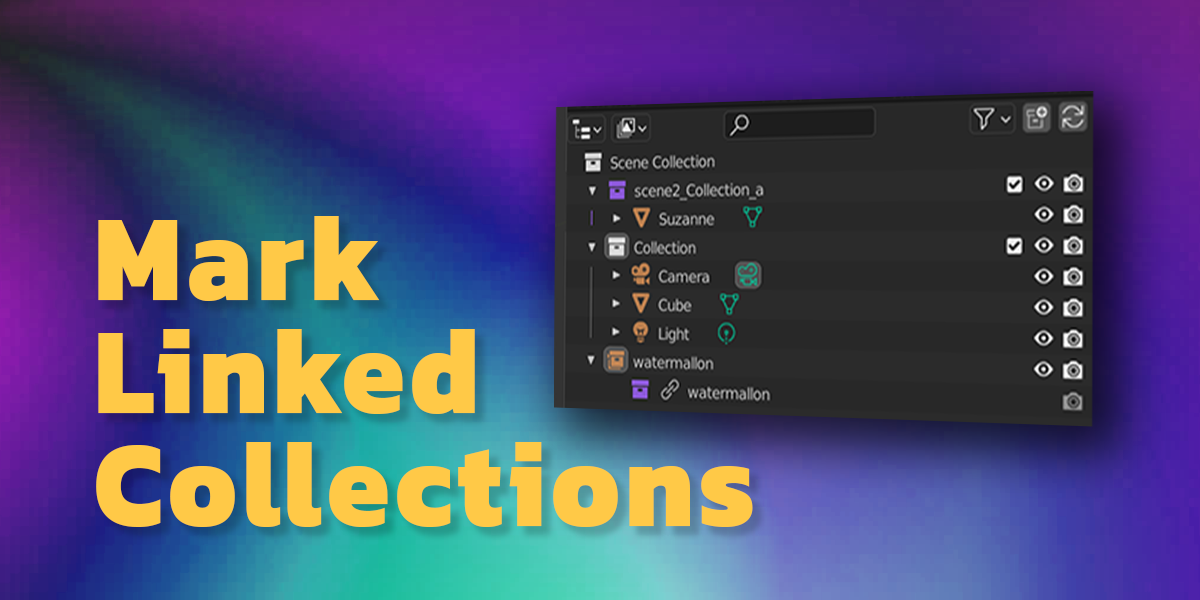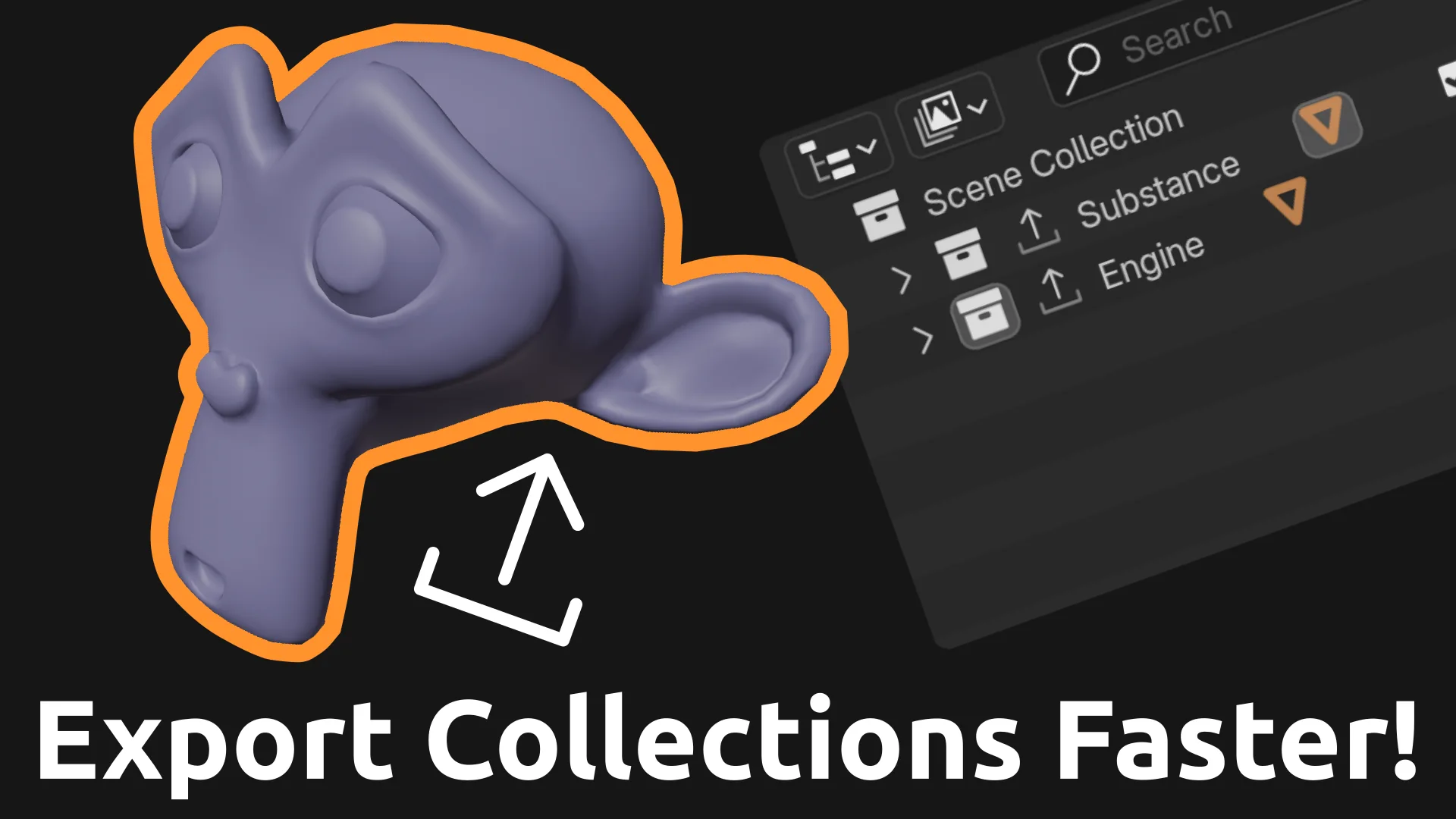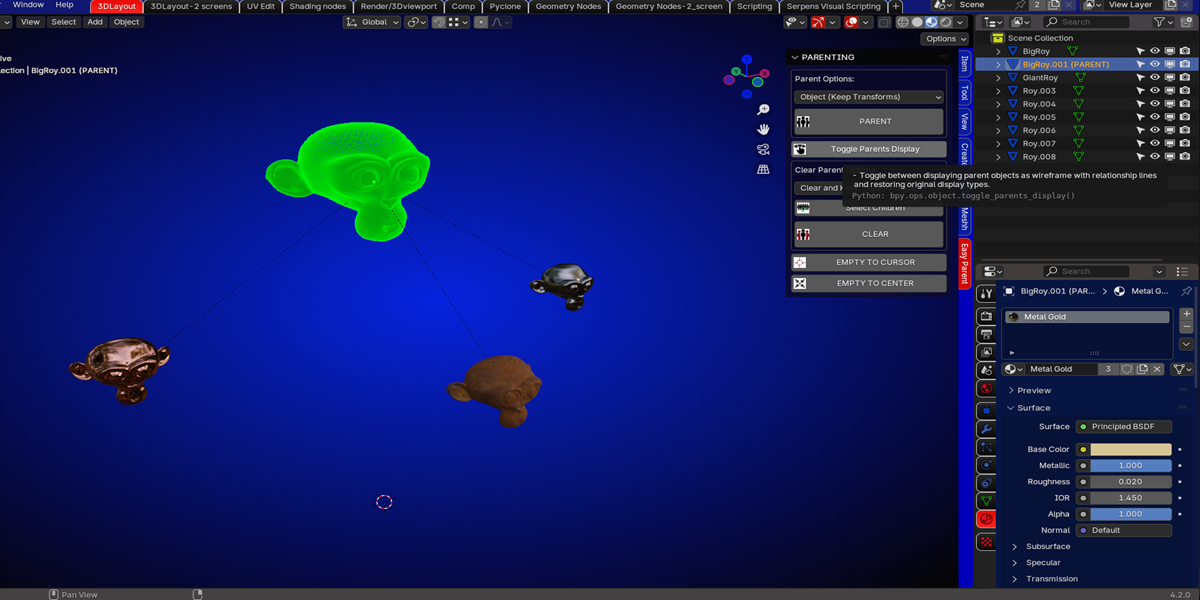
Easy Parent is KVD’s Blender add-on for assigning and managing object parents. Select the child objects first, select the intended parent last, choose a parenting type in the Parent options, then press PARENT. The add-on makes parented objects more visible in the scene and Outliner.
Inspect or clear a parent
Use Toggle to see which object is set as the parent. When toggled, the parent’s name receives a suffix in the Outliner, which can help in scenes with multiple parents. Select the parent you want to inspect and press Select Children to identify its child objects. To clear the relationship, make the parent active, choose a clearing type if needed, and press Clear. The product listing says clearing works whether Toggle is active or not.
Add an empty as the parent
Empty to Cursor creates an empty at the 3D cursor location and makes it the parent of the selected objects. Empty to Center creates an empty at the center of the selected objects and assigns it as their parent. Toggle, Select Children, and Clear also work with these options.
Version, compatibility, and license
The Superhive product listing names Blender versions 2.92, 2.93, 3.0 through 3.6, and 4.0 through 4.4. It marks the add-on as Blender Extension Compatible, lists the GPL license, and identifies version 1.0 as the initial release. AnyPlugins lists Easy Parent as free; check the listings for current availability and details.