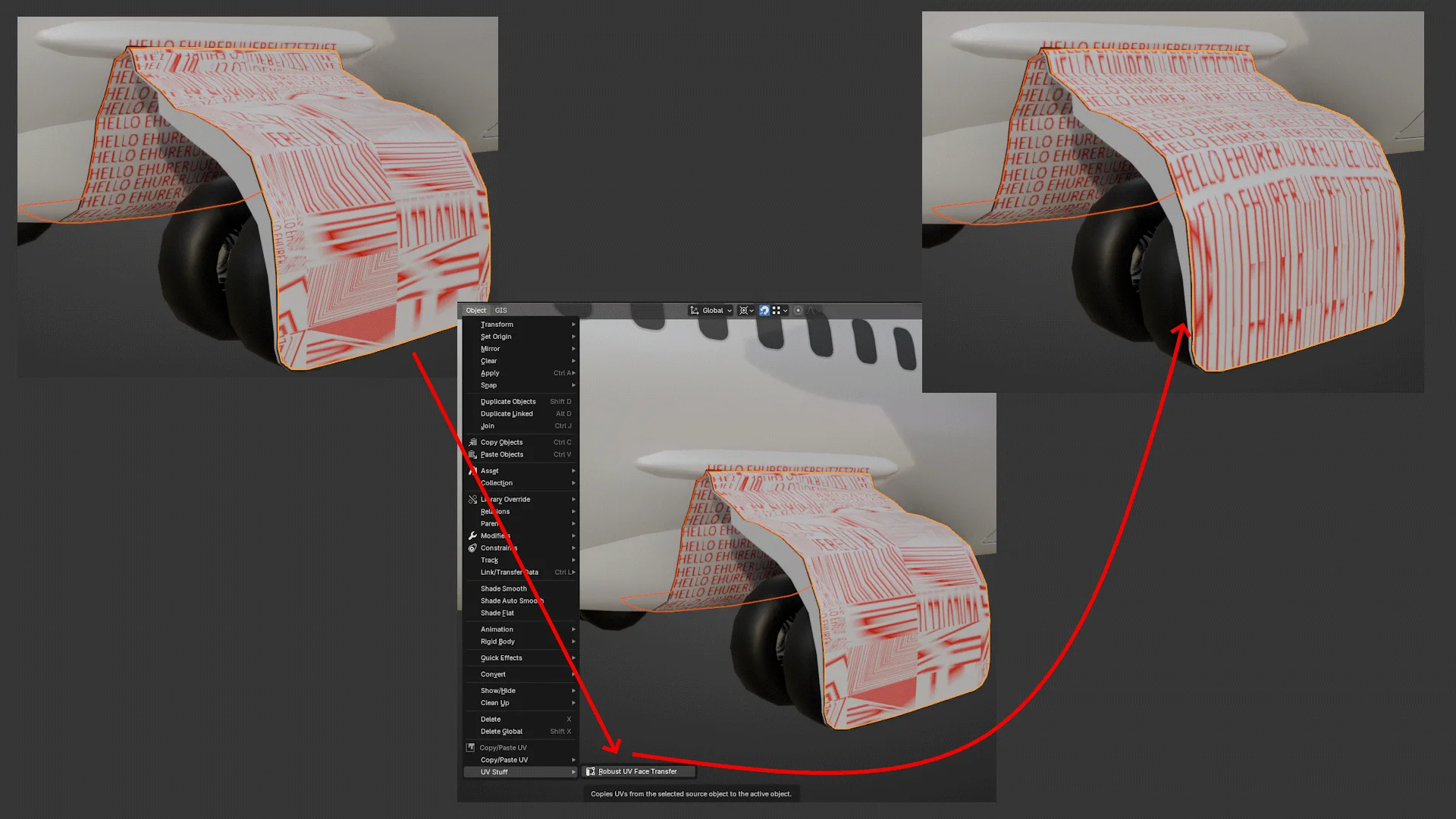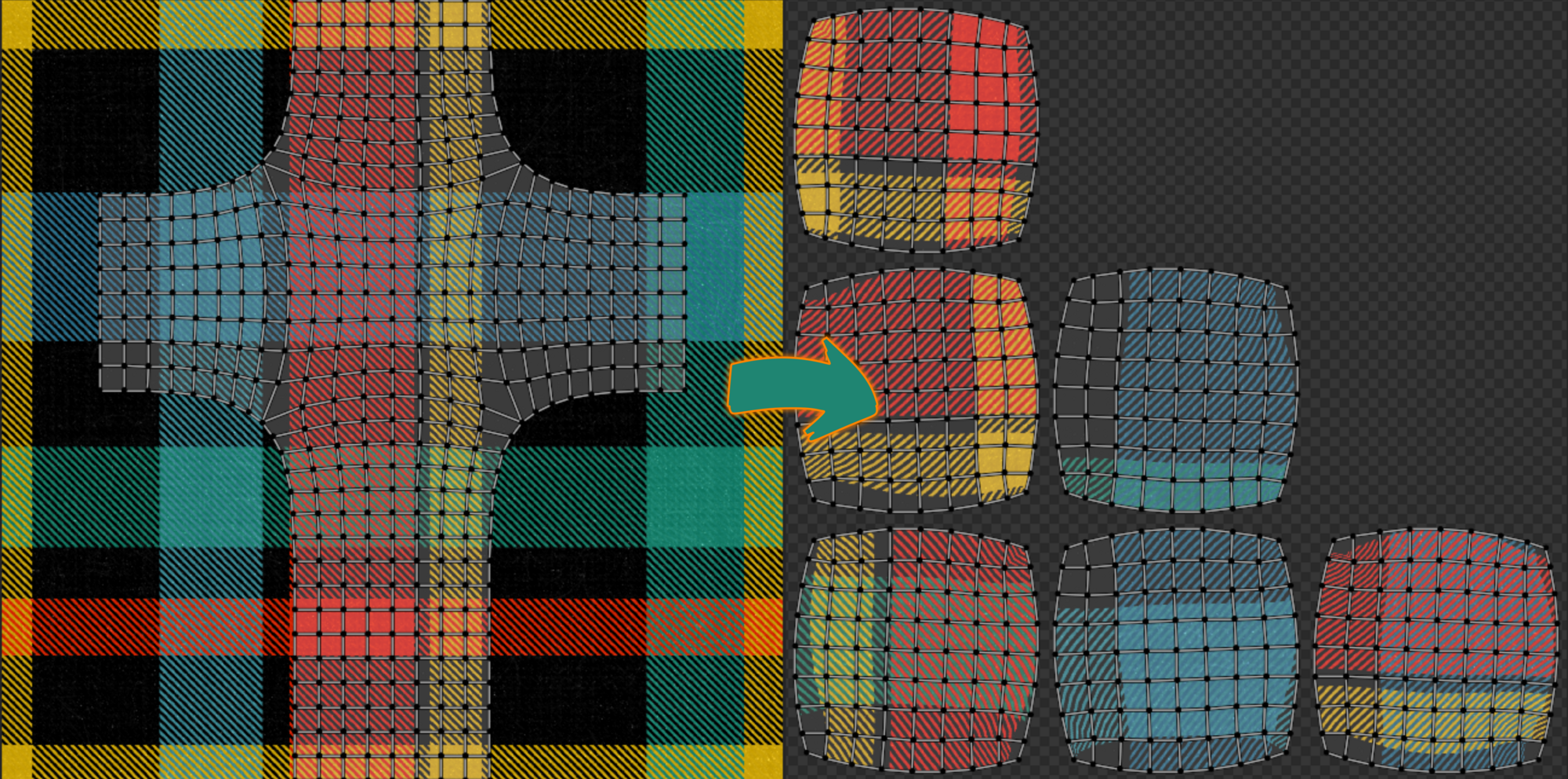
Transfer Images is a free Blender add-on by Amandeep for transferring images from one UV map to another. It runs from the Shader Editor, where you select image nodes and choose the source and target maps in a popup.
How to use Transfer Images
- In the Shader Editor, select the image node or nodes you want to transfer.
- Open the N-Panel and, under the Node section, click Transfer Images.
- In the popup, choose the source UV map and the target UV map.
- Click OK to complete the transfer.
Compatibility and license
The Superhive product listing identifies the add-on as free, lists a GPL license, and gives Blender 3.6 through 5.2 as the supported version range. Check the current product listing for download and compatibility details.