Batch Saving is a Blender script by Milad_Kambari for exporting selected objects as separate FBX files. It is aimed at game artists and 3D modelers preparing multiple assets. The workflow combines custom file naming with optional object centering and scene cleanup.
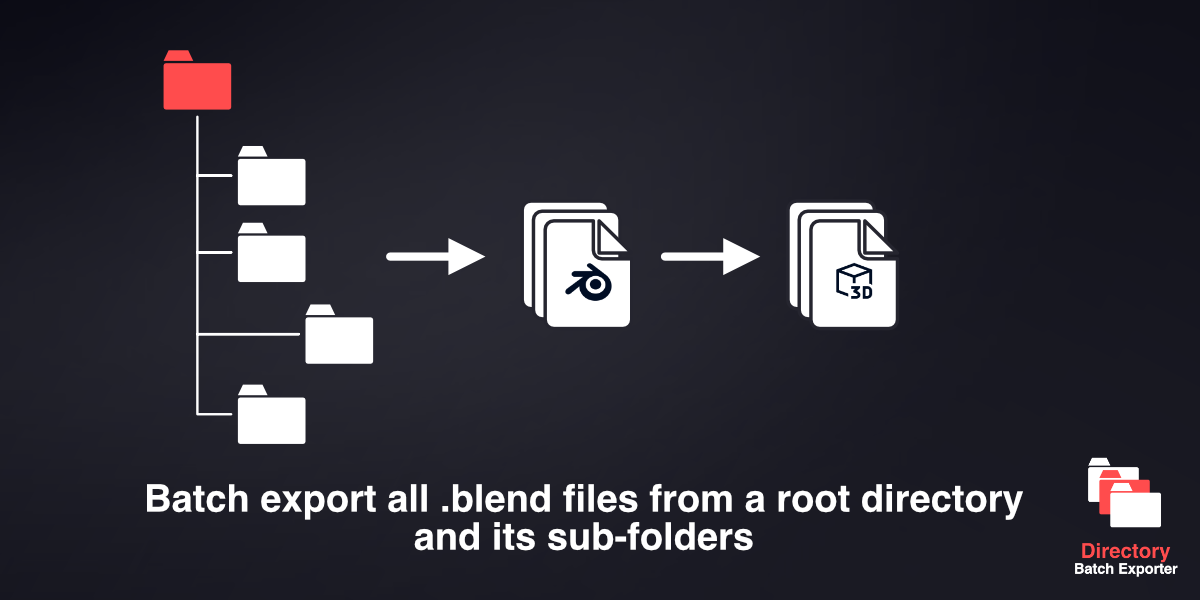
Export selected objects as individual files
Choose an output folder and enter a name, select the objects, choose any options, then start the batch process. Batch Saving writes one FBX file per selected object.
Set names and object positions
Auto-naming checks the destination folder and increments the filename when a matching file already exists. If Asset_01 is present, the next name becomes Asset_02. When Move to Origin is enabled, the script moves each object to the world center at (0,0,0) and sets its origin to the center of the model before exporting.
Choose whether to remove objects after export
Auto Delete removes each object from the Blender scene after export. Leave this option off to keep the objects in the scene. The controls are in the N-Panel sidebar under the MK_BatchSaving tab.
Blender versions and license
The Superhive product listing says Blender 3.0.0 and newer in its product copy, while its version field lists 3.0 to 5.0. It identifies the license as GPL. The listing does not resolve whether versions after Blender 5.0 are supported, so check its compatibility details and license terms before using a later release.