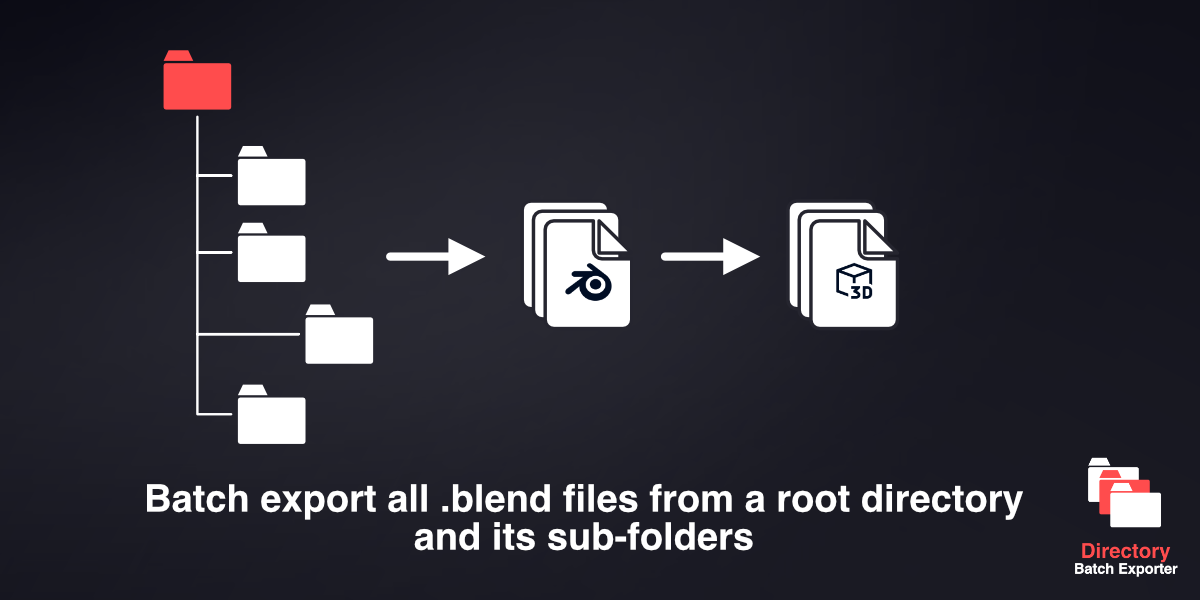
Directory Batch Exporter by 3D Mage exports multiple .blend files from a folder tree in one batch. Choose a root directory and an export format, set any filters or output options, then select Export All. The add-on searches subfolders for .blend files; enable Include Root Files if the root directory itself also contains files to process. See the publisher’s product listing for product information and setup documentation for the current interface.
Filter the files and folders
Filtering Settings have Ignore and Only Include modes for folders and filenames. Add entries from the available folders or files; folder entries apply the selected mode to folders, while file entries match names found in a batch.
Choose formats and organize output
The listed formats are FBX, OBJ, GLB, glTF, USD, ABC, STL, and PLY. Output can go beside each source .blend file or into a subfolder. Subfolders can be named after the parent folder, the .blend filename, or one custom name used across exports. An option can zip each output subfolder automatically.
Reuse settings and check a run
You can select a saved operator preset for the chosen format and open that format’s export window to manage presets. Setup Memory remembers recently used root directories and their filtering entries. During export, the panel and status bar show progress; you can cancel the run. When it finishes or is canceled, the side panel shows a summary. If logging is enabled, a text file records processed files, elapsed time, and successful and unsuccessful export counts.
Compatibility and COLLADA exports
Superhive lists Blender 4.5–5.3 compatibility and a GPL license. The AnyPlugins catalog record lists Blender 4.5–5.1, so check the publisher’s listing for compatibility before installing. A November 27, 2025 update removed the .dae option after Blender 5.0.0 removed .dae support. The publisher says legacy .dae support is available in add-on version 1.0.0 in the bundled files.