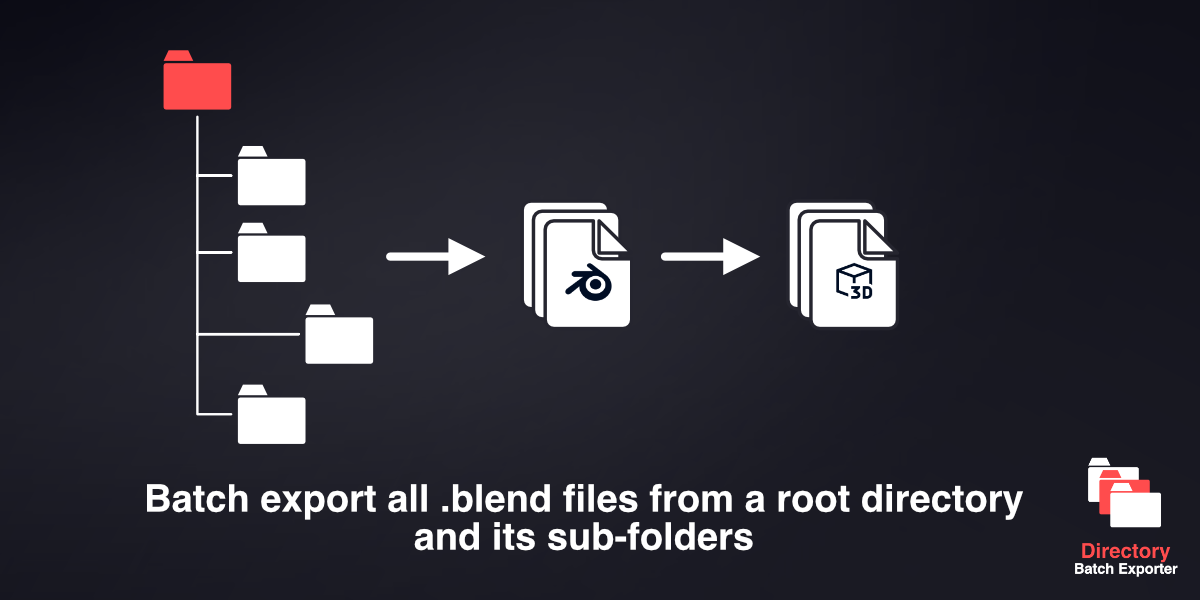
Batch Fbx Exporter is a Blender add-on by Conner Sinewe for exporting selected objects as individual FBX files. It processes several objects in one batch, and each output keeps its source object's name as the file identifier. That makes the files easier to recognize after export when a project is split into separate assets.
Export selected objects in one pass
Select the objects you want to include, then run a batch export from the add-on's Blender interface. Each selected object is written as its own FBX file in one operation. This per-object output can reduce repeated export steps when preparing multiple assets.
Export options and suitable workflows
The listing names scaling adjustment and unit application among the export options. You can also choose which objects to include. Before sending files to another application or pipeline, check the intended scale and unit settings with the receiving workflow. The listing does not specify other FBX controls; check a particular requirement against the Superhive product listing.
Conner Sinewe lists game development, animation projects, 3D modeling pipelines, and VR and AR experiences as use cases. Choose it when the handoff calls for separate FBX files for selected objects. If a project expects a combined file or another format, confirm that requirement against the product details before choosing the add-on.
Compatibility and license
The Superhive listing names Blender 4.0 as the supported version and GPL as the license. The supplied product information does not confirm compatibility with other Blender releases or specify a GPL version. Check the current listing before installing it into a different release or relying on a particular license version. The listing also says the developer accepts suggestions and feature requests through product messages.
Check the export handoff
Before adding the add-on to a repeatable pipeline, test a small representative selection. Confirm that each selected object creates a separate file, the names match the intended assets, and scale and units meet the receiving project's requirements. The listing does not specify folder layout or how it handles material and animation data, so confirm those details with the developer before relying on them in a pipeline.