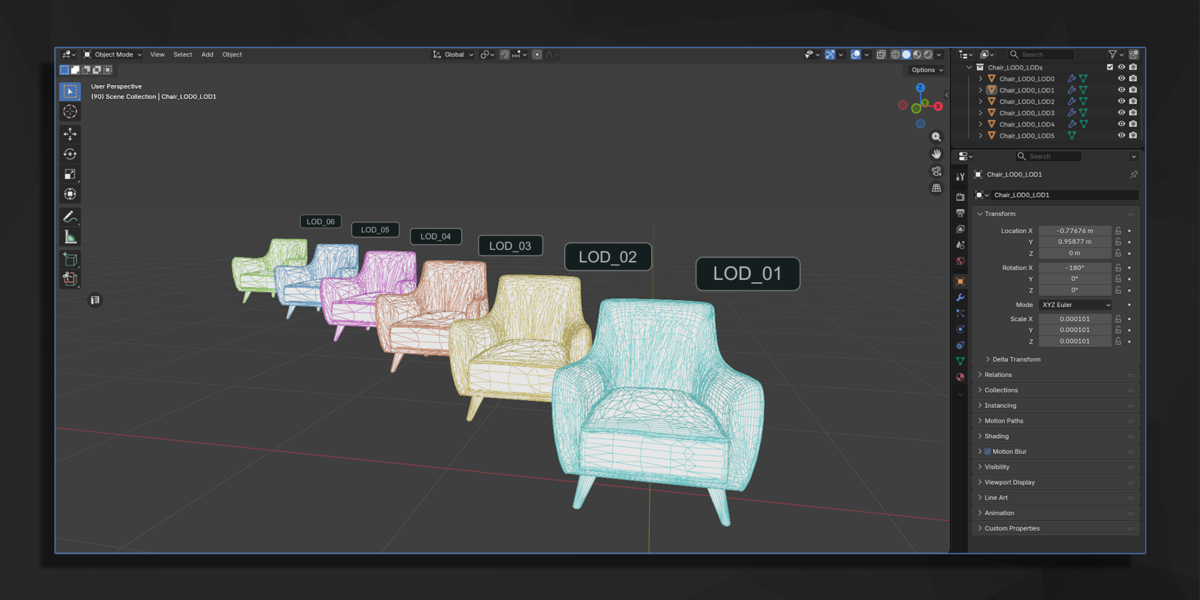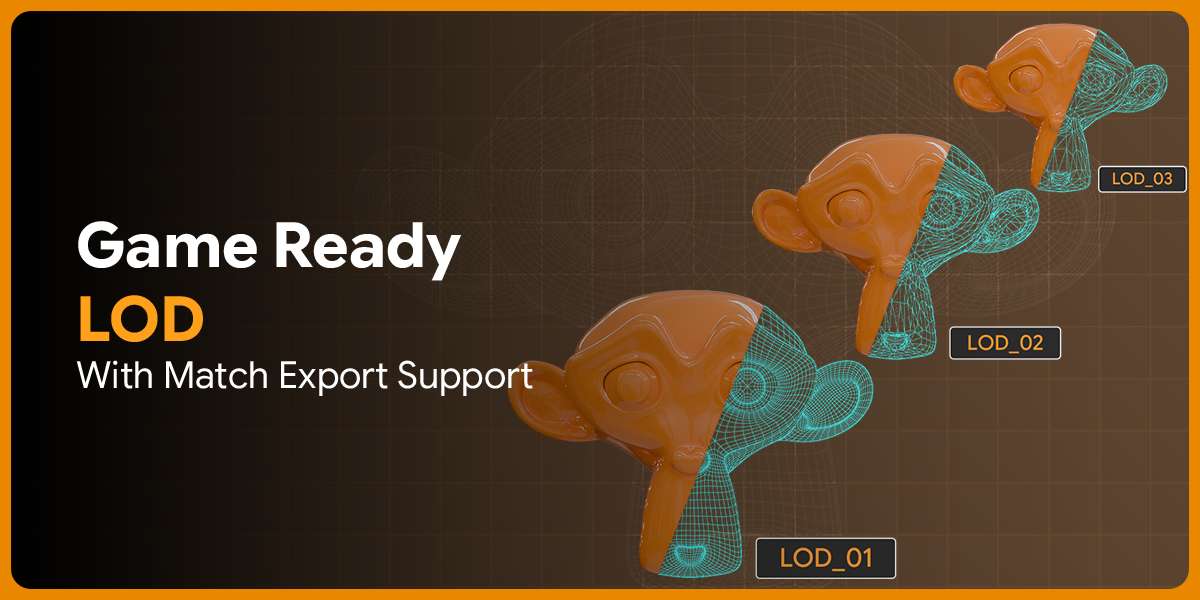
Game Ready Lods is a Blender add-on from 300Mind for creating lower-poly versions of mesh objects, known as levels of detail (LODs). Game engines can use these versions to show less geometry at a distance. The add-on generates LODs with decimate modifiers and is documented to preserve UVs, materials, and shading. It also lets you preview levels, apply them as separate objects, and export collections to FBX. See the Game Ready LOD documentation for the full workflow.
Generate and review LODs in Blender
Select one or more mesh objects in the 3D Viewport, open the sidebar with N, and choose the Game Ready LOD tab. The generation settings are:
- Amount: 2 to 10 LOD levels.
- Intensity: decimation strength from 1 to 100.
- Ratio: reduction curve from 2.0 to 6.0.
- Symmetry: enable it to preserve symmetry during decimation.
Click Add LODs to add decimate modifiers. Use the visibility slider to preview levels, then choose Apply LODs to create a separate object for each LOD level, grouped in collections named after the original objects with the _LODs suffix. The original objects remain unchanged with their modifiers intact.
Export collections as FBX
Export selected objects with Blender's FBX exporter, or use Batch Export FBX to export collections. Batch export creates a separate FBX file for each collection, named after that collection. You can configure options such as selected collections, visible objects, object types, and transforms. Import the files into your target application to check the results; engine-side LOD switching should also be reviewed there.
Compatibility and considerations
The Superhive listing records Blender versions 3.0 to 5.2 and a GPL license. Check the listing for current compatibility before installing. The add-on is designed for mesh objects, and other object types are ignored. Its FAQ cautions that decimation may affect animation data, so test animated models carefully.