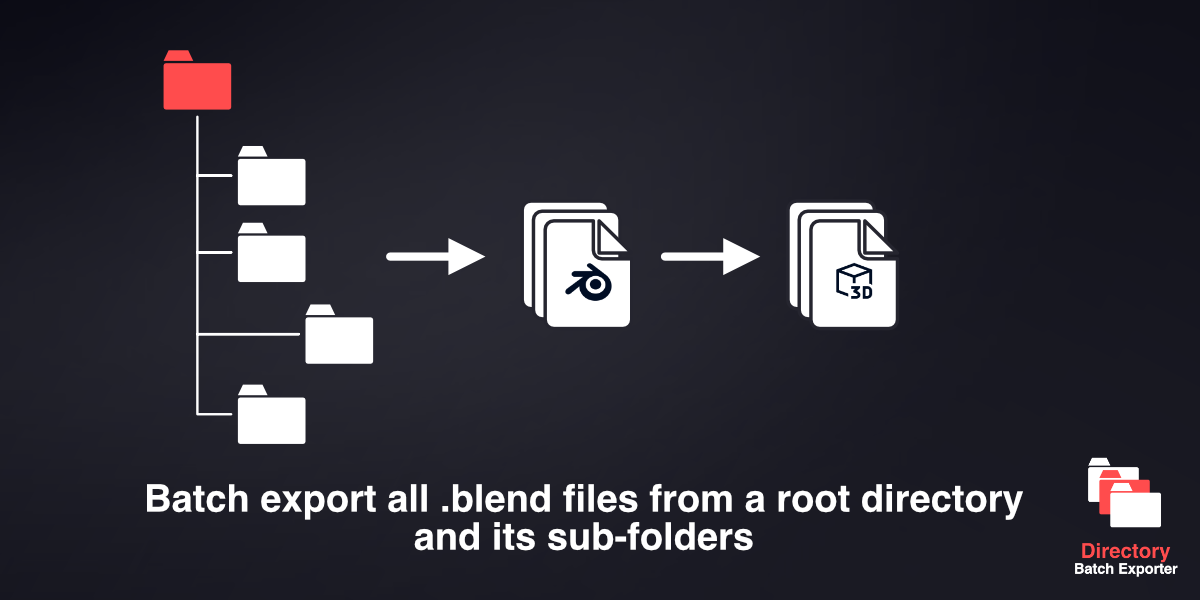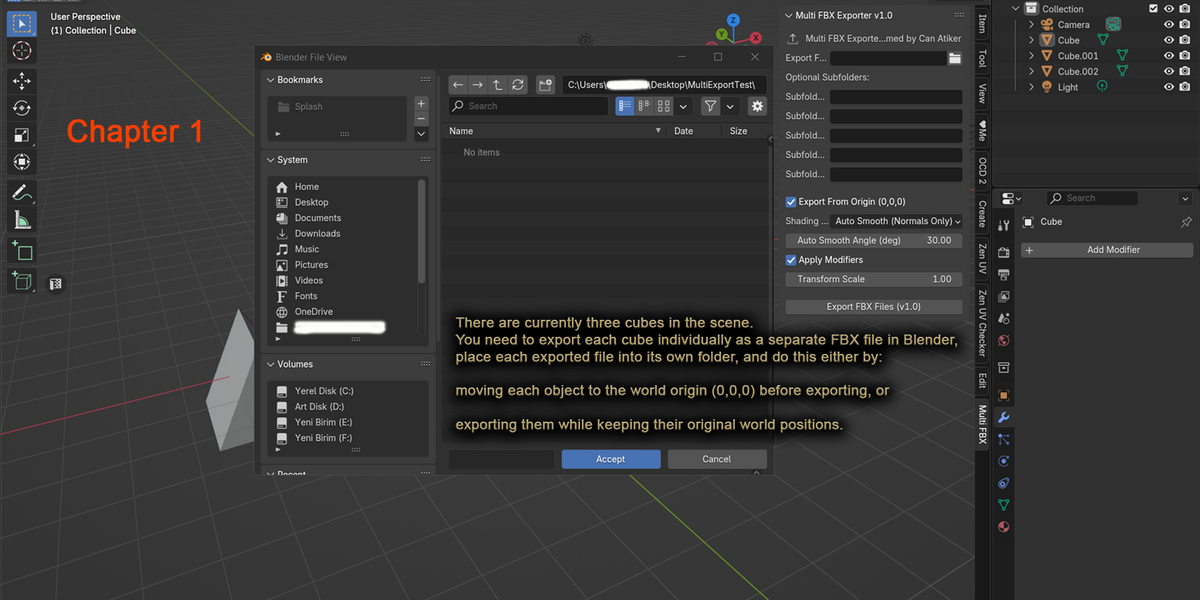
Multixport Pro is a Blender add-on for exporting multiple formats, objects and files from one workflow. It supports Blender 5.0 and newer, with formats including BLEND, FBX, GLB/GLTF, Alembic, USD, USDC, USDA, USDZ, STL and OBJ. Its export profiles, naming options and texture controls are aimed at artists and technical teams who prepare assets for different clients or pipelines.
Use your Blender export presets
The add-on gathers your existing format presets in one interface so you can select settings for an export run. It does not create or include those presets: make them in Blender under File > Export for the relevant format. Restart Blender after creating or editing a preset to make it appear in Multixport Pro.
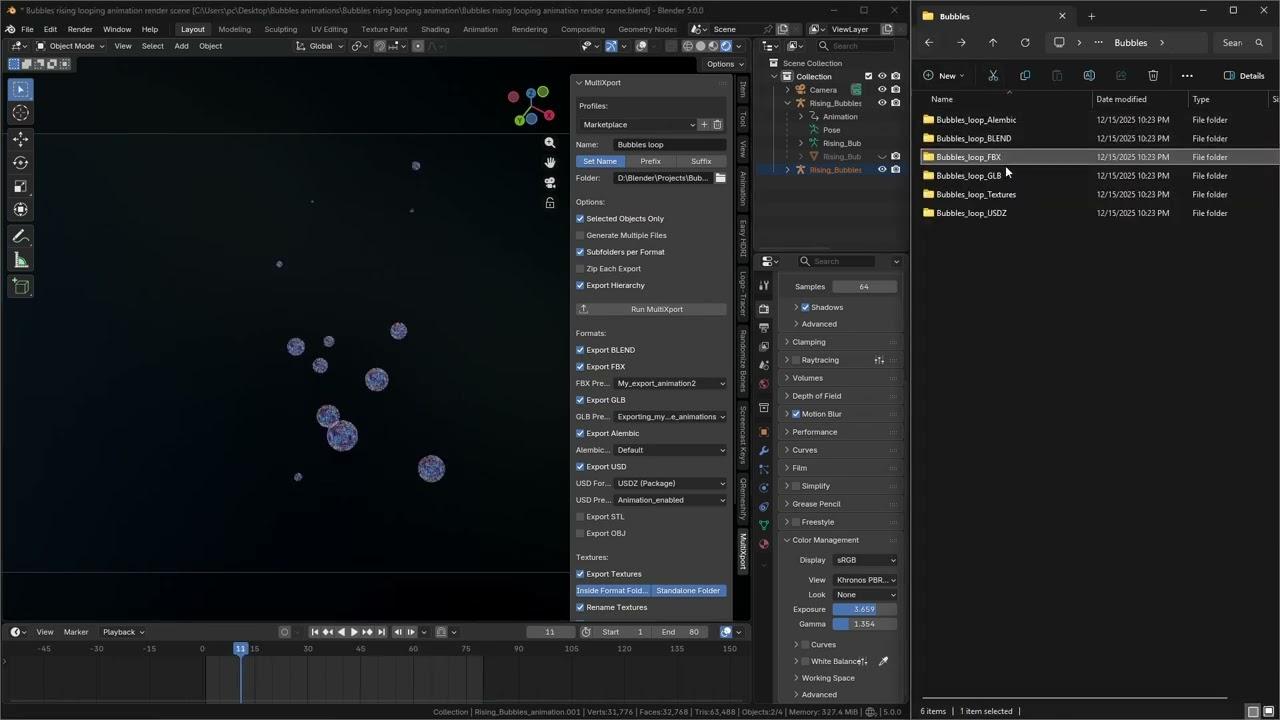
Export profiles save the add-on settings, enabled formats, selected presets and other configuration. Each .blend file remembers its last-used profile, and you can set a default profile for new files. A profile can also retain the assigned keyboard shortcut.
Batch files with naming and folder controls
You can export selected objects or the whole scene. Turn on Generate Multiple Files to export objects or collections as separate files. Naming modes include a set name, prefix and suffix, with per-object or per-collection names for multi-file exports. With Generate Multiple Files enabled, each object or collection supplies the file name; in Set Name mode, its name replaces the set base name. With it disabled, Prefix or Suffix mode uses the active object as the base name.
Multixport Pro can create a subfolder for each format and optionally package outputs in a ZIP file. Use // in the export directory to save relative to the current .blend file. The hierarchy option can include armatures or parented objects with the selected objects.
Manage textures alongside exports
The add-on can export textures assigned to the exported objects, either beside the format files or in a separate textures folder. Options include automatic renaming, PNG or JPEG format overrides, resolution overrides and PBR-aware names based on Principled BSDF socket assignments. When texture renaming is enabled for a multi-file export, textures follow the names of their corresponding objects, not collections. USD, USDA and USDC presets automatically create texture folders next to their format files; the add-on does not also export textures beside those files.
Check the output before running a batch
Existing files with matching names are overwritten when you run the export again. Review the destination and naming settings before a batch, especially when reusing a project folder. Exporting a large scene or many files and formats can take time.
For setup steps, see the developer documentation. Check the product listing for current availability and terms.