Quick Decimator & Optimizer is a Blender add-on for reducing polygon counts, cleaning meshes, and batch-exporting selected objects. Its controls sit in one sidebar panel, so these steps do not require scripting or manually building modifier stacks.
Choose a decimation mode
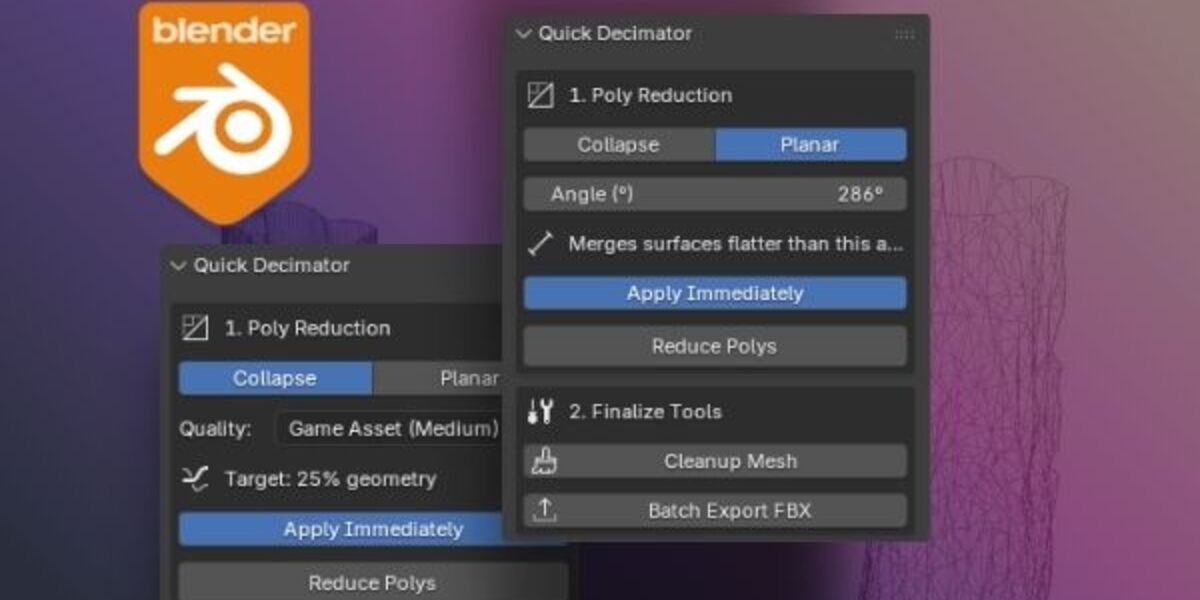
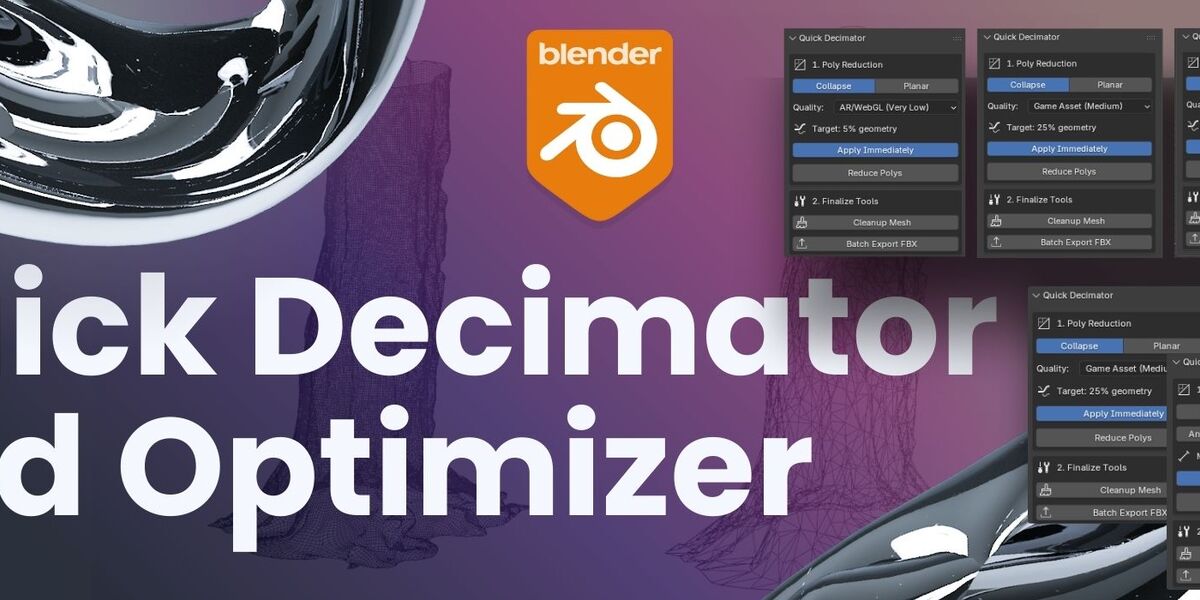
Collapse mode offers ratio presets labeled AR/WebGL, Game Asset, and Preview for general reduction. Planar mode, also described as Angle Dissolve, is intended for cleaning flat, subdivided topology.
A live face counter shows the active object's polygon count. The add-on also reports the exact face-count reduction in Blender's info bar, and its workflow automatically removes and reapplies Decimate modifiers. The listing gives preset names but no target face count or benchmark, so use the counter and reduction report to assess each asset.
Clean the mesh and keep a source copy
The one-click cleanup applies transforms, merges by distance, deletes loose geometry, and recalculates normals. Preserve Original duplicates and hides the original mesh before decimation, keeping the source geometry available to recover.
Batch-export FBX or GLB files
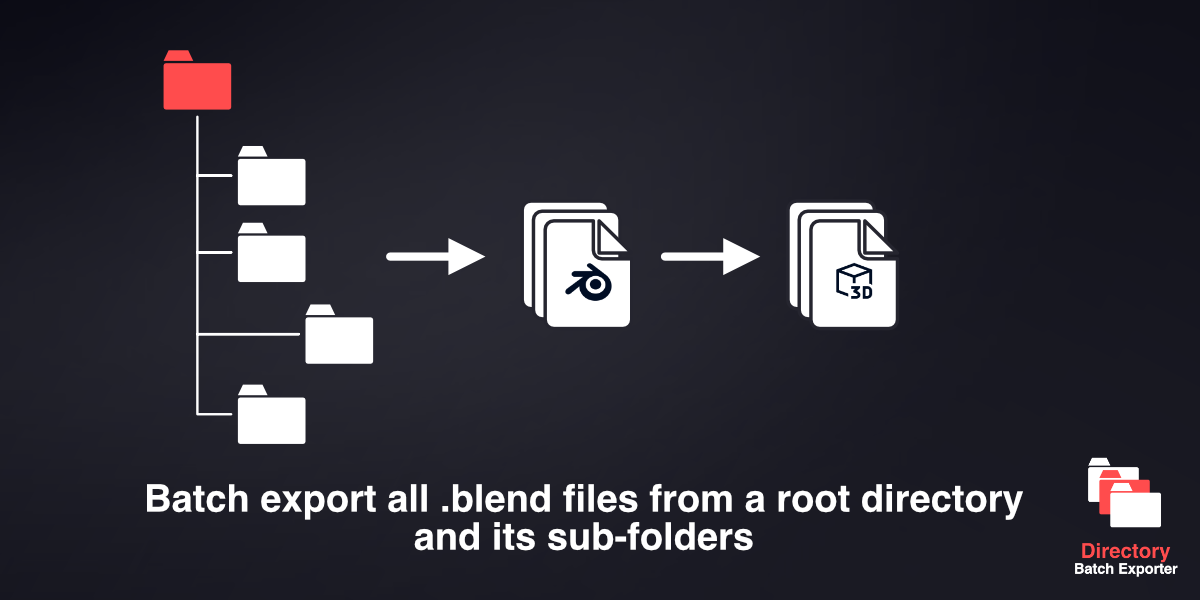
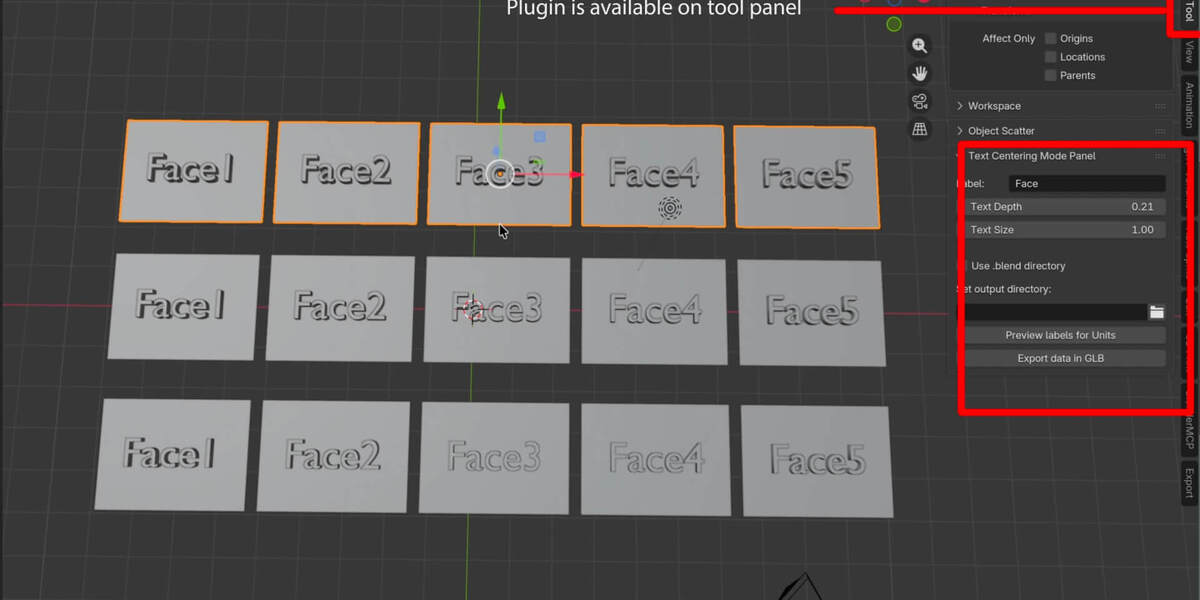
Export selected objects as separate FBX or GLB files to a folder chosen with Blender's native folder picker. The listing names Unity, Unreal, and Godot as FBX targets. GLB is glTF 2.0 binary, with WebGL, Three.js, Sketchfab, and AR/VR among the listed destinations.
An Open Export Folder command reveals the chosen destination in Finder, Explorer, or Nautilus.
Compatibility and listing details
The Superhive product listing names Rana Abdullah as the creator, lists Blender versions 2.8 through 5.0, and gives the license as GPL. AnyPlugins' catalog entry lists the add-on as free. Check the Superhive listing for current compatibility, licensing, and download details.