Metabridge_Dna is a Blender add-on from chamiseul for importing and exporting Epic Games MetaHuman DNA files. It supports DNA, FBX, and glTF workflows. In Blender, you can load a character's head and body separately, assemble them, and work with facial or body rigs. The add-on also supports writing edited shape keys back to a .dna file for Unreal Engine.
Load and assemble MetaHuman characters
In a Blender version supported by the installed release, the controls sit in a MetaBridge DNA tab in the 3D Viewport sidebar, opened with the N key. Load Head DNA and Load Body DNA separately, then use the assembly controls at the top of the main panel to bring the parts together. Character slots let you manage multiple characters, and their state persists when you save and reload the Blender file.
Drive facial expressions and body rigs
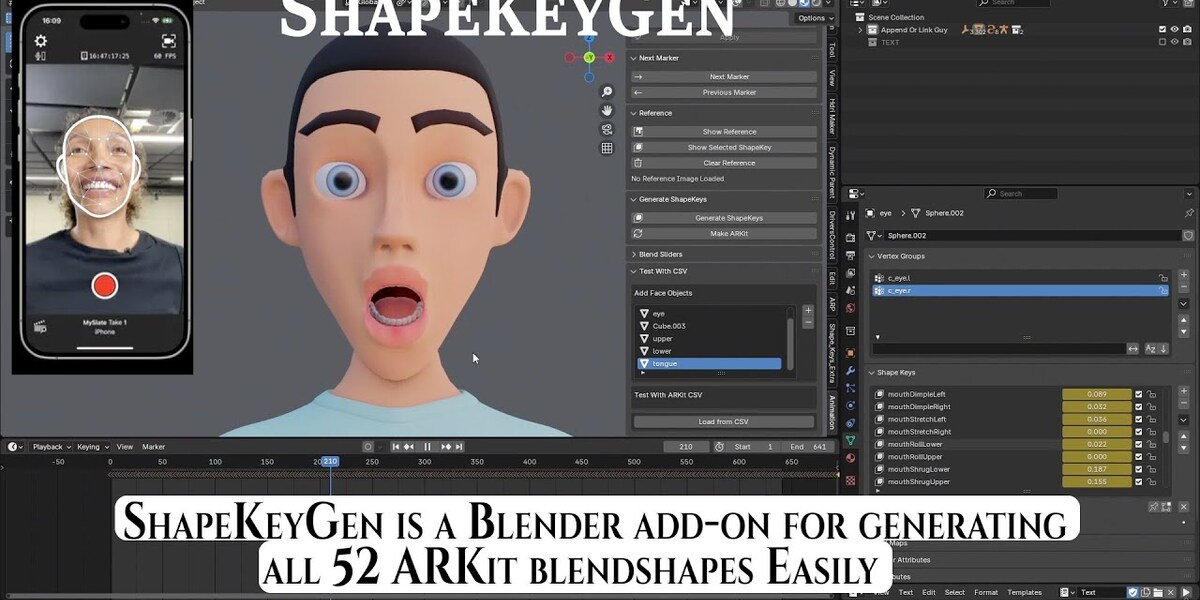
The Face Rig board provides bone controls with a real-time expression preview. The marketplace listing also describes iPhone-based facial tracking through ARKit Live. For body control, the Rigify integration generates an FK/IK control rig and extends it into an animatable rig.
For pose adjustments, the add-on includes live corrective sculpting. Edited shape keys can be written back to the character's .dna file for use in Unreal Engine. Check the MetaBridge DNA Guide for interface and workflow instructions.
Blend body types and fit wearables
The experimental Body Blend pipeline combines 39 or more archetypes, including custom child bodies, with live weight updates. The listing also describes Smart Wearables for fitting clothing and hair, with a Marvelous Designer round-trip. These tools extend the add-on beyond file transfer when a project needs body variation or wearable fitting.
Check release and Blender compatibility
The available records disagree on release details. AnyPlugins lists version 1.6.0, while the Superhive page includes a v2.1.6 update note. Superhive's details list Blender 4.5 to 5.2, but its FAQ says Blender 4.5 and above. Confirm the current release and supported Blender version on the Superhive product listing and its compatibility FAQ before installing.