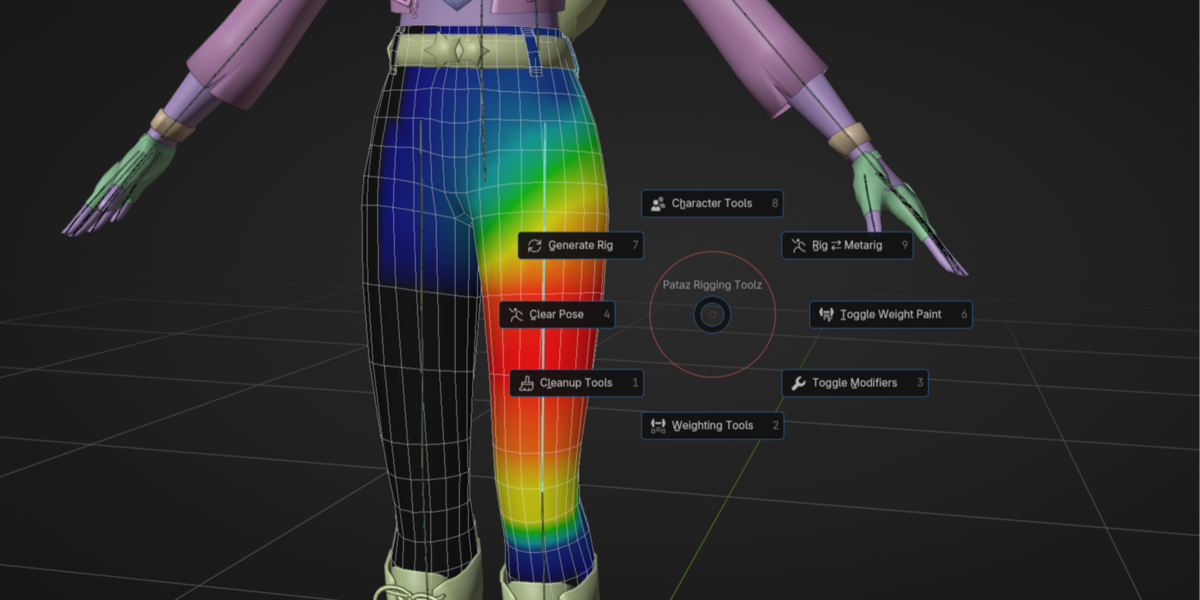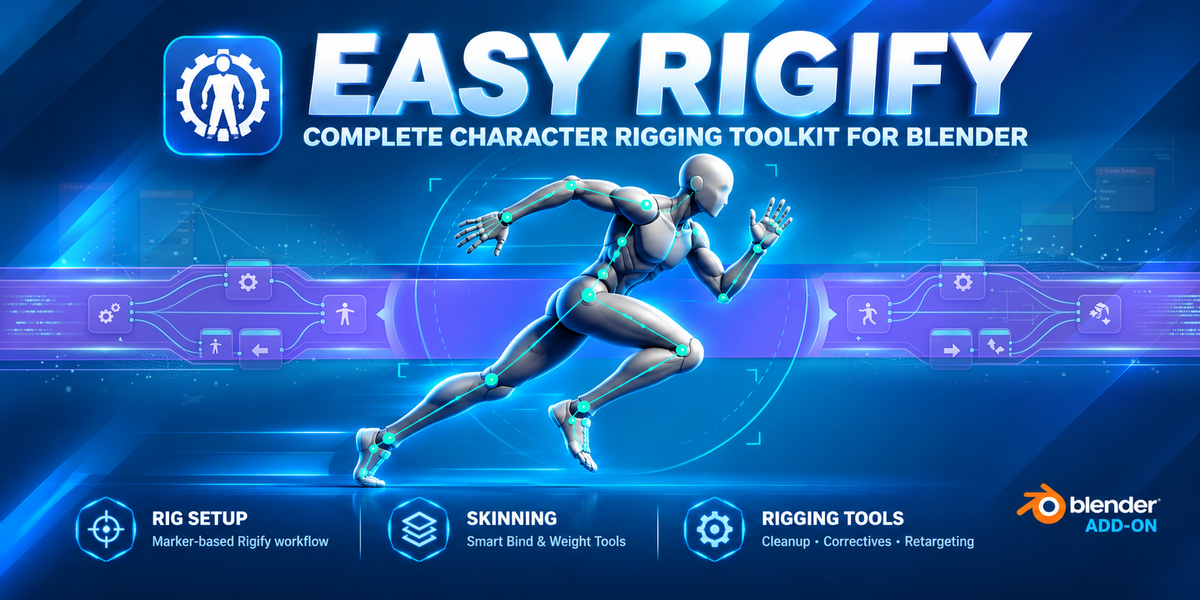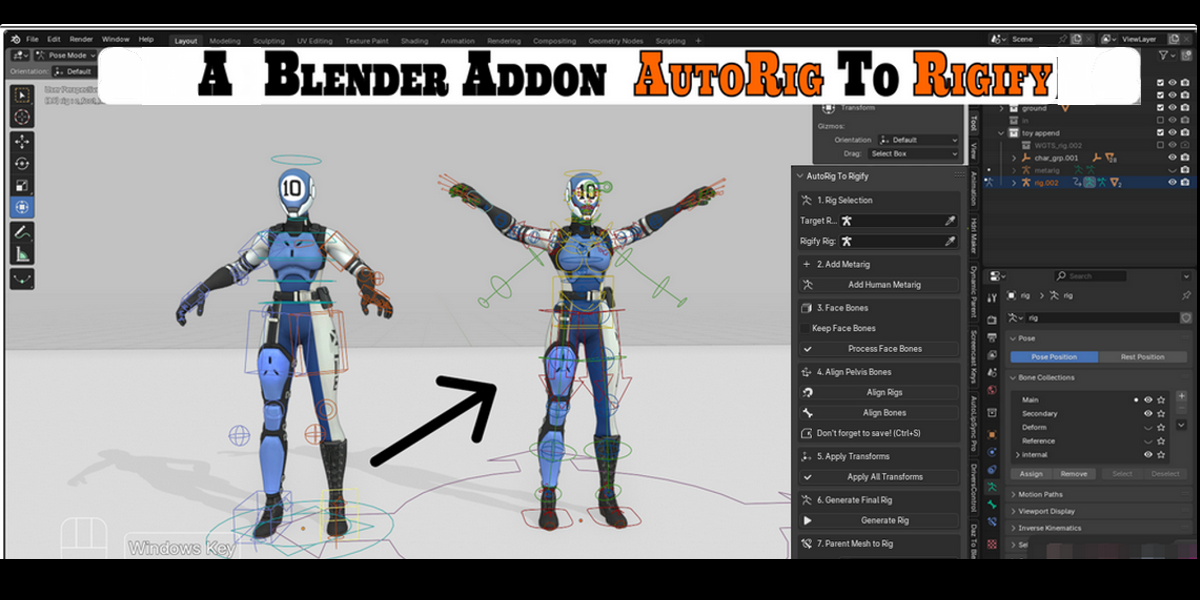
Rigging Toolz - Rigging Toolkit is a Blender add-on by BlenderAddon for character rigging and rig maintenance. It combines Rigify controls, weight-painting setup, batch bone operations and mesh cleanup. Its Rigify workflow can preserve supported custom edits when you update a metarig and generate the rig again, as described on the product listing.
Preserve custom work during Rigify regeneration
After generating a rig, you can add constraints, drivers, custom properties and bone shapes to it. When the metarig changes, Rigging Toolz can reapply supported edits during regeneration. The preserve options cover constraint stacks and drivers, custom shape transforms, bone collections, Bendy Bone settings, transform locks, relationships, inverse kinematics, viewport display, individual bone rotation modes, Rigify properties, custom user properties, deform toggles and envelope properties.
The manual also describes controls for switching between a rig and its metarig, copying Rigify types across bones and choosing generation defaults. Generation defaults can set limb IK/FK, IK orientation and rotation mode.
Weight painting and mesh cleanup
The weight-painting toggle prepares a skinning view by enabling armature X-Ray, showing mesh wireframes, isolating the character and soloing deform bones. Vertex-group tools can transfer weights by topology or projection, merge groups, normalize weights, remove zero or unused groups, and limit the number of influences.
Cleanup commands work on selected objects. They can clear or apply shape keys, remove UV maps, custom normals, sculpt masks, skin data, color attributes and generic attributes. Relax Topology smooths mesh geometry while preserving its overall volume.
Controls for everyday rig work
Other tools toggle heavy modifiers across meshes linked to a rig, let you edit a bone's custom shape from Pose Mode, change rotation modes across an armature, scale Bendy Bones and reset distances on Stretch To constraints.
Compatibility and license
The marketplace details mark Rigging Toolz as Blender Extension compatible, list Blender 4.2 through 5.2, and identify the license as GPL. Its product FAQ describes support in terms of Blender LTS releases that are currently maintained, so check the current product details for your Blender version. The user manual covers the tools and their settings.