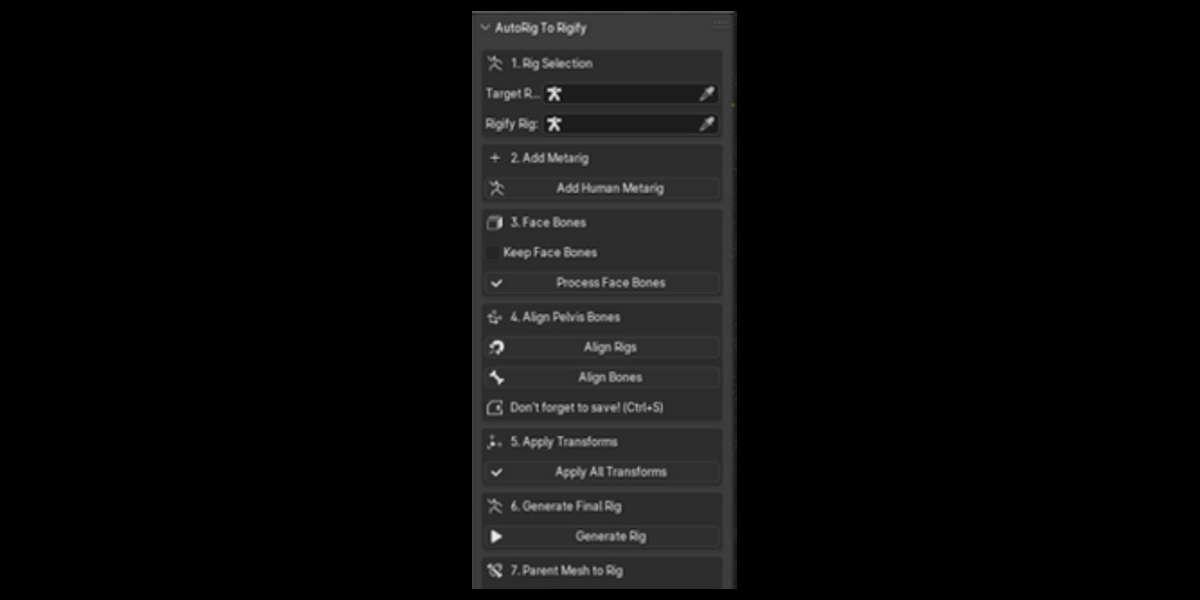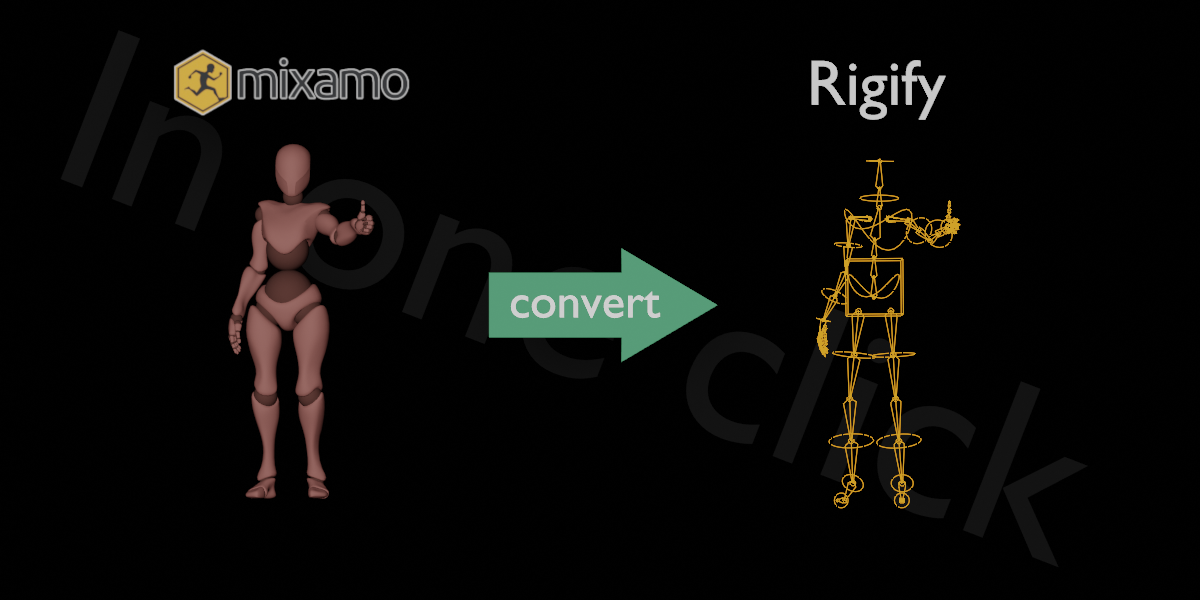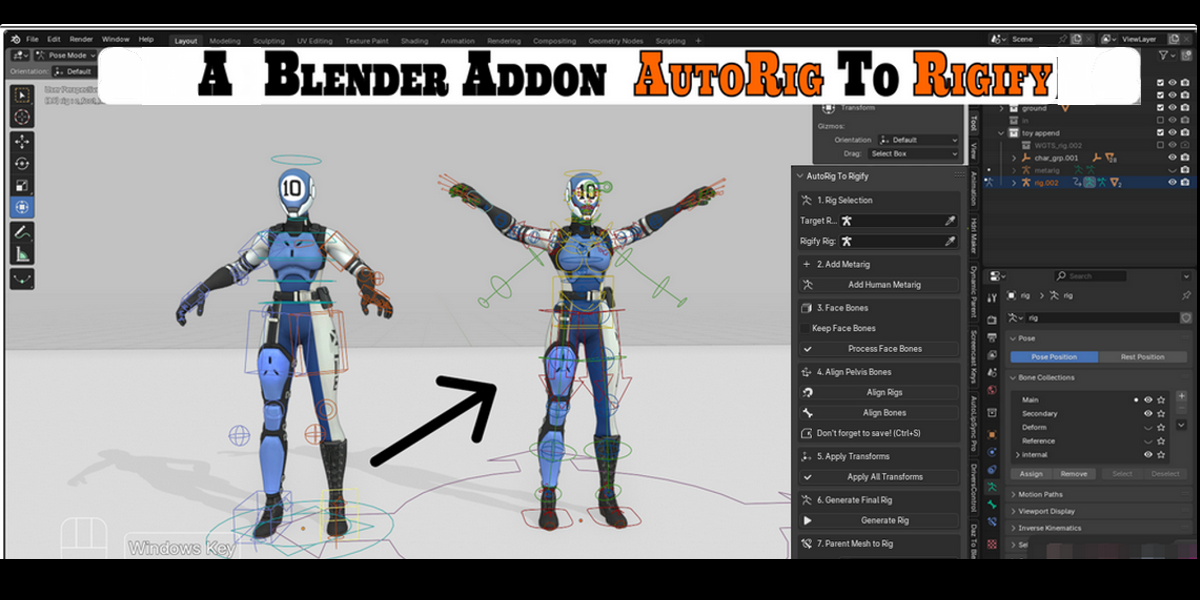
Autorigpro-To-Rigify is a Blender add-on for artists who use both Auto-Rig Pro and Rigify. It aligns a Rigify metarig to Auto-Rig Pro reference bones, letting you place markers with Auto-Rig Pro and generate the final rig in Rigify.
Where it fits in the workflow
After placing markers with Auto-Rig Pro, run the add-on before Auto-Rig Pro’s skinning and binding process. It aligns the Rigify metarig to the reference bones; use Rigify for final rig generation.
Scope and requirements
The listing states that the add-on converts Auto-Rig Pro body bones only. The creator's repository documents a separate face-bone control for keeping or removing listed bones on the Rigify rig. That control manages the Rigify rig's face bones; it does not convert Auto-Rig Pro face bones. Auto-Rig Pro is required. Faceit is listed as an optional recommendation.
The marketplace listing specifies Blender 4.0 through 4.4 and a GPL license. Its installation instructions say to use Blender’s Edit > Preferences > Install command, select the ZIP file, then open the add-on from the N-panel under Tools. Check the creator’s listing for current release details and the download.