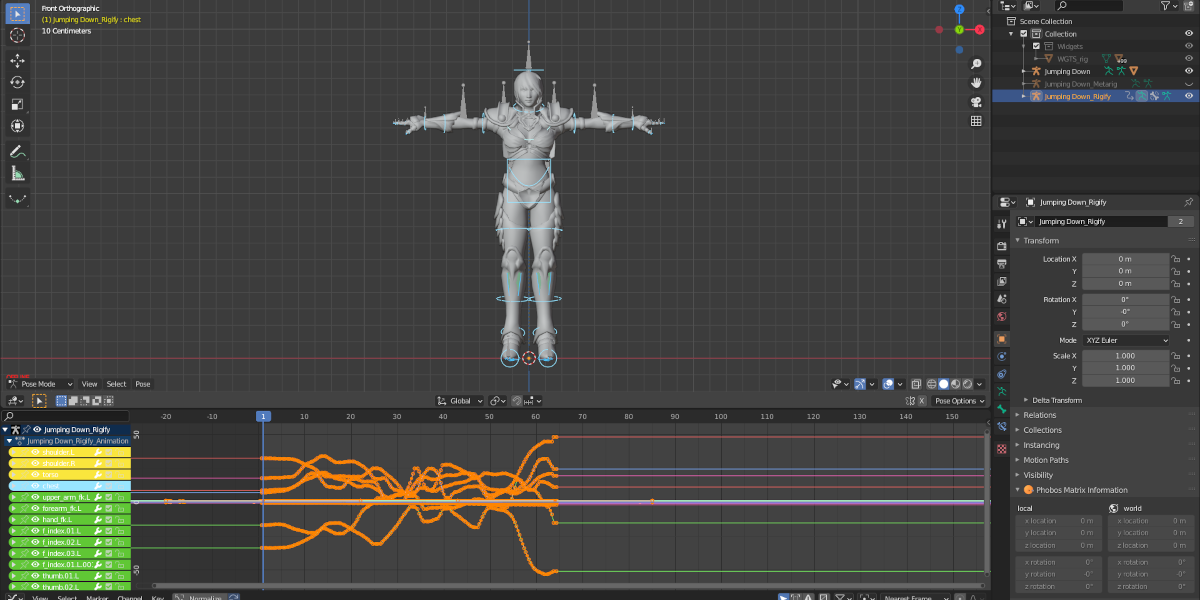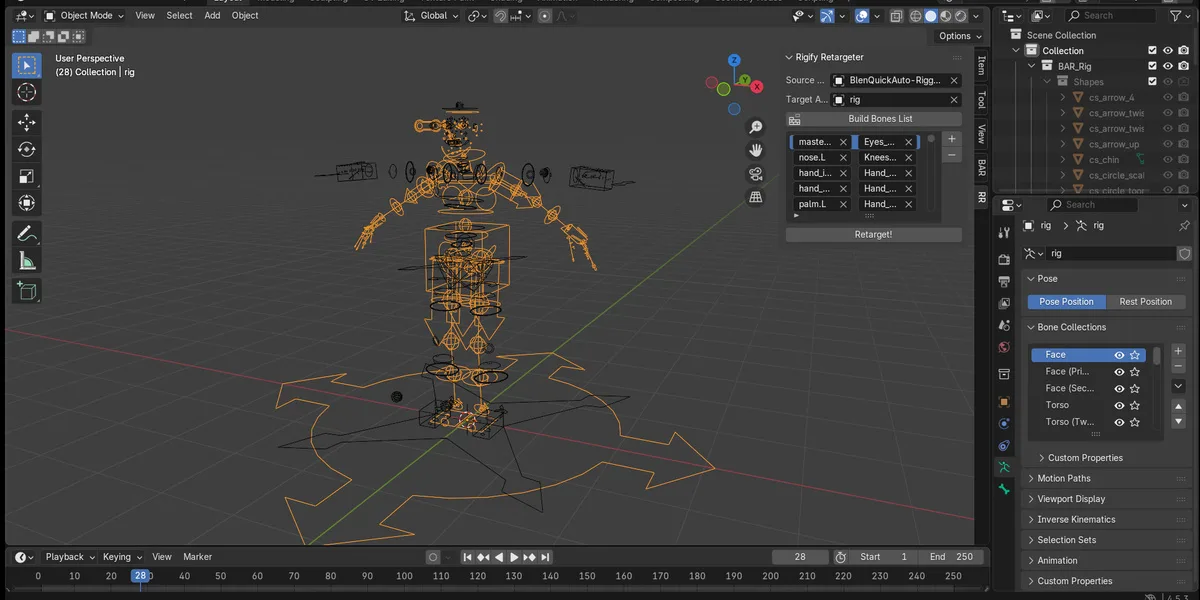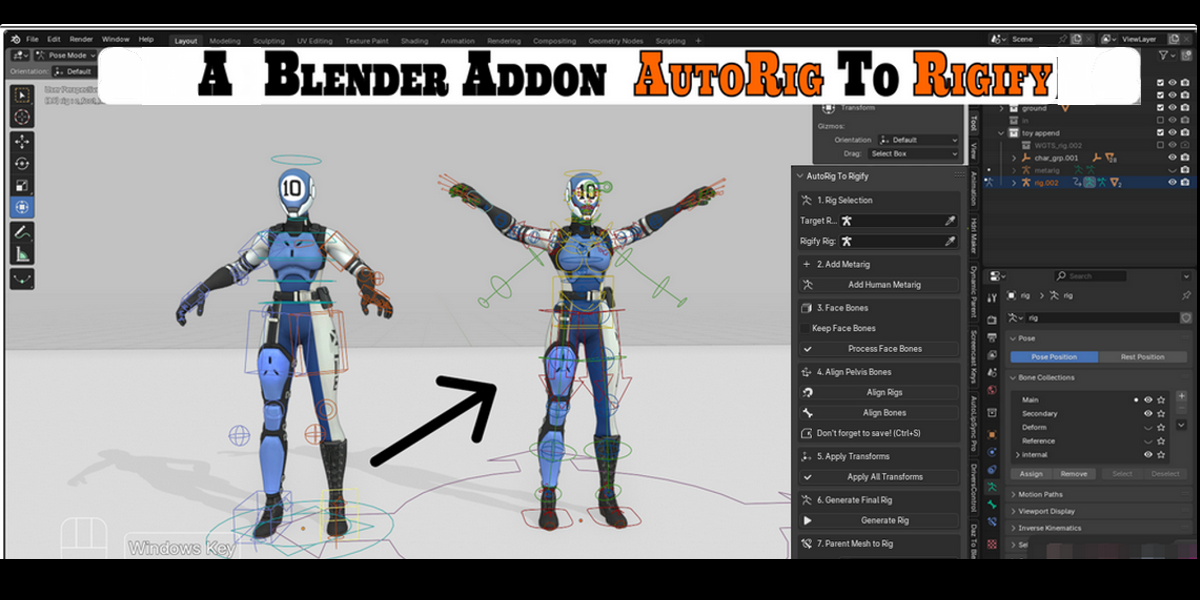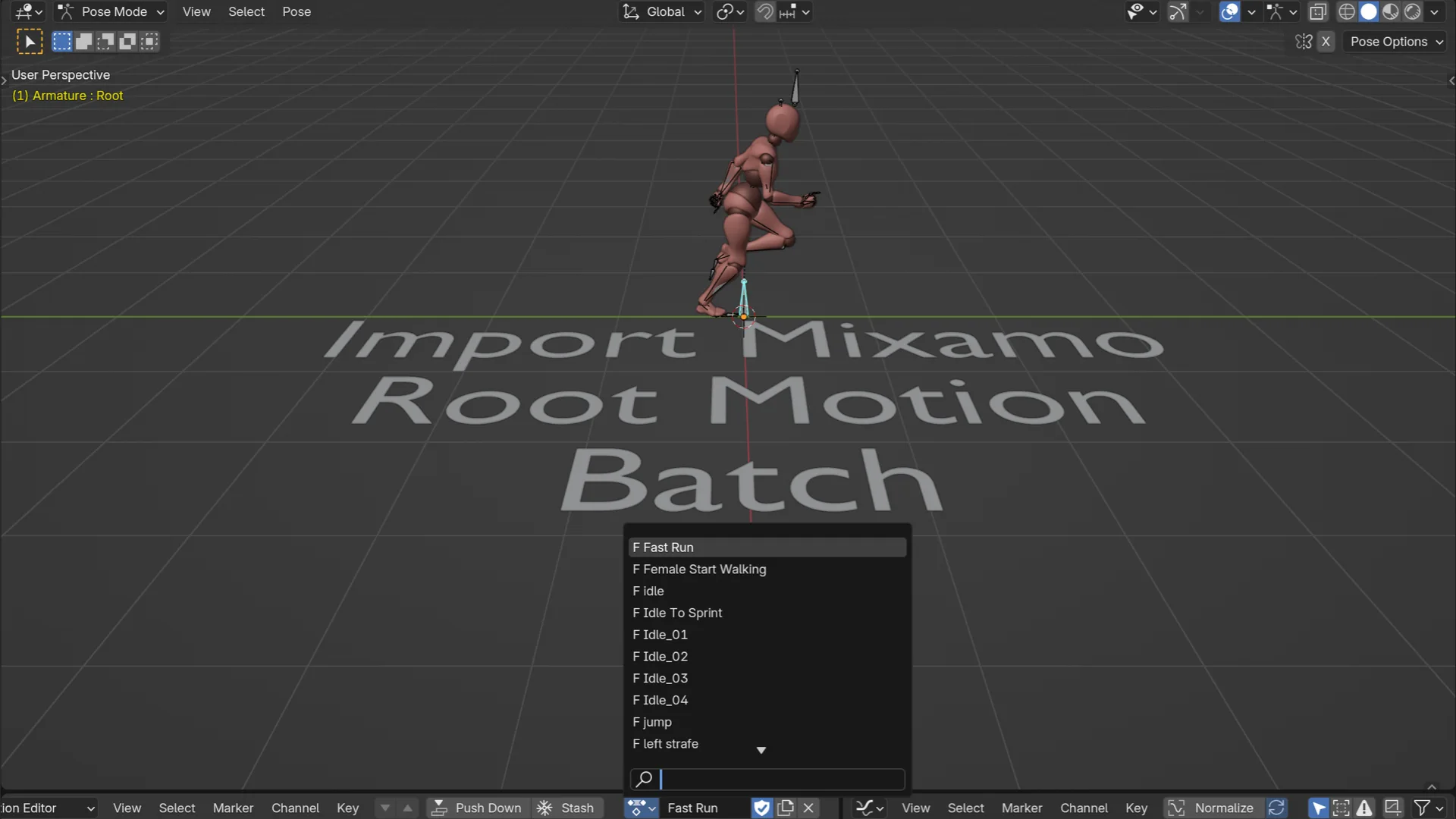
Mixamo To Rigify (In One Click) is a Blender add-on for bringing Mixamo FBX animations into a Rigify workflow. On import, it creates a metarig automatically and generates a Rigify rig that drives the imported Mixamo rig. The animation is baked onto the Rigify rig. You can adjust the metarig and regenerate Rigify afterward if needed.
Choose how to organize multiple animations
The import dialog offers a “Just One Rigify” option for multiple FBX files:
- Check it to place multiple animations on one Rigify rig.
- Leave it unchecked to import each file as its own Rigify rig.
The add-on can also import multiple Mixamo animations onto a Rigify rig that is already in the Blender scene.
Install and import a Mixamo FBX
- In Blender, open
Edit > Preferences > Add-ons. - Choose Install and select the downloaded
mixamo_to_rigify.ziparchive. - Enable the add-on with its checkbox.
- Open
File > Import > Mixamo to Rigify (.fbx), select your FBX file or files, choose the “Just One Rigify” setting if importing several, then click Import.
Its Superhive listing includes the installation steps and release notes.
Blender compatibility and release notes
The product record identifies version 4.2.0. The Superhive listing names Blender 4.3, 4.2, 4.1, 4.0, 3.0, and versions from 2.93 down to 2.8. Its update notes say Blender 3.0 support was added in version 1.0.2 and Blender 4.2 support in version 4.2.0. Check the listing and downloaded package for compatibility with your exact Blender version.
The listing also records a fix for a mixamorig:Hips KeyError and support for different finger combinations on Mixamo rigs. It describes Mixamo FBX imports; support for other skeleton formats is unspecified.