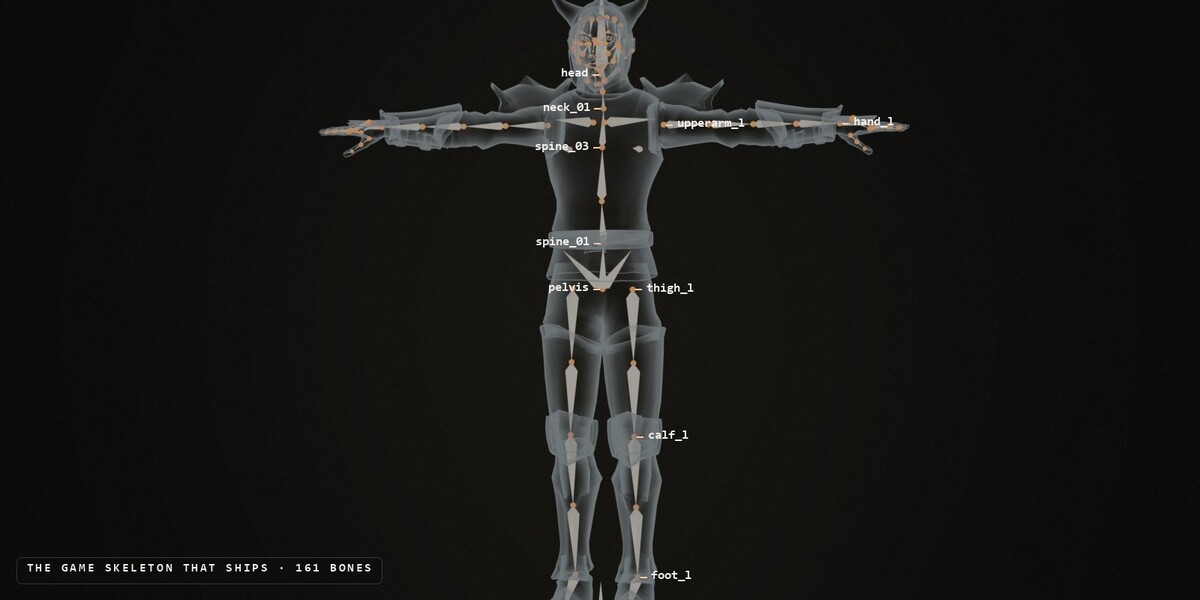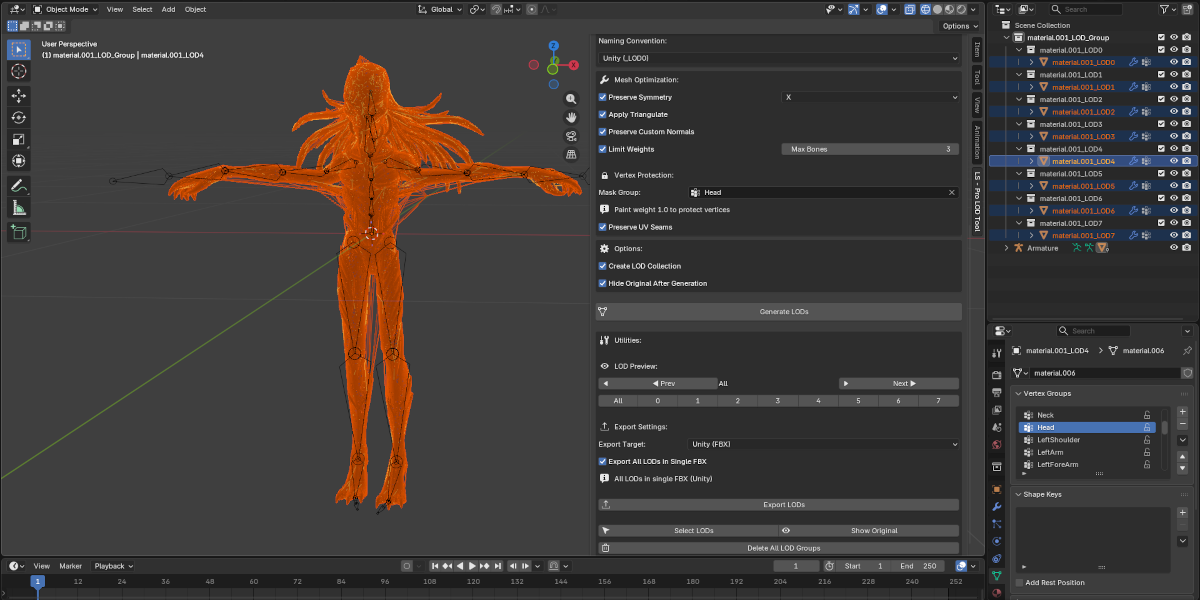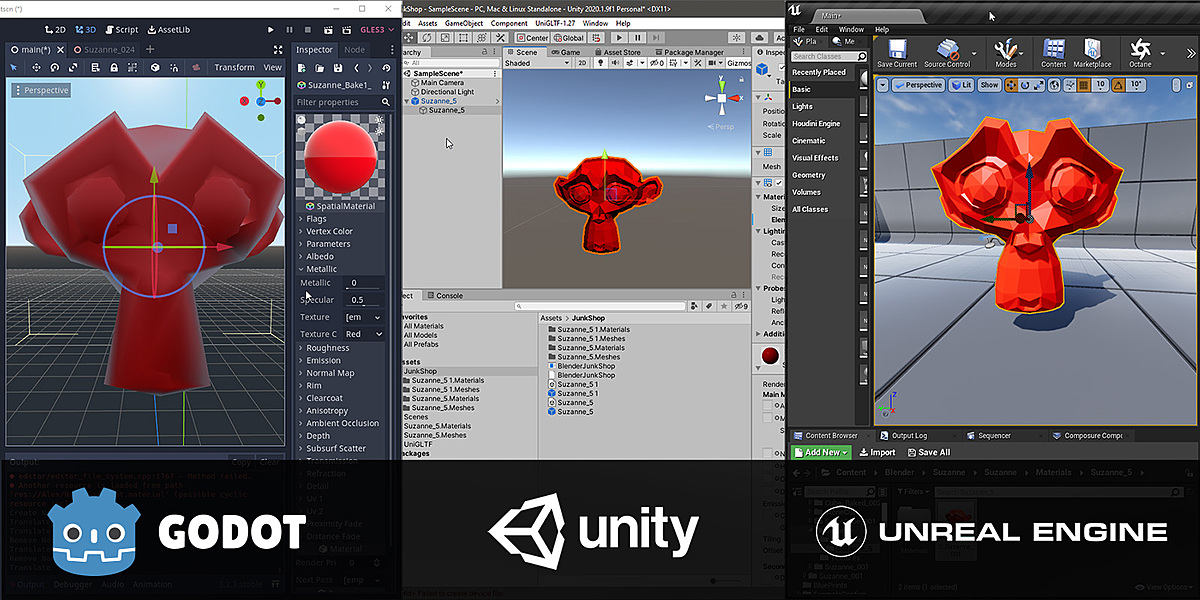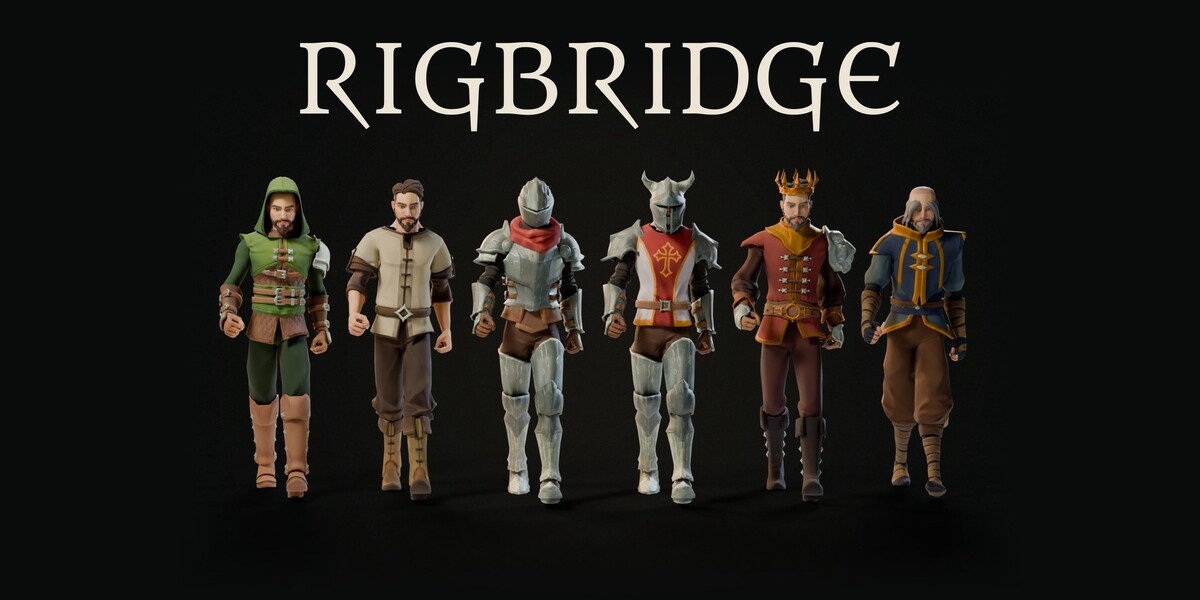
RigBridge is a Blender add-on for preparing character rigs, animations and meshes for game engine export. It combines rigging and retargeting tools with weight checks and an export pipeline for Unreal Engine, Unity, Godot and custom engine workflows. The Superhive product listing describes the available editions; the documentation explains the steps and settings.
Prepare and export a character
Choose a rig, mesh, target engine and file format in the RigBridge panel. In the Export section, Build + Bake All creates the export skeleton, binds the meshes and bakes the animations in the file. Quick Export then writes the selected format. The export readiness tools and skeleton change warning help identify setup issues before a file goes into the engine.
- FBX: RigBridge's exporter uses scale 1 and the exact bind pose. The documentation recommends it for Unreal and Unity.
- glTF 2.0 (.glb): This uses Blender's glTF exporter, which the documentation recommends for Godot.
The engine selector also includes UE4, UE5 and a custom option. Check the product documentation for the import settings that match your engine.
Rigging and animation tools
The full edition adds Smart Fit for human characters. It places a Rigify metarig on a selected character; you can move a joint marker and refit if its position needs adjustment, then generate the rig. Smart Fit is designed for a two-legged character standing on its feet, facing -Y, with arms in a T-pose or A-pose. RigBridge also includes creature metarigs for several body types.
Retarget Animation imports FBX animation from Mixamo, Unreal or another humanoid skeleton, or retargets animation from a skeleton already in the scene. Root Motion settings control how hip travel is baked: Root Motion moves ground travel onto the root bone, while In Place removes that travel so the character stays where it started. Individual takes can use their own setting.
Check weights before export
Auto-Weights binds the mesh to the rig and runs a stress test. For a person, the test bends the joints through 21 poses and marks areas to inspect; animal rigs use poses generated for their skeleton. Fix Problem Joints smooths marked areas and keeps a change only when the test improves. A live heatmap and separate quality maps help with further weight painting.
RigBridge can weight a character made of several meshes as one. For clothing that pulls away from the body, the documentation describes Match Layers; weapons, helmets, armor and other bone-parented props can also be found and remapped for export.
Compare editions and requirements
The supplied Superhive listing shows RigBridge Lite at $25 and RigBridge at $50. Lite includes the export pipeline, custom FBX exporter, Auto-Weights, stress test and other weight tools, plus Check Everything and clip and setup export tools. The full edition adds Smart Fit, Retarget Animation, Root Motion from Hips and the Creature Pack. The listing states that earlier RigBridge buyers retain the full edition and receive updates on the 1.x line at no extra charge.
RigBridge requires Blender 4.2 or newer. The listing reports testing through Blender 5.2. Rigify is required for Smart Fit and creature metarigs; the export pipeline, retargeting and weight tools do not require it. Characters, animations and scenery shown in the product examples are not included. Check the product FAQ for edition and update details.