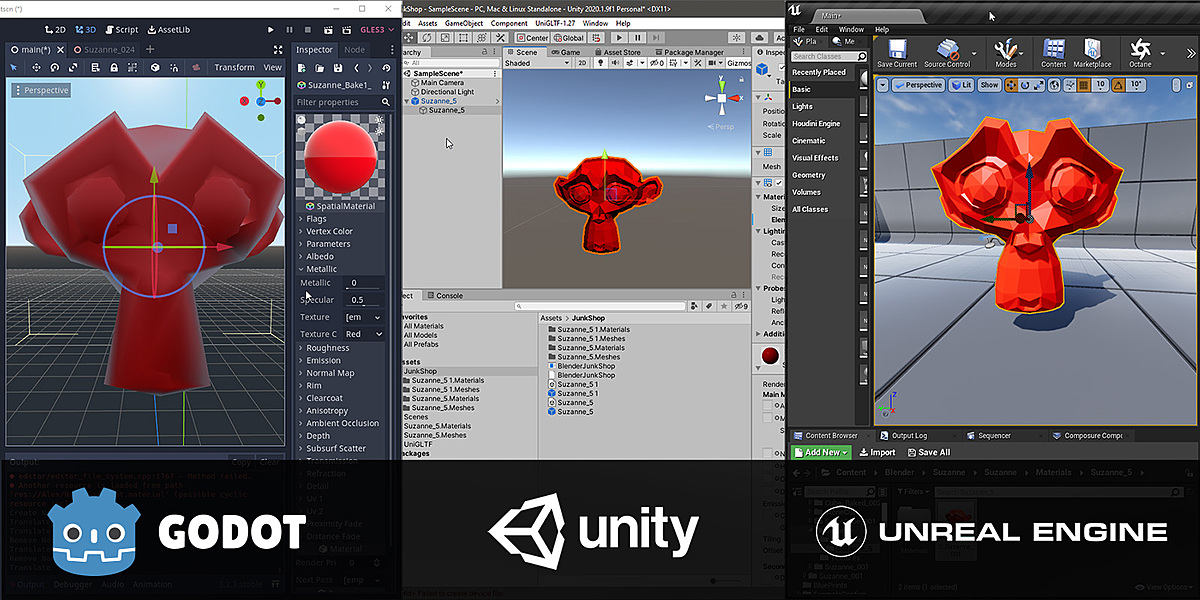
AP GameTools is a Blender add-on for preparing and exporting static models to Unity, Unreal, Godot, Sketchfab and other destinations. Its utilities cover model cleanup, materials, decimation, UV maps, textures and export, so common preparation steps are available in one Blender workflow.
Export to Unity, Unreal and Godot
For Unity, the product description says you can update models, shaders and textures in Blender, then use Export for Game Engine to update the model in your Unity project. Unreal and Godot use different pipelines; the listing says they import materials and textures and set up shaders automatically. The add-on also lists options to center and export for a game engine, export selected objects as FBX, and export an FBX scene.
For GLTF imports into Unity or Unreal, install a GLTF importer first. UniGLTF is recommended for Unity; Unreal's built-in GLTF importer must be enabled. Check the product FAQ and current engine documentation before setting up a pipeline.
Model, material and UV utilities
AP GameTools groups its preparation commands by task. Organizing utilities clear parents and delete empty objects. Material tools separate, join or rename objects by material and move origins to geometry. Decimation tools include Remove Doubles, Planar Decimate, Decimate by 5%, and removal of decimate modifiers.
UV commands remove unused UV maps, create lightmap UVs, or pack UVs for selected objects into a new UV map. The pack operation is intended to help with baking workflows. Export choices include game-engine export and two FBX options for selected objects or a scene.
Texture tools and documented updates
An April 2021 update added tools that duplicate textures and resize them to 4K, 2K, 1K, 512 or 256 pixels, with an option to convert them to JPEG. Similar resize tools are listed for HDR images. That update also added Pack UVs, Planar Decimate, Separate by Material and two FBX export options. To check the listed operations, see the current product listing .
Compatibility and help
The product listing names Blender 2.8, 2.81, 2.82, 2.83 and 2.9. It does not list compatibility with newer Blender versions, so confirm support before installing on a later release. The listing identifies the add-on as GPL-licensed.
The documentation page links to an introduction, a general usage tutorial, and separate Unity, Unreal and Godot pipeline videos. It also links to the developer's Discord for questions.