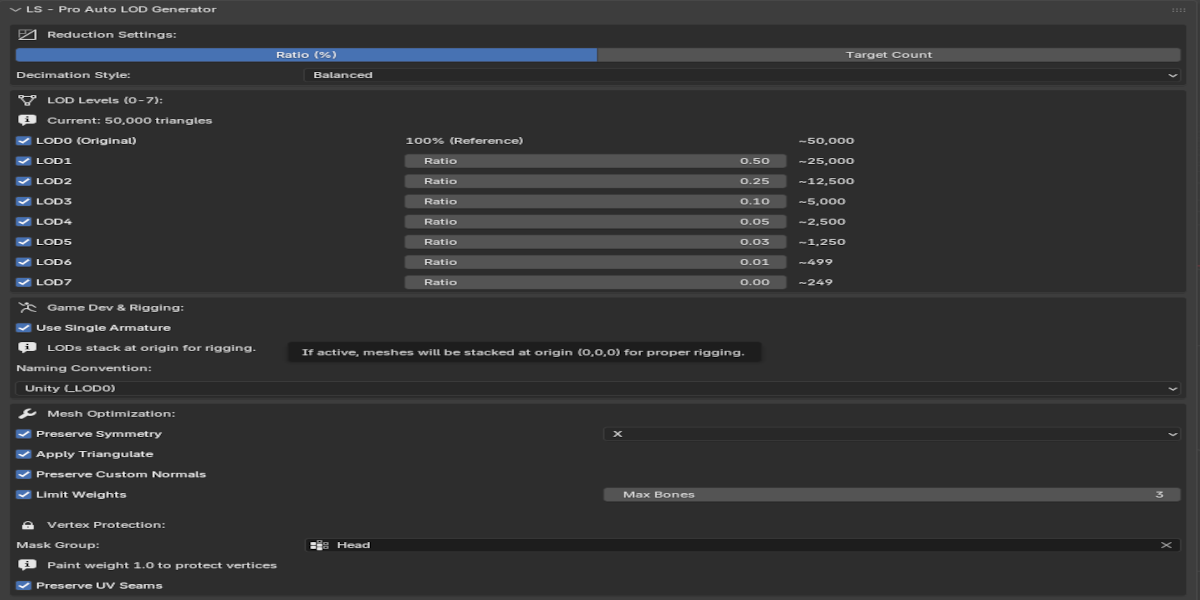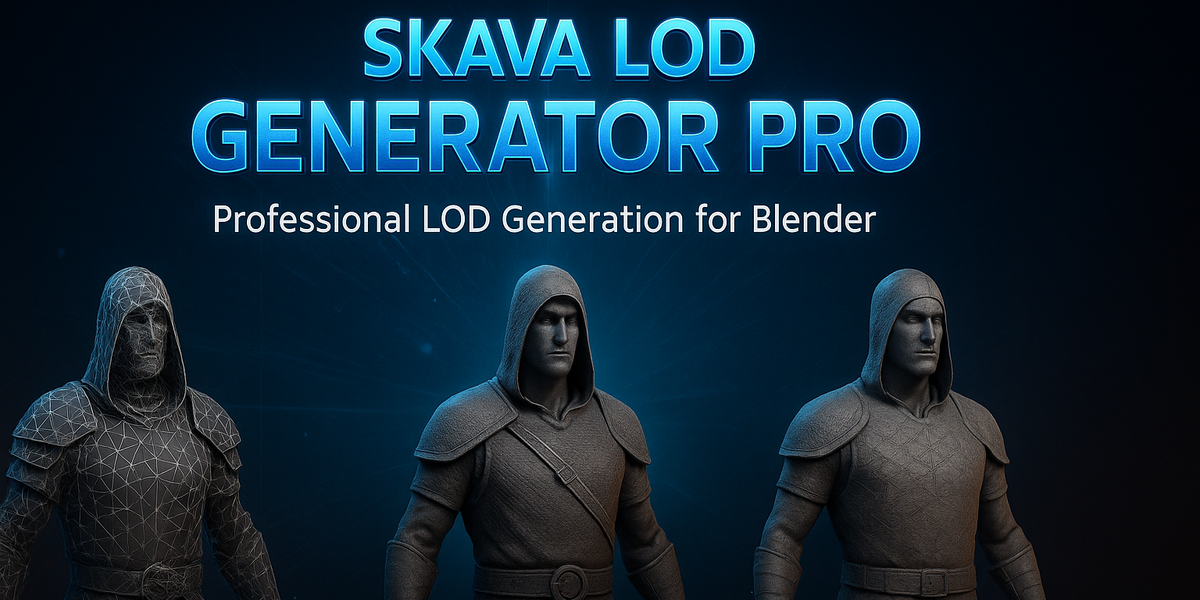
LS - Pro Auto LOD Generator is a Blender add-on for creating levels of detail from a mesh. It supports up to eight levels, from LOD0 through LOD7, with controls for enabling each level and a live triangle-count estimate. You can set percentage reductions or target polygon counts, then choose a decimation style for the mesh.
Choose how each level is reduced
Ratio Mode reduces geometry by a percentage. The product listing gives 50%, 25%, and 10% as example ratios. Target Mode lets you enter a polygon count, with 5,000, 2,500, and 1,000 shown as examples. Each LOD level can be configured separately.
Three decimation styles cover different priorities. Balanced is described as a standard quality-to-performance option. Aggressive, also called Crunch, is aimed at stronger reduction for mobile and VR. Quality, or Protect, is intended to retain more detail. The triangle estimate helps you compare settings as you work.
Keep rigging and mesh details in the workflow
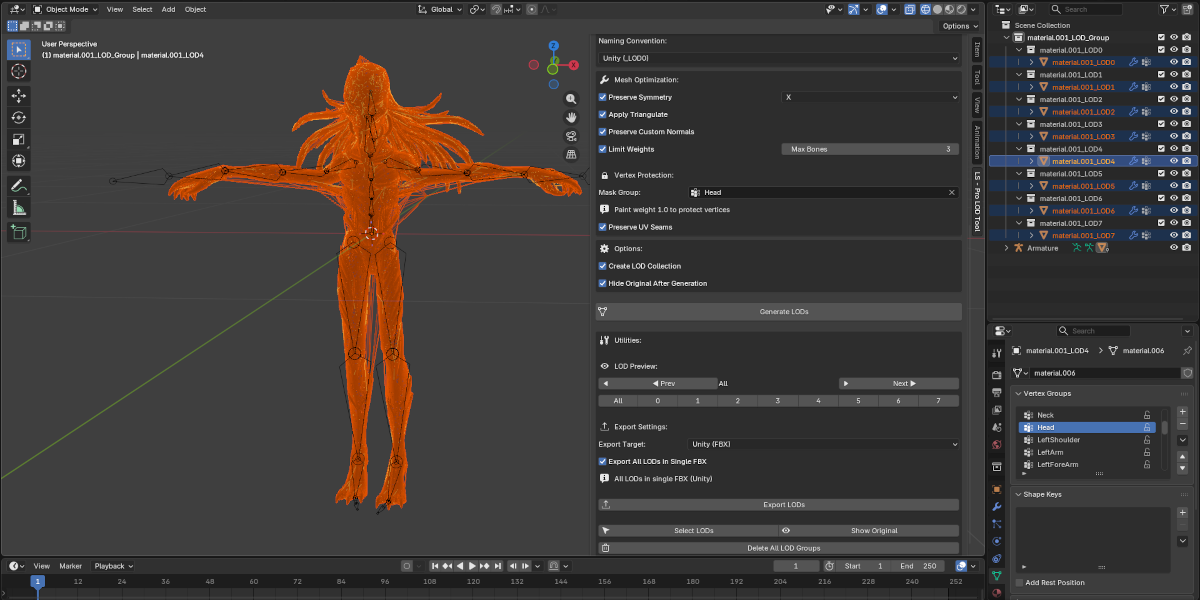
The listing says the add-on carries rigging, vertex group weights, and UV mapping through decimation. A vertex group mask can protect selected vertices when their mask weight is painted to 1.0. UV seam preservation and X, Y, or Z symmetry are also available.
Other controls include custom normals, automatic triangulation, and shape key awareness. Single Armature Mode places the LOD meshes at the origin under a shared armature, for projects where the game engine handles LOD switching. A mobile option limits each vertex to four bone influences.
Export LODs for game engines and web
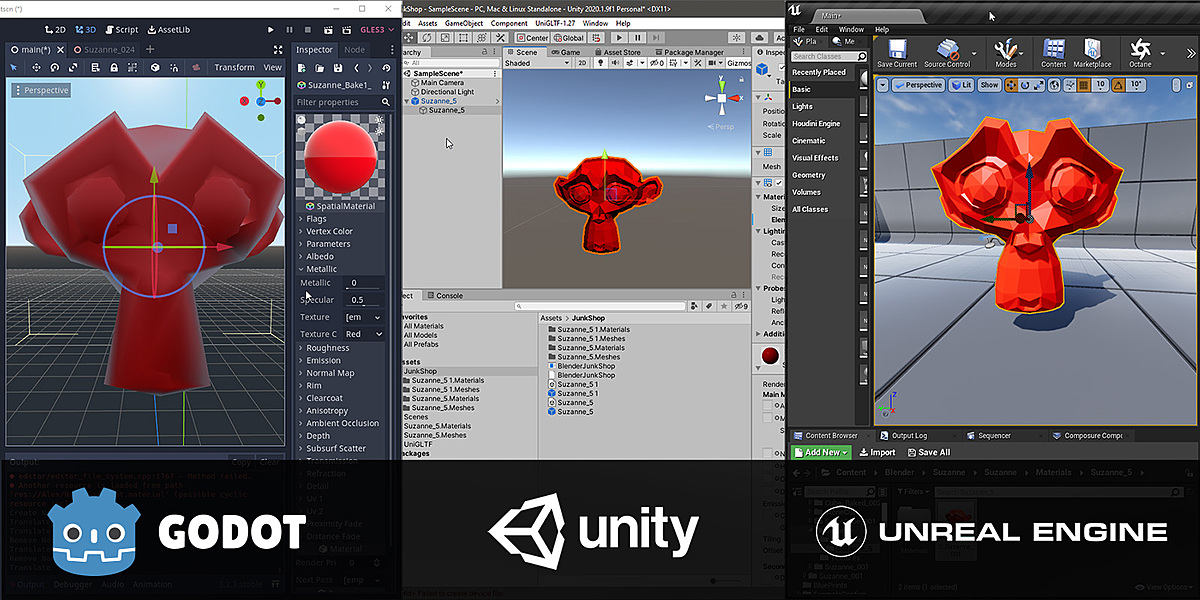
The add-on exports FBX or GLB, either as one combined file or as separate files for each level. For Unreal, the listing describes _LOD0 and _LOD1 naming and a combined FBX export that Unreal auto-detects. For Unity, the listing describes Unity-standard LOD naming, separate or combined FBX export, and an optimized bone hierarchy. The listing describes GLB export with animation and skin support for Godot and web projects.
Generate and preview the levels
Select a rigged character mesh, open the LS - Pro LOD Tool in Blender's sidebar, configure the levels and reduction settings, then choose Generate LODs. The preview controls let you switch between levels with previous and next navigation, select a level directly, or show all levels. Generated meshes are grouped in an LOD collection, with controls to hide the original mesh, select the group, and clean it up.
Check the current listing details
The Superhive product listing identifies the add-on as GPL licensed and names Blender 5.0 in its Blender Version field. The listing gives no supported Blender version range. Check the listing and its documentation for current compatibility information before installing.