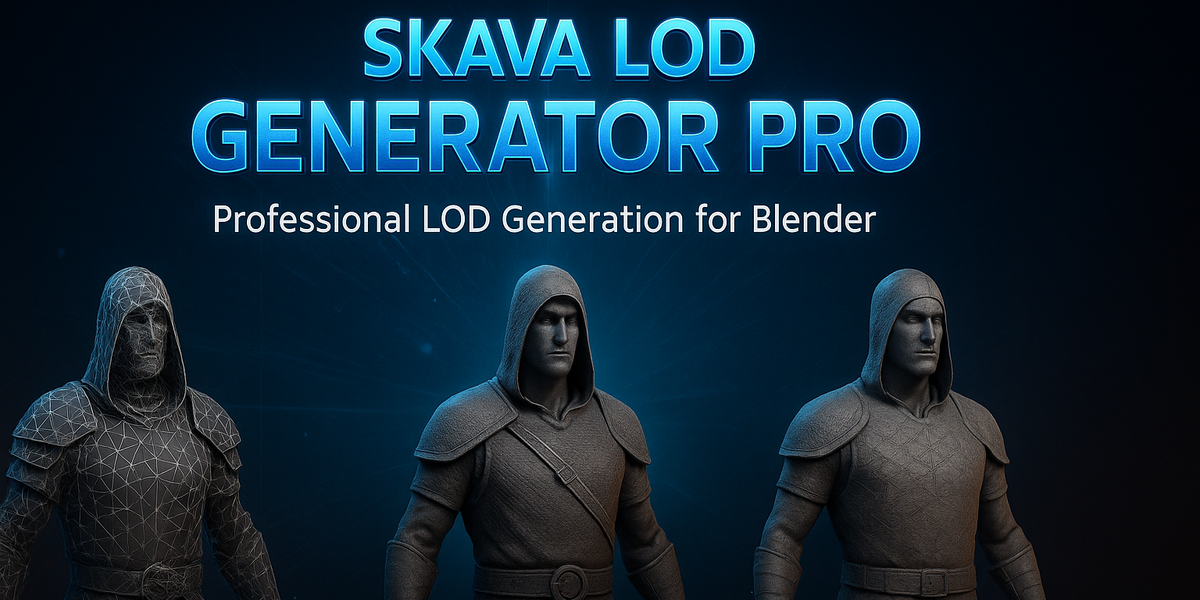
Lod Generator Pro - Ultimate Edition is a Blender add-on for generating lower-detail versions of selected 3D objects. Skava’s Superhive listing describes an AI-enhanced optimization engine with feature detection, reduction that adapts to mesh complexity, and a live quality score from 0 to 100.
Choose a reduction method
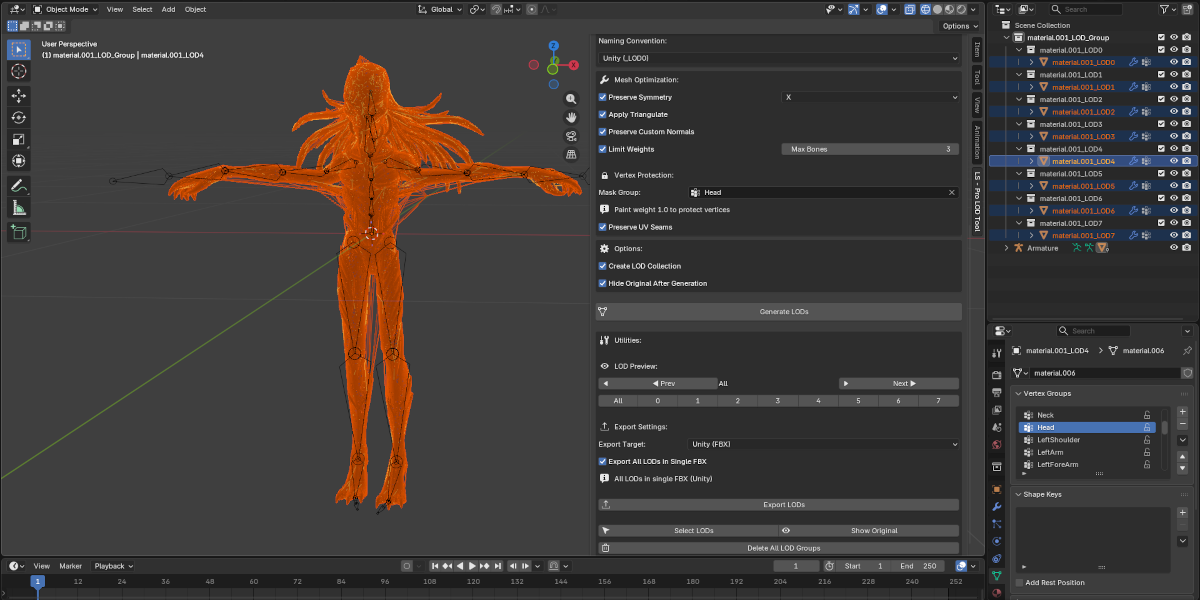
The add-on lists five methods: Standard Decimation, Smart Reduction, AI Enhanced, Custom Curves, and Adaptive. Preservation options cover volume, symmetry, UV and material boundaries, vertex colors, and shape keys. One-click analysis reports mesh complexity, suggests LOD settings, and provides quality-degradation and performance-impact estimates. It can also generate an HTML report for review.
Process objects in batches
For larger scenes, the listing describes multi-threaded batch processing that uses available CPU cores. A queue lets objects process while you continue working, and progress tracking includes time estimates. GPU acceleration is labeled experimental; the listing reports up to five times faster processing on compatible GPUs, but the retrieved material does not identify compatible models. Check current documentation if your workflow depends on GPU support.
Export and prepare assets
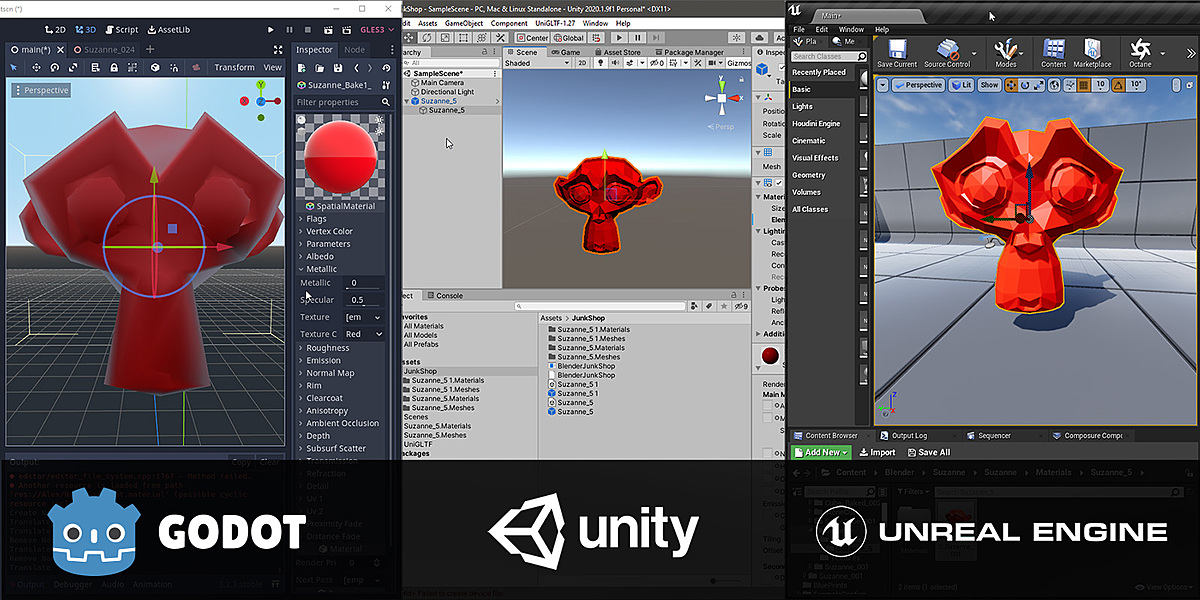
Export presets cover Unity, Unreal Engine, Godot, and custom engines. The listing says Unity exports can set up LOD groups, Unreal presets include LOD distances, and Godot exports use optimized settings. Supported formats are FBX, glTF 2.0, USD, and OBJ.
Material and texture tools include merging similar materials, baking complex shaders to simpler textures, resizing textures for each LOD, generating atlases, and simplifying shader node trees. The product page also describes platform-specific presets and aggressive optimization options for mobile and VR projects.
Compatibility, license, and installation
The Superhive product details list Blender 3.0 through 4.5 and a GPL license. Newer Blender versions are not listed in the retrieved details, so check the current listing before installing on them. For installation, the product FAQ says to download the ZIP without unpacking it, then use Edit > Preferences > Add-ons and choose Install from Disk. In Blender 4.0 and 4.1, the button is labeled Install. Select the ZIP and enable the add-on.