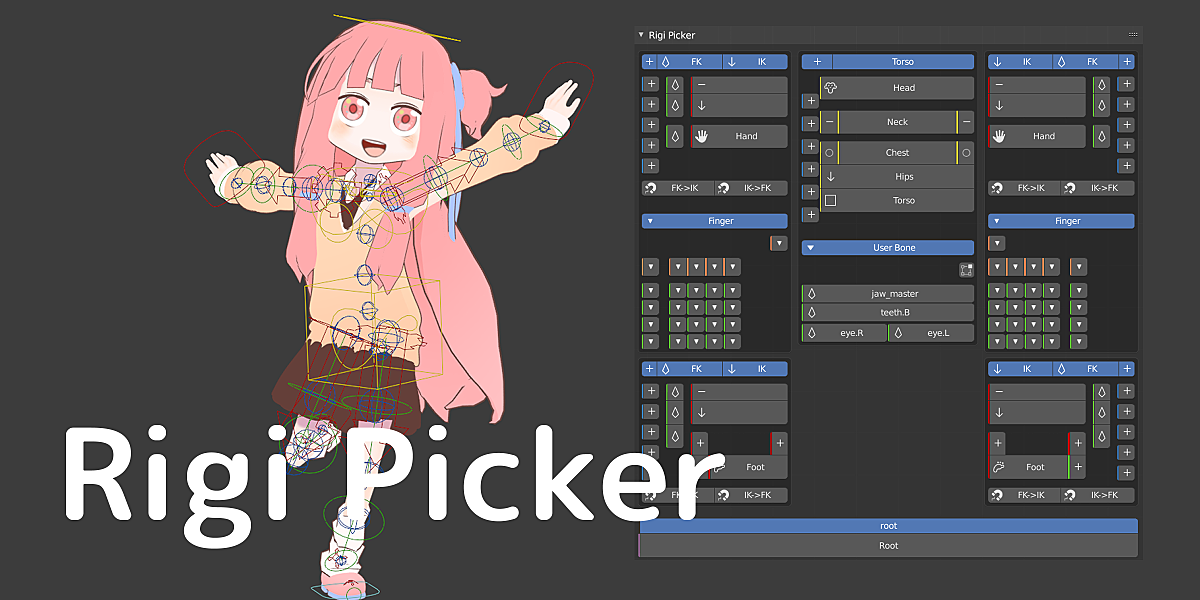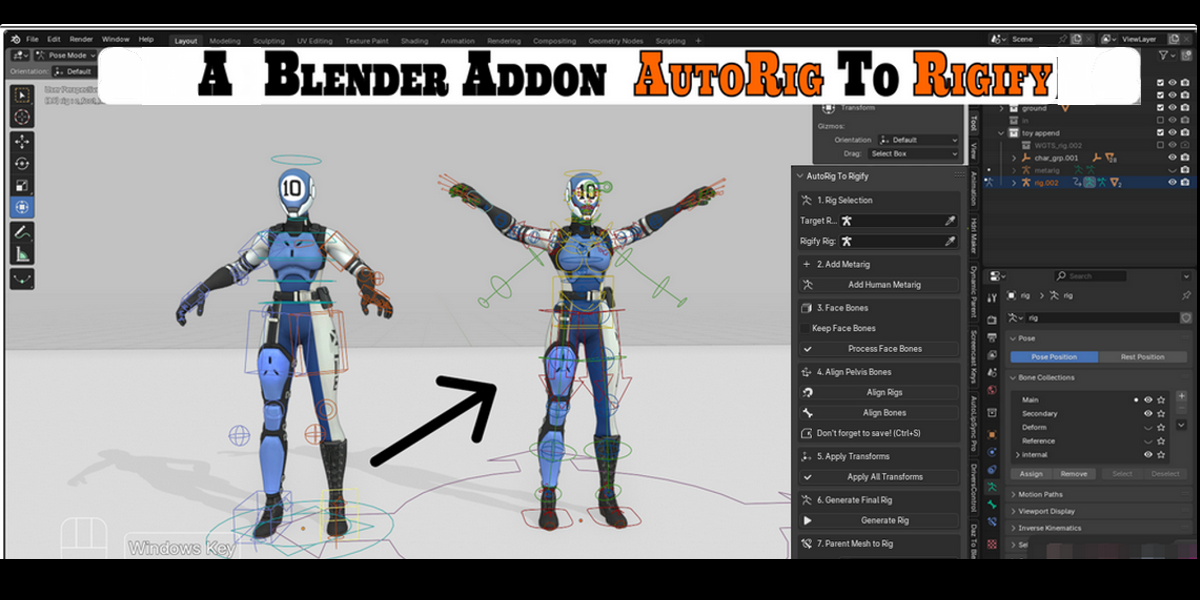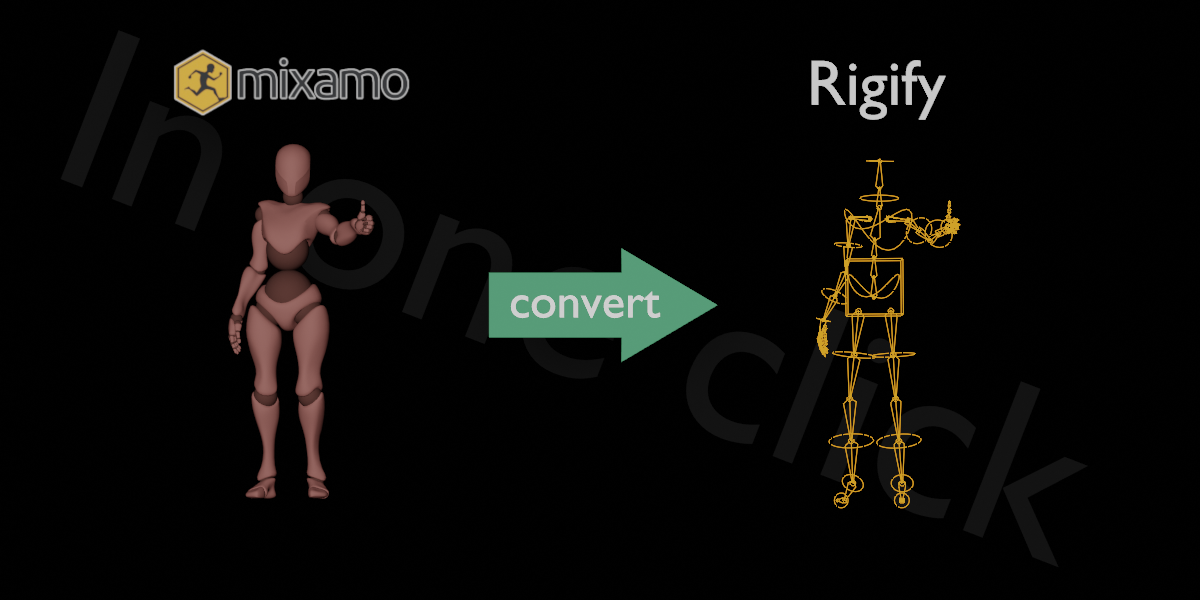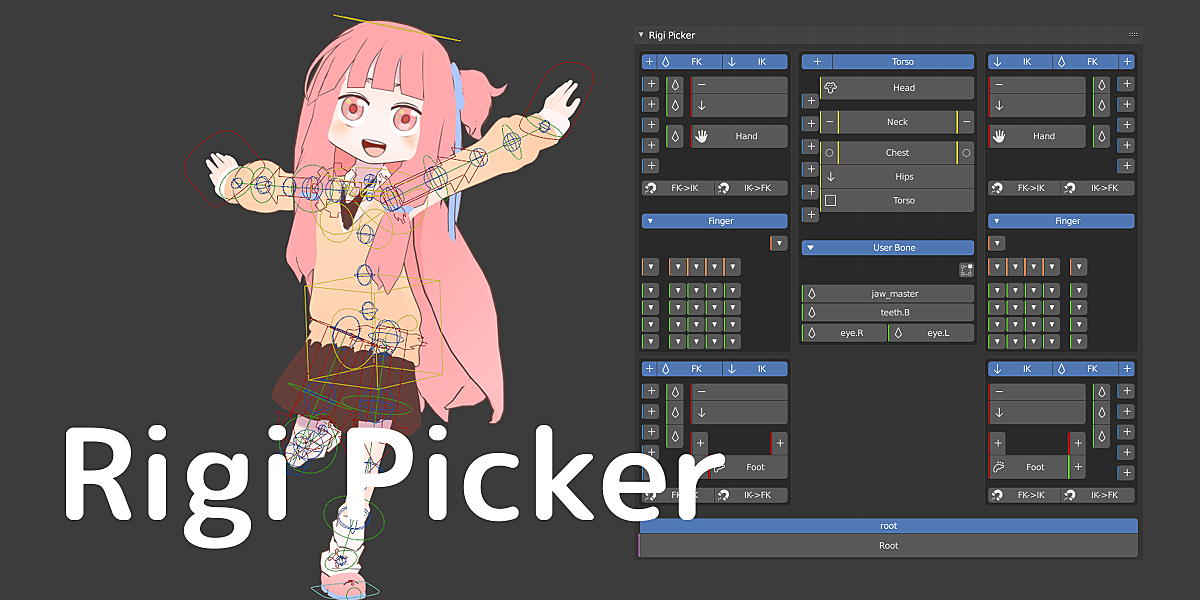
Rigi Picker is a Blender add-on by Bookyakuno for selecting rig controls while posing. It adds picker buttons for IK, FK, and Tweak bones in the arms, legs, torso, and fingers. Full support covers Rigify's Basic Human and Human meta-rigs.
Bone selection and posing controls
Use Shift to add bones to a selection and Alt to deselect them. A separate button switches between FK and IK, and a layer display option shows only the bones for the currently displayed layer.
Custom picker buttons and rig support
Other rigs may work when their bone names match the corresponding Human rig bones. You can also add chosen bones as buttons with the user bone picker, including bones outside Rigify.
Where to open Rigi Picker
In the 3D View, open the N-panel sidebar and choose the Rigi Picker tab. The add-on also provides a pie menu on W and a popup menu on Ctrl+W. These menus are available in Pose Mode and Bone Edit Mode.
Blender and Rigify version notes
The marketplace listing names Blender releases from 2.8 through 4.2. Its Rigify support note specifies Rigify 0.6.1 or later with Blender 2.83 or newer. The documentation page adds a release-specific condition: for Blender 3.6 or below, use a Rigi Picker add-on version earlier than 1.1.11. Check the documentation for the release that matches your Blender setup before installing.
Rigi Picker is distributed under GPL.