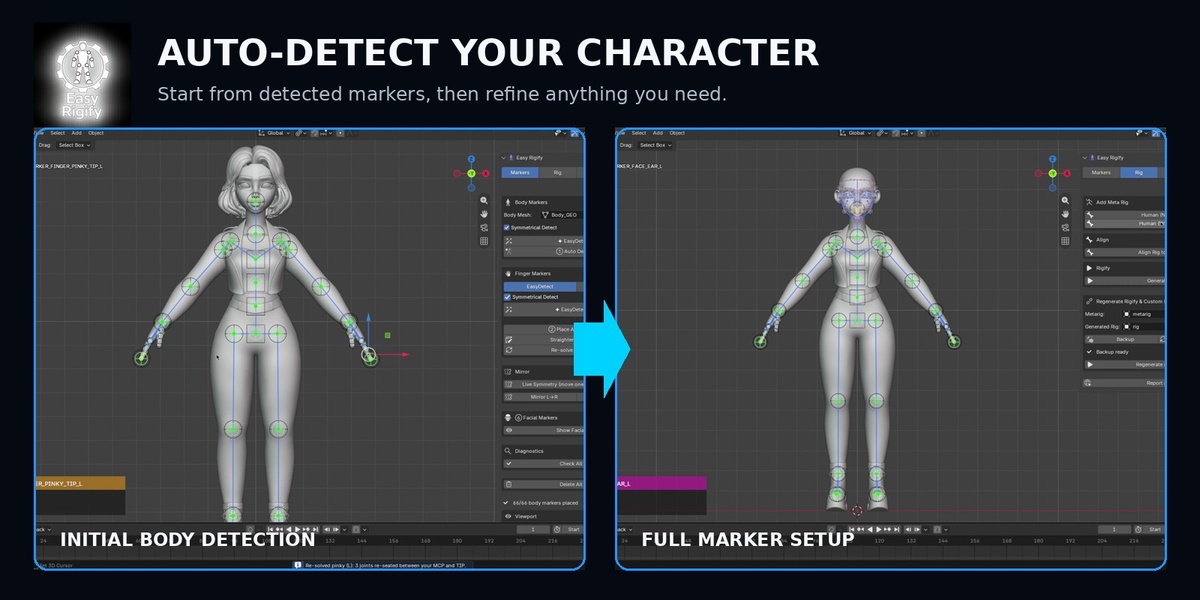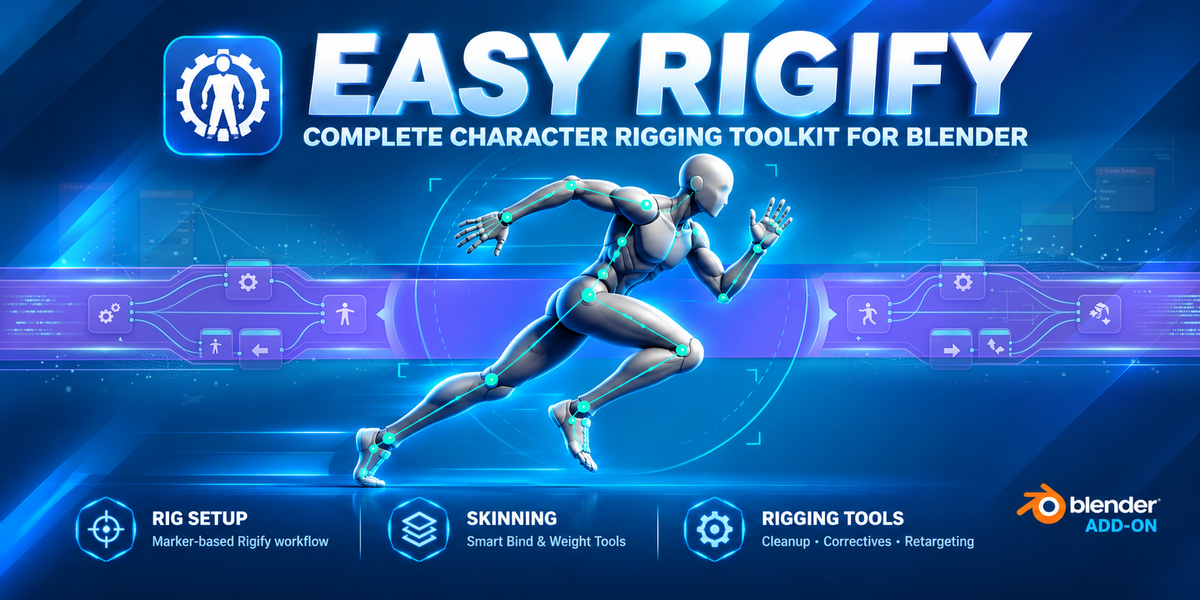
Easy Rigify is a Blender add-on that positions a Rigify human metarig using visual markers placed on a character. It can detect landmarks automatically or let you place them manually, then align the metarig to those positions. After alignment, you continue with Rigify's usual workflow to generate the final rig.
Optional on-device AI-assisted detection can help create starting markers for the body, fingers and face. You can also use the marker workflow without AI and adjust markers before alignment.
From character markers to a Rigify metarig
- Place markers for the body and the areas you need to rig, such as the shoulders, arms, hands, fingers or face.
- Detect landmarks automatically or place them yourself, then refine their positions.
- Align the Rigify metarig to the markers.
- Continue with Rigify to generate the final rig. Easy Rigify does not replace Rigify.
The listing describes Human (No Face) and Human (With Face) metarig options. Facial markers cover areas such as the eyes, eyelids, nose, mouth and jaw.
Skinning and deformation tools
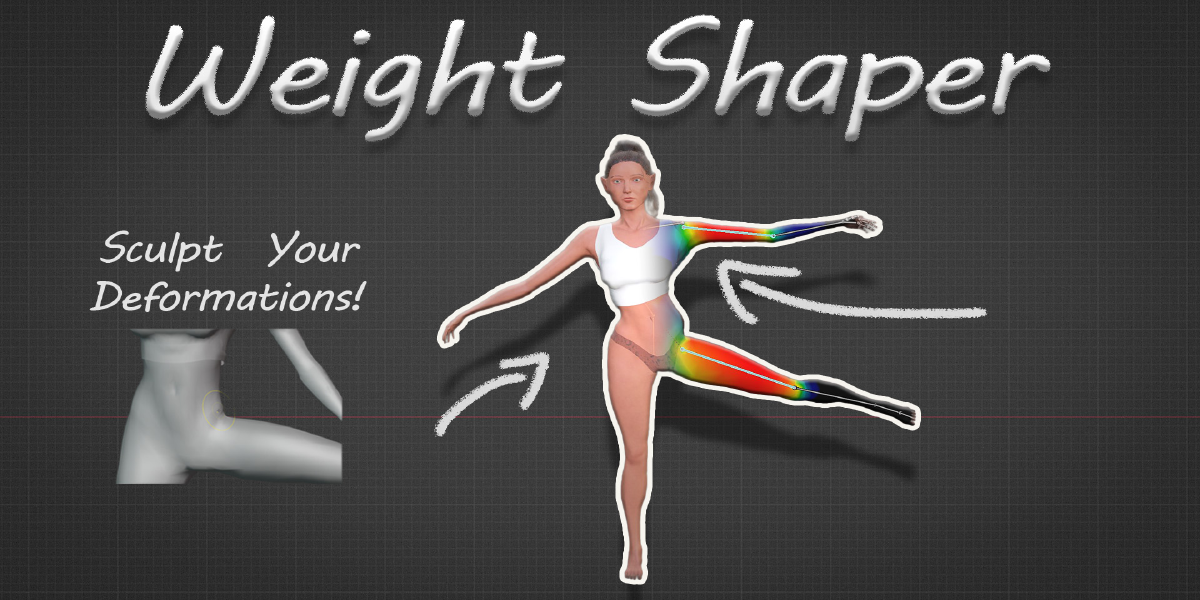
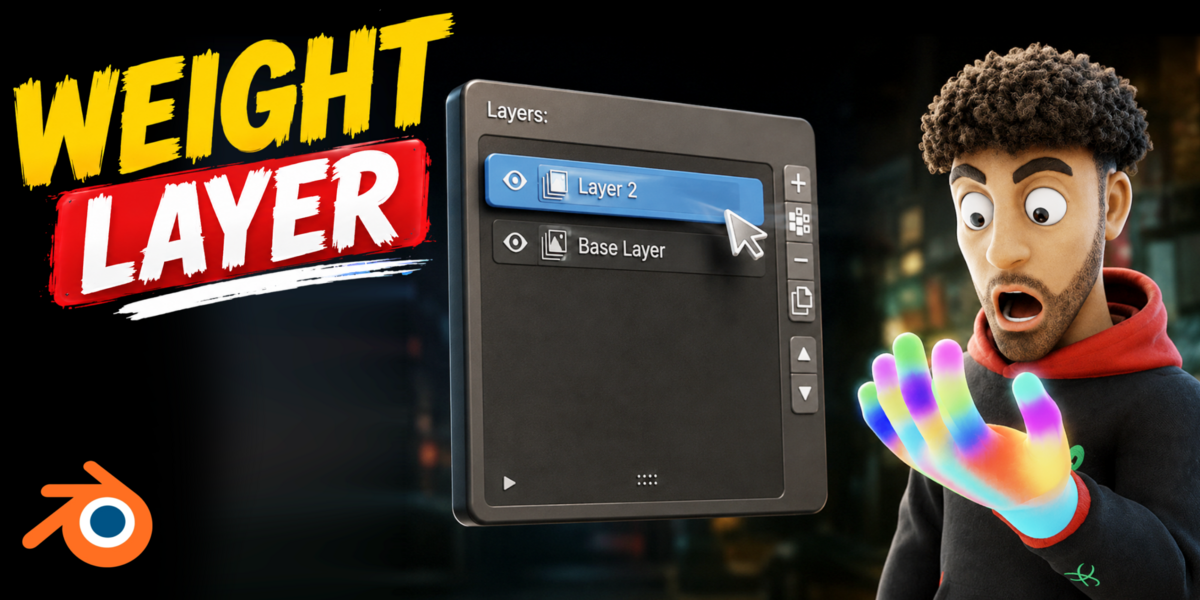
The Full version includes skinning tools such as Smart Bind, Surgical Weight Fix, weight smoothing, symmetrizing, transfer and influence cleanup, plus Joint Cleaner and Joint Corrective. Other listed tools include Fan Bones for elbows and knees, retargeting, skirt and kilt rigging, and export tools for Unreal and Unity.
Requirements and documentation
The product listing gives a Blender compatibility range of 4.2 to 5.2. Rigify, which is included with Blender, must be enabled. The stated license is GNU GPL version 3 or later. See the Easy Rigify documentation for setup details and the product listing for its specifications.