Easy Envelope is a Blender add-on for assigning skinning weights with Blender’s envelope binding method. Each bone has a cylindrical influence range. Vertices inside it receive weight, and overlapping envelopes create transitions. The add-on lets you inspect and adjust those ranges while you work.
The developer presents envelope weighting as an alternative to automatic heat-diffusion weighting for meshes such as layered skirts. The product page describes less model interpenetration in its skirt demo; it also notes that the demo’s physics result comes from rigid-body simulation, not the add-on.
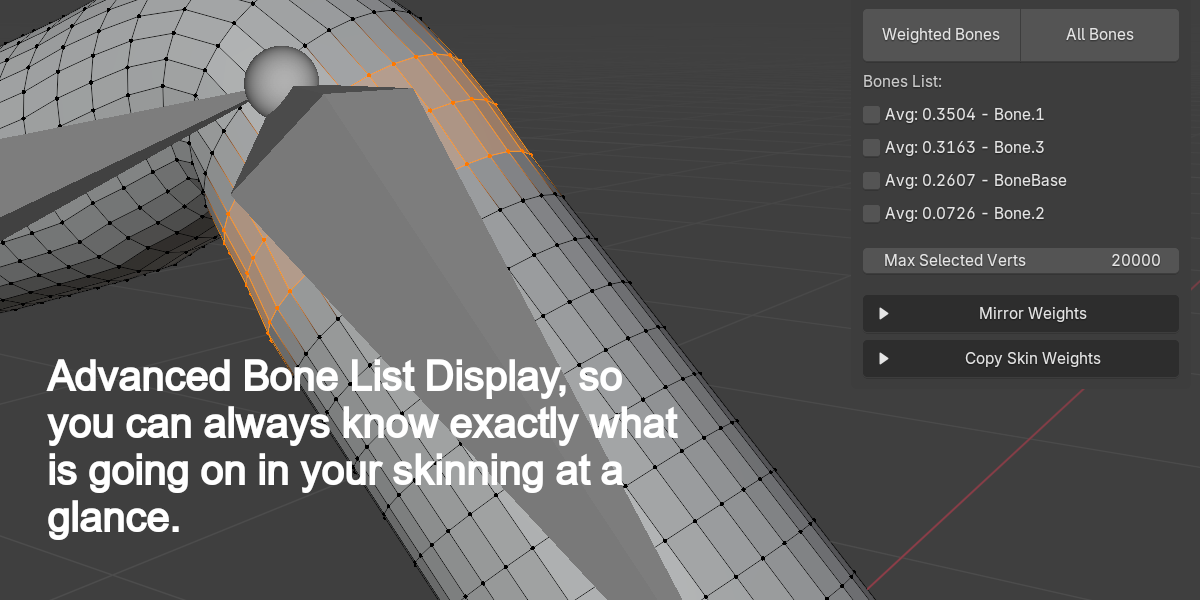
Inspect and adjust the weight ranges
You can view each envelope and the vertices it affects, edit envelope shapes, and save or load them as files. A real-time preview shows weights without switching to Weight Paint mode: red indicates a weight of 1, blue indicates 0, and white marks unprocessed vertices. You can also adjust the gradient curve between bones, choose among different algorithms, and use the Loose Part option.
Apply weights in Blender
- Select the mesh object, then select its armature.
- Enter Pose Mode and use the Start button in the N-panel to open the add-on interface.
- Set the envelope options and press C to calculate. The resulting weights are applied to the vertices.
The product documentation is available from the developer’s listing. Its FAQ covers the V and P preview keys and settings that can affect which vertices appear or receive weights.
Where it fits, and where it does not
Easy Envelope is intended for areas that are awkward to weight with automatic methods, including clothing hems, cloaks, multi-layer skirts, and hair made from mesh. It can also help with internal mesh parts that are difficult to reach with a brush, and with separated meshes where heat-diffusion weighting may give poor results. For separated parts, the developer advises assigning a solid or sufficiently gradual weight; otherwise, the mesh may tear during animation.
For a full human character, manually setting influence ranges across many bones can become cumbersome. The developer recommends Blender’s heat-diffusion method for complex biological binding. Easy Envelope can mix its results with existing weights only when the processed bones and the bones carrying those weights belong to the same armature.
Other rigging controls
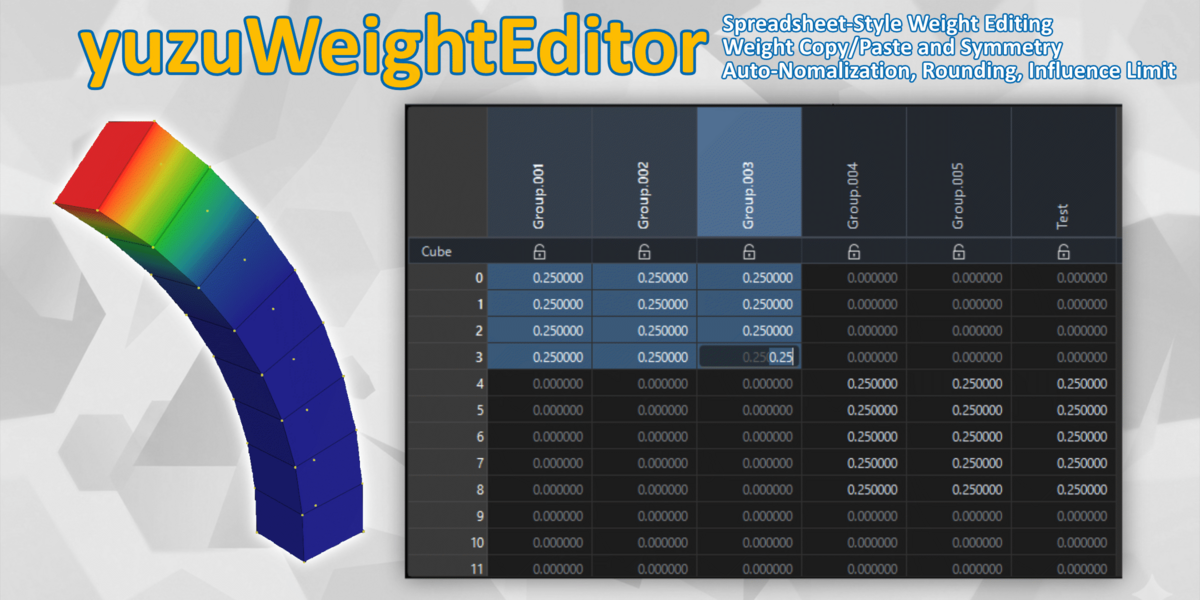
Edit-mode tools can select vertices with deform weights, remove deform weights from selected vertices in batches, and select the deform bone for selected vertices. The product changelog also lists a maximum-bone-influences control for workflows using game engines that limit a vertex to four bone weights.