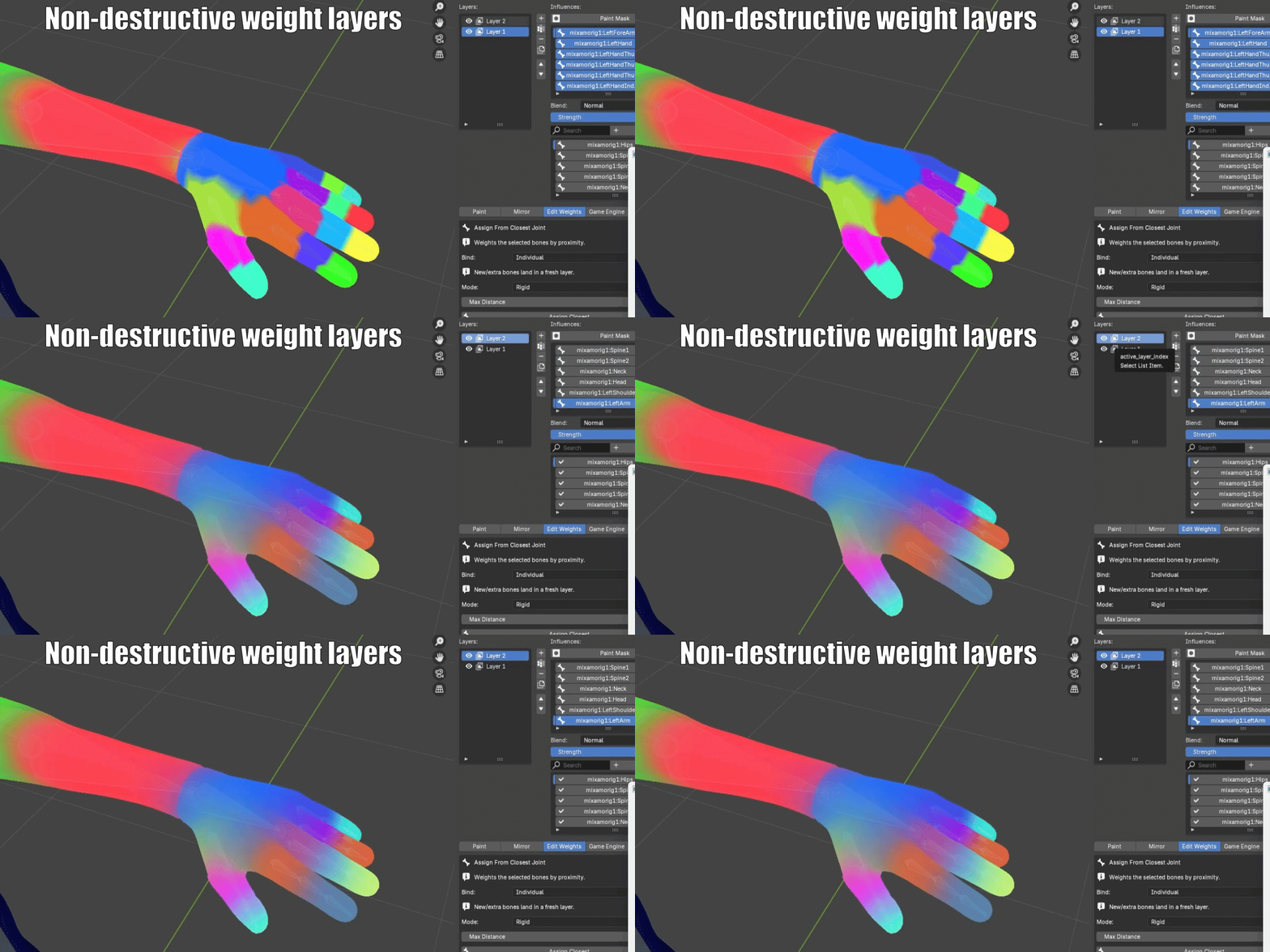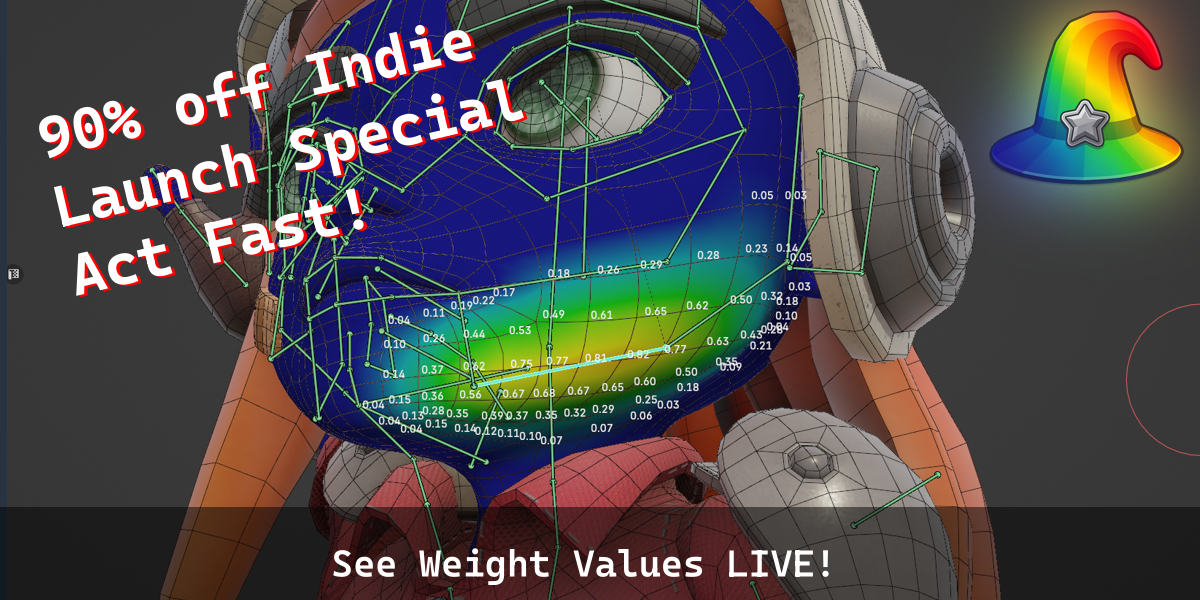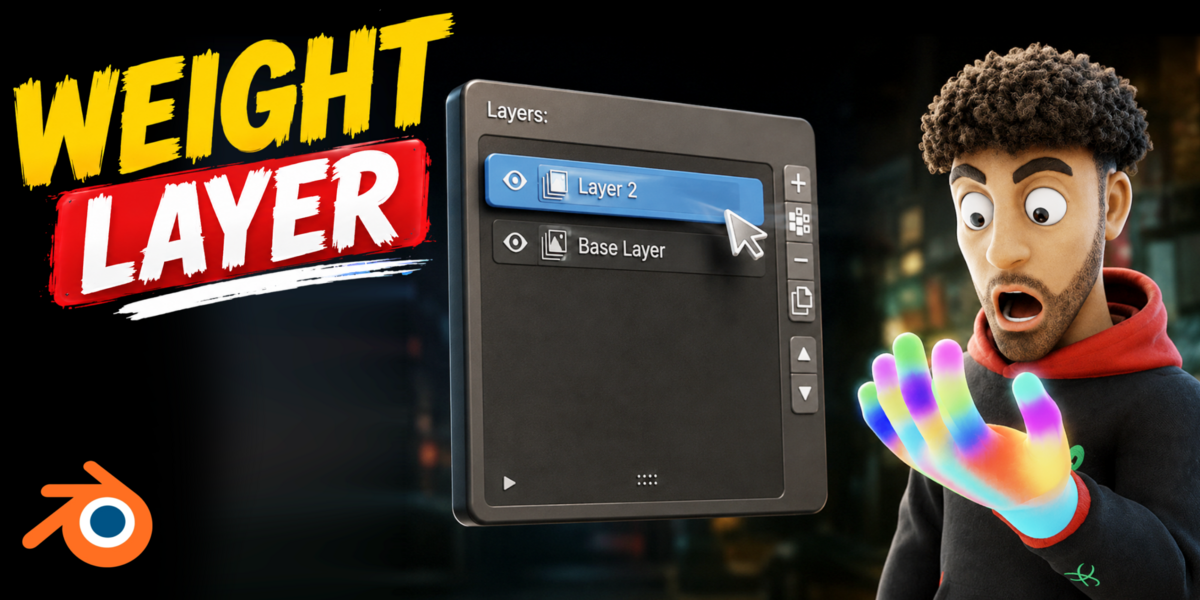
The Non-Destructive Weight Layer & Voxel Skinning Add-On adds a layer-based weight painting workflow and a Voxel Binding Engine to Blender. It keeps base weights underneath separate edits, so you can compare or remove adjustments before baking them. The product listing labels the add-on Alpha, lists Blender 4.5 and specifies a GPL license.
Keep a clean base weight set
Weight edits live on separate layers. You can hide or mute a layer, adjust its influence, or delete it while the base weights remain underneath. The product listing gives one example of mixing approaches: use standard Blender weights for fingers and Voxel weights for the body, then bake the layers when the work is ready.
Binding, seams and mirroring
The Voxel Binding Engine calculates smooth skin weights intended to reduce clipping or intersection between clothing and body meshes in extreme poses. Seam Welding Technology detects boundaries between separate body parts and welds adjacent vertices, which can address visible gaps around areas such as the neck. Smart Symmetrical Mirroring can mirror or live-paint weights on meshes with asymmetrical structure or offset topology. The documentation describes Live Mirror and Force Mirror controls.
Controls for separate meshes
Each independent object gets its own layer stack through dedicated mesh dropdowns. Region masking is included, and the Rigging Pie Menu opens with Alt + F. It provides quick access to paint brushes, selection modes and target mesh switching. In weight-paint mode, the documentation also lists Ctrl + Shift + Left Click to select a bone and Ctrl + the mouse wheel to cycle through bones.
Set up a weight layer workflow
- Download
voxel_engine.zipandweight_layer.zipfrom the official download source, then drag both files into Blender. The panels appear in the 3D Viewport side panel, also called the N-panel, under Weight Layer and Voxel Skin. - Select the mesh and armature together in Object Mode. In the Weight Layer panel, choose Set Targets from Selection.
- Create a layer, select the bones it should affect, and click Add. Under Edit Weights, choose Blender Automatic Weights or Assign From Closest Joint to apply changes only to those bones on that layer. Toggle the layer visibility to compare the result.
- Test the deformations in poses. When the layer stack is ready, use Bake at the bottom of the Weight Layer panel.
The product documentation lists installation and control details. Check the product listing for its current Blender version and release information. The supplied listing does not confirm compatibility with other Blender releases.