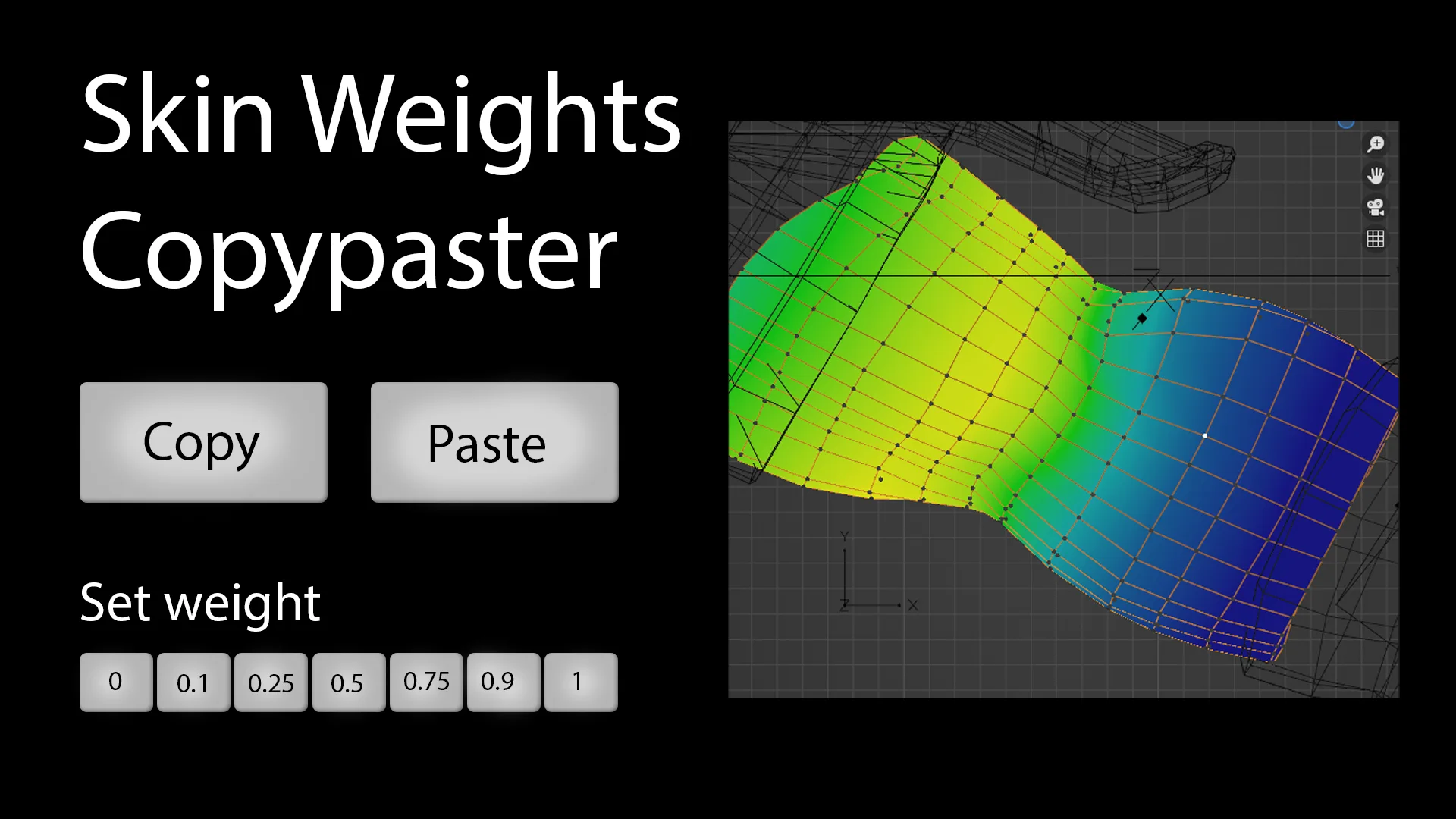
Skin Weights Copypaster adds copy, paste, and set-weight operators to Blender's vertex-weighting workflow. Copy Weights reads skin weights from a source vertex; Paste Weights applies those values to target vertices. The controls are available in a viewport panel in Edit and Weight Paint modes.
Copy weights from a reference vertex
Use Copy Weights when several vertices need the same weight assignments. The first vertex in the selection supplies the values, so check that it is the intended source before copying. The operation does not combine the weights from multiple selected source vertices.
When pasting, you can choose whether to clear existing vertex groups on the target vertices first. A separate option normalizes weights after pasting if the copied values were not normalized. Review both options and the target selection before pasting if existing assignments matter.
Set weights and select edge loops
Set Weights assigns a precise weight to selected vertices in a chosen vertex group. Choose a starting value from its preset list, then adjust it in the operator panel that appears in the viewport corner. This is useful when you want to enter a weight directly instead of copying an existing set of weights.
The add-on also includes an edge-loop selection operator for Weight Paint mode. The listing says it is available when at least two vertices are selected.
Find the panel and check compatibility
After installing and enabling the add-on, open the viewport's Item tab in the N-panel with the N key. The panel is available in Edit and Weight Paint modes. The Blender Extensions catalog lists version 0.3.3 with Blender 4.2.0 as the minimum and the GNU GPL 3.0 or later license. Check the Blender Extensions listing for the package and current compatibility details. The project README reports testing only on Blender 3.1 through 4.3, says the add-on seems to work, and gives ZIP installation steps.