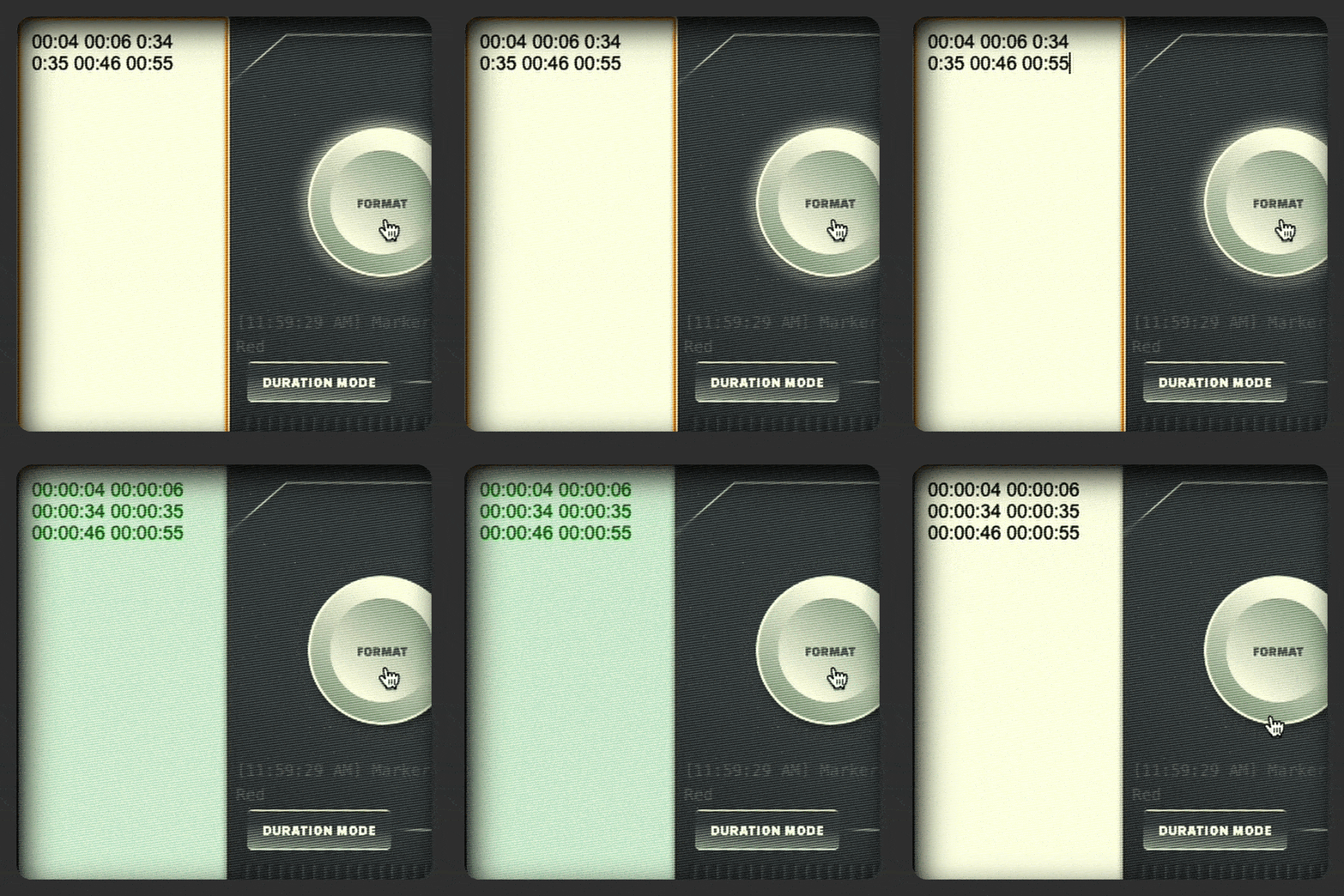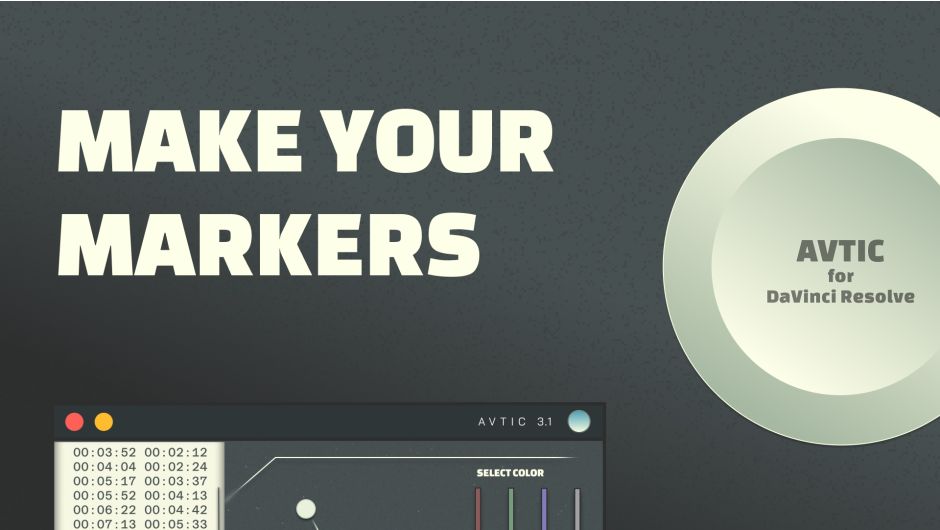
Avtic turns timecoded client notes into timeline markers in DaVinci Resolve. Paste notes, format them, then review marker colors and a preview before processing. The product is listed as compatible with DaVinci Resolve 20, 19, and 18.
Turn client notes into timeline markers
Avtic is designed for editors who receive revision notes in text and want to place them on the timeline without retyping each timecode. Its color picker uses DaVinci Resolve's marker palette, and the preview lets you check the selected colors before processing. The product listing says one-click processing handles text from sources such as emails and spreadsheet exports only in Studio Edition.
Choose a marker mode
Standard Mode creates classic single-point markers for individual notes. Duration Mode creates range markers that span between timecodes, which can mark an edit zone or a section that needs attention. Choose the mode to match how each note refers to the timeline.
Place assets from a selected folder
Version 3.3 added automatic asset placement from a selected folder based on the chosen marker. This can connect a marker to a corresponding asset without manually locating each file. The Avtic product page leaves the matching rules and supported asset types unspecified.
Export and version details
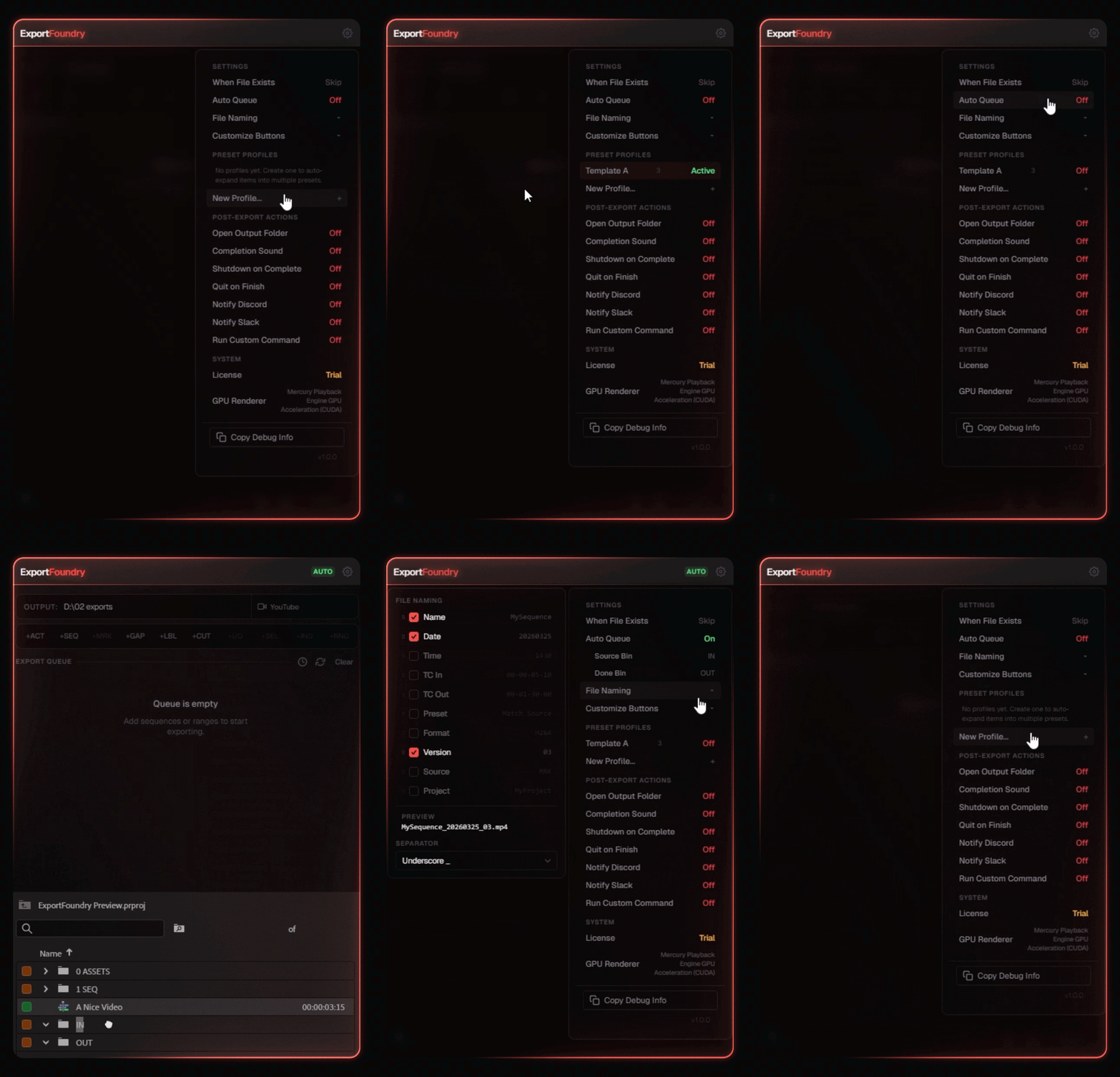
Version 3.2 added automatic detection of completed videos with a two-click export option, as well as localization for Spanish, Russian, and Hindi. Version 3.3 included workflow performance changes. The product page lists version 3.3.1, dated March 10, 2026, with a fix for a black screen during batch export.
Avtic is most relevant when client notes arrive as timecoded text and need to become review markers. Its duration mode, folder-based asset placement, and export tools extend that workflow beyond creating single-point markers.