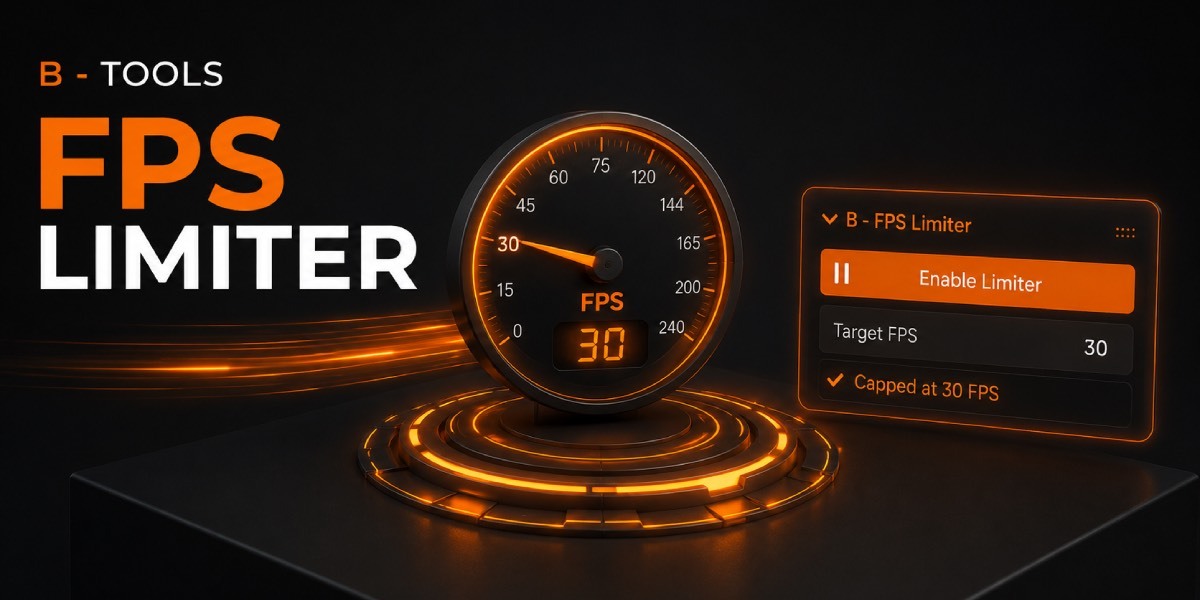
B- FPS Limiter is a Blender add-on that caps the frame rate in the 3D viewport. It can help reduce the work Blender does while you navigate a scene, which may be useful on laptops, passively cooled computers, or systems connected to high-refresh-rate monitors.
How the viewport limiter works
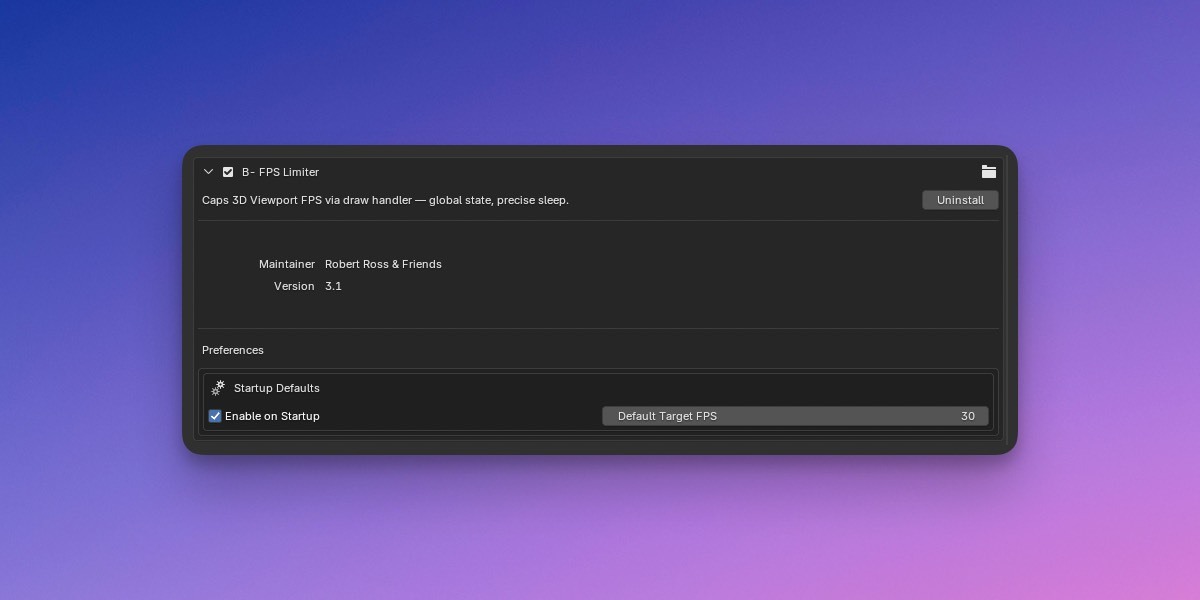
The add-on uses a draw handler to track elapsed time between frames and throttle the viewport toward a target rate. The documented default is 25 FPS, and you can choose a different target. A lower cap can make viewport movement look less smooth, while reducing the number of updates the computer needs to produce during navigation.
The product listing describes a safety clamp intended to keep Blender's interface responsive at low frame rates. The add-on's controls are in an FPS Limiter tab in the 3D Viewport sidebar, also called the N-panel. See the B- FPS Limiter documentation for its installation and usage steps.
Controls and saved preferences
From the sidebar panel, you can turn the limiter on or off and adjust the target FPS. Blender Preferences also include startup defaults for the limiter state and target frame rate. The documentation says these preferences can persist across restarts when saved. The add-on does not store its settings in individual .blend project files.
When it may help
A viewport cap may suit laptop users who want less fan noise or power use while modeling, including people working on passively cooled machines. It may also help when Blender is open on a high-refresh-rate external display and the viewport is updating faster than the current task requires. The actual effect on temperature, noise, or battery use depends on the computer and workload.
The limiter applies to viewport refresh. The product FAQ says it does not affect model appearance or final render quality. Read the product FAQ for the developer's notes on hardware, viewport smoothness, and rendering.
Compatibility
The listing marks B- FPS Limiter as Blender Extension compatible and gives a supported Blender version range of 4.2 to 5.1. It identifies the add-on's license as GPL. Check the current product listing for details before installing, especially if you use a Blender version outside that range.