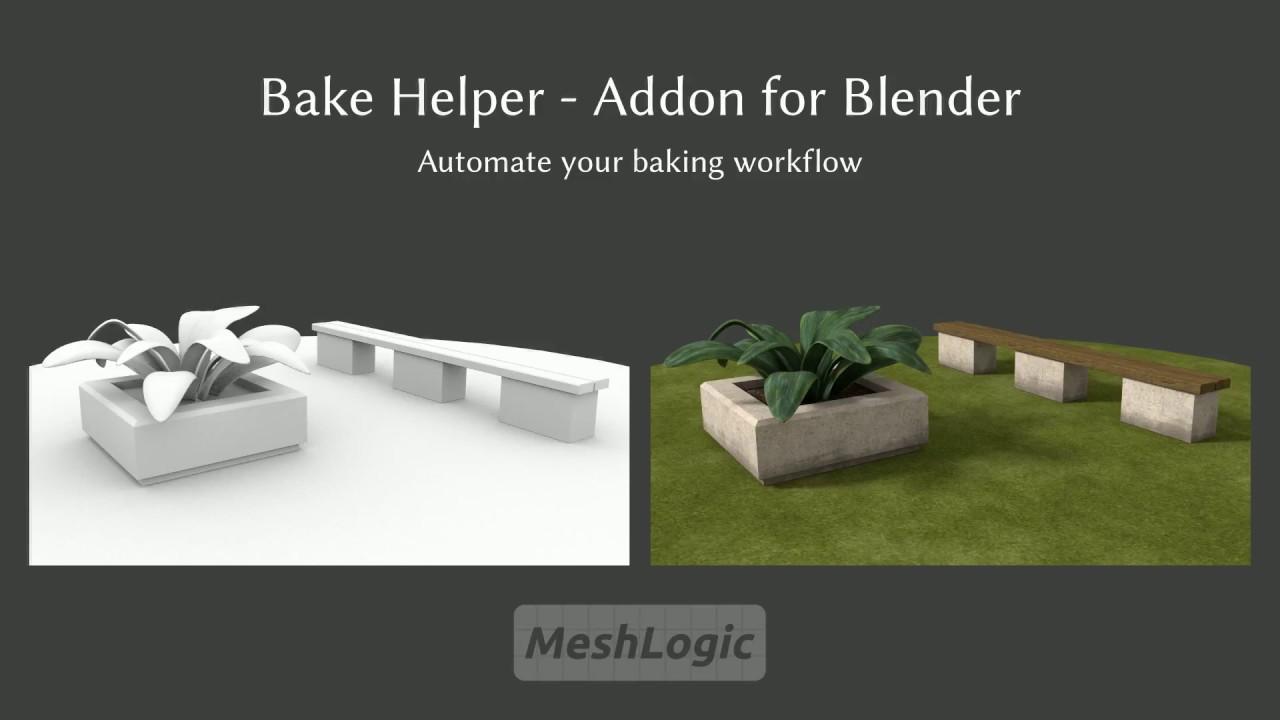
Bake Helper is a Blender add-on from MeshLogic that automates image-map baking. It creates, assigns and saves maps for objects and their materials. The product listing says Bake Helper can create a separate image map for each material, which can be useful when preparing content for virtual grids such as Second Life.
Choose which objects to bake
You can bake all objects marked in the add-on's list or bake a single selected object. Bake Helper creates and assigns image maps for the objects and materials involved.
Separate maps by material or combine them
For separate outputs, Bake Helper names each map with the pattern ObjectName_MaterialName_BakeType.png. It can also merge an object's materials into one image map named ObjectName_BakeType.png.
Map types and saving
The listed map types are UV Grid, Color Grid, AO, Combined and Full Render. Bake Helper assigns these maps to selected objects. When baking is finished, it opens the Blender-Render Textured viewport to display the results. You can save all baked maps to a chosen folder with a single click.
Render engines, shortcuts and compatibility
Bake Helper works with Blender-Render and Cycles-Render. Its version 1.0 changelog says a button was added to select the render engine used for baking. The listed shortcuts are F5 to bake and F4 to switch viewport engine and shading.
The Superhive product listing identifies Blender 2.7x and a GPL license. Its version 1.0 changelog, dated 26 April 2016, records a compatibility fix for Blender 2.77; the initial 0.1 release targeted Blender 2.72. If you plan to use Bake Helper with a newer Blender release, check MeshLogic's Bake Helper documentation for current details.
Who may find Bake Helper useful
Bake Helper fits Blender 2.7x workflows that involve baking maps for several objects or keeping maps organized by material.