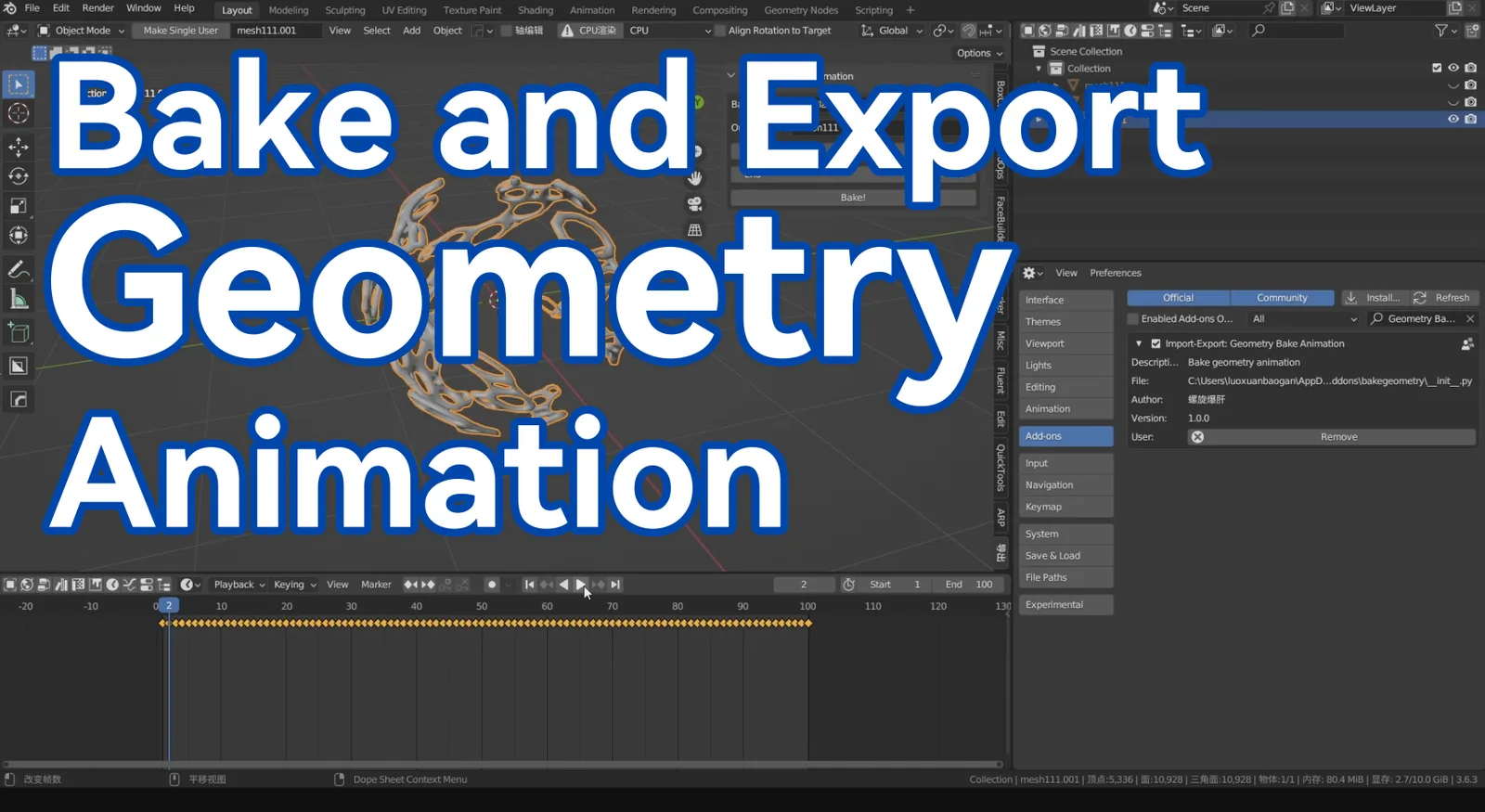
Bake Instance Animation (烘焙几何节点实例动画) is a Blender add-on by ChyiZ_ that converts Geometry Nodes instance animation into independent mesh objects with keyframe animation. The bake preserves each instance’s position, rotation, and scale across the animation.
This conversion is useful when you need to inspect or edit the resulting objects separately, render them, or continue in a workflow that expects object-level animation. The add-on works with selected mesh objects that contain Geometry Nodes instances.
What the bake changes
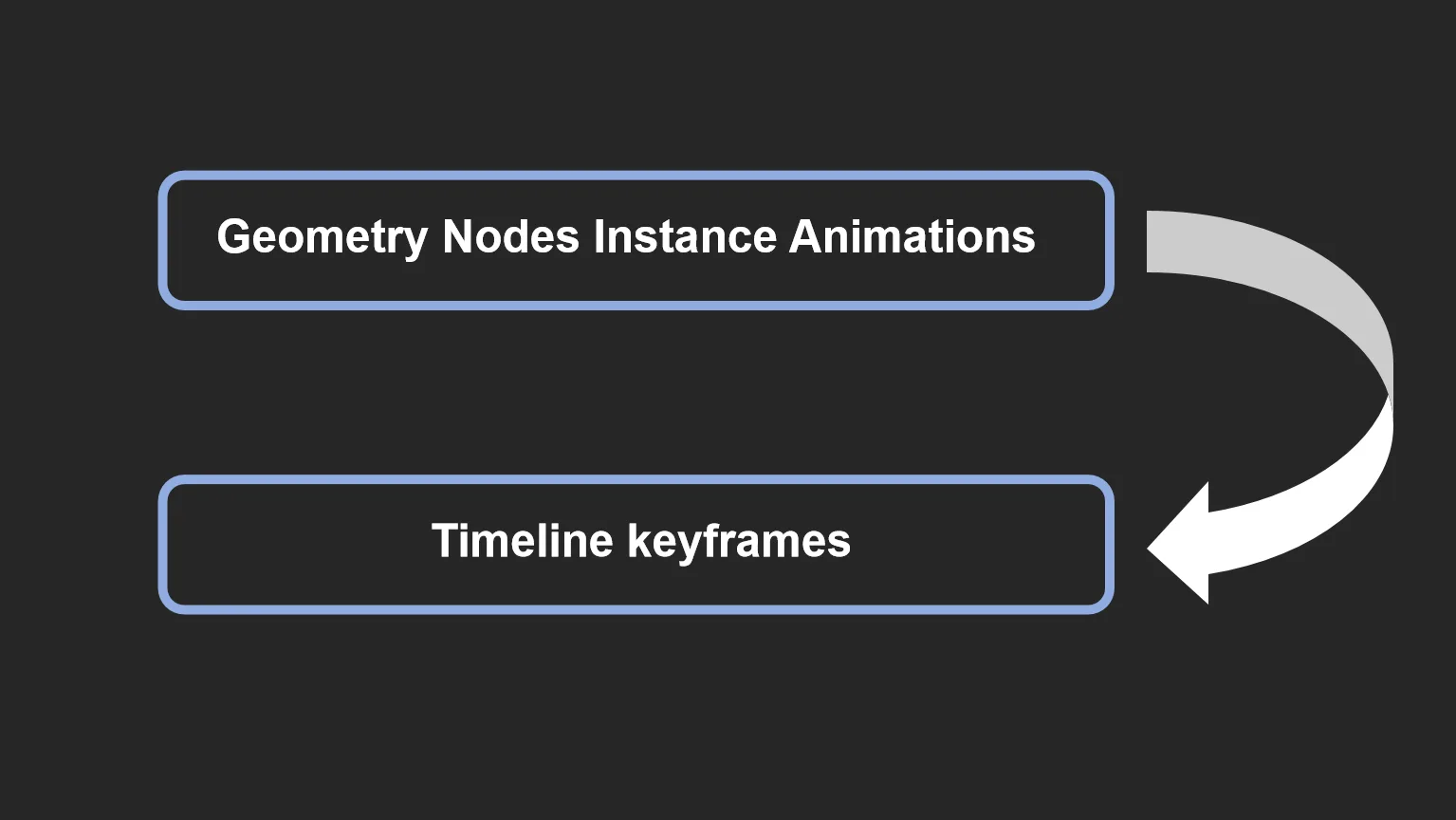
Geometry Nodes can produce animated instances without creating a separate scene object for every instance. Bake Instance Animation turns those instances into independent mesh objects and records their motion as keyframes. The objects appear in a collection, and their animation can be viewed on Blender’s timeline.
The add-on is aimed at workflows where separate objects are easier to handle than instances. Its developer documents editing, rendering, and exporting the baked objects as follow-up uses. The specific steps for a later export depend on that destination workflow.
How to bake instance animation
- Select one or more MESH objects that contain Geometry Nodes instances.
- In the 3D Viewport, press N to open the sidebar and choose the BIA tab.
- Set the start and end frames. You can also name the collection for the baked output; the default name is
bake_animation. - Click Start Baking. The generated objects are placed in the output collection with keyframe animation.
Objects and frame range
Only MESH-type objects are supported, and the selected objects need to contain Geometry Nodes instances. The add-on processes the chosen range frame by frame, so a longer range may take more time. Set the range to the frames you need and choose an output collection name that will help you find the baked objects in the scene.
The catalog record lists version 1.0.3 and Blender 4.2.0 as the minimum supported version. Check the Blender Extensions listing for the release and installation details, and the developer’s README for the documented workflow.