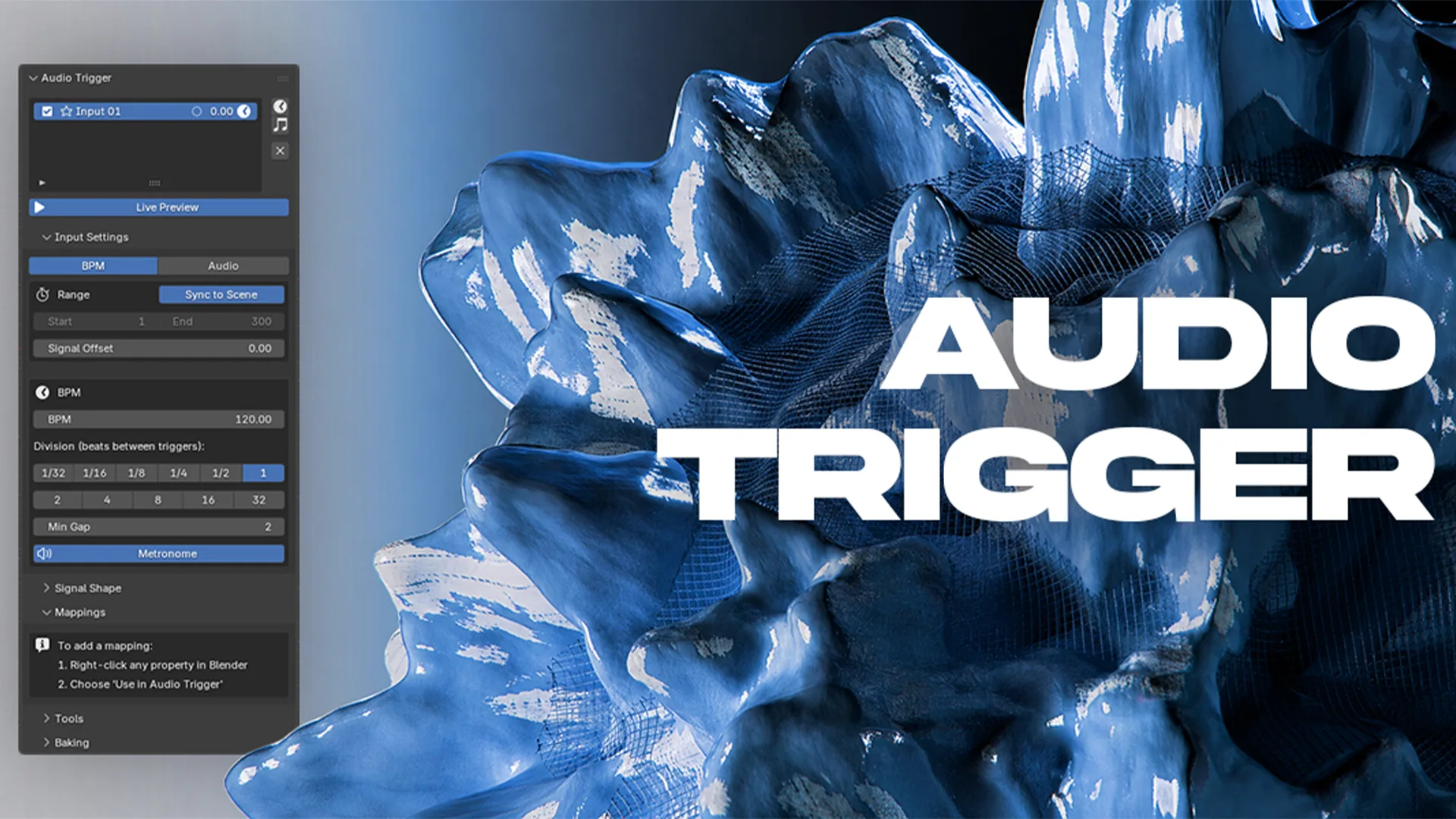
Audio Trigger Lite drives Blender properties from a BPM beat grid. Set a tempo and beat division, map a property with Min and Max values, preview the motion while scrubbing, then bake it to keyframes. The Blender Extensions listing describes its supported controls and property types.
Shape the beat grid
Each input can use its own tempo, from 1 to 999 BPM, and a beat division ranging from 1/32 to 32 beats between triggers. Set a start and end frame for an input or sync it to the scene range. A minimum gap rejects triggers that land too close together, while a signal offset shifts the grid against the timeline. Inputs can be muted or soloed, and the metronome click can be switched off.
Attack and release shape the rise and fall around each trigger. Probability and seed let you thin out the pattern. Per-mapping controls can override the envelope, probability, seed, and trigger rate.
Map properties and spread motion across objects
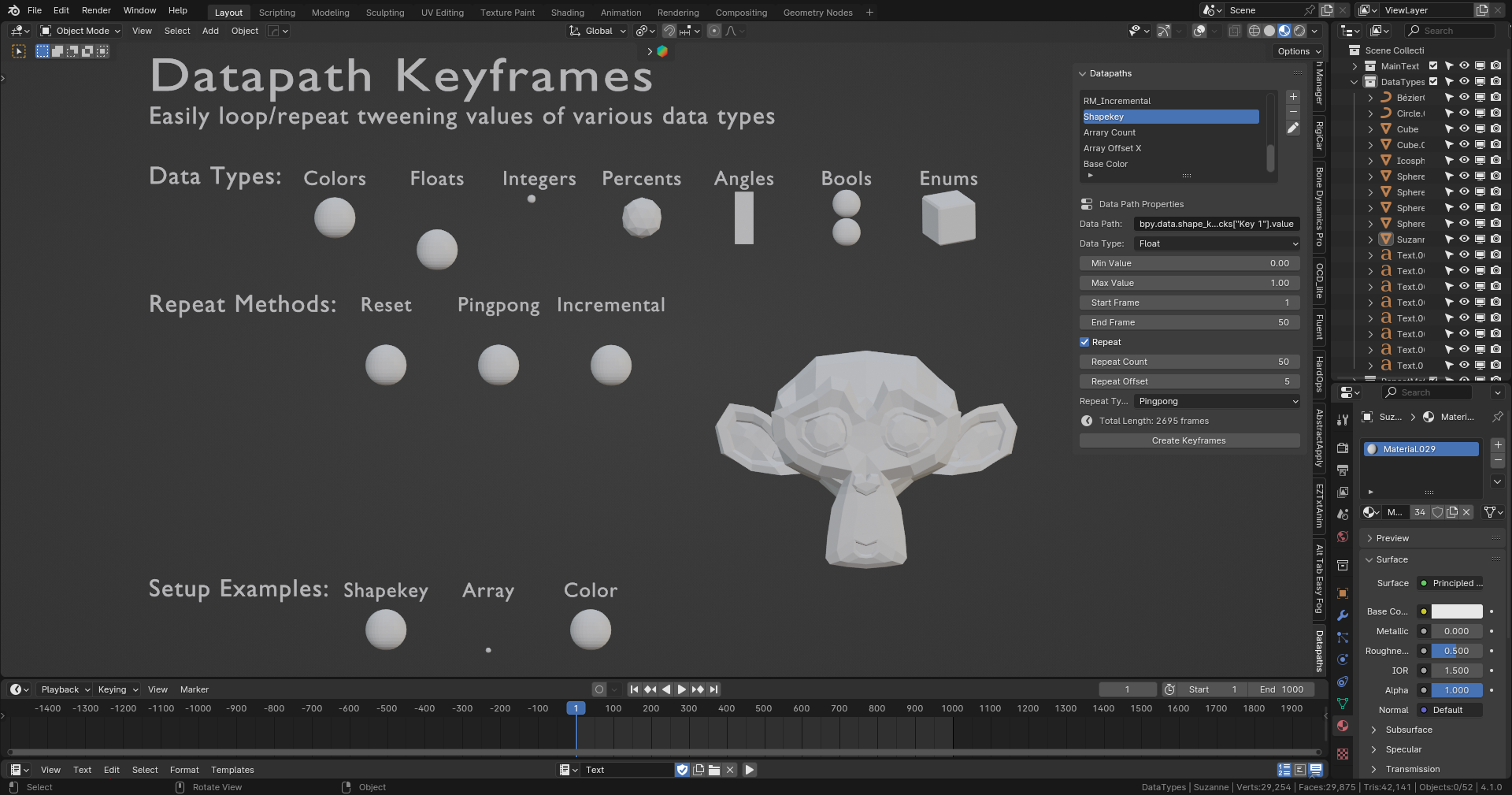
Right-click a supported Blender property and choose “Use in Audio Trigger” to create a mapping. The listing names object transforms, light energy, material and geometry node sockets, cameras, worlds, node groups, and scene properties. Set Min and Max for each mapping. A mapping can also have a frame or beat offset, and Uniform can drive every axis of a vector from one mapping, such as all three scale axes.
Mappings can be renamed, pinned, disabled, or filtered to selected objects. Copy one mapping to every selected object, or copy from the active object with a per-object offset to create cascades or waves. The add-on can also place timeline markers on the beat and clear them later.
Preview and bake keyframes
Live Preview updates the scene as you scrub. Bake the selected objects or the whole scene when the motion is ready. Sparse baking writes keys only where the signal changes; dense baking writes one key per frame. Turn Live Preview off before playing back baked animation.
Requirements and installation
Audio Trigger Lite requires Blender 4.2 or later. The extension listing describes it as self-contained: it downloads nothing and uses no internet connection. The metronome writes a temporary WAV file and adds a sound strip to the Video Sequencer; both can be removed from the add-on panel. Its listed Files permission covers writing that temporary WAV. For installation, follow Blender’s Install from Disk instructions.