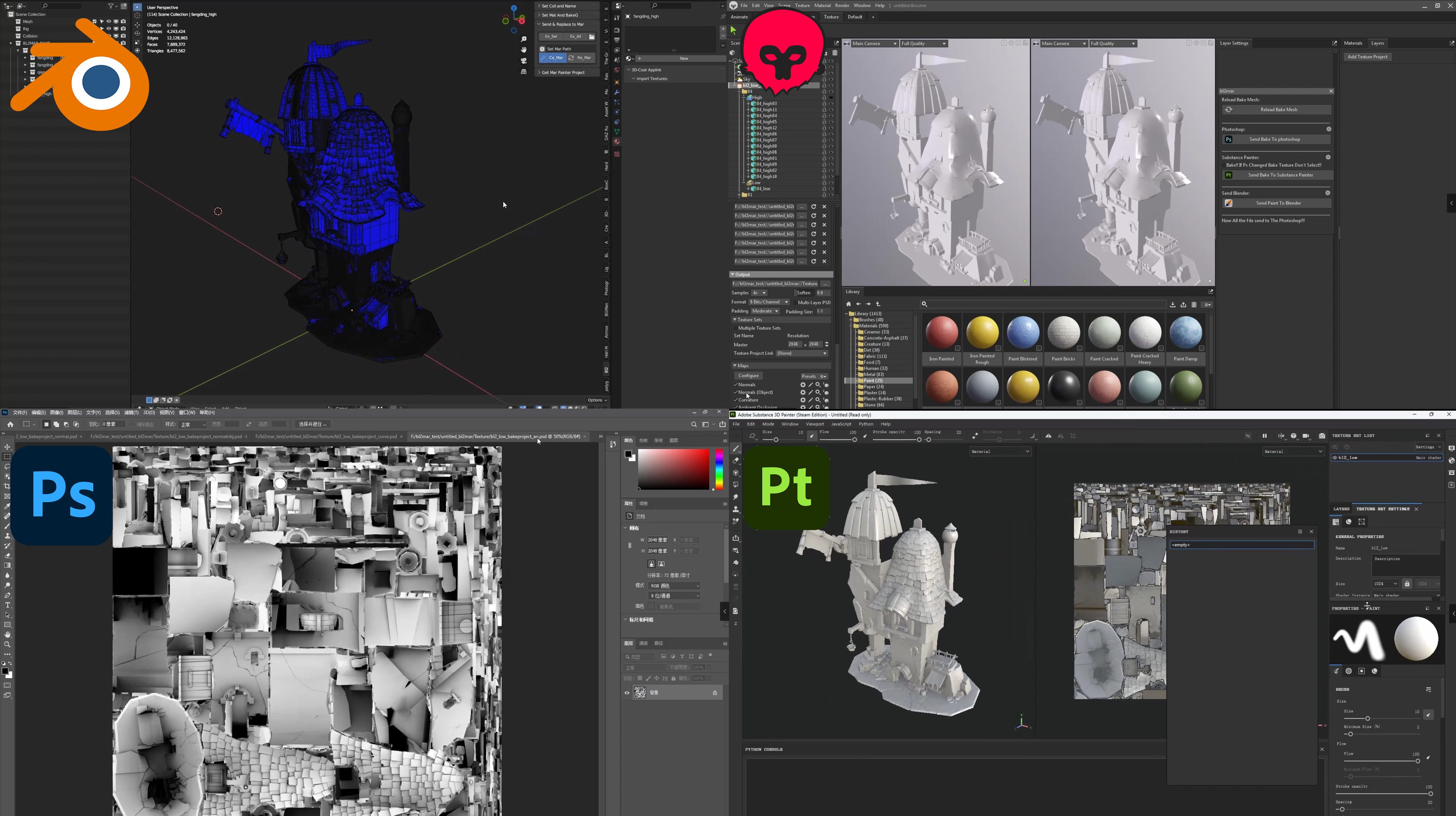
Bake Matcher is a Blender add-on for naming low- and high-poly objects and pairing them for baking. It applies a consistent naming pattern, then finds corresponding objects in 3D space. Keeping objects separate helps preserve object data and modifiers while supporting baking by mesh name in texturing software such as Substance Painter, where separate object bakes help avoid bleed-over.
Name low- and high-poly objects
Select objects and use Set as Low/High-Poly to apply the chosen base name, automatic numbering, and a _low or _high suffix. The base-name field defaults to Object; the listing shows numbered names such as 001_low and 002_low. When the objects are named, Match Bake Objects searches for their counterparts and renames them to match.
Choose how objects are matched
| Mode | How it compares objects | Consideration |
|---|---|---|
| Bounds Mode | Compares corners of each object's bounding box, calculated from global mesh data. | More automated and usually needs little manual setup. Accessing mesh data can take longer with many or complex models. |
| Origin Mode | Compares each object's origin point with other objects. | Faster in many cases, but origins may need setup and troubleshooting. |
Both modes use a Distance threshold, set to 0.10 by default for the default Blender scale. Adjust it for a larger or smaller working scale if objects conflict or fail to match. Bake Matcher also accounts for floating geometry: parent floaters to their base high-poly object so they can be matched with the correct low-poly object.
Find conflicts and unmatched objects
Detect Conflicts selects low- or high-poly objects that could conflict at the current distance threshold. Resolve these before matching by adjusting Distance or, in Origin Mode, repositioning origins. Find Unmatched selects objects that did not find a counterpart. A threshold that is too small or origins that are not configured correctly can leave objects unmatched.
Detect Conflicts runs before matching and Find Unmatched runs after it by default. Once you have checked a scene and are confident there are no conflicts or unmatched objects, turn off Auto-Detect Conflicts or Auto-Find Unmatched to speed up later matching runs. Reset Selected returns selected names to the chosen naming convention without the _low or _high suffix.
Set up origins for Origin Mode
Start with Origin to Bounds on the objects. If some remain unmatched, try the other origin algorithms available in Origin Tools: Bounds, Median, Surface, and Volume. If those do not resolve a pair, select the objects and use Origin to Active to align their origins with the active object's origin. An instructional video on the product listing explains how to use Bake Matcher.
The Superhive listing names Blender 2.93 and versions 3.0 through 4.1 and lists the license as GPL. Check the listing for current compatibility and product details before installing with a later Blender release.