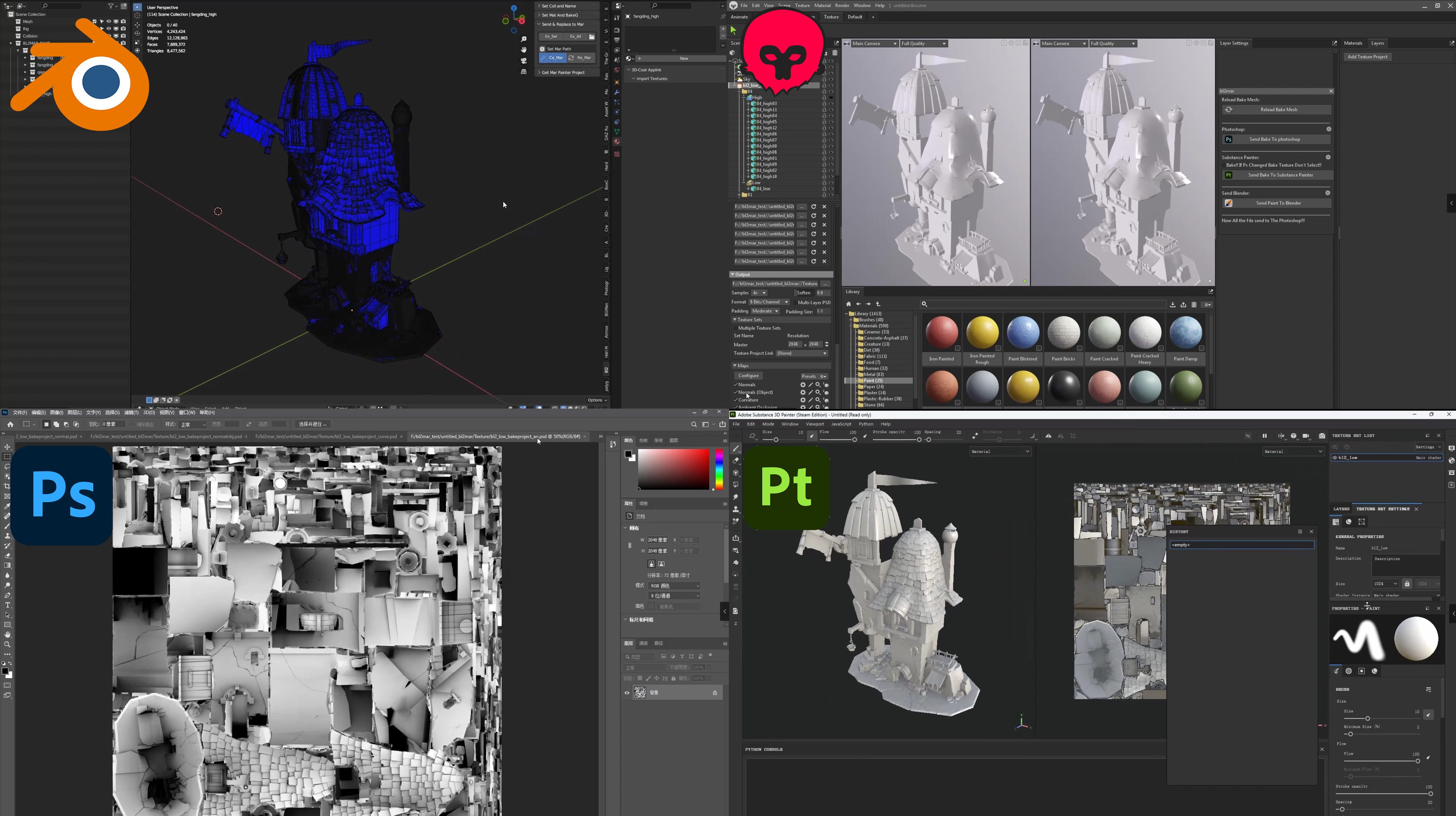
Bl2Mar (Blender Connect Marmoset Toolbag) links Blender with Marmoset Toolbag for preparing and transferring bake meshes. Its Blender add-on organizes low- and high-poly objects into bake projects; a companion Toolbag plugin handles mesh updates and texture handoffs. Textures can move from Toolbag to Photoshop or Substance Painter, and a Toolbag texture project can be sent back to Blender.
Prepare bake meshes in Blender
Bl2Mar can work with selected objects or objects in a collection. Its rename tools organize meshes with _low and _high suffixes, using center-point or bounding-box checks. Re_Do handles one low and one high object; Re_Mul handles one low object with multiple high objects.
- Create a bake project from a low-mesh material, or create an ID map from a high-mesh material.
- Show the low, high, or complete set of bake objects while preparing a project.
- Export selected objects, all objects, or an object folder to Marmoset Toolbag.
- Create a Toolbag project or replace its bake project and meshes with updated Blender objects.
Move textures between applications
The Toolbag plugin can send baked textures to Photoshop or Substance Painter. It can also send a Toolbag texture project back to Blender. The developer's instructions say to create that texture project with Toolbag's New Project option and set Blender's interface language to English for the return step. The instructions also call for running Blender or Marmoset Toolbag as Administrator for the send actions.
Compatibility and setup
The product listing says Bl2Mar supports Windows only. Its Blender version field lists 3.0–4.5, while the developer's compatibility text says Blender 3.0 and later. The developer lists Marmoset Toolbag 4.04 and later, with support for Toolbag 5.0 and 5.01+ recorded in an update dated March 8, 2025. Photoshop CS and later and Substance Painter 2018 and later are also listed. Bl2Mar does not support UDIM, so check the developer's product listing for the current details and your intended application versions.
To install the Blender add-on, open Edit, then Preferences, then Add-ons, and choose Install Add-on from File. Select the Bl2Mar add-on and enable it. Its panel appears in the 3D View when you press N. Set the Marmoset Toolbag executable path in Blender; the listing says this also installs the Toolbag plugin automatically.